Logitech: video conferencing for remote and hybrid work


Video bars, touch controllers and microphone pods from Logitech Videoconference are designed for organisations working remotely and in hybrid mode – from small huddle rooms to large conference rooms. Matching these kits to specific rooms is everyday work for the PROAV team, which keeps its knowledge of new devices and video platforms up to date at dozens of training sessions, conferences and trade fairs. Logitech devices come pre-configured and work with popular meeting platforms, which shortens room commissioning. Artificial intelligence algorithms take care of framing the speakers, and a meeting starts with a single tap on the controller.
A kit matched to the room. We select the video bar and the number of microphone pods according to the size of the room, the number of participants and the way meetings are run, so that both a small room and a boardroom get a solution on the right scale. The modular design of the Rally system means further microphone pods can be added to the room later.
Video conferencing as part of the room's equipment.We design the Logitech kit together with the displays, sound system, control and the room booking system. A meeting starts with a single tap on the Tap controller, and room availability is shown on the panel by the entrance.
Testing in real conditions. After installation, we commission the system, test it while the room is in use and train users to operate it. From day one they know how to start a meeting and share content.
Solutions used:
Brands:
Industries:
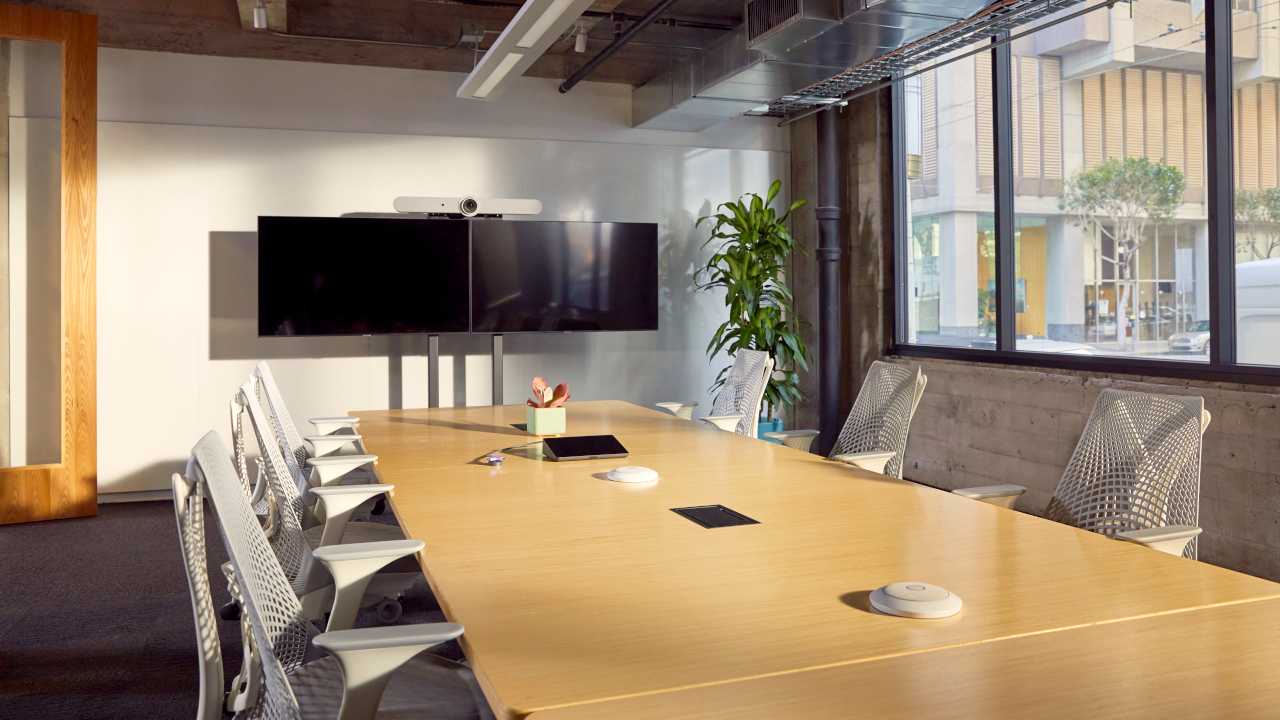
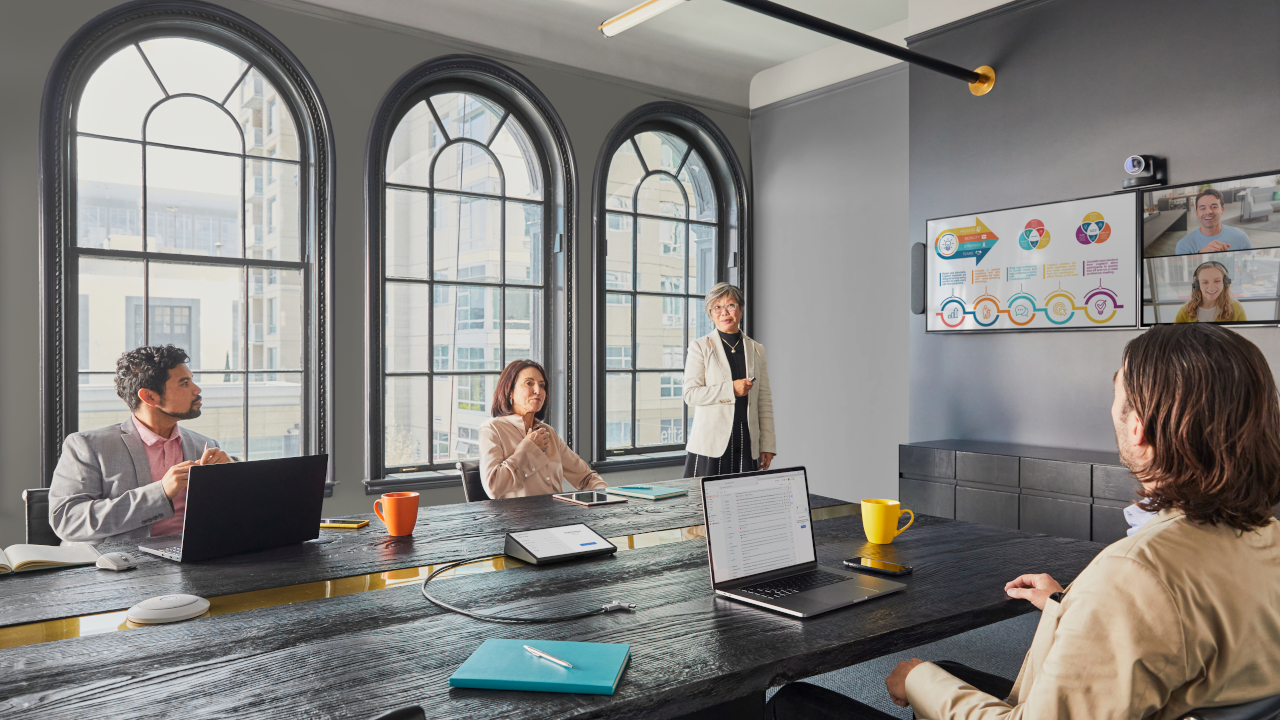
Rally Bar has two AI-assisted cameras. The first focuses on the speaker, automatically adjusting framing, exposure and composition to the conditions in the room. The second watches the entire room and changes the view when another person joins the conversation. A meeting starts with a single tap on the configured Tap controller, with no need to connect a laptop or smartphone.
Adaptive microphone beamforming and ambient noise reduction keep the speaker's voice clear throughout the room. The 4K cameras offer up to 15× zoom and a wide field of view, and selected Rally system configurations support up to seven microphone pods. Video bar versions are available for small, medium and large rooms.
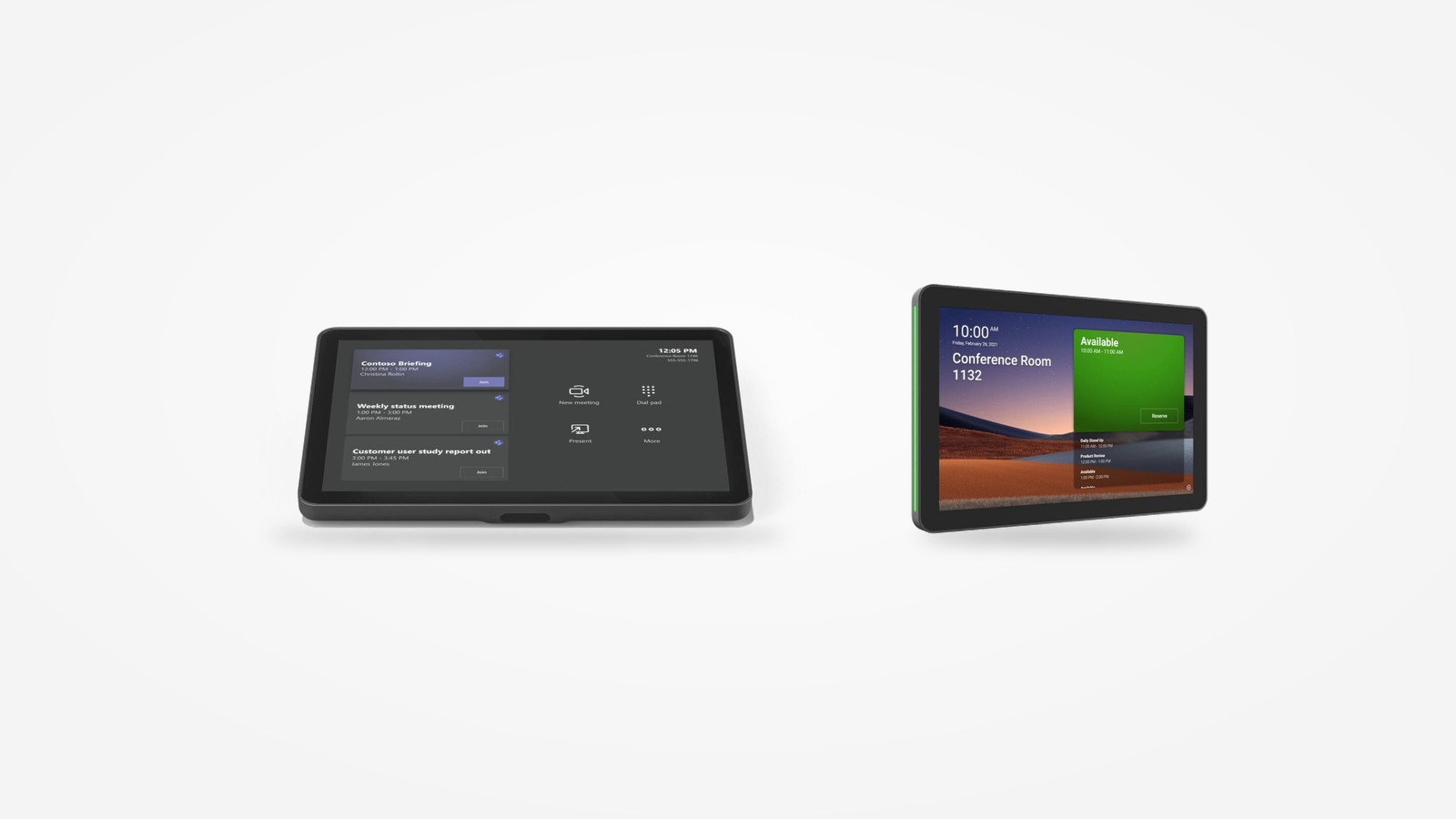
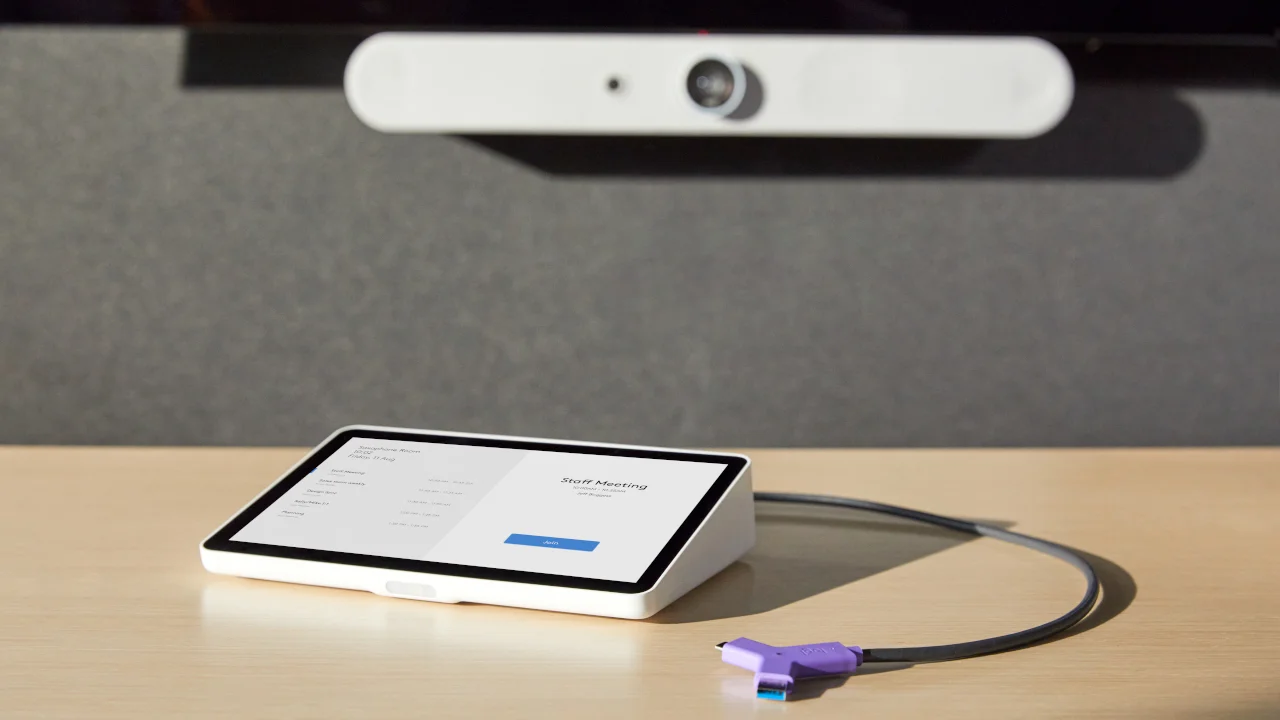
The controller lets you join a meeting with one tap, and a motion sensor wakes it when someone approaches the table. The software can be connected to the company calendar, and compatibility with Microsoft Teams, Pexip, Zoom and Google Meet makes it easier to join meetings organised by partners. Content is shared wirelessly or via HDMI.
The 10.1-inch screen has an oleophobic and anti-glare coating. Well-designed cable management protects the connectors from strain, and the controller can be mounted on the table or on the wall.
We mount the panels on glass, on a door frame or on the wall by the entrance. They show room availability, and an LED indicates its status. Thanks to integration with the company calendar, the room can be booked for a chosen time right at the entrance, and meeting participants are notified immediately.
Modular microphone pods extend the system's coverage, so it also works well in very large rooms. Microphones with adaptive beamforming and noise reduction deliver clean, natural sound. The flat housing can be placed on the table or mounted on the ceiling, and a mute button with an LED shows whether the microphone is active.
In many organisations, staff and guests use different video conferencing apps. The compact Swytch connector links a laptop to the room's camera, microphones and display, so a meeting on any platform can be run using the room equipment. The device connects to a USB-A or USB-C port. We recommend it for rooms where the organisation regularly meets partners who work in apps other than its own.
Business / Corporate. In company offices, Rally Bar video bars in versions for small, medium and large rooms make it possible to equip both quick-call rooms and boardrooms to a single standard, while Tap controllers standardise the way meetings are started in every room.
Higher education. At universities, the Rally system with additional microphone pods works well in seminar rooms and meeting chambers where remote participants take part in the discussion, while Tap Scheduler panels show room availability before anyone walks in.
Hotels. Guests using conference rooms for hire work in a variety of video conferencing apps. The Swytch connector lets them run a meeting from the organiser's laptop using the room's camera, microphones and display, whatever platform they choose.
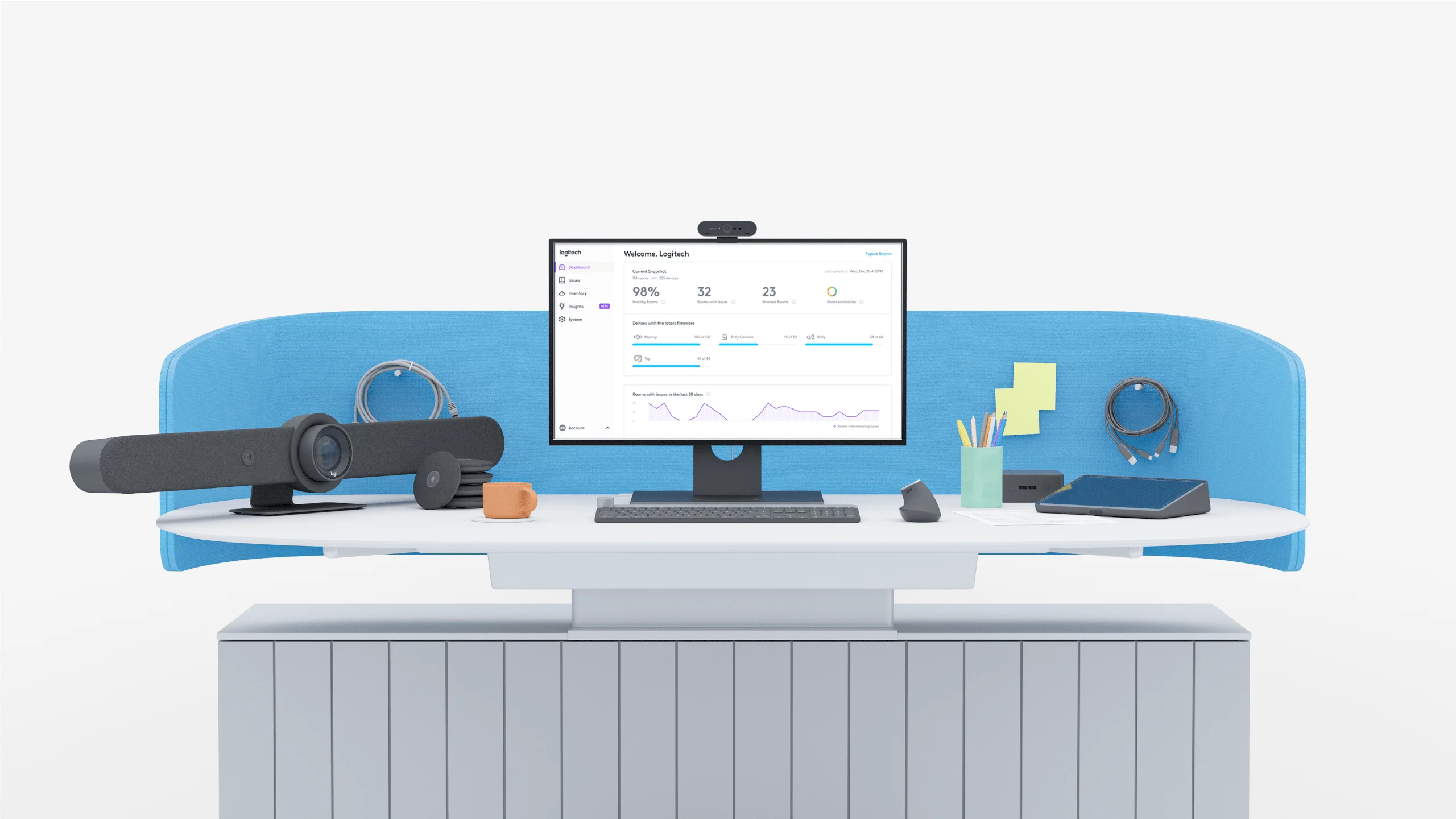
How large is the room and how many participants use it? For quick-call rooms we recommend compact video bars, while in boardrooms and large conference rooms we extend the system with additional microphone pods.
How are meetings run? The way meetings are run – small-group calls, presentations, whole-room discussions – determines the choice of video bar and the placement of microphones.
Which video platforms does the organisation use? We check whether the rooms are to support a single platform or also partners' meetings run in other apps.
Do the rooms need to support laptops brought in by staff? The answer determines whether we include a Swytch connector in the room and content sharing via HDMI or wirelessly.
Is a booking panel needed outside the rooms? We connect Tap Scheduler panels to the company calendar, so the room can be booked right at the entrance.
Which room systems should the kit work with? We agree the connection with the displays, sound system and control so that the room works as a single system.
Which video conferencing kit should you choose for your meeting rooms?
Video conferencing systems are selected after analysing the size and purpose of each room and the platforms the organisation uses.







