Barco Clickshare


The Barco Clickshare presentation system lets you share content wirelessly to a projector, an interactive display or a video wall from multiple devices at the same time. Without any delay. With a single click.
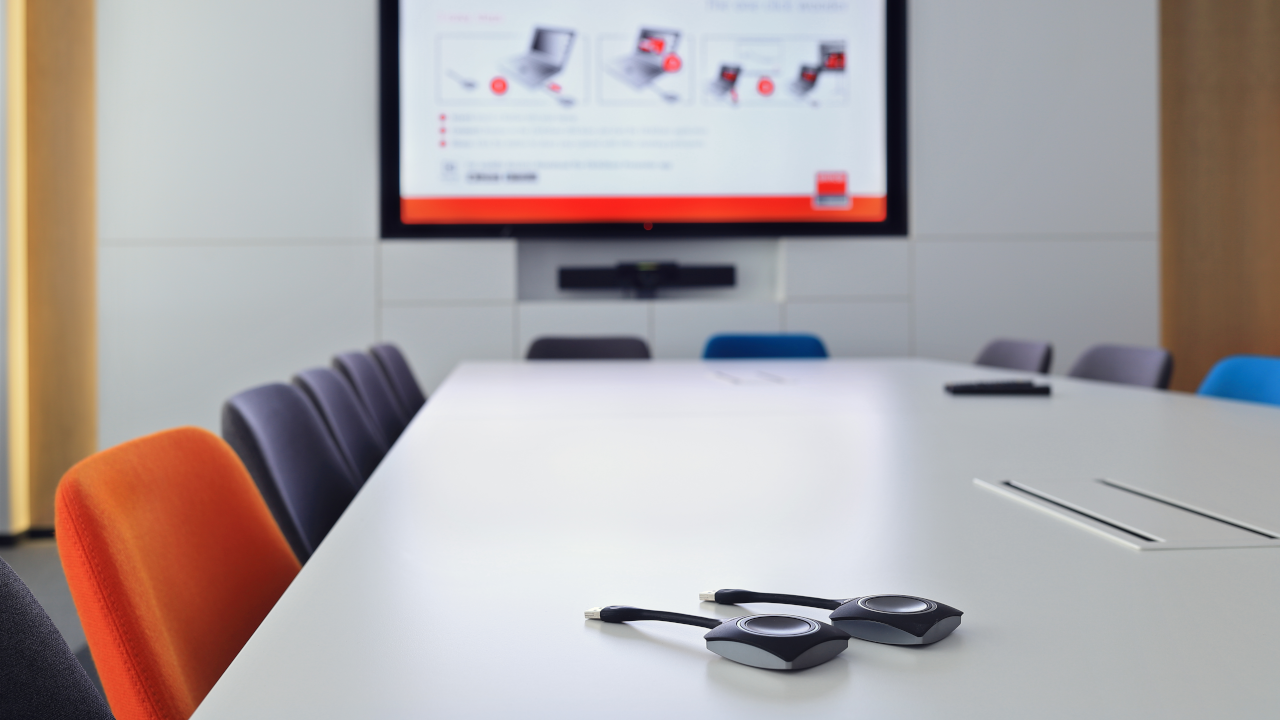
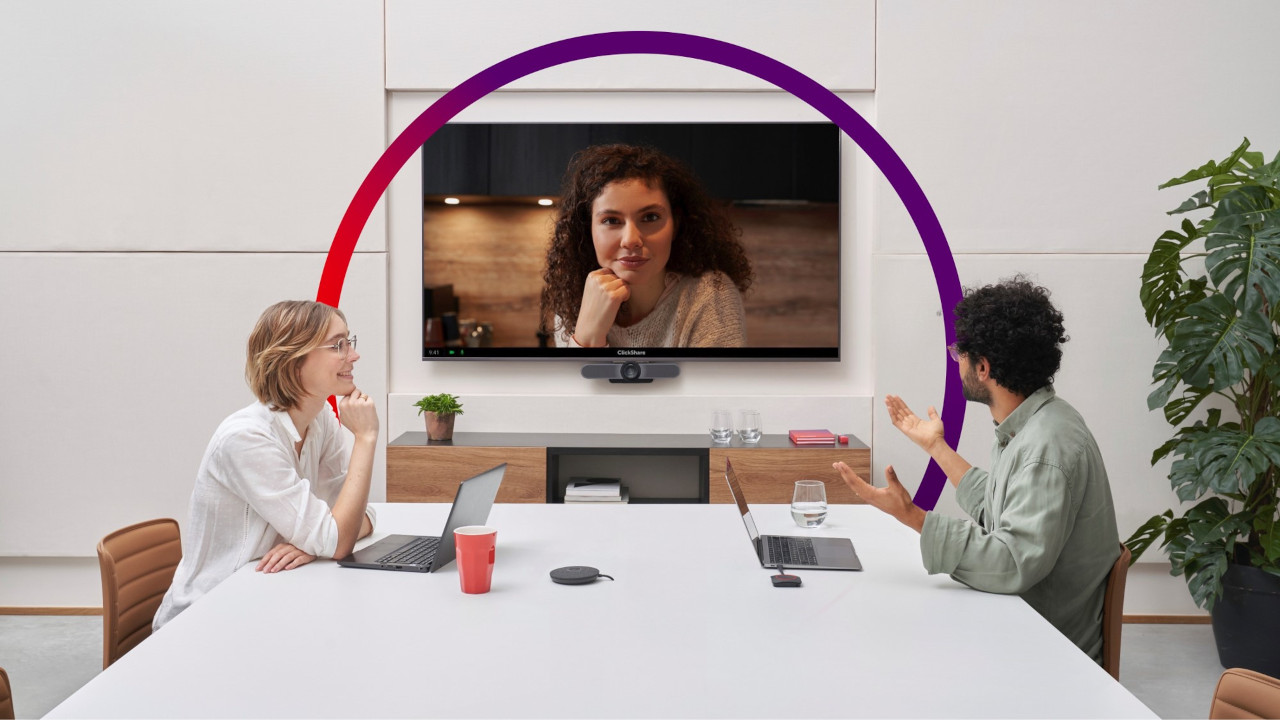
Discover Barco's innovative wireless presentation system. Plug the Clickshare Button into the USB port of a laptop or workstation, then start a wireless connection with the base unit, which sends the content to a display or projector. This lets you present your materials and share them with every participant in a remote meeting. What is more, your colleagues can add comments and create graphics or mind maps to organise work on a given project together more effectively. We guarantee that this solution will completely change the dynamics and effectiveness of your video conferences. If you install the dedicated Barco Clickshare mobile app (compatible with Android and iOS), you can also share content from a tablet or smartphone.
Wireless presentation is used by all kinds of companies and organisations in small and medium-sized conference rooms. There are many reasons to choose Clickshare: a high level of security for transmitted data, predefined security profiles, a wide range of connectivity including AirPlay and Google Cast, support for most popular operating systems, the ability for several people to share content remotely at the same time, and very simple operation.
Clickshare is a highly flexible product that protects your privacy and the security of your meetings. Start a presentation and follow the remote participant's video at the same time. You can share your full screen or just an application window, so you do not have to show your desktop. Extensive integration with IT networks and cloud-based analytics let you securely manage Barco units, the working environment and software updates.
Organisations can choose their own security levels and introduce the most suitable ways of verifying participants, including PIN codes. Multiple layers of encryption provide security at the hardware, software, connection and management levels. You can be sure that all company data transmitted, presented or collected by Clickshare will be protected against theft attempts and viruses.
The solution was designed to be as simple to use as possible. All you need to control it is the Clickshare app, which lets you share content from a smartphone or computer – whatever the operating system. In addition, the touch back function lets you launch any program on your computer and then operate it from the interactive display. You do not have to spend time and attention learning how the device or software works. Instead, you can focus on your audience and the content on screen.
Solutions used:
Used in projects:
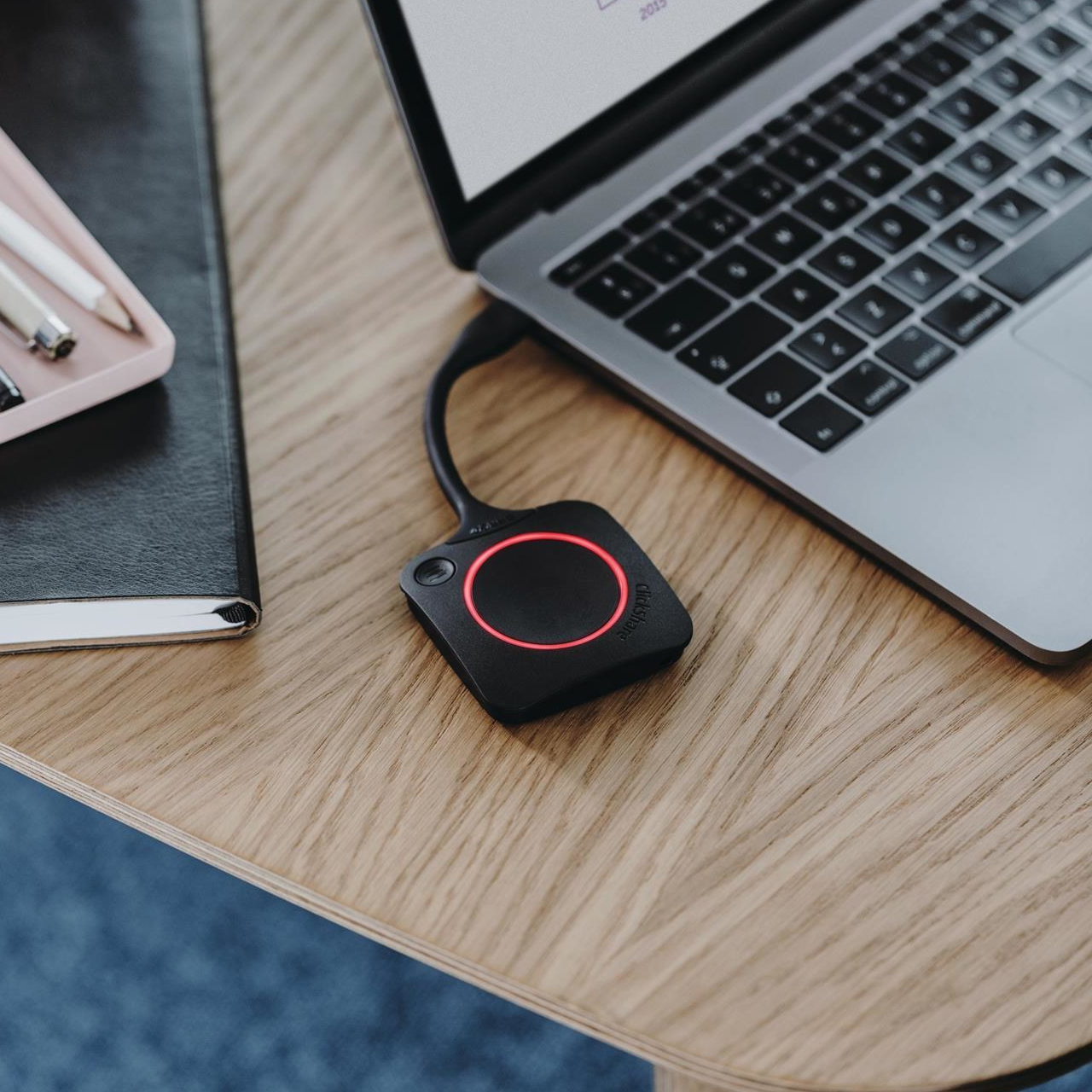
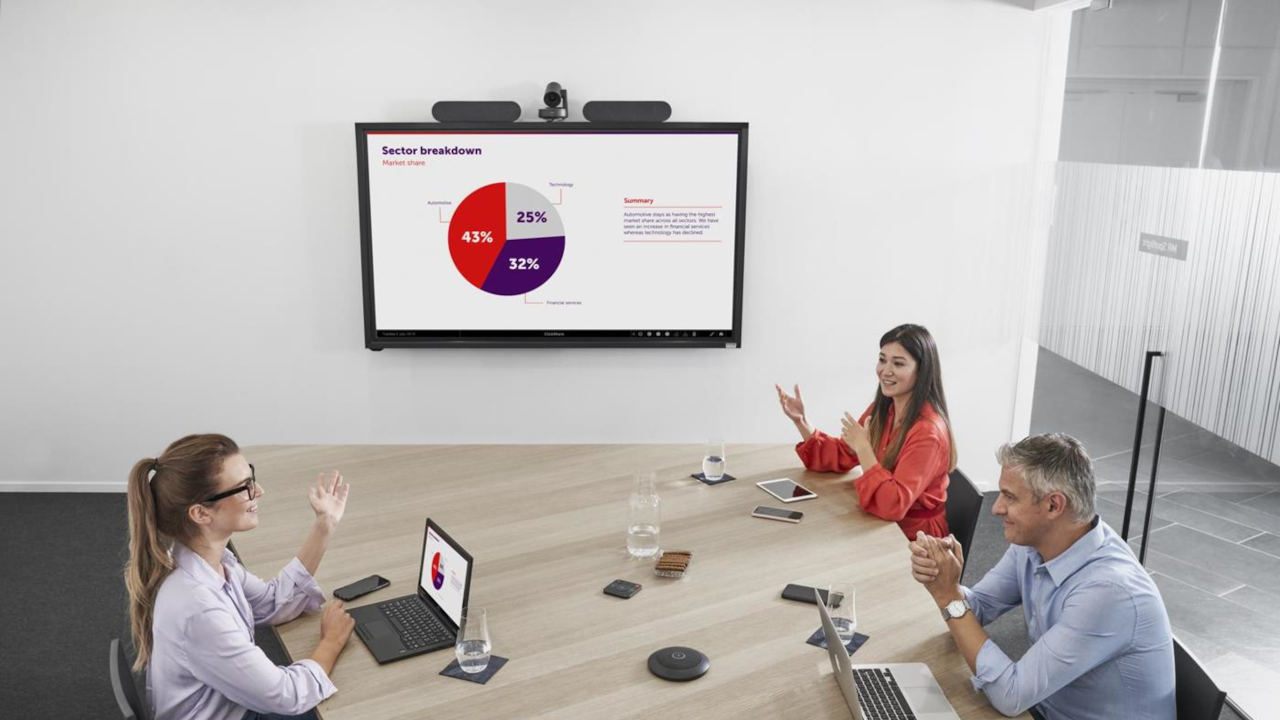
Pairing the button with the base unit is remarkably intuitive. When you connect the button to your computer or launch the app on your smartphone, the software asks whether you are the host or a participant and then guides you through sharing your screen. You can start a remote call from the app or from your company calendar. Thanks to PresentSense technology, as soon as you walk into the conference room with your portable device, Clickshare automatically connects to the touch display, cameras and speakers. All this means that the system can be used without difficulty even by staff who have never worked with wireless presentation or wireless HDMI technology before.
Compatibility with a wide range of software and most operating systems means you can use Barco Clickshare wireless presentation in a modern Bring Your Own Device way of working. Phones and tablets connect via the mobile app, while desktop computers and laptops connect using the dedicated Button (or software). As a result, you do not waste time configuring equipment. Just bring your device into the room, connect it and a few seconds later you can share your materials.

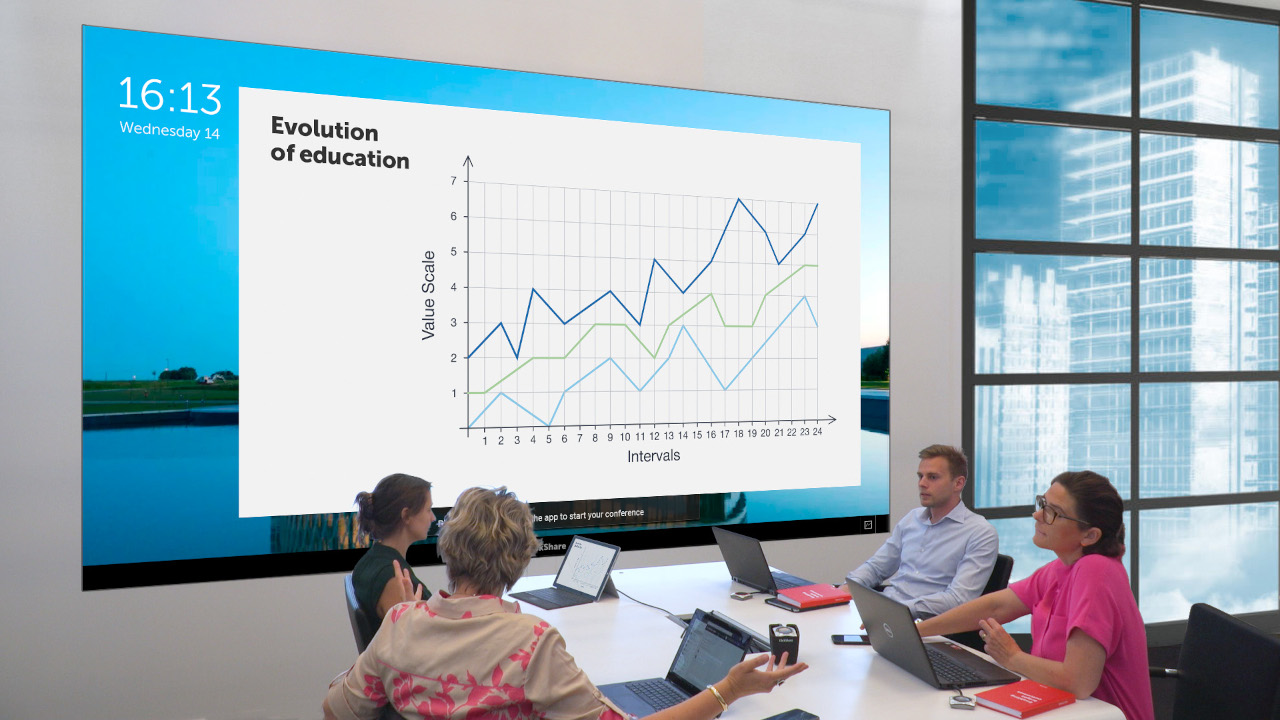
Add annotations while sharing materials so that your team can follow possible directions for the project in real time. Create virtual whiteboards to sketch mind maps or run brainstorming sessions. Work effectively on key tasks, moderate the discussion and, above all, share knowledge by encouraging your colleagues to interact in an interactive environment.
In the 21st century, communication is probably the most important element of running a business effectively. Barco ClickShare wireless presentation simplifies remote communication, so conversations with colleagues can take place ad hoc, from anywhere in the world, at the press of a button. It takes just a few seconds to connect with a business partner in China or an industry expert in the United States.
Barco’s range includes not only hardware but also software for managing remote presentation and video conferencing, including a configurator for quickly applying the necessary settings, a button manager for managing buttons and pairing them with the base unit, and software for globally controlling very large conferencing and presentation networks.
Apps are an essential part of Barco wireless presentation and conferencing systems, allowing intuitive management of individual device settings, establishing connections and sharing content.







