Conference room and desk booking systems


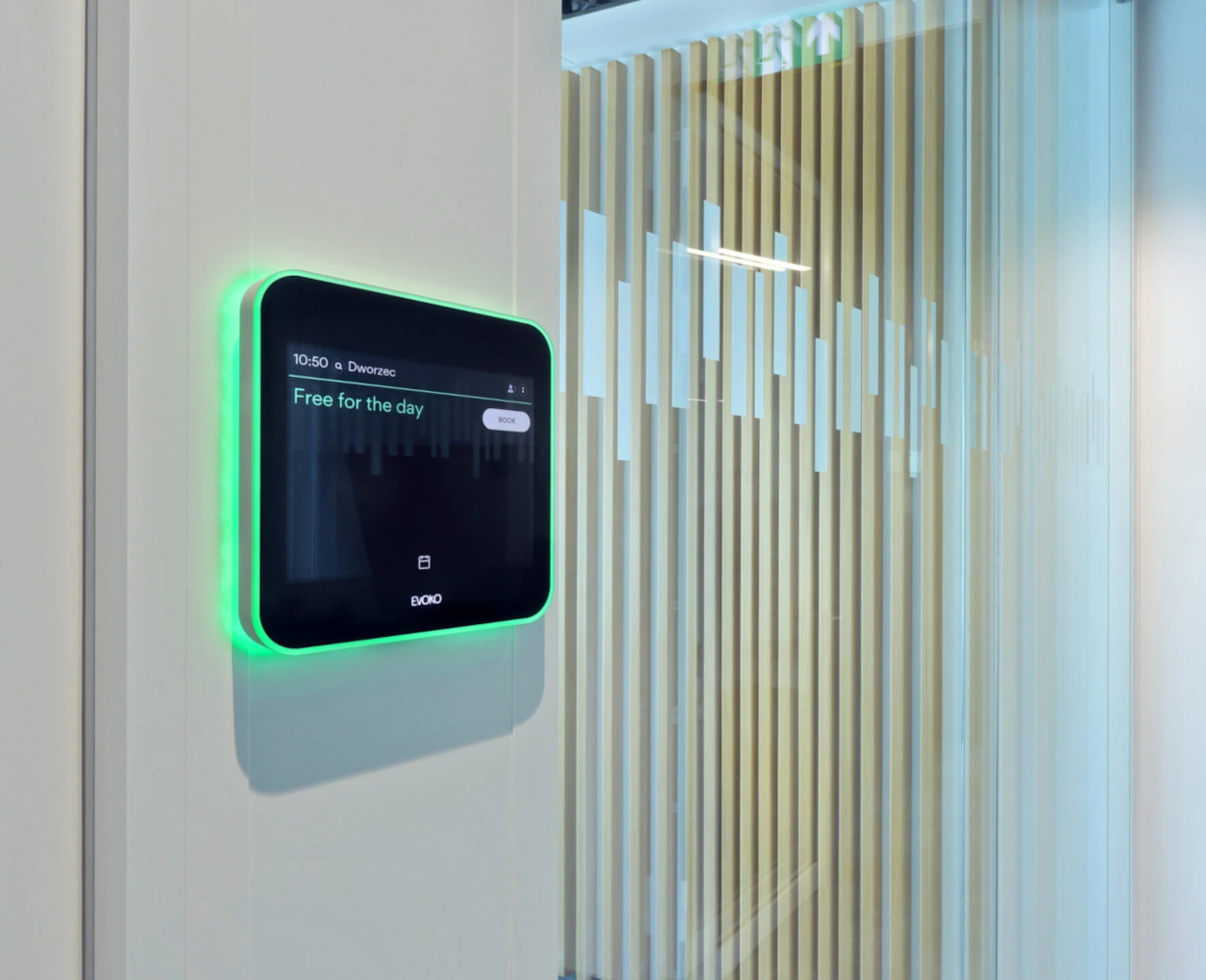
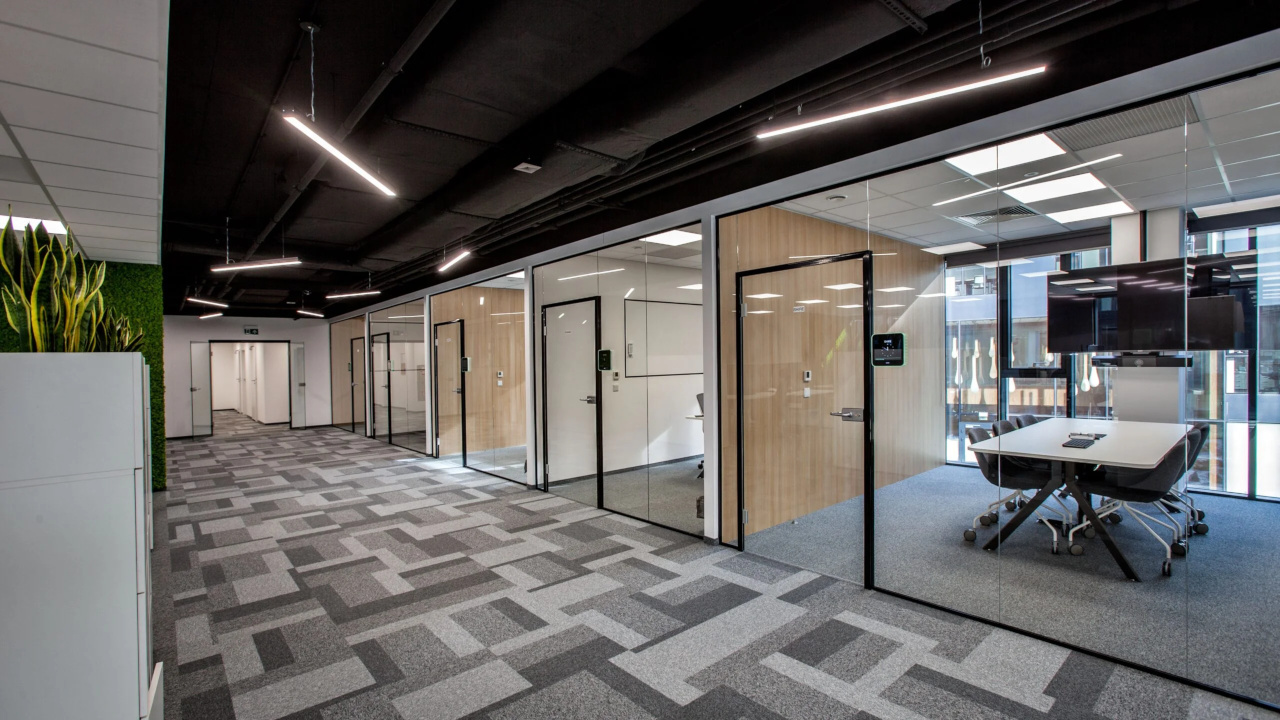
A conference room booking system shows staff which room is free and lets them book it in their Outlook calendar, in an app or on the panel by the door. PROAV deploys room and desk booking systems as part of the office fit-out: we select the booking panels, the software and the integration with Microsoft 365, Exchange or Google Workspace. The panels outside each room show current bookings and availability, while coloured LED lighting signals from a distance whether the room is in use. In our projects we use solutions from Evoko and Eveo, including in the offices of Assa Abloy and at the headquarters of the Bank Guarantee Fund (Bankowy Fundusz Gwarancyjny). The organisation eliminates double bookings and gains data on how rooms are actually used, which makes space planning easier.
Integration with your company calendars. We configure the system together with your IT department so that bookings work with Microsoft 365, Exchange or Google Workspace without any extra steps for staff.
Booking as part of the room. We link it with room control and video conferencing, so that a booked room is ready for the meeting.
Mounting tailored to the interior. We choose how the panels are mounted on walls, glazing and partition walls.
Bookings from staff calendars synchronise with the panels outside the rooms and with the app. On the panel you can book the room on the spot, extend or end a meeting, and unused bookings are released automatically. The system can be extended with desk booking for hot-desking.
Used in projects:
Industries:
The system eliminates duplicate bookings and rooms blocked by meetings that never took place. Staff save time otherwise spent looking for a free room of the right size and with the right equipment.
Room utilisation reports help facilities management make decisions about the office layout – for example, whether to split large rooms or create additional meeting rooms.
Booking systems pull data from Microsoft 365, Exchange or Google Workspace. Staff book a room in the same way as they invite people to a meeting – without logging in to a separate application.
Room booking can be combined with other office systems into a Smart Office solution that also covers desk booking.
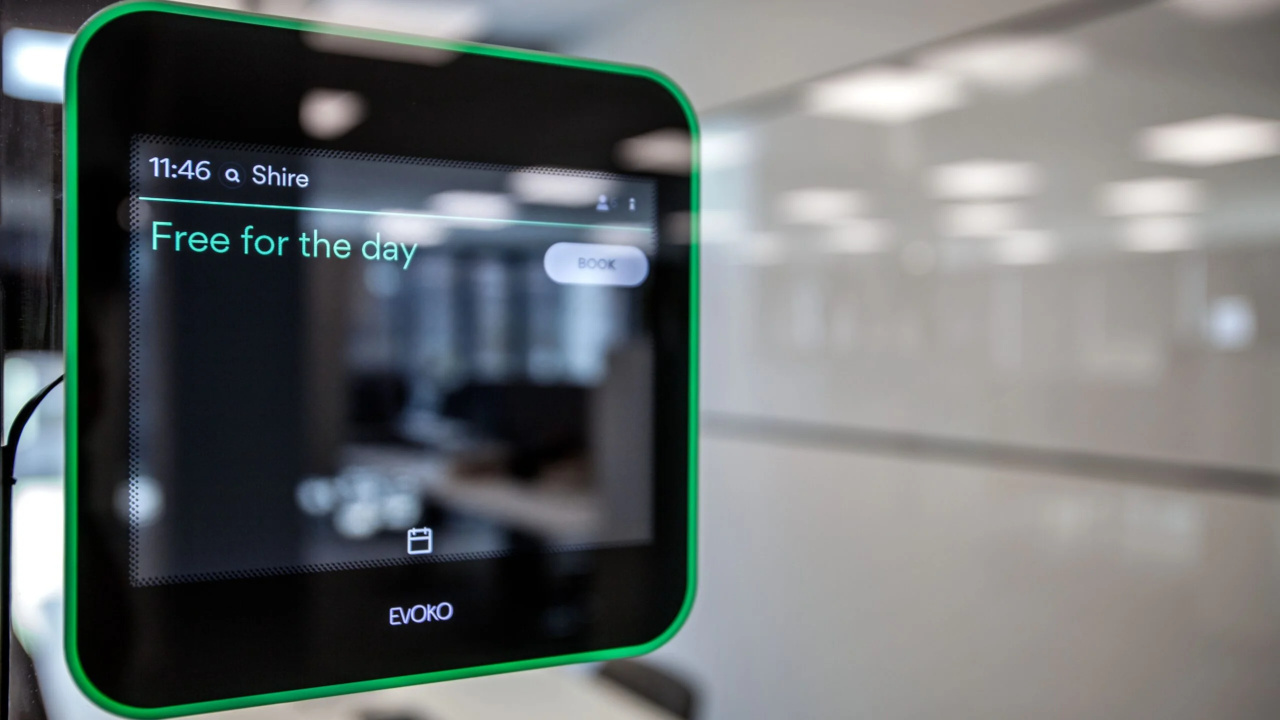
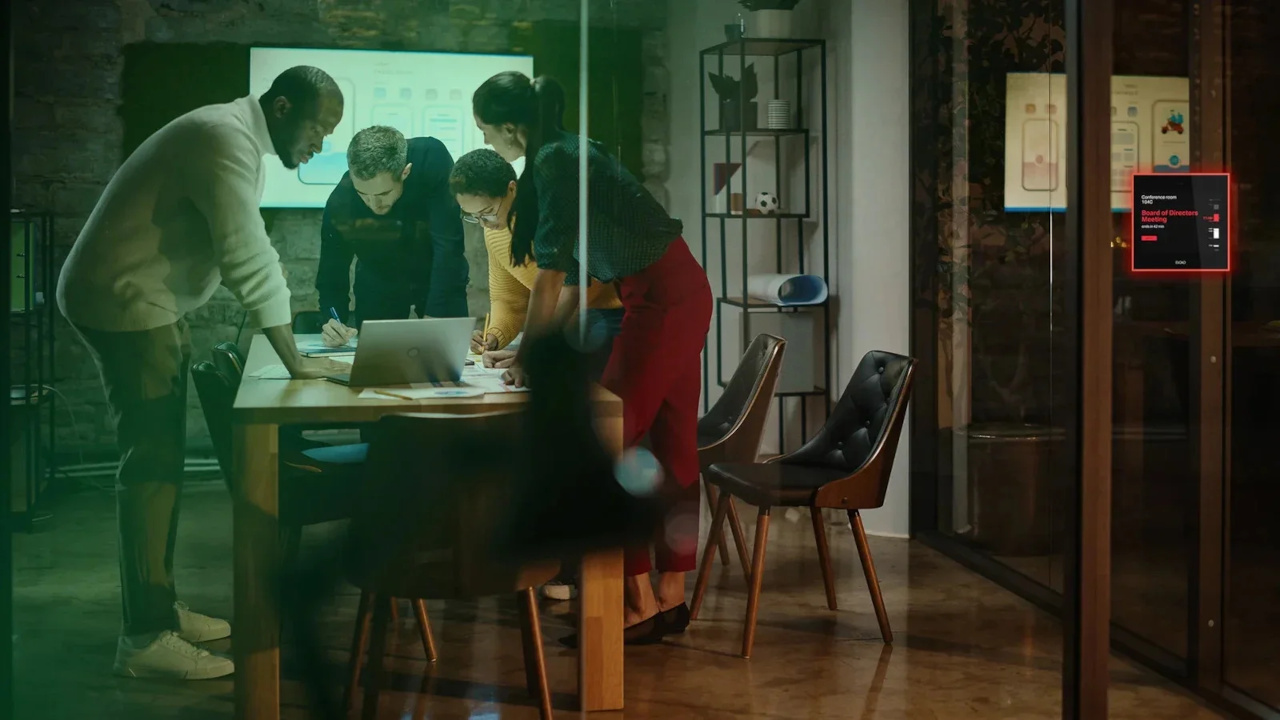
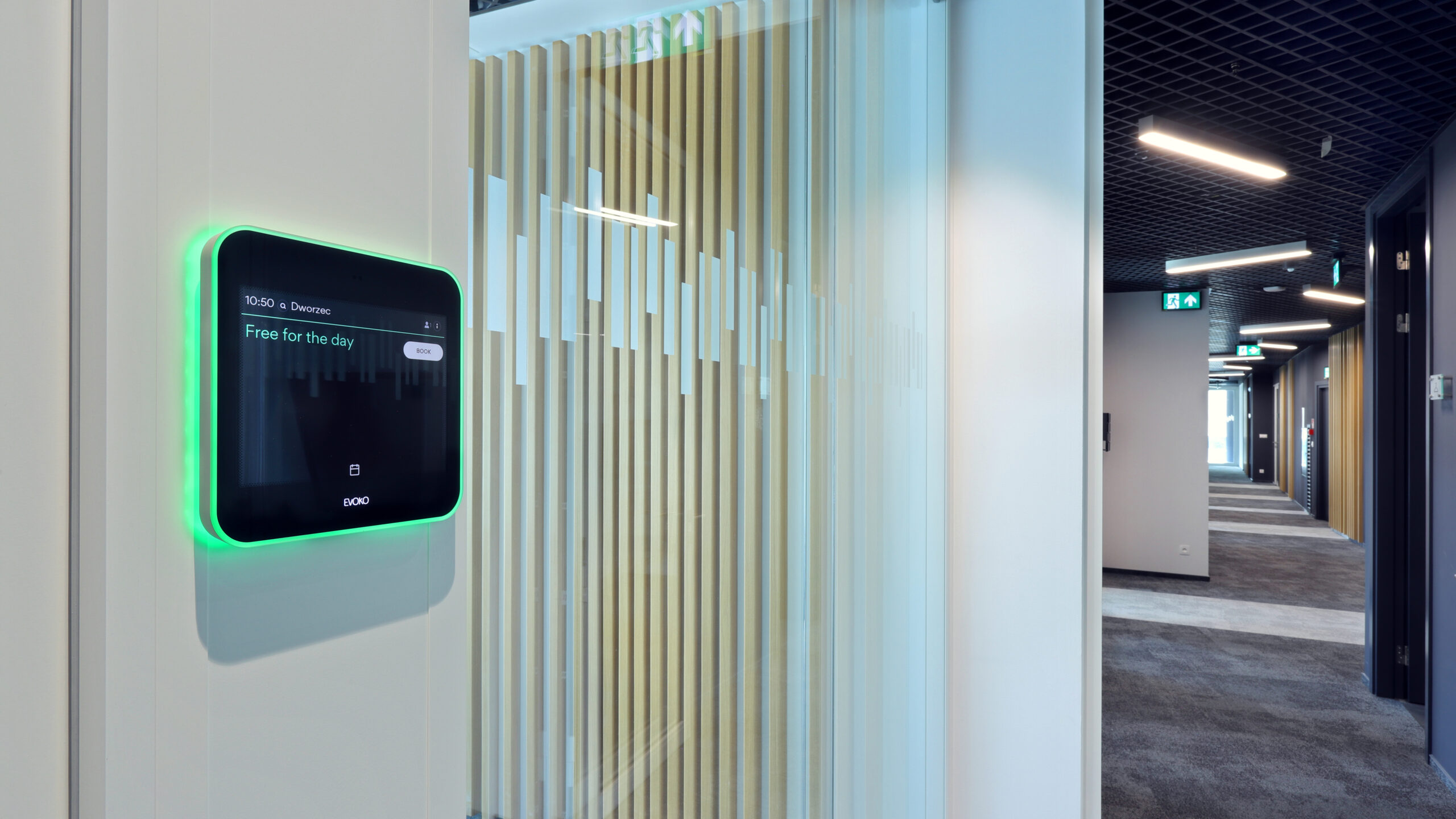
Panels at the room entrance show the room name, current and upcoming meetings, and availability. Green or red lighting signals whether the room is in use, even from further away.
The screen layout can be matched to your corporate identity, and we mount the panels on walls, glazing and partition walls.
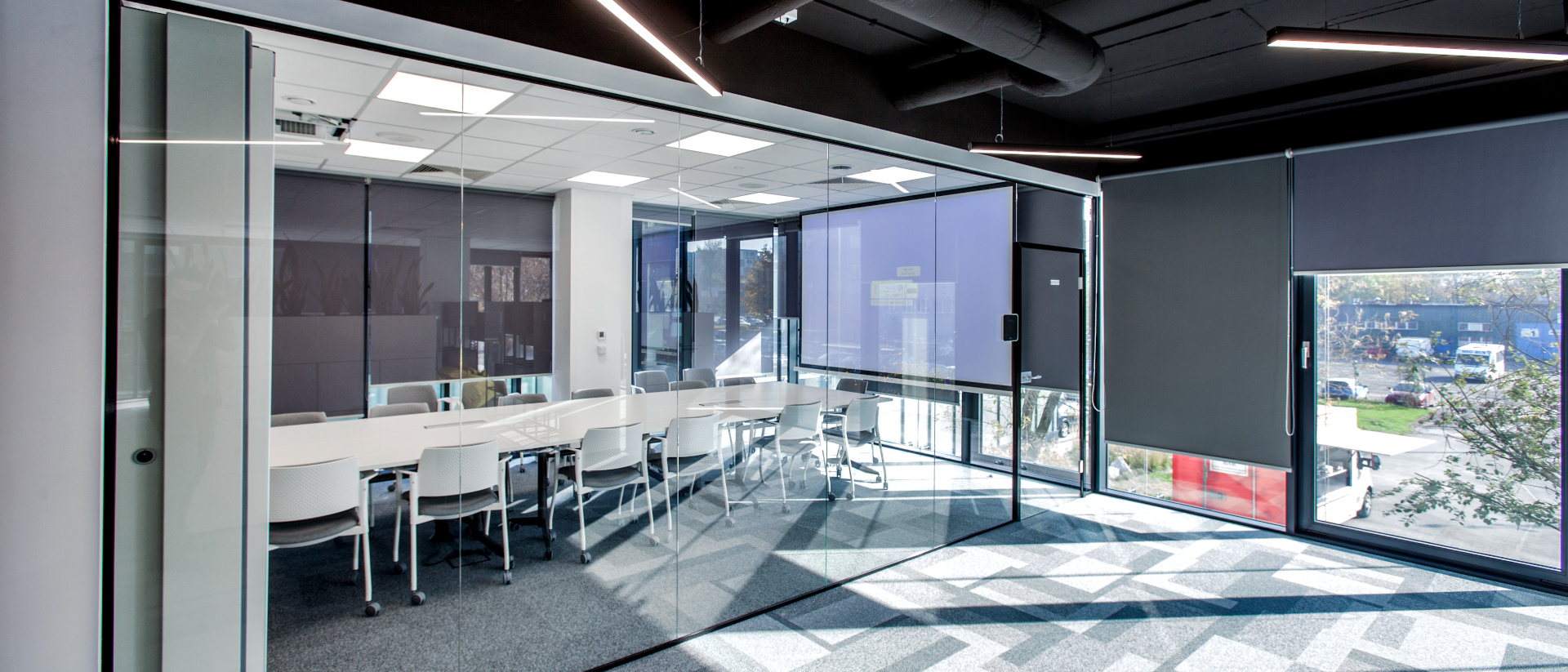
We have deployed room booking systems in the offices of Assa Abloy, GATX Rail Poland, PSI Pharma and Fracthon, among others – always as part of a complete AV system.
In the Fracthon office, room booking was integrated with projection, wireless presentation and the sound system into a single system controlled from touch panels.

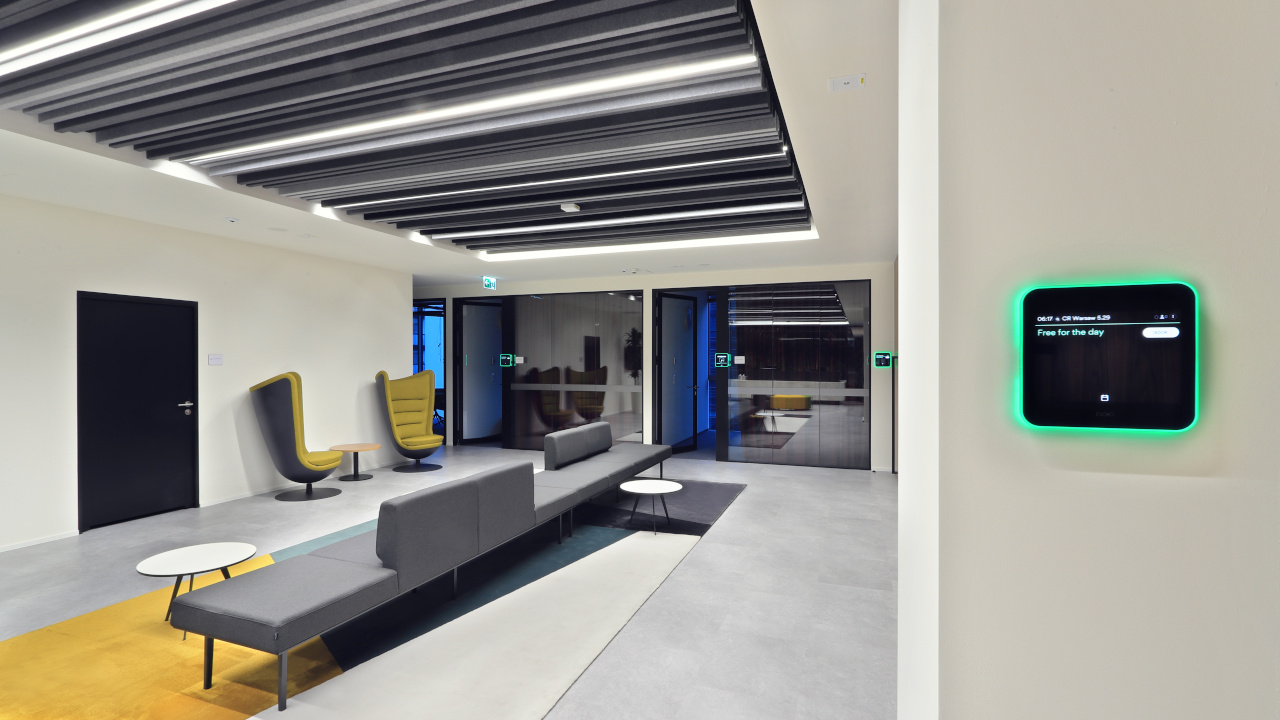
Staff check availability and book rooms from a mobile app or a web browser, including when they are away from the office. The information on the panels and in the app is updated in real time.
For organisations working in a hybrid model, we recommend extending the system with desk booking so that team attendance in the office can be planned. We write more about booking desks, lockers and parking spaces in our article 6 features of booking systems and on the Smart office page.
Business / Corporate. Offices with many meeting rooms and hybrid working.
Hotels. Conference rooms made available to guests and event organisers.
Public administration. Public offices and institutions with rooms shared by many departments – such as the Bank Guarantee Fund.
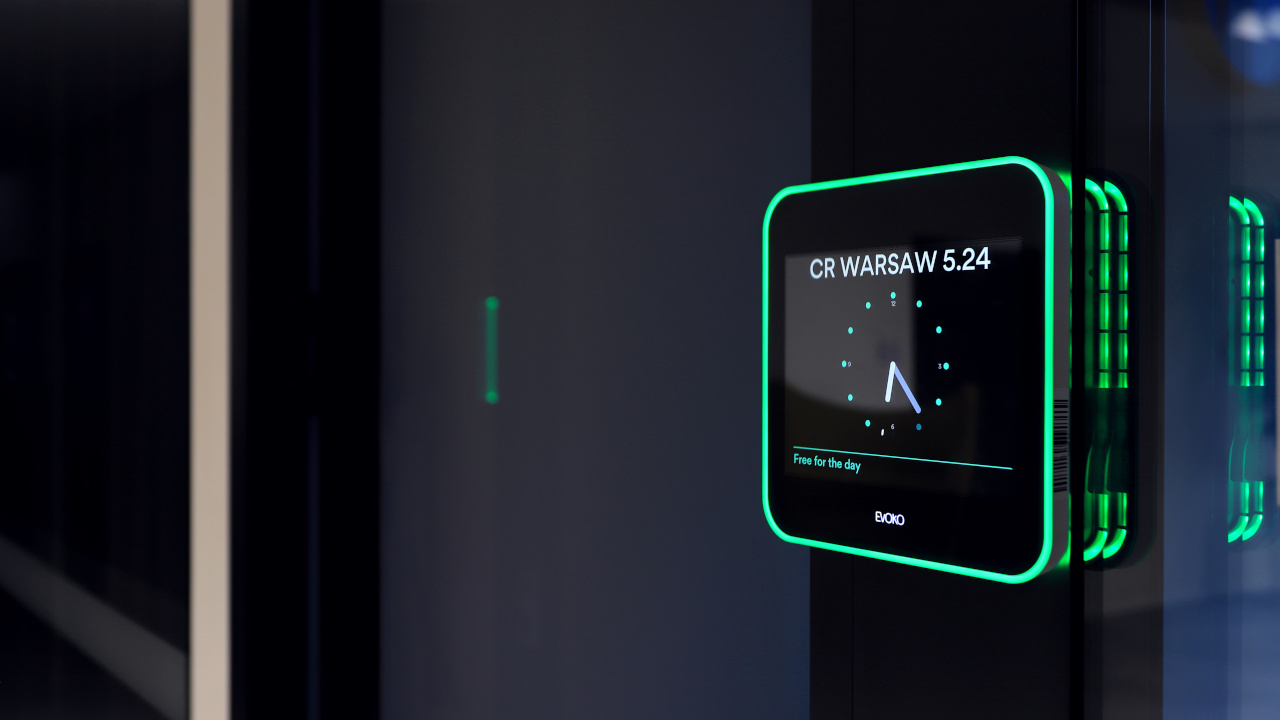
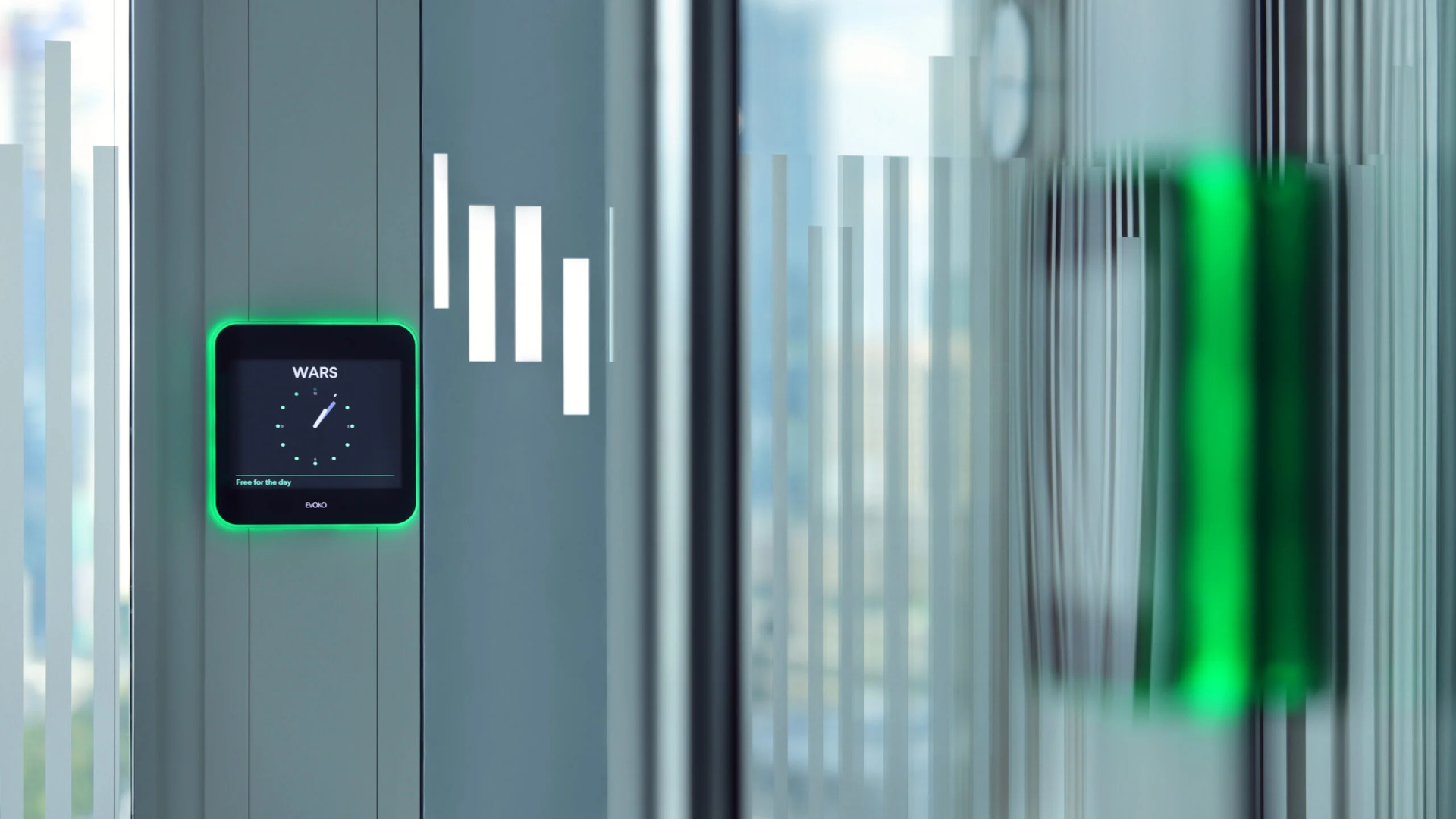
The panels outside the rooms work with booking software installed on the company’s server. At the Bank Guarantee Fund we networked the panels with EVEO URVE software – staff book rooms from their Outlook calendar or directly on the screen outside the room.
In the Assa Abloy office, Evoko Liso panels work with software on the client’s server, and the administrator can log in to the system to check room bookings remotely.

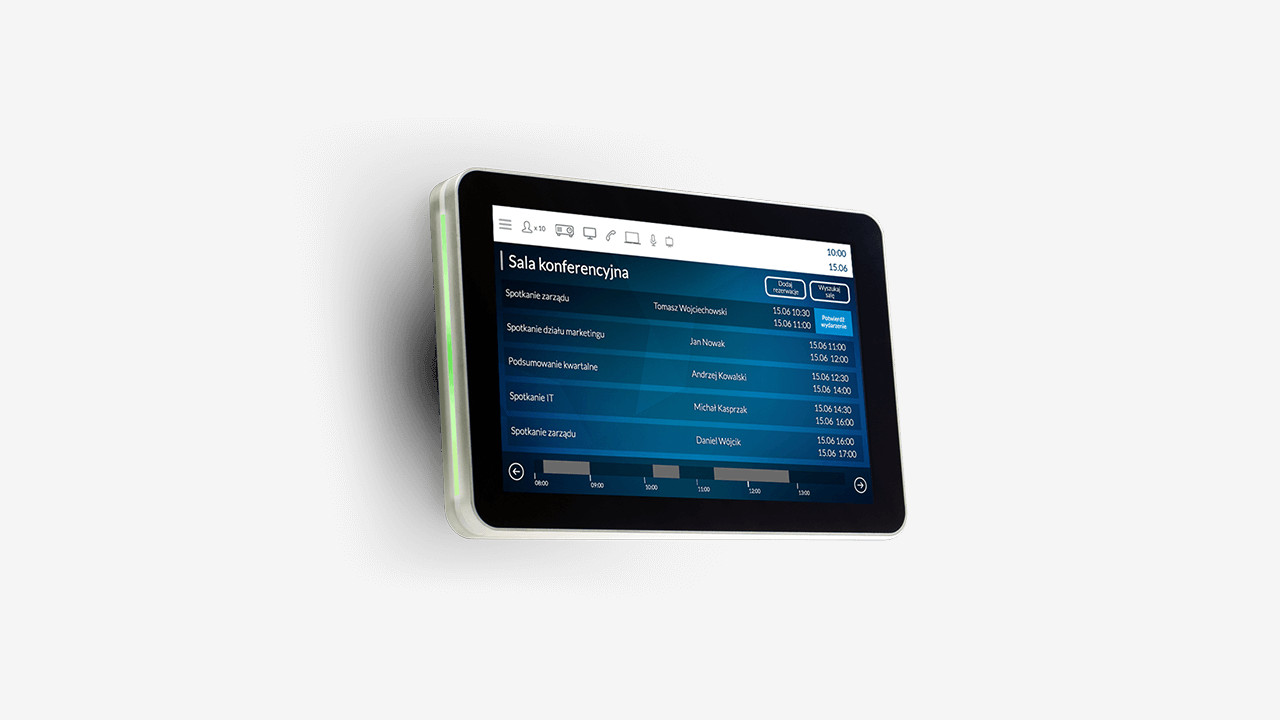
Outside every room at the BFG we installed a 10‑inch EVEO LOBO touch panel showing the meeting schedule, with LED lighting that indicates whether the room is available.
Besides booking, the system lets users order catering, confirm attendance, search for rooms by attributes and display messages when the panel is idle. We also used EVEO LOBO panels in the Fracthon office in Kraków.
In the PSI Pharma office we installed 8‑inch Evoko Liso panels outside every meeting room and connected the booking system to an LG 55UL3G display at reception. The display shows a summary of available rooms and where they are located.
Similarly, in the GATX Rail Poland office in The Warsaw Hub, room occupancy can be seen on the panels outside the rooms and on the reception display, which shows an overview of bookings and the location of the meeting rooms.
Click a question to see the answer.
Yes. The system pulls data from Microsoft 365 or Exchange, so staff book a room in Outlook in the same way as they invite people to a meeting. The booking appears immediately on the panel outside the room and in the app. We also support Google Workspace.
It is a touchscreen at the room entrance that shows the room name, current and upcoming meetings, and availability. On the panel you can book the room on the spot, extend or end a meeting, and green or red lighting shows whether the room is in use, visible from the corridor.
Unused bookings are released automatically, so the room goes back into the pool of free rooms. Reports show how often this happens and which rooms are used most.
Yes. We extend the system with desk booking for hot-desking, as well as lockers and parking spaces. Staff check availability and book a place in the app before they even arrive at the office.
We mount the panels on walls, glazing and partition walls. Power and network are provided over a single PoE cable, so the installation does not need a separate socket by the door.
Yes. In the Assa Abloy office we installed the management software on the client’s server, and at the headquarters of the Bank Guarantee Fund everything is managed by the server version of Eveo URVE. We choose the option together with your IT department.
Yes. We connect the booking system to a display at reception that shows a summary of available rooms and where they are. This is how it works in the PSI Pharma and GATX Rail Poland offices.
Depending on the system, besides booking these include ordering catering, confirming attendance, searching for rooms by attributes and displaying messages on the panels. The EVEO URVE system deployed at the Bank Guarantee Fund has these features.
Yes. In the Assa Abloy office the administrator logs in to the system to check room bookings remotely, and the panels provide data for space planning.
No. The initial quote and consultation with a PROAV engineer are free of charge. To prepare a quote, we need the number of rooms and desks, which calendar your company uses, and the type of walls at the room entrances.
Which calendar does the company use? Microsoft 365, Exchange or Google Workspace.
How many rooms and desks will the system cover? The scale determines licensing and how the system is managed.
Where will the panels be mounted? Wall, glazing or partition wall, with PoE power.
Should a booking start up the room? Integration with room control and video conferencing.
Planning a room booking system?
We deploy room booking in the offices of companies and institutions. We start by finding out how your staff arrange meetings today.







