Booking systems: 6 features that make your work easier


Room booking software is mostly associated with a panel by the door and a meeting calendar, but it can do much more. It lets you confirm attendance at a meeting, order catering, and book a desk, a locker or a parking space for a visitor. These features are used by organisations where PROAV has deployed booking systems – at the headquarters of the Bank Guarantee Fund (Bankowy Fundusz Gwarancyjny) and in the Assa Abloy office, the room panels work with software chosen to suit the way the office works. Knowing the less obvious features helps streamline everyday processes and get more out of the investment in the system.
Looking for a system for your office? We describe panels, software and Outlook integration on our conference room booking system page.
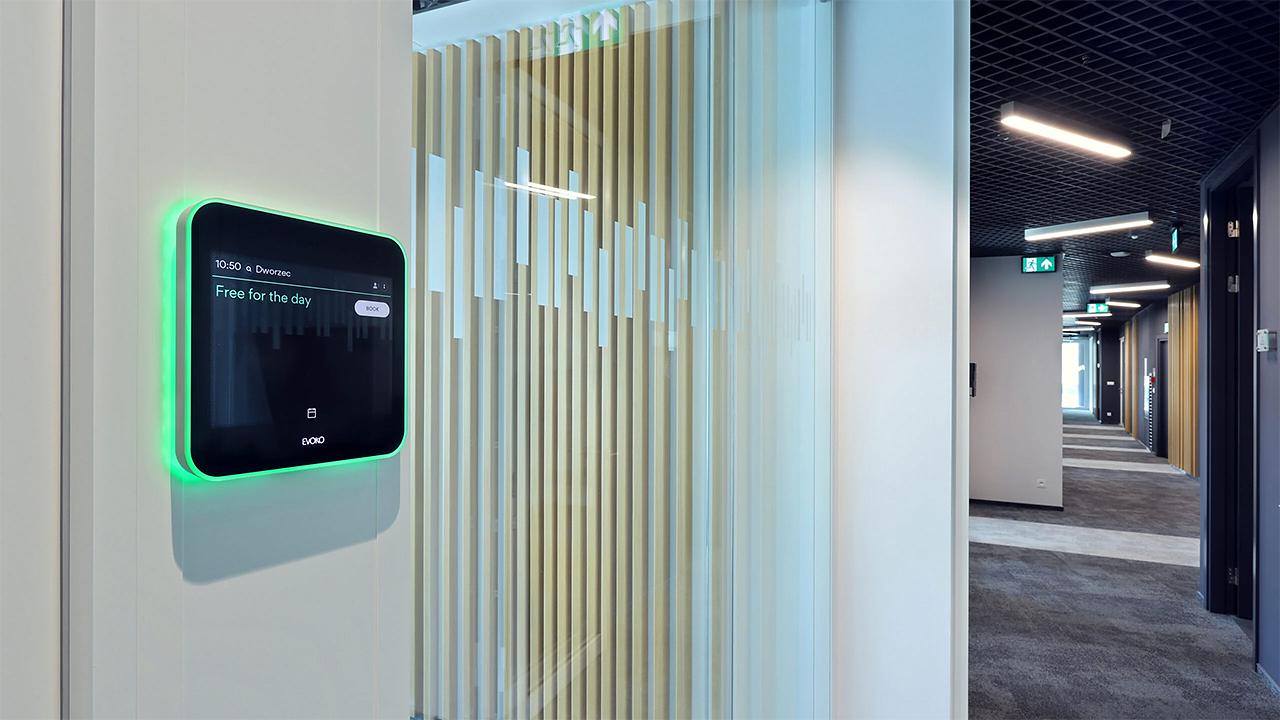
Panels and software in a single deployment. We install the room panels and connect them to the booking software, Outlook and Microsoft Teams, so a booking looks the same on the panel, in the app and in the calendar. The coloured LED lighting on the panels shows the room status from the corridor.
Experience with different systems. We have deployed Evoko Liso and Eveo LOBO panels and the server version of Eveo URVE, so we choose the system to suit the way the office works, not the other way round.
Configuration and support after go-live. We configure the system for the office's resources, train administrators to check the schedule remotely and use room utilisation data, and our service department supports them in day-to-day operation.
Solutions used:
Industries:
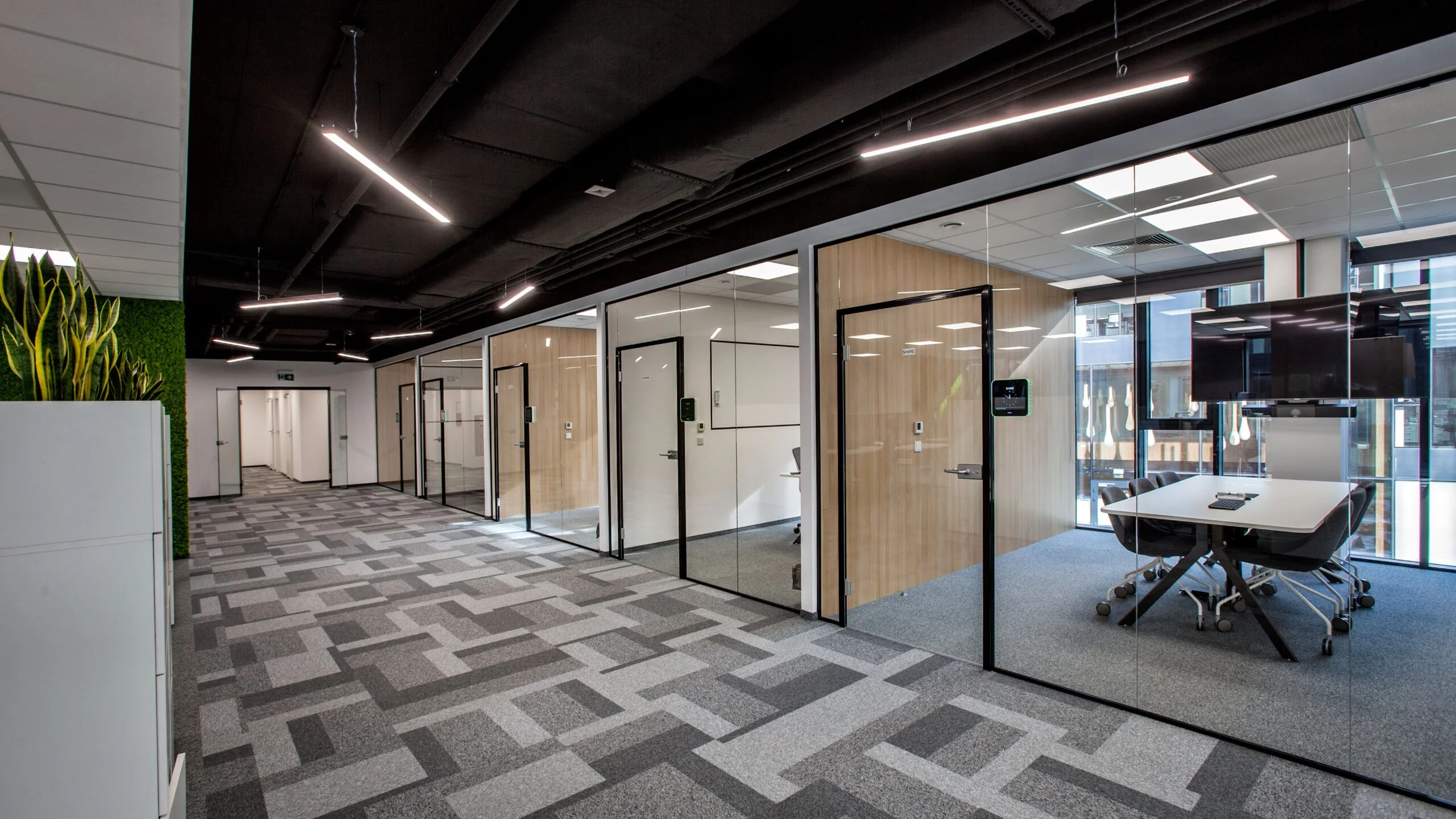
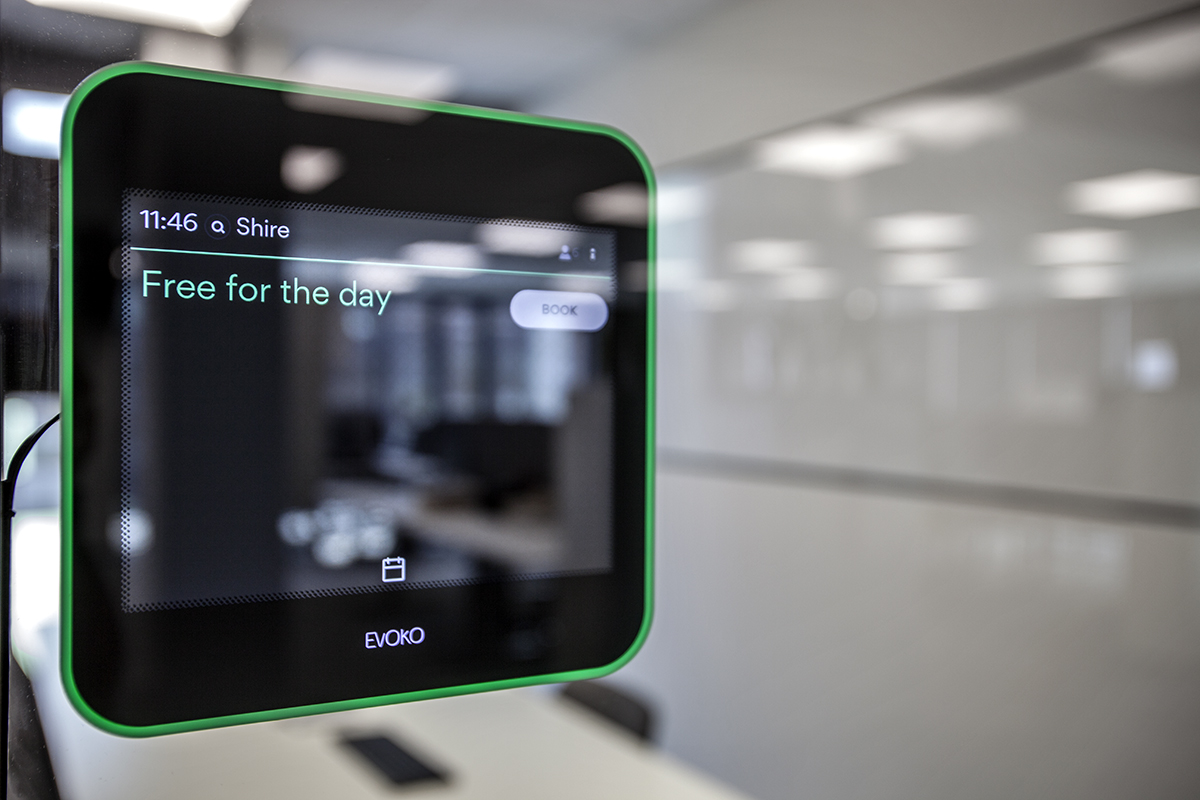
Assa Abloy. Every conference room at the company's headquarters has an Evoko Liso touch panel at the entrance. We installed the management software on the client's server, and the administrator can log in to check the booking schedule remotely and collect room utilisation data.
Bank Guarantee Fund (Bankowy Fundusz Gwarancyjny). We installed ten-inch Eveo LOBO panels by the rooms, and the whole system is managed by the server version of Eveo URVE. Meetings can be scheduled in Outlook or on the panel screen, and when booking you can order catering, confirm attendance or search for a room by its equipment.
The system covers not only conference rooms but also desks, parking spaces and lockers. Users log in to the app, check resource availability and narrow the search to selected hours, days or locations. On site, they confirm the booking by scanning a QR code, which in the case of a locker also unlocks the electronic lock.
Locker booking is particularly useful in banks and accounting firms that need to store confidential documents securely. It is also valued by companies working remotely or in hybrid mode: booking in advance makes it easier to prepare video conferencing equipment and organise last-minute meetings in the office.
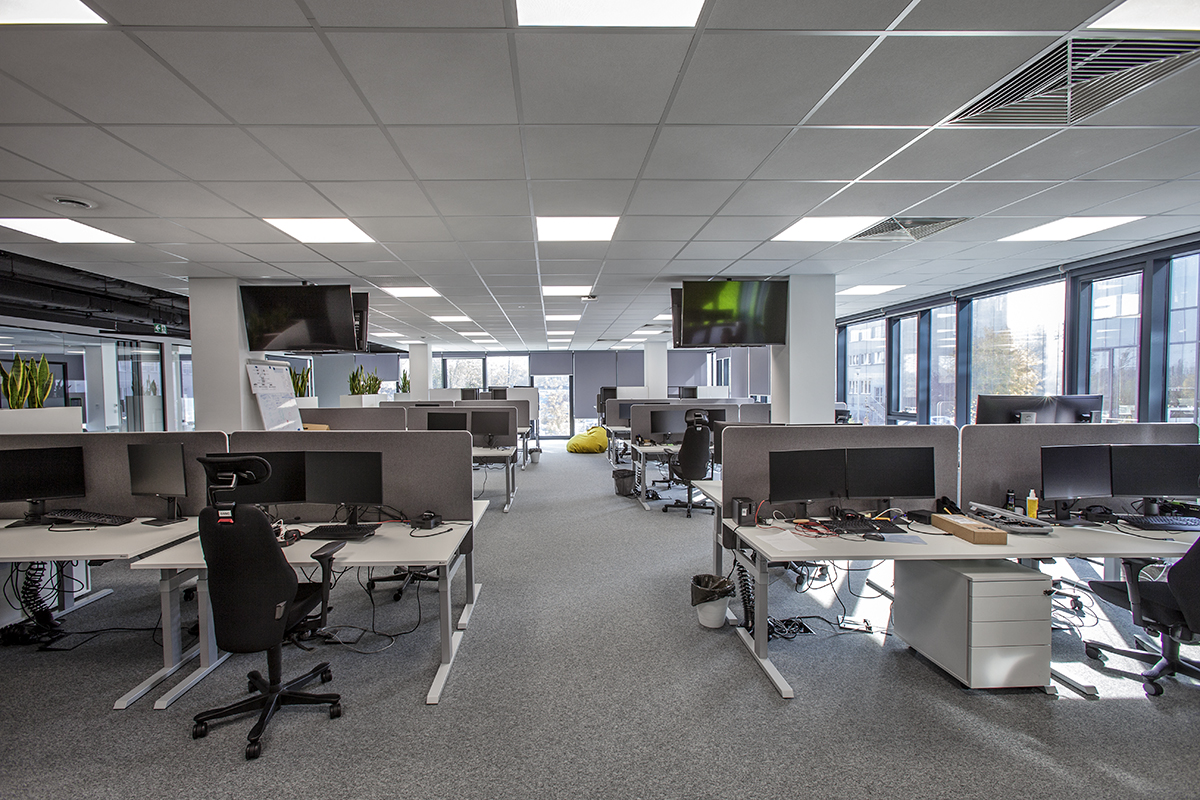
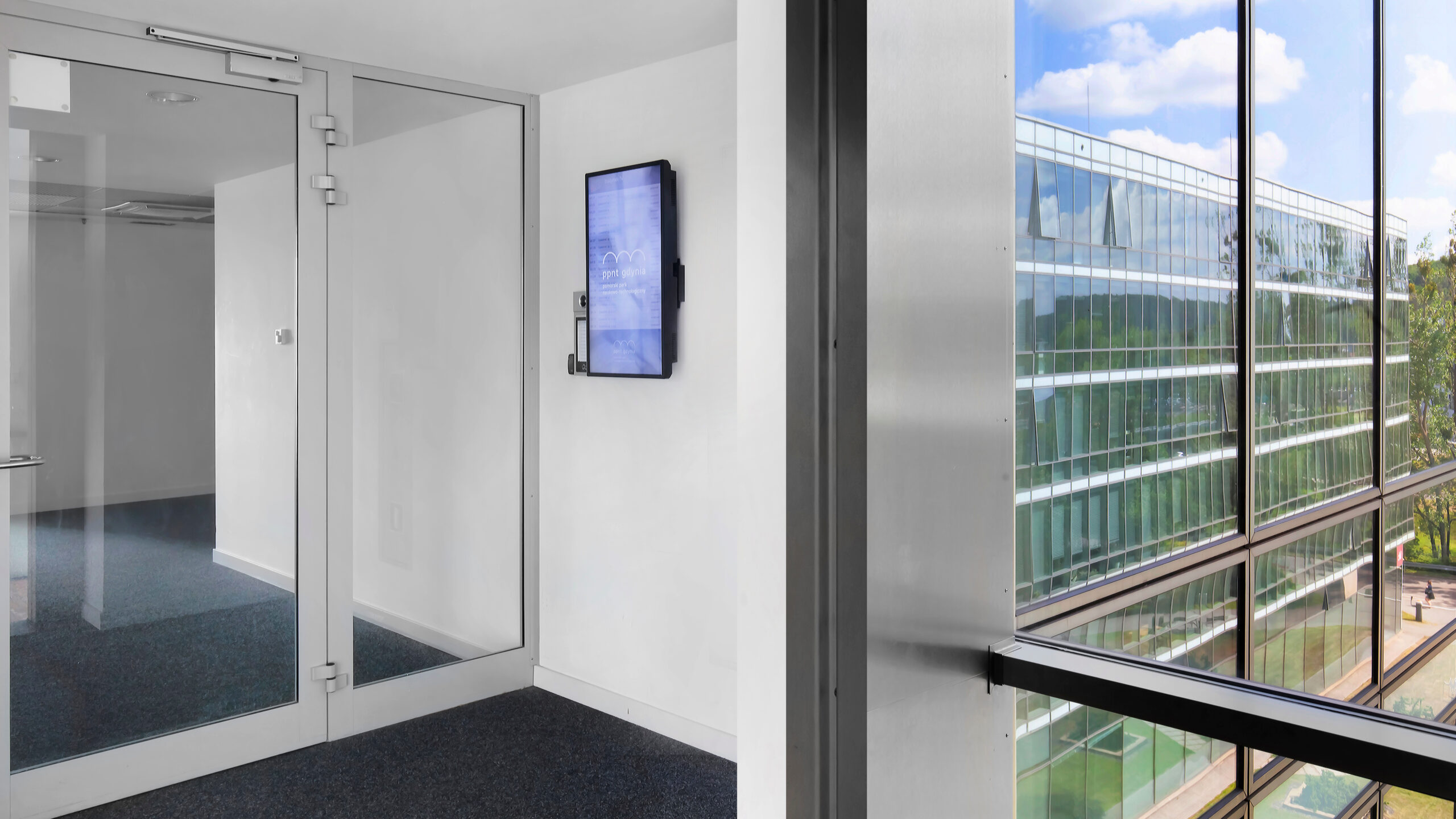
The mobile app lets employees book a parking space, room, desk or locker before setting off for the office, so they do not waste time searching on arrival. The software also allows a 2D or 3D map of the office and car park to be uploaded. Directions guide the user to the right floor and department, and systems such as Eveo URVE also show the way to a chosen colleague's desk.
When you need a room for twelve people on Friday at 10:00 with a projector, screen and video conferencing system, the search function in selected apps will find suitable rooms in seconds. You can filter by time, day, location, equipment and room capacity.
When booking, you can add a meeting description or a welcome message for visitors, and order refreshments and drinks for participants in advance.
A single booking can cover several resources in different locations – for example several laptops and parking spaces, or two rooms in offices in different cities – provided they are available. The system also lets you book a desk or parking space for people who do not normally work in the office. Visitors are expected, and their work tools are ready for them from the moment they arrive.
Booking systems are available as a mobile app, a desktop app, an Outlook add-in and a Microsoft Teams module, and the room booking module works with the panels by the rooms. The system can be used outside the office and without a laptop, and also when an employee turns off email and messaging for a period of focused work.
Booking panels work well at universities and on large campuses. Software from selected manufacturers is integrated with the USOS university management system, so the screens by the room doors display the schedule of upcoming classes. Students and lecturers can check where lectures will take place, and the coloured lighting tells staff whether a room is occupied and for what hours it will remain unavailable.
Business / Corporate. Banks and accounting firms use locker booking to store confidential documents securely, while companies working in hybrid mode use desk booking and rooms prepared for video conferencing.
Public administration. In public offices and institutions, booking meeting rooms together with ordering refreshments and a parking space for visitors makes it easier to prepare meetings with external participants.
Industry, Energy and Transport. Organisations with plants and offices in several cities can book rooms in different locations with a single booking, and employees arriving from other branches have a desk and parking space ready for them.
Higher education. At universities, panels integrated with the USOS system show the class schedule by each room, and the same app lets staff book seminar rooms and rooms for meetings with visitors from outside the university.
Which resources will the system cover? Rooms, desks, lockers or parking spaces – this list determines the choice of software and the number of panels.
What tools do employees use? We establish whether bookings will be made in Outlook, in Microsoft Teams, in the mobile app or on the panel by the room.
Cloud or the organisation's own server? We choose how the software is installed together with the client's IT department.
Where will we install the panels? We plan the placement of the room panels based on the office layout and the routes employees take.
Who will administer the system? We establish who manages resources and the schedule, and what room utilisation data should be sent to the administrator.
Will the system need to handle visitors and other locations? This determines how bookings are configured for people from outside the office and for resources in offices in other cities.
Will employees book resources from outside the office? In that case, the mobile app is essential, as it allows bookings to be made without a laptop and before setting off for the office.
Which booking system features should you choose?
Room booking systems are configured after we review the office's resources and the tools employees use – so that booking becomes part of everyday work.







