Wireless presentation in the meeting room


Wireless presentation lets a meeting participant share their laptop screen in seconds – without hunting for adapters and cables. PROAV deploys wireless presentation systems in meeting rooms, boardrooms and training rooms, integrating them with displays, sound systems and video conferencing. We match the solution to the way you work: a button plugged into the laptop, an app or sharing directly from the operating system, including in video conferencing mode with the room's camera and microphones. In our projects we mainly use Barco ClickShare, as well as BenQ InstaShow and Kramer VIA. Meetings start without delay, and the room works in the same simple way for guests and staff alike. Choosing a presentation system? See our guide wireless presentation – how to choose a system.
Integration with your company network. We configure the system together with your IT department – on a dedicated VLAN or on the corporate network – so that guests and staff connect securely.
One integrated set-up in the room. We combine wireless presentation with video conferencing, projection and control – as at the Tpay headquarters, where laptops connect to the system without any configuration.
The same operation in every room. We deploy a consistent solution across the whole office, so staff do not have to learn how to use each room separately.
A base unit connected to the display in the room receives video and audio from laptops or mobile devices. In video conferencing mode, the laptop also uses the room's camera, microphones and speakers, so a Teams or Zoom meeting can be run from your own computer.
Used in projects:
Industries:


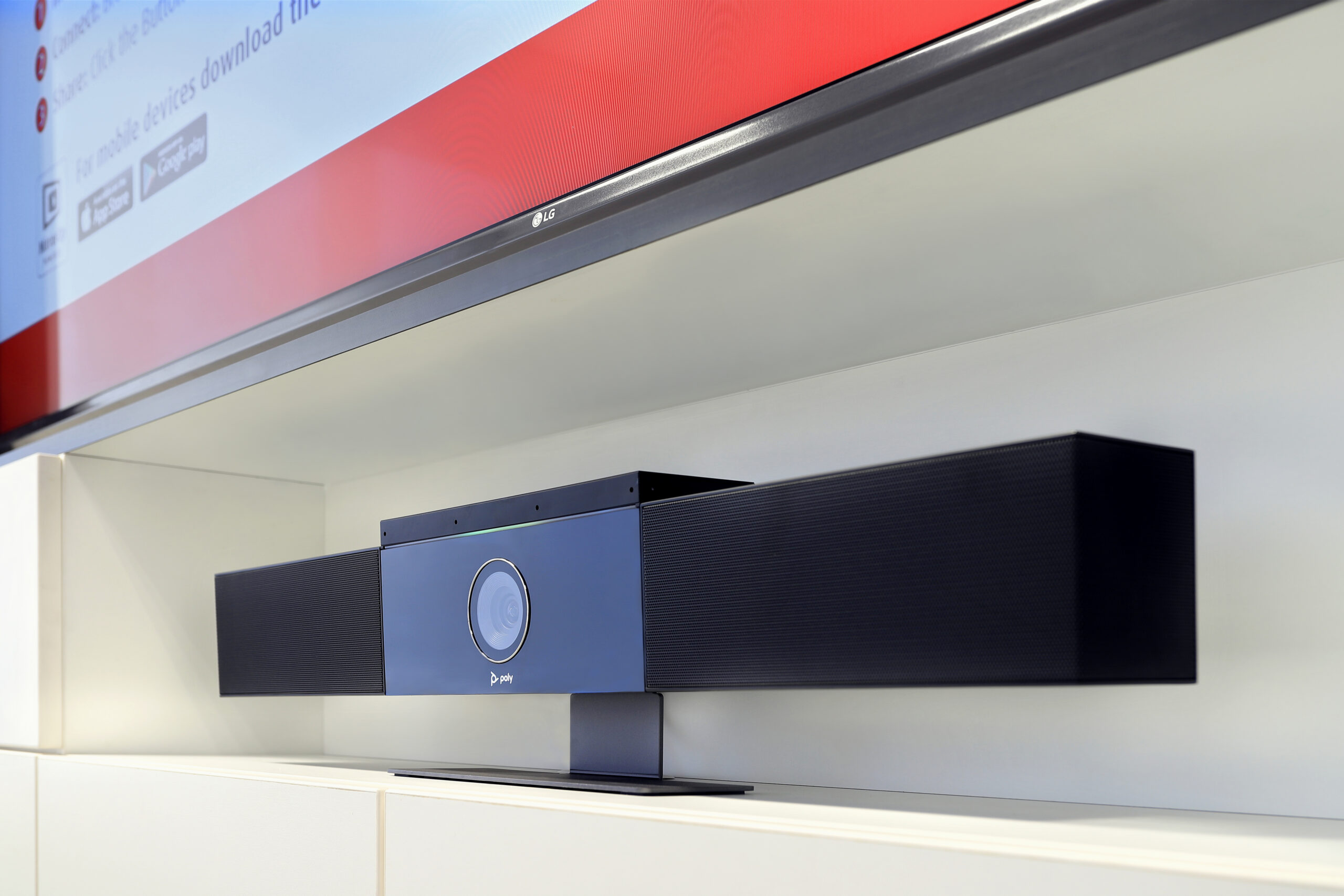
Once the button is plugged into the laptop, selected systems automatically take over the room’s camera, microphones and speakers. The participant runs the video conference from their own computer using the room’s equipment.
This is how the TM Toys room works: there we combined wireless presentation with a Microsoft Teams Rooms system and daylight-resistant projection.
Several participants can show content on the screen at the same time, and the presenter decides whose image is visible. Selected systems let users annotate the material being presented.
Content can be shown from laptops, tablets and smartphones, including through the operating systems’ built-in features.
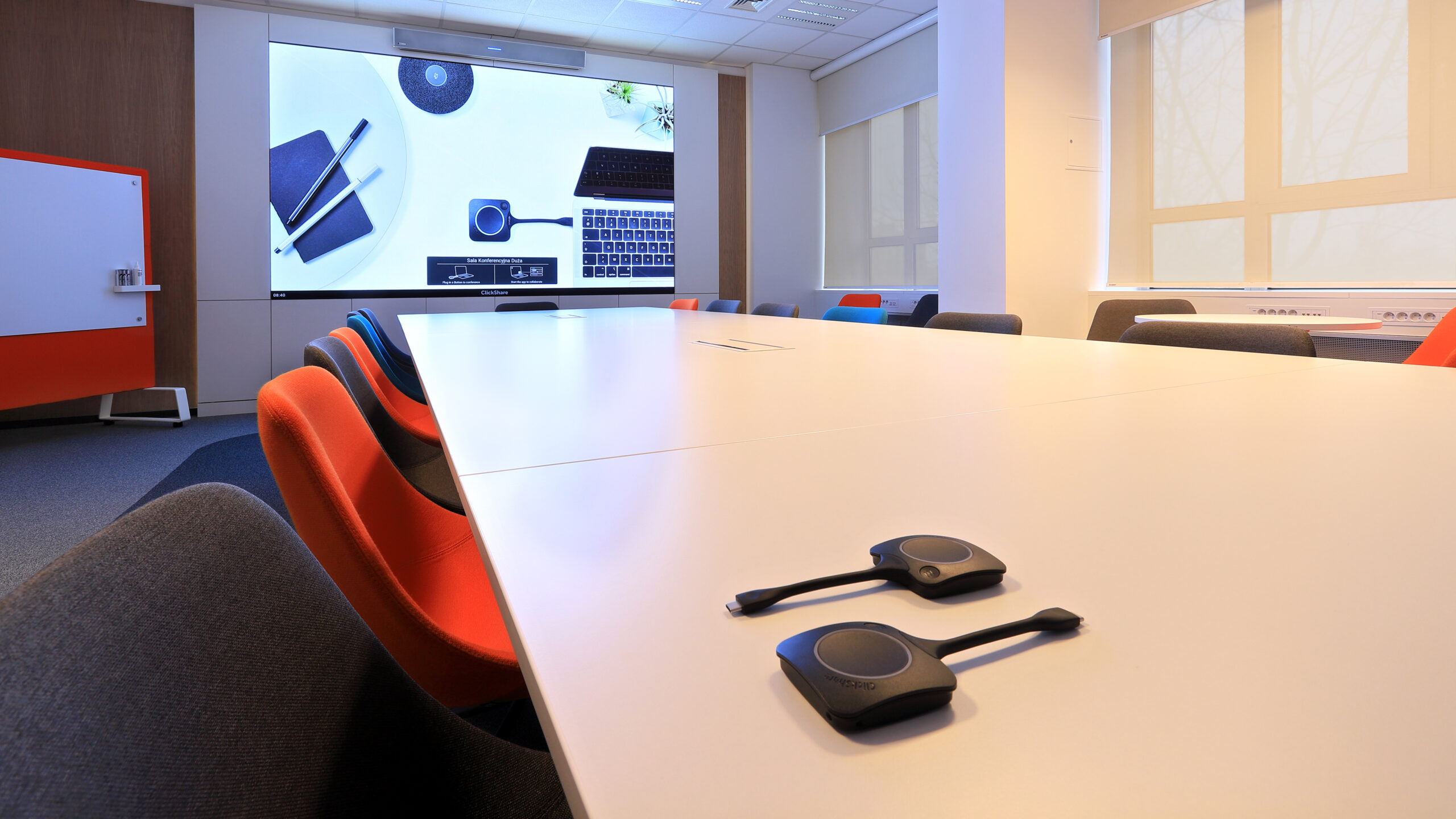

We integrate wireless presentation with the building’s network – on a dedicated VLAN or on the corporate network – agreeing access rules for guests and staff with your IT department.
In the GATX Rail Poland office, stable wireless connectivity in the conference rooms, huddle rooms and private offices was the client’s priority.
The systems we deploy work with the Microsoft Teams and Zoom platforms. Staff use tools they already know, without installing new apps for every meeting.
We have deployed wireless presentation in the offices of PSI Pharma, Fracthon and Smart Jet, among others.
Click a question to see the answer.
It is a system in which a base unit connected to the display in the room receives video and audio from laptops or mobile devices. Participants share their screen with a button plugged into the laptop, with an app or with a built-in operating system feature.
The participant plugs a ClickShare button into their laptop and presses it to show their screen in the room. In video conferencing mode, selected models also take over the room’s camera, microphones and speakers, so a Teams or Zoom meeting can be run from your own computer.
Yes. Several participants can show content on the screen at the same time, and the presenter decides whose image is visible. Selected systems also let users annotate the material being presented.
Yes. Content can be shown from Windows and macOS laptops, tablets and smartphones – including through built-in operating system features such as AirPlay or Miracast.
We configure the system together with your IT department – on a dedicated VLAN or on the corporate network – so that guests and staff connect securely and according to agreed rules.
The choice depends on who presents (staff or guests), whether the room is used for video conferencing and which devices need to connect. In PROAV projects we use Barco ClickShare, BenQ InstaShow and Kramer VIA.
No. The initial quote and consultation with a PROAV engineer are free of charge. To prepare a quote, we need the number of rooms, information about the displays and video conferencing, and your corporate network policies.
Who presents in the room? Staff, guests or both.
Is the room also used for video conferencing? If so, we recommend the mode that uses the room’s camera and microphones.
Which devices need to connect? Windows and macOS laptops, tablets, smartphones.
What are the network policies? Guest separation, VLANs, device management.
Planning wireless presentation for your rooms?
We deploy wireless presentation in the rooms of companies and institutions. We start by establishing who presents and from which devices.







