Wireless presentation – how to choose a system


Wireless presentation lets a meeting participant show their laptop screen in the room without hunting for adapters and cables. To make it work the same way in every room, however – including during Teams or Zoom meetings – the system has to be matched to who presents, from which devices and on which network. PROAV has deployed wireless presentation in the offices of Siemens, PSI Pharma, GATX Rail Poland, Fracthon and Tpay, among others. Below we describe how we choose a system and what we pay attention to.
Chosen to fit the way you work, not the brand. We start with who presents and from which devices, and only then choose the system: Barco ClickShare, BenQ InstaShow, Kramer VIA or Optoma UHD CastPro.
Presentation integrated with the room. We combine wireless presentation with the screen, video conferencing, sound system and control, so that meetings start without help from the IT department.
Always a second route. Alongside wireless presentation we leave a table connection point, so that a laptop can also be connected by cable.
Configuration with the IT department. We commission the system on a dedicated VLAN or on the corporate network, agreeing access rules for guests and staff.
Solutions used:
Brands:
Industries:

Who presents? We plan a room used only by staff differently from a room where guests arrive with their own laptops. Content can be shared with a button plugged into the laptop, with an app or with a built-in operating system feature such as AirPlay or Miracast.
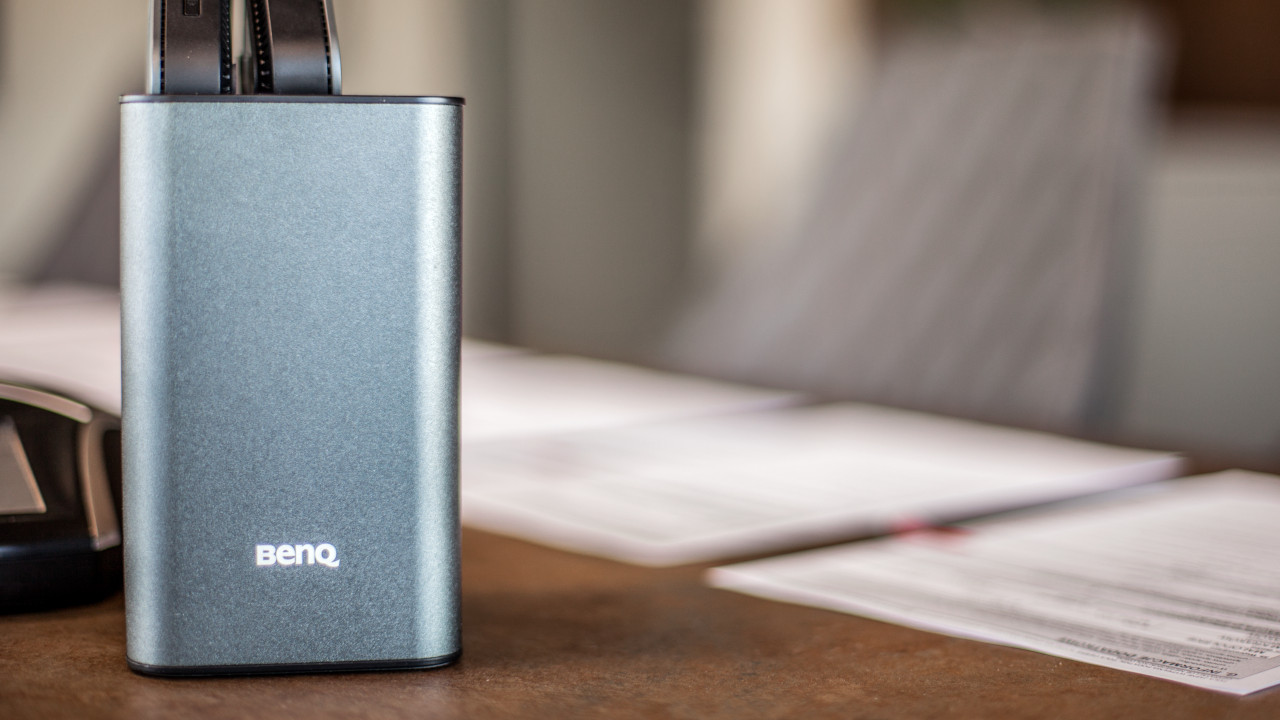
Stability for years to come. In the GATX Rail Poland office, the client opted for proven equipment that will work for many years without loss of performance, and stable wireless connectivity was a priority. That is why we deployed the BenQ InstaShow WDC20 system in the conference rooms and other office spaces.
The company network. We configure the system together with the IT department – on a dedicated VLAN or on the corporate network – so that guests and staff connect according to agreed rules.
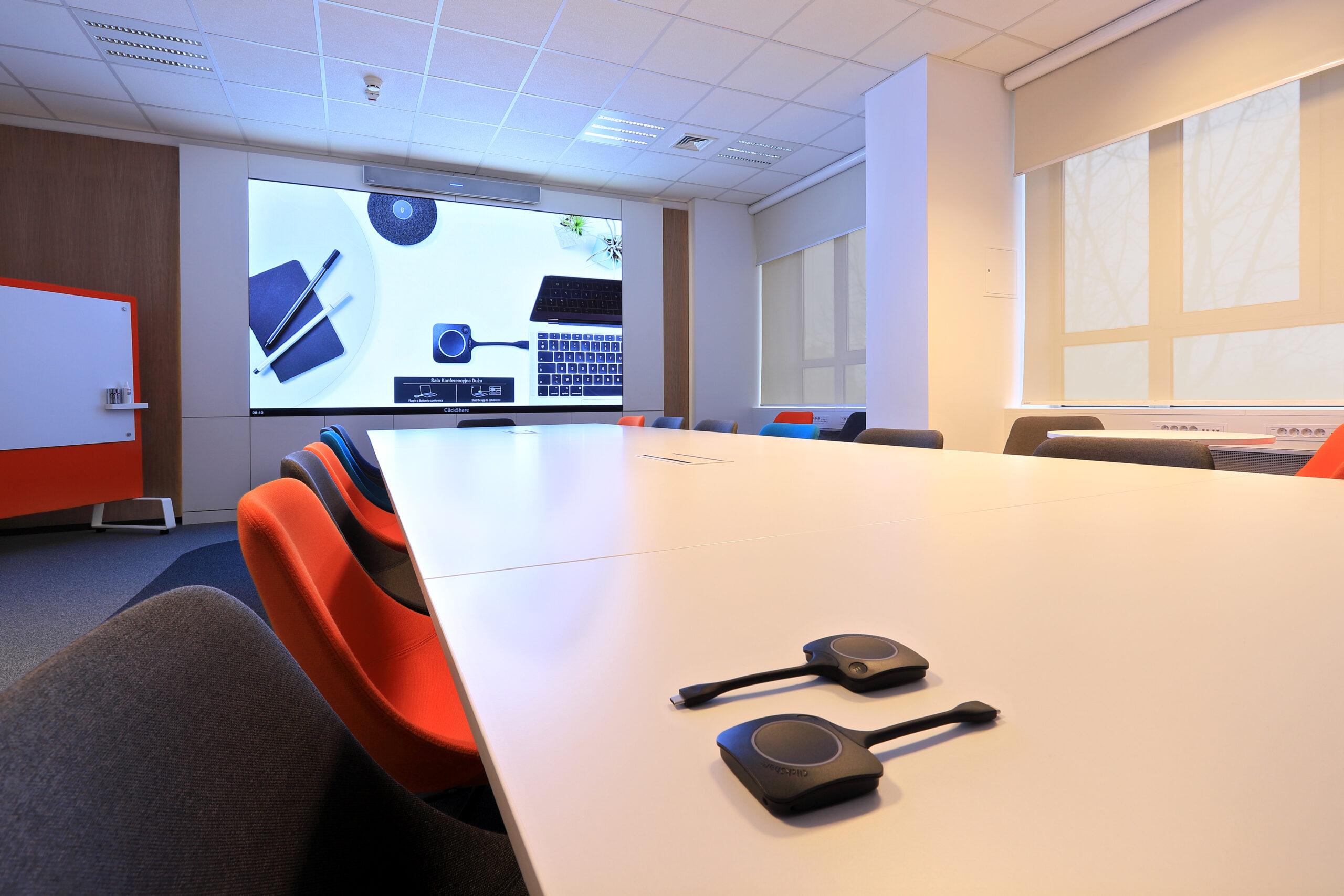
A meeting as soon as the transmitter is plugged in. In the large Siemens room, the Barco ClickShare CX50 system connects the participant's laptop to the LED screen, the camera and the room audio. A remote meeting starts as soon as the transmitter is plugged into the computer or an HDMI cable is connected to the table connection point.
The same way of working in a smaller room. In a smaller Siemens conference room we installed an 86-inch LG display, a Poly video conferencing system and Barco ClickShare. We configured the equipment so that every employee can quickly join a meeting without checking any settings.
Teams and Zoom from your own laptop. The systems we deploy work with Microsoft Teams and Zoom, so staff use tools they already know. You can read more about this mode on our Wireless presentation page.
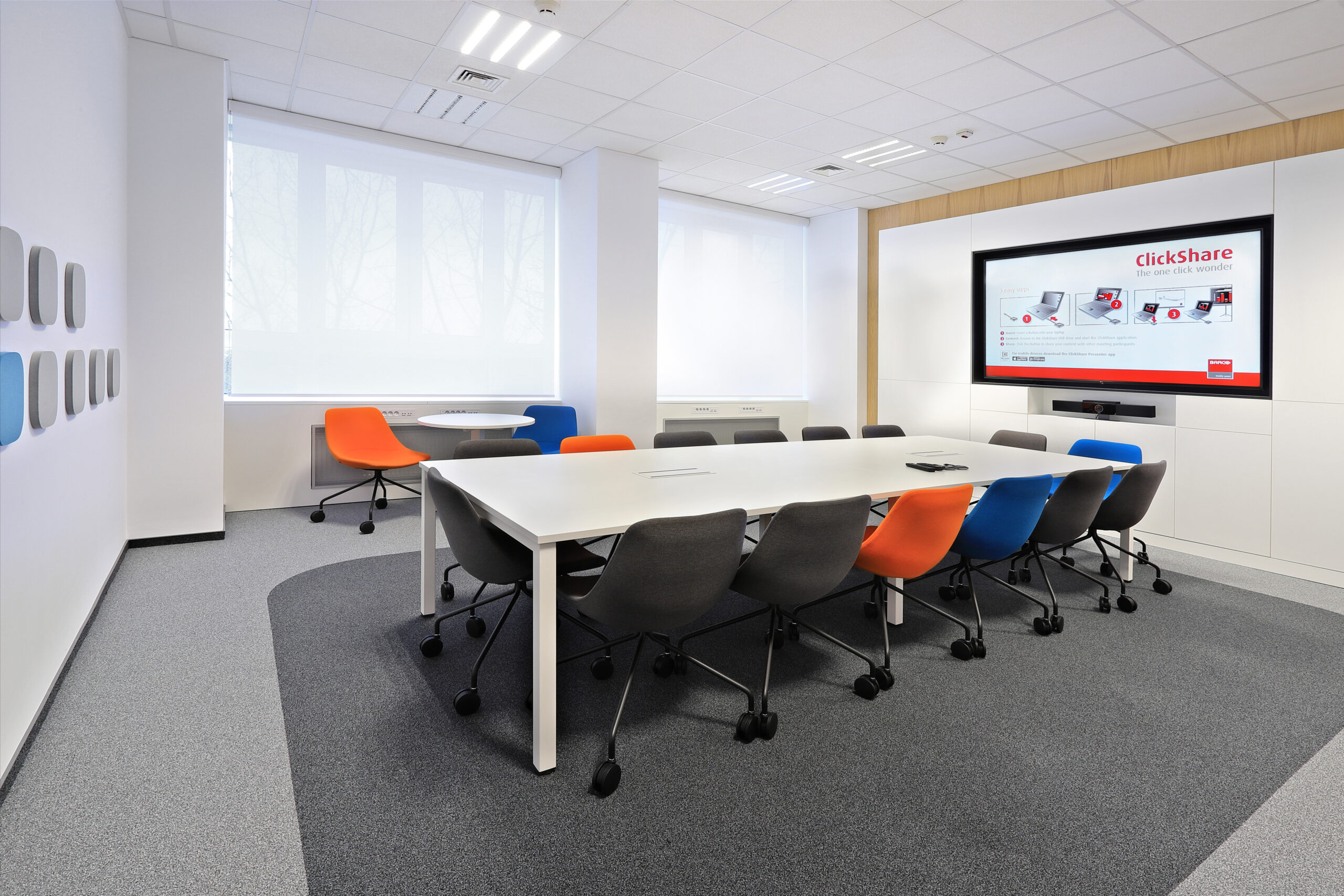
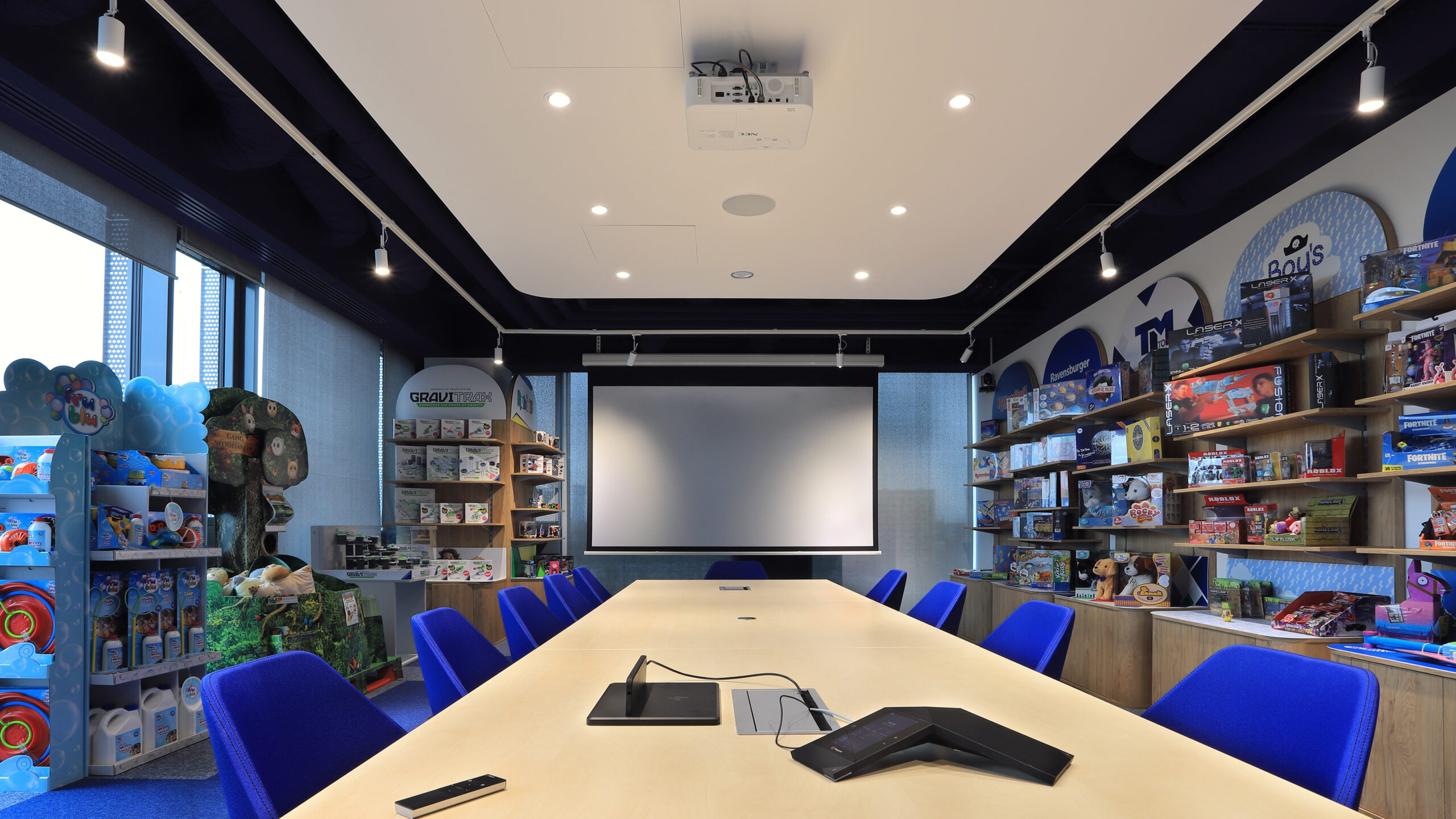
Wireless or by cable. In the TM Toys room, staff needed to share content wirelessly and, when necessary, also from a laptop connected by cable. The Kramer VIA GO system transmits HD images without cables, and a laptop or workstation can also be connected via HDMI to the connection point in the conference table.
Presentation in a Teams Rooms room. The same room has a Microsoft Teams Rooms system and a projector chosen for a bright space, so wireless presentation is one of two ways of displaying content, not the only one. You can read more about such rooms in our guide Microsoft Teams Rooms – what do you need?.
The same system in rooms of different sizes. In the PSI Pharma office we chose BenQ InstaShow for content sharing, as it provides a stable connection and good image quality, and supplemented it with cable connection points. The image is shown on BenQ displays from 55 to 65 inches, sized to the rooms, and Poly kits handle remote meetings.
Meetings start the same way everywhere. At Tpay we equipped every room with the Optoma UHD CastPro system, which sends video, photos and documents to the display in 4K UHD quality. Staff connect their laptop with a single connector or share the screen wirelessly, and the system selects the source automatically.

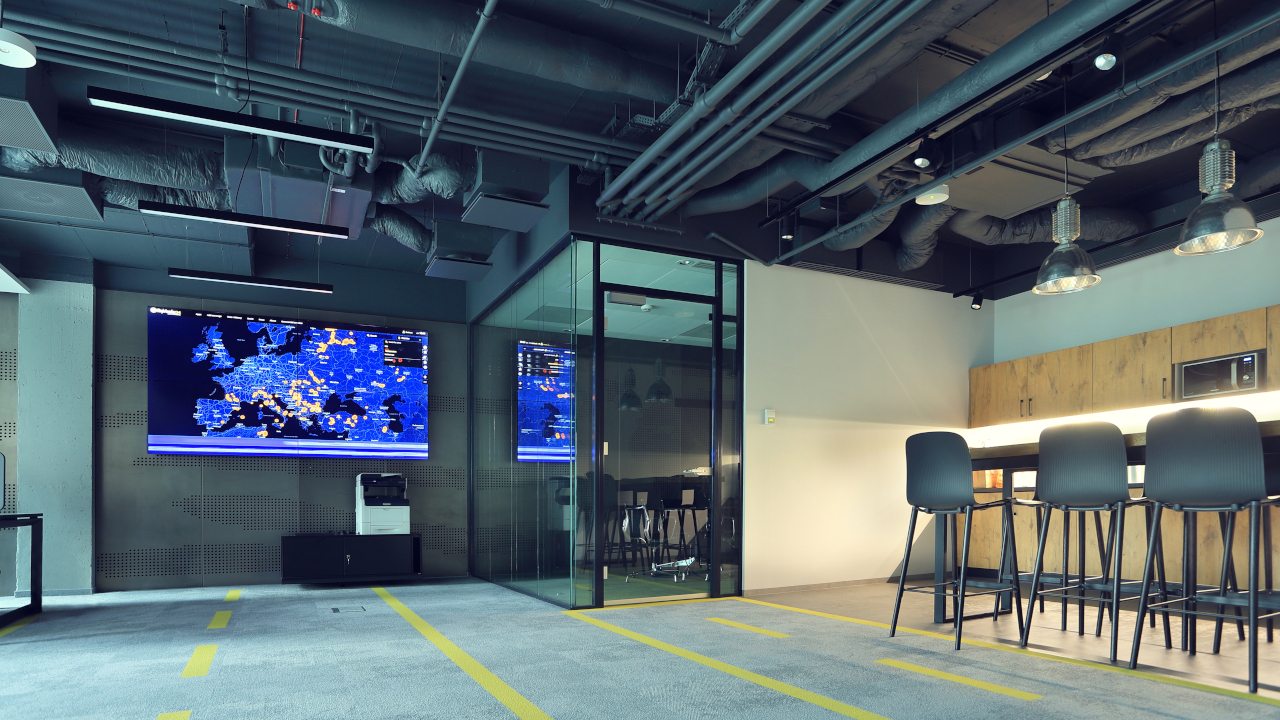
Team meetings at the video wall. In the Smart Jet office, the video wall in the open-plan area shows a fleet map day to day and is also used for wireless presentations during company meetings.
From a laptop or tablet. We supplemented the video wall with the Kramer VIA GO system, which transmits HD video and audio. Participants share the screen of a computer, laptop or tablet from a single app, while day-to-day content is managed by the EVEO URVE system.
One system for two screens. In the large Fracthon conference room, alongside the media ports in the tables, we used BenQ InstaShow WDC20, which displays the image both on the projector and on a 65-inch display on the side wall.
Boardroom and executive offices. In the boardroom, an 86-inch BenQ interactive display is equipped with the BenQ InstaShow system, while in the executives' offices 65-inch Samsung displays with BenQ InstaShow WDC10C show materials at the press of a single button.
We usually keep both options. In the TM Toys, PSI Pharma and Fracthon rooms, cable connection points work alongside the wireless presentation system, so that users always have an alternative way to connect a laptop.
Yes. In the large Fracthon room, the BenQ InstaShow WDC20 system displays the image both on the projector and on a display mounted on the side wall of the room.
Most often Barco ClickShare (e.g. CX50 in the Siemens room), BenQ InstaShow (PSI Pharma, GATX Rail Poland, Fracthon), Kramer VIA GO (TM Toys, Smart Jet) and Optoma UHD CastPro (Tpay). We choose the system to suit the way the room is used.
Yes, in rooms set up for video conferencing. In the Siemens room, Barco ClickShare CX50 connects the participant's laptop to the screen, camera and room audio, so the meeting is run from your own computer.
Yes. In the Smart Jet office, the video wall showing the fleet map is also used for wireless presentations via the Kramer VIA GO system during team meetings.
Who presents in the room? Staff only, guests with their own laptops, or both groups.
Is the room used for video conferencing? If so, we choose a system that connects the laptop to the room's camera, microphones and loudspeakers.
Which devices are used to present? Windows and macOS laptops, tablets, smartphones – the operating mode depends on this.
How many rooms are there? We propose the same way of working throughout the office, varying only the screen size.
What are the network rules? A dedicated VLAN or the corporate network, guest access – we agree these with the IT department.
Wireless presentation in your rooms
Tell us how many rooms you have, who presents in them and whether they are used for video conferencing – we will select a system and prepare an initial quote.







