Samsung VXT at PROAV


A chain of showrooms in which the message on the screens changes simultaneously in Warsaw, Gdańsk and Katowice does not need a technician at every display – it needs a well-designed Digital Signage system. This is the standard we are building for Mexen showrooms: starting with a video wall of twelve Samsung displays at HOMEPARK Targówek, we have rolled out the proven solution to further locations in the chain. We have added Samsung VXT, a cloud platform that combines content and device management in a single panel, to the PROAV offer. The organisation gains one communication standard across all its sites, updates without local servers, and control over screen security.
A standard repeatable at every location. We design screen placement, mounting and configuration so that the next showroom or branch can be launched to the same standard – with a predictable cost and a consistent look for all communication, without designing the system from scratch for every site. This is how we work with the Mexen showroom chain.
Deployment agreed with the IT department.We agree screen access to the network and the cloud, user accounts and connectivity lockdowns with the administrators before the first screen goes live, and we connect the screens to other building systems, for example room booking.
A team ready to work with the system. After commissioning, we show on-site staff how to operate the system and train the people responsible for content in VXT Canvas and schedule planning. Our service department supports the system in operation.
Solutions used:
Brands:
Industries:
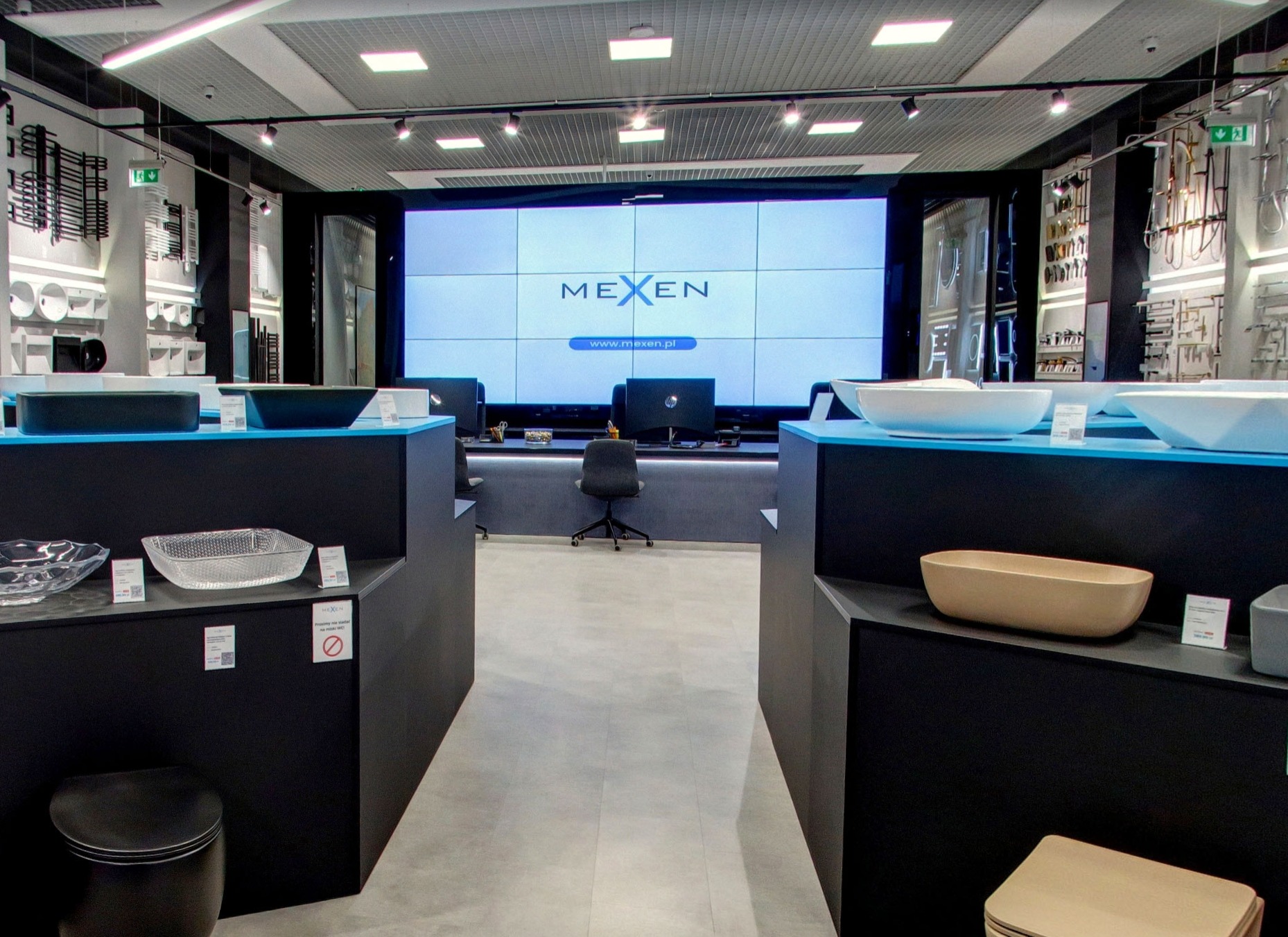
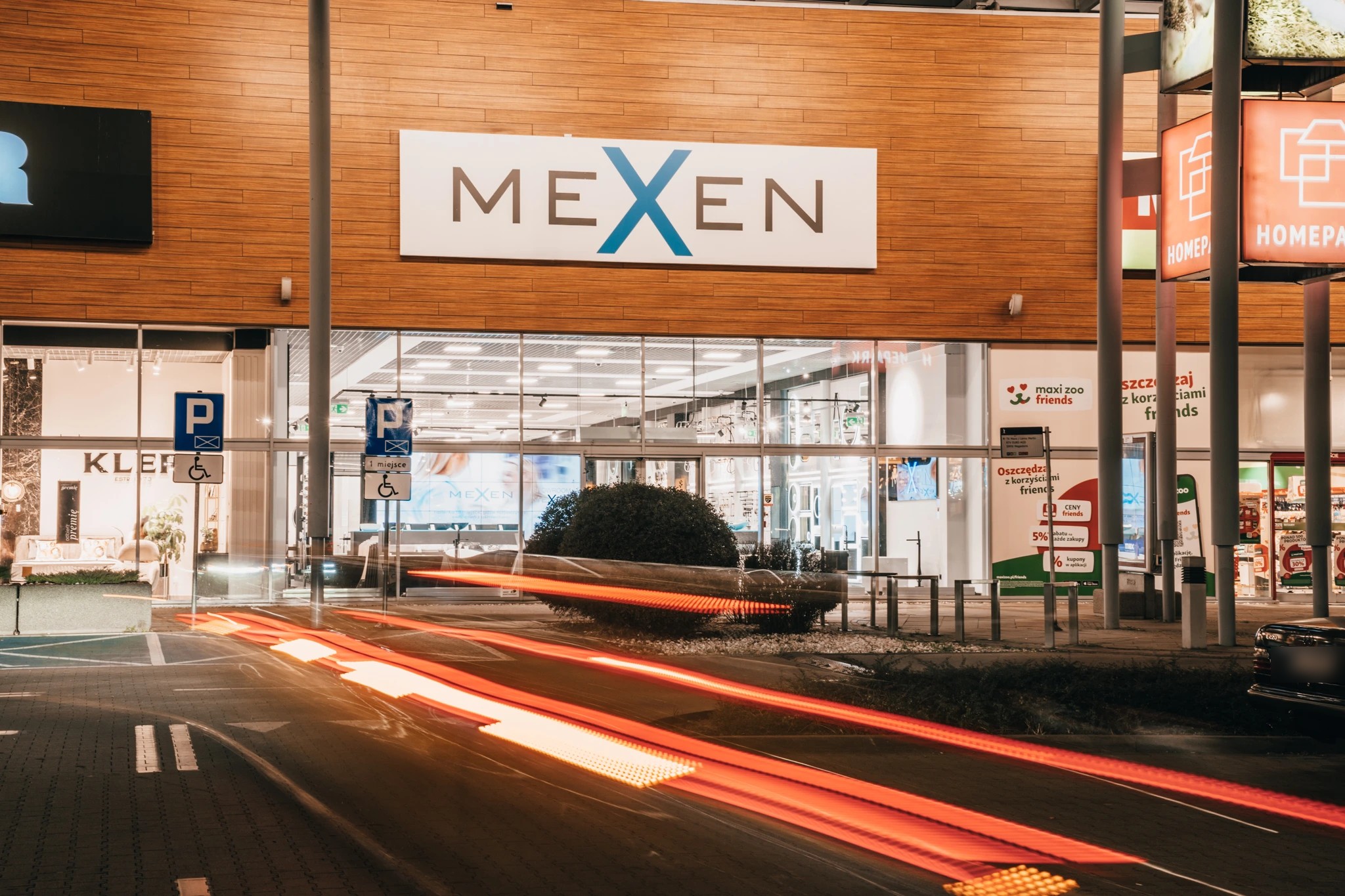
Showroom at HOMEPARK Targówek. In the Warsaw showroom of Mexen, a bathroom fittings manufacturer, we installed a 4×3 video wall made up of twelve Samsung displays designed for continuous operation. The wall sits above the customer service desks, on the axis of the main aisle, and can also be seen from outside through the glazed frontage. It is driven by a dedicated media player, so the showroom does not depend on a computer or on content being started manually.
One standard for the whole chain.We rolled out the proven solution to showrooms in Gdańsk and Katowice, where the video walls are complemented by touch-enabled Samsung Flip Pro displays 55″ acting as information kiosks; Poznań will be the next location. The installation is ready for central cloud management and in the next stage it will be connected to the Samsung VXT platform – so that campaigns in all showrooms can be planned and controlled from one place.
Content available from anywhere. Samsung VXT CMS stores and updates content in the cloud, so it requires no local installation or in-house servers. The person responsible for communication publishes material to screens at any location without travelling to the site, and changes made in the system reach the displays instantly.
Schedules and synchronisation.For each screen or group of screens we plan playlists for specific days and times – different content in the morning, at lunchtime or at the weekend. The Sync Play function synchronises playback across multiple displays, making it possible to create coherent compositions in shop windows, on columns and on video walls.
Quick start and easy expansion. A cloud solution shortens deployment and simplifies configuration, and further screens and locations are added to the existing system without rebuilding the infrastructure – the network can grow with the organisation.
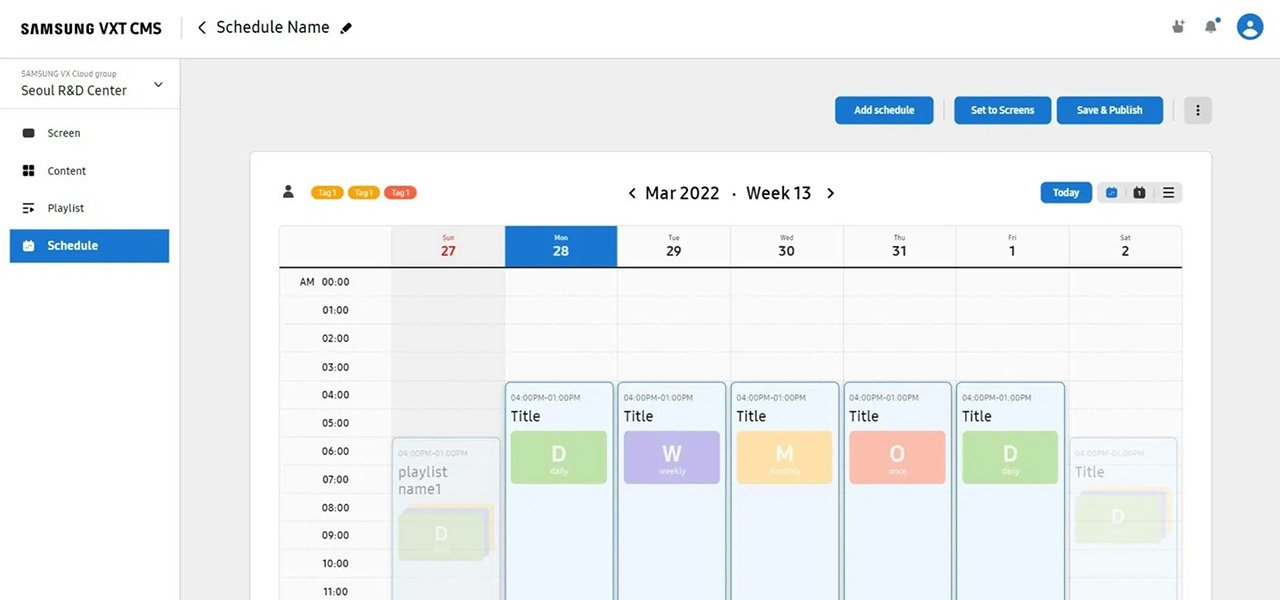
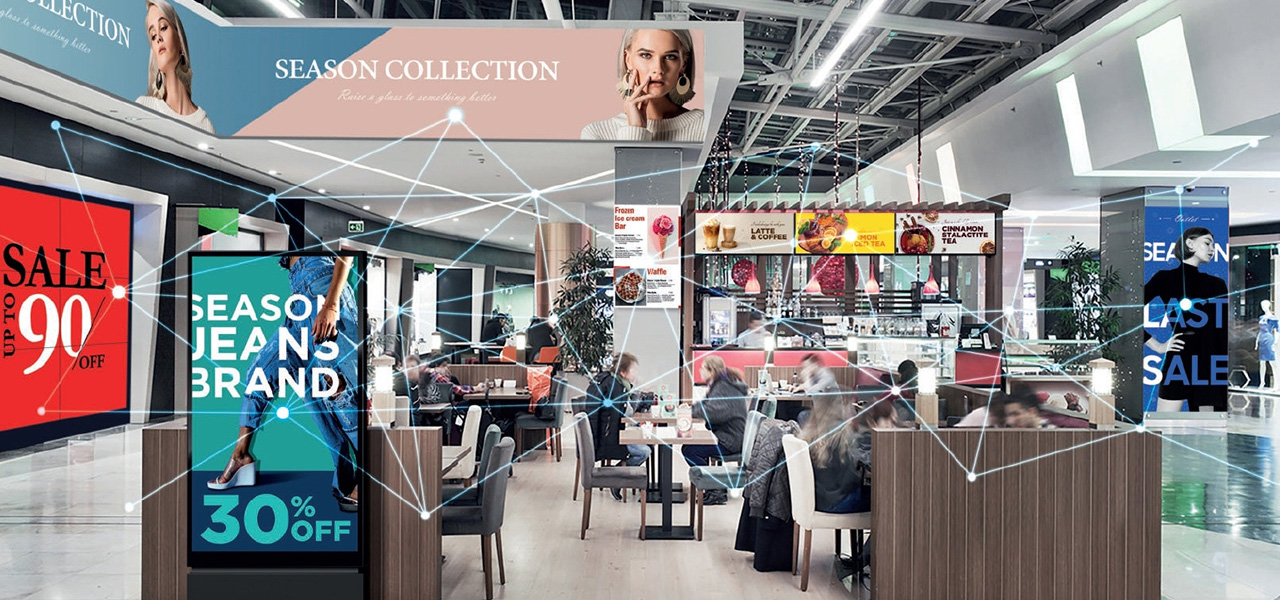
Control over all screens from a single panel. In Samsung VXT, the administrator remotely switches displays on and off and updates their firmware. Screens located in different buildings or cities are managed in exactly the same way as those in the next room, which reduces the number of service visits and shortens response times to faults.
Protecting devices and the network. The platform makes it possible to block USB ports as well as Bluetooth and Wi-Fi connectivity on the displays, and to control device and network security. A screen in a public space thus does not become a gateway into the company's infrastructure, and only approved content appears on the displays. We agree the security rules with the IT department before the first screen goes live.
Messages prepared in-house. VXT Canvas, a tool built into the platform, provides ready-made templates, widgets and partner elements, so even people without graphic design experience can prepare professional advertising and information messages. Changing a price list, the offer of the day or an events programme does not require briefing an agency.
An art gallery on screen. The VXT Art feature gives access to a collection of digital artworks – works by renowned artists and paintings from the world's greatest museums. A screen that is not showing messages at a given moment can serve as a decorative element in a showroom, lobby or office instead of remaining a black rectangle on the wall.
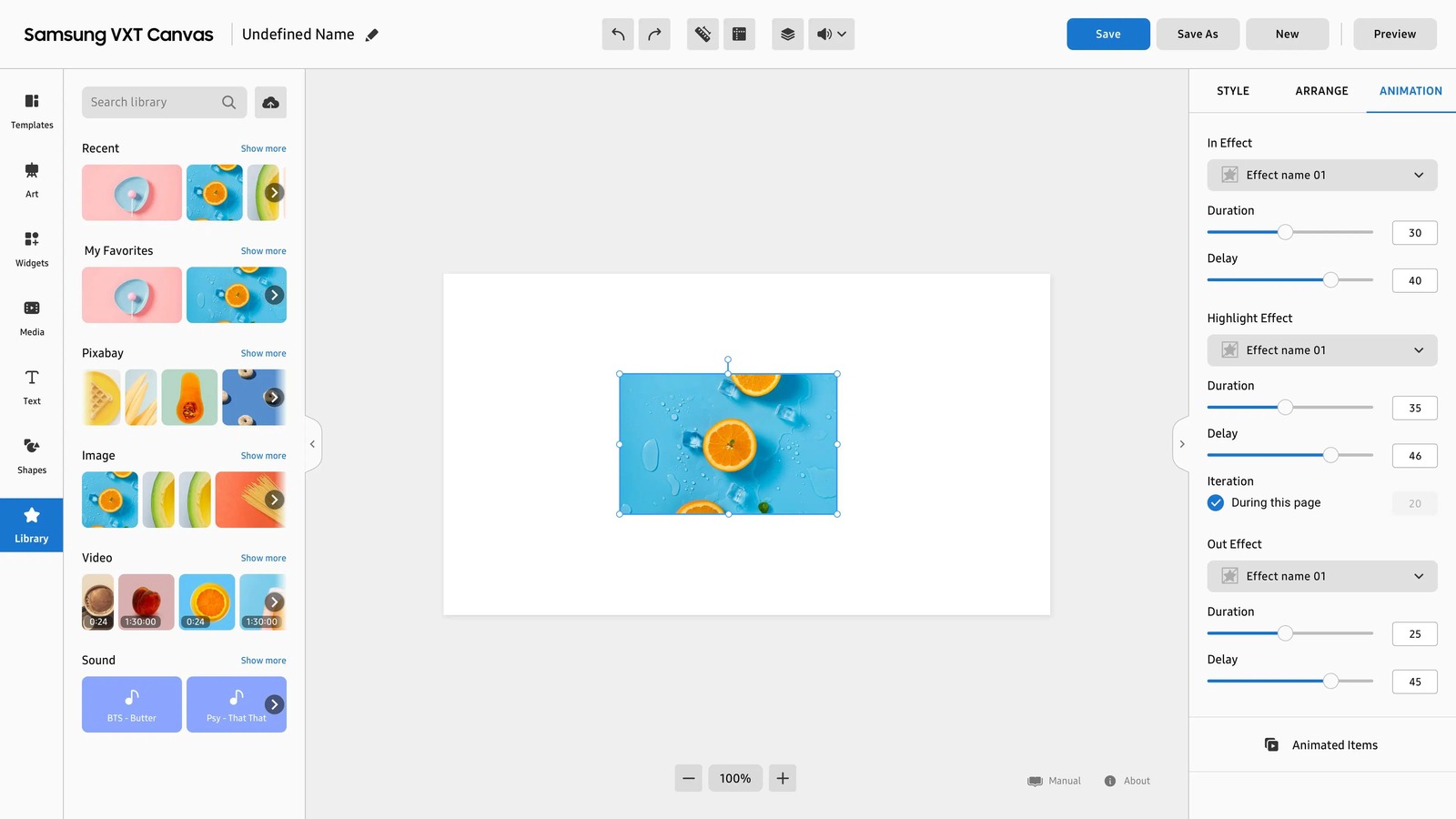
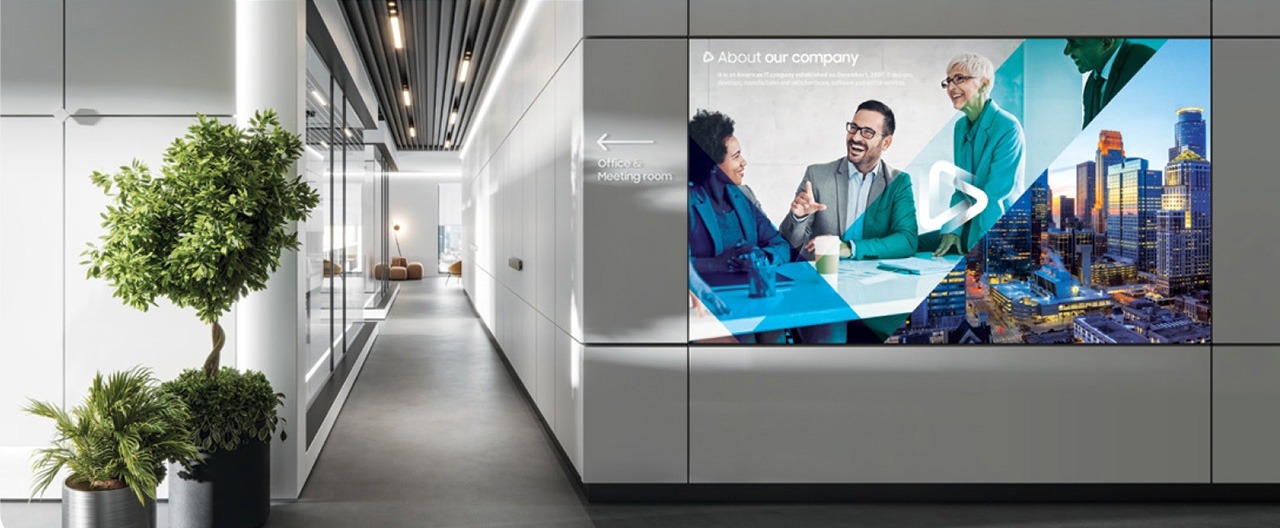
Most current displays are VXT-ready. The platform is supported by Samsung professional displays with a built-in media player (labelled “VXT Ready”), so most installations do not need a separate computer at the screen. We select the display according to the mounting location, ambient brightness and operating hours – these determine content legibility and the lifespan of the device.
Offices, shops and meeting rooms – QB series. Displays from 43 to 85 inches with 350 cd/m² brightness are designed to operate up to 16 hours a day, seven days a week (the 85-inch model 24/7). We recommend them where the screen runs during opening hours: in internal communication areas in offices, on shop displays or at the entrance to meeting rooms.
Receptions, lobbies and continuous operation – QM series. Displays from 32 to 98 inches with 400–500 cd/m² brightness are designed for 24/7 operation. We choose them for receptions, lobbies and service points where the screen is not switched off at night and content changes on a schedule around the clock.
Bright interiors and daylight – QH series. Displays from 43 to 98 inches with 700 cd/m² brightness and a matte, anti-reflective surface, also for 24/7 operation. They perform well in glazed lobbies, shopping centres and near windows, where a screen of standard brightness loses legibility.
A licence for every player. VXT is licensed separately for each player – a display with a built-in player or an external video wall player – for one, three or five years. We match the term to the planned operating cycle of the screens, so the cost of the system is known up front.
Standard, Pro and Enterprise. The three tiers of the full platform, combining content and device management, differ in their range of features. We recommend a tier after analysing the number of screens, the structure of locations and the way content is prepared – so that the organisation does not pay for features it will not use.
Device management only. When content comes from another system, VXT Remote Management licences (RM Standard and RM Pro) make it possible to monitor screen operation, status and firmware without using the content management system.
Own server and add-ons. Organisations that require a server within their own infrastructure can use the Hybrid Cloud version. The core licences can be supplemented with VXT Art and its art collection, and with AI Studio, billed in credits, for generating video material and enhancing image quality.
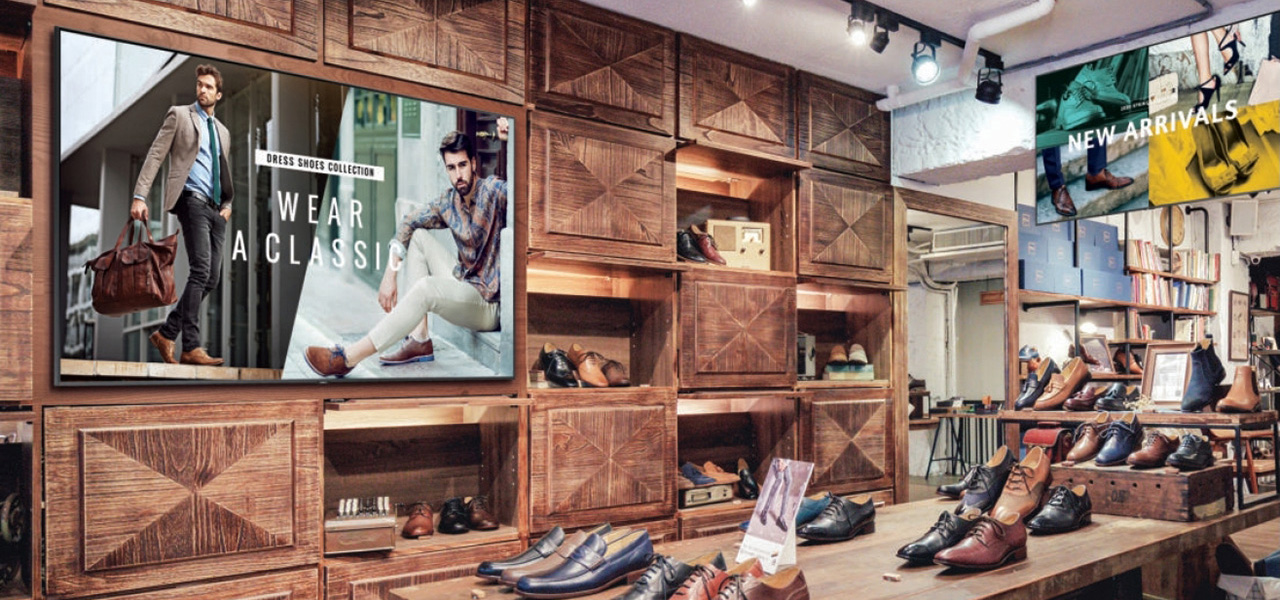
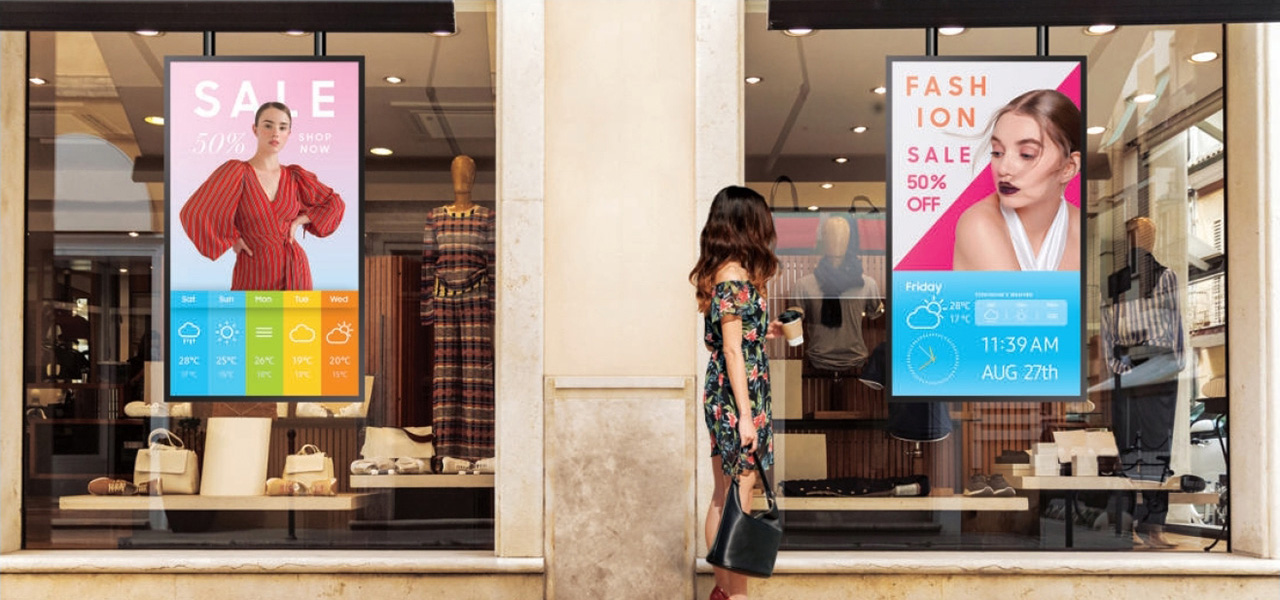
Retail and services. Showroom and store chains publish a single campaign to a schedule across all their sites – in shop windows, at the entrance and in the service area – and an individual showroom can supplement it with local messages. This is how we are preparing the system for Mexen showrooms, where the video wall is visible from the shopping centre concourse.
Cultural institutions. In museums, galleries and theatres, screens at the ticket desks and in the foyer provide information about exhibitions, events and opening hours, and VXT scheduling makes it possible to plan messages for the whole season. Outside message hours, displays in prestigious spaces can present artworks from the VXT Art collection.
Business / Corporate. In offices and branches, screens show up-to-date information for staff, conference room status and safety messages. Central management makes it easier to maintain consistent messaging at head office and in branches, while the IT department retains control over the devices.
A single location. For a reception, office, gallery or single shop we propose a few information screens managed from the cloud, with no server on site. The client's team prepares content in VXT Canvas, while we configure schedules and train users.
A network of sites. For retail chains, sales showrooms and companies with branches, we develop a single hardware and configuration standard, divide screens into groups and plan schedules so that chain-wide campaigns and messages for individual locations do not clash. Device status monitoring and security rules cover the entire network.
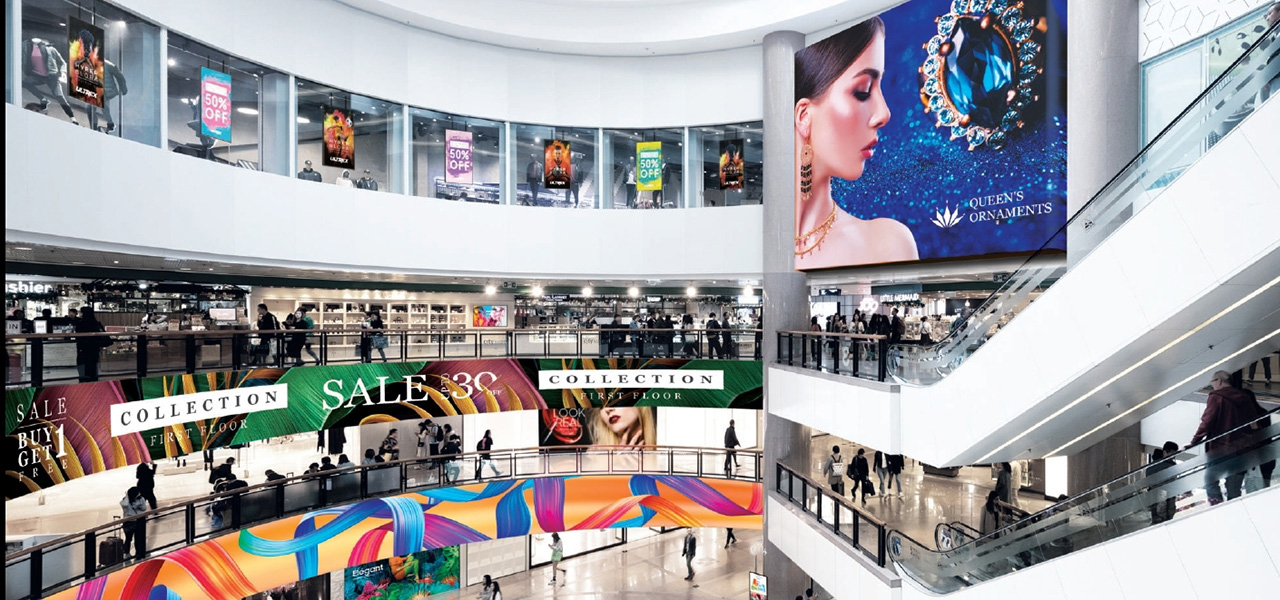
Large formats and wayfinding.Where a message needs to attract attention from a distance or guide visitors, we select video walls and digital billboards, interactive maps for wayfinding around the building, and weather-resistant DOOH displays, and we synchronise the content on them using Sync Play.
How many screens and where? The number of displays, their location and the distance from which they will be viewed determine the size of the displays, the mounting method and the group structure in the system.
Is the solution to become the standard for further locations? If so, at the very first site we define a repeatable set of hardware, mounting method and configuration that we will carry over to subsequent sites.
Who prepares and approves the content? We establish whether messages are published only by marketing at head office or also by staff at individual sites, and plan VXT Canvas training accordingly.
What are the IT department's requirements? We agree screen access to the network and the cloud, port and wireless connectivity lockdowns, and firmware update rules.
Should the screens work with other systems? Room status, safety messages or visitor information require the data sources to be agreed at the design stage.
Should screens in prestigious spaces also serve a decorative purpose? If so, we plan the hours during which works from the VXT Art collection will appear instead of messages.
Planning a network of screens across multiple locations?
We design and deploy Digital Signage systems for retail chains, institutions and companies – from screen placement and display selection, through Samsung VXT configuration, to training the team that prepares the messages.







