Microsoft Teams Rooms

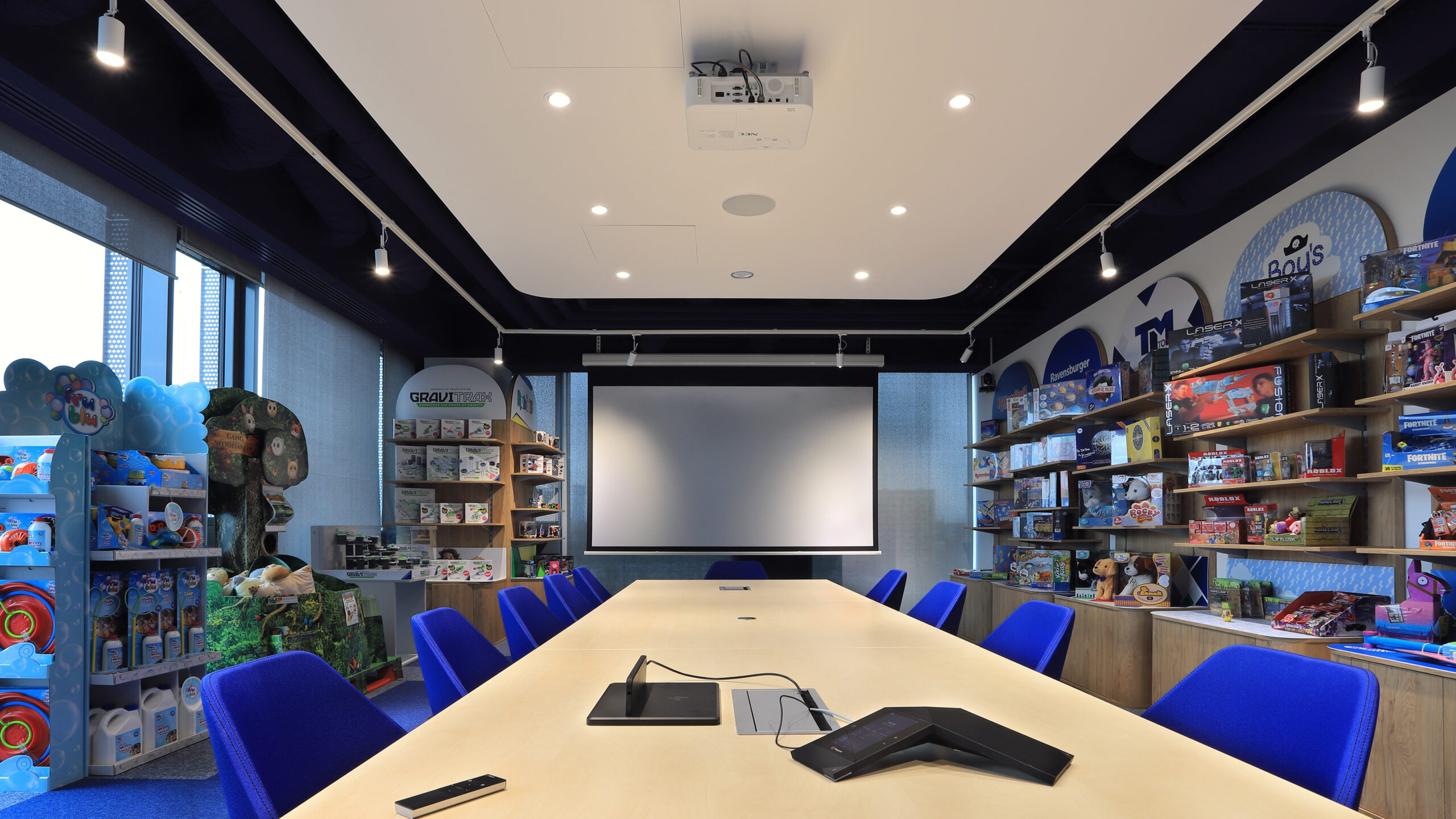

Microsoft Teams Rooms is a video conferencing kit dedicated to the Microsoft Teams platform that stays permanently in the room: a meeting starts from the room calendar with a single tap, with no need to bring in and connect a laptop. Whether the room will be convenient for everyday work, however, depends on the whole system – camera, microphones, sound, display and controls – matched to the size and acoustics of the room. PROAV designs and commissions such rooms, for example at the TM Toys headquarters and the IDEMIA office in Łódź. Below we describe what a Teams Rooms space needs and how we select each component.
A room ready for the meeting the moment you walk in. We combine video conferencing with wireless presentation, the display, room control and room booking, so participants do not waste time setting up equipment.
Selection after checking the room. We choose cameras and microphones based on the dimensions, acoustics and table layout, and in larger rooms we test solutions before a decision is made.
Integration with your IT department. We configure devices on the client's network in agreement with the IT department, with centralised management and updates.
The same standard in every room. In organisations with several rooms and locations we deploy consistent solutions, so everyone connects in the same way.
Solutions used:
Brands:
Industries:
A kit dedicated to the platform. A Microsoft Teams Rooms system starts meetings from the room calendar, and participants do not need to bring a computer. It works well in rooms used for regular meetings with clients and branches.
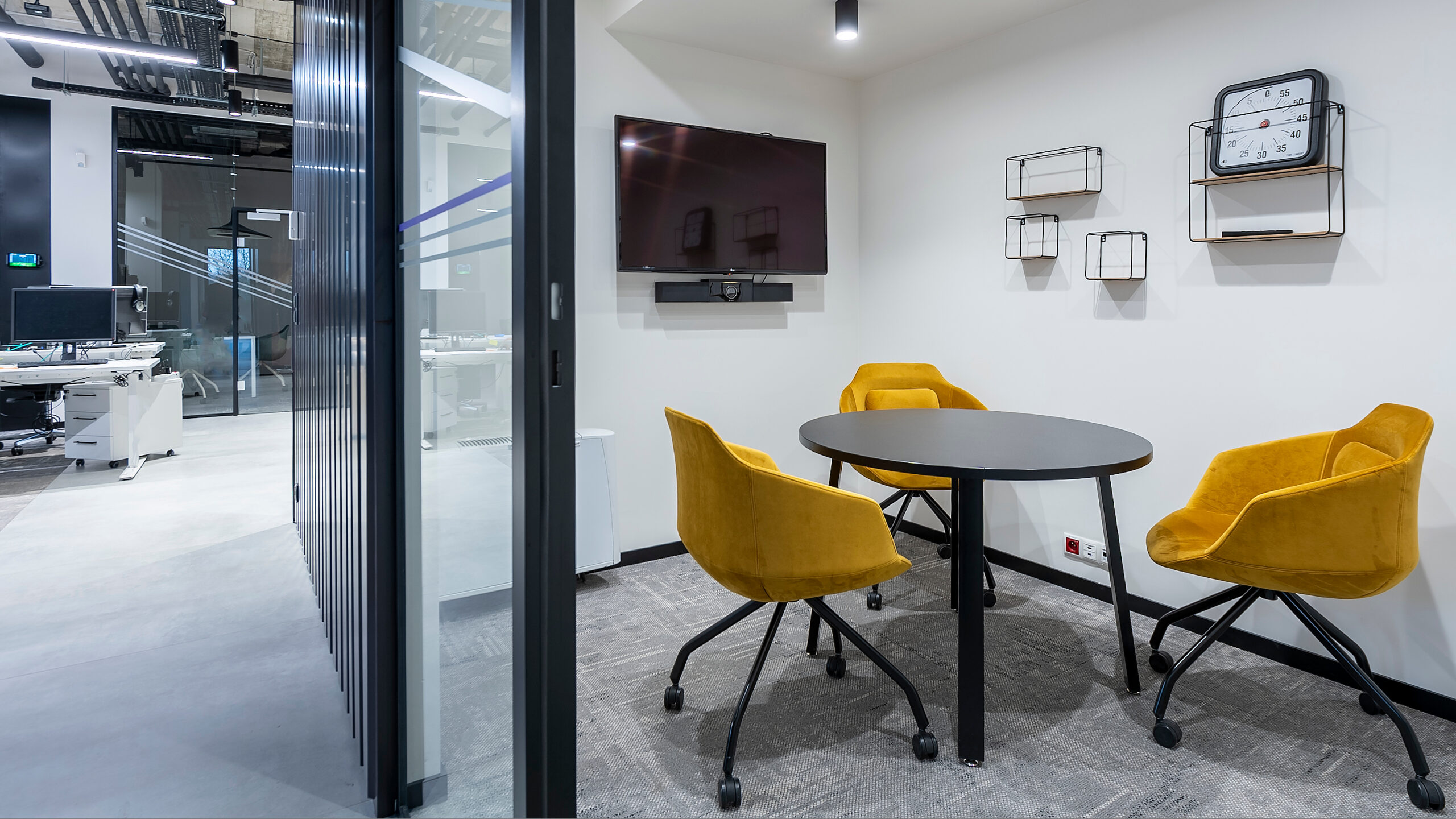
USB kit (BYOD). A video bar connected to the user's laptop works with any platform – Teams, Zoom or Webex. In IDEMIA's small rooms, a kit with a 49-inch LG monitor and a Poly Studio USB video bar starts as soon as a computer is connected via HDMI and USB cables, which makes it ideal for unplanned meetings.
Both types in one office. At IDEMIA the small rooms work in USB mode and the larger ones with Microsoft Teams Rooms. We agree the choice with the IT department, taking device management and licensing into account.
No user computer needed. In the TM Toys room we built the video conferencing system on a Poly kit with a mini PC as the central unit, so meetings run in the Microsoft Teams Rooms application. IDEMIA's larger rooms use Poly MTR series systems with the native Teams Rooms application.
Meetings at the touch of a button. The room is operated from a touch panel on the table. To join a scheduled meeting, simply press the "join" button; from the same interface you can search for users and start an ad hoc call.
A display matched to the room. We match monitor sizes to the dimensions of the room – at IDEMIA the larger rooms have 65-inch LG monitors and the small ones 49-inch.
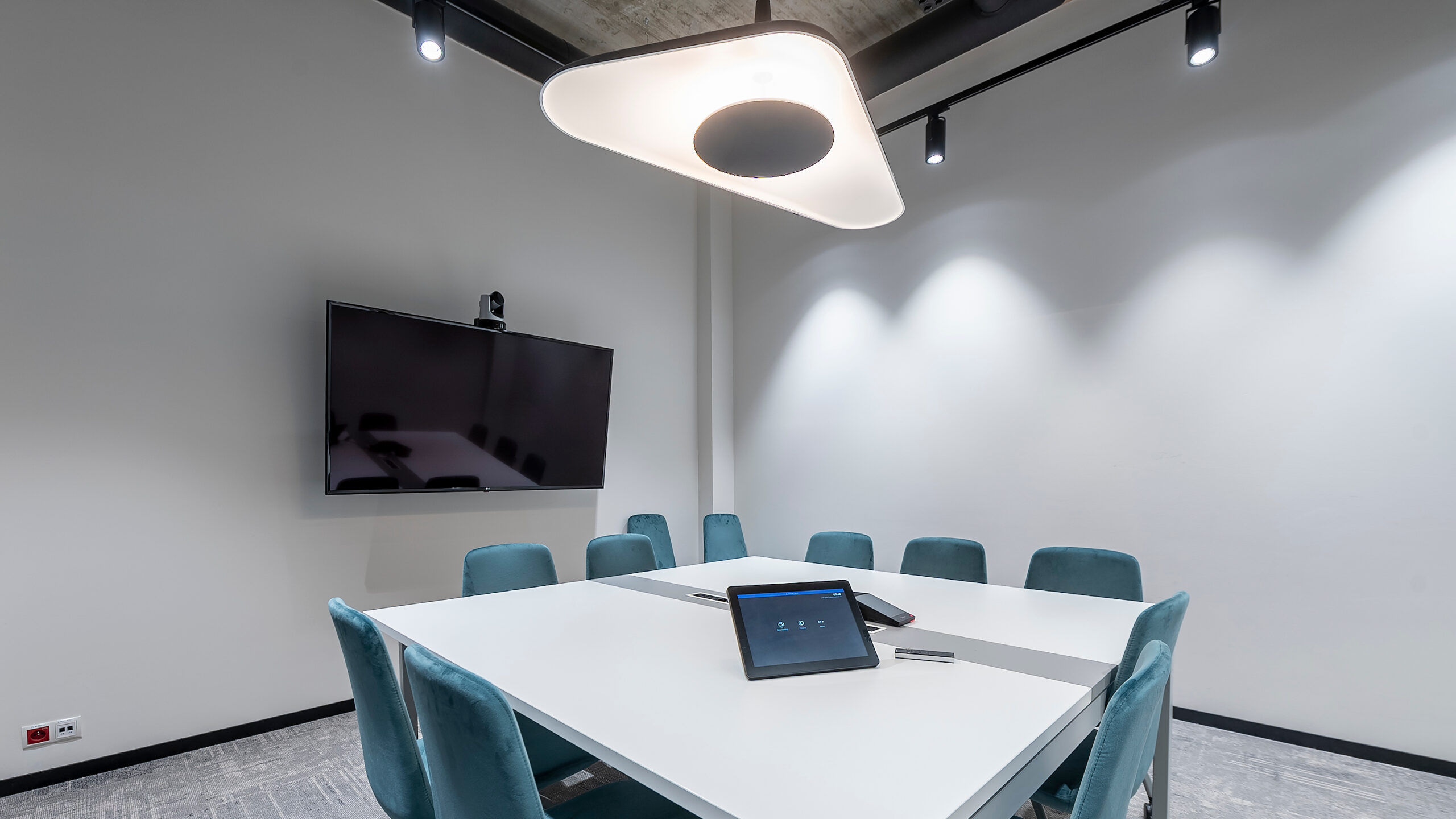

A pan-tilt camera with zoom. The TM Toys room uses a Poly EagleEye IV camera with 12x optical zoom and pan and tilt control. It can show both the whole table and the person speaking.
Framing to suit the meeting. At IDEMIA, PTZ cameras with 12x zoom allow the shot to be narrowed or widened, for example to show remote participants material on the whiteboard in the room.
Large rooms. In medium-sized and large rooms we use cameras with speaker framing or multi-camera systems that automatically show the person speaking.
In a large room, sound determines the quality of the meeting. We use ceiling or table microphones that cover the whole table, loudspeakers distributed around the room and an audio processor that reduces reverberation and echo.
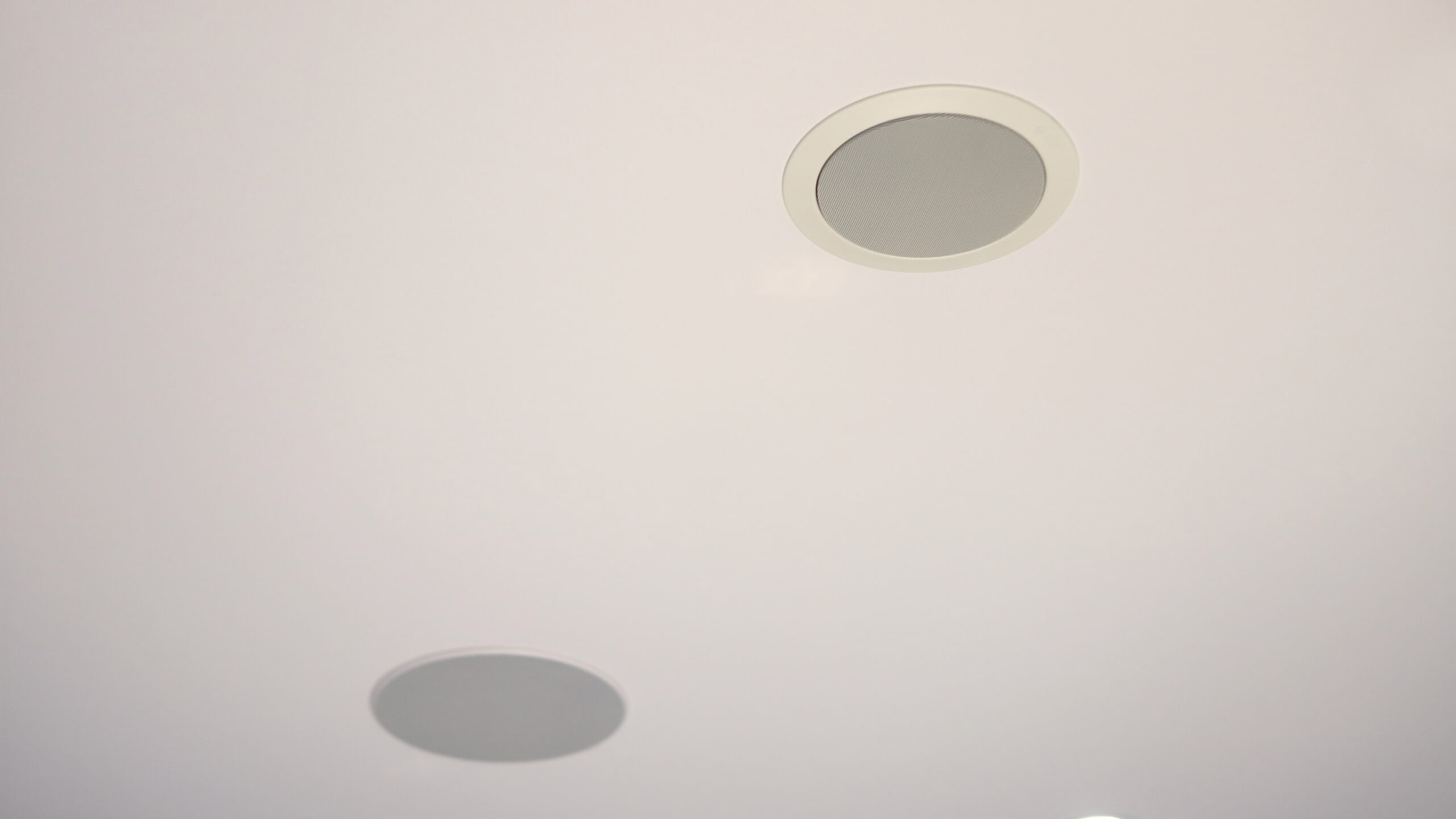
Ceiling speakers. In the TM Toys room we installed two Ecler ceiling speakers that provide sound during video conferences, and the set-up is completed by a Poly Trio 8800 conference phone.
A conference phone on the table. At IDEMIA, the Teams Rooms spaces are complemented by Poly Trio 8800 phones with NoiseBlock technology, which mutes background noise. We match the room audio to the acoustics of the space – details on our Sound systems page.
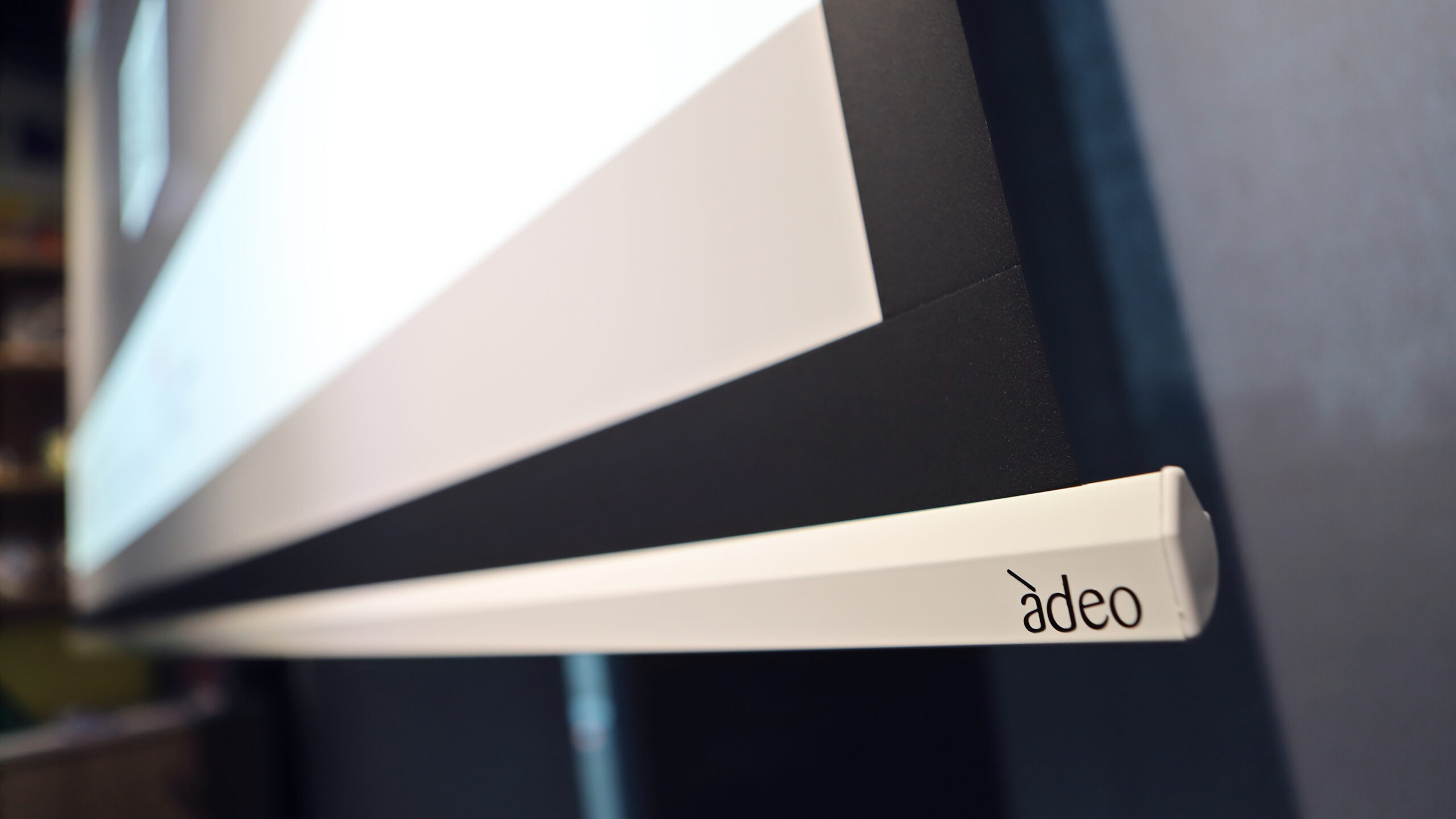
A legible image in a bright room. The TM Toys room has two glazed walls, so we selected an NEC P554U projector with a brightness of 5300 ANSI lumens and WUXGA resolution, together with an Adeo Screen roll-down screen. Presentations and the participant list remain legible even on a sunny day.
Monitor, projector or LED screen. The video conference image is shown on large-format monitors, a projector or an LED screen – the choice depends on the size of the room and the amount of light.
Two ways to display content. At TM Toys, a Kramer VIA GO system transmits the image from a laptop wirelessly, and if needed the computer can be connected with an HDMI cable to the connection point in the table.
It is a video conferencing kit dedicated to the Microsoft Teams platform that stays permanently in the room and starts a meeting from the room calendar with a single tap. The central unit is the kit's own computer – participants do not connect their own laptops.
No. In the TM Toys room, the central unit is a mini PC integrated with the Poly kit, and the meeting is controlled from a touch panel on the table. A laptop only needs to be connected to display a presentation – wirelessly or via the HDMI connection in the table.
A Teams Rooms kit starts the meeting from the room calendar without a user computer. In USB (BYOD) mode, participants connect their own laptop and use any platform. In many offices we combine both solutions – as at IDEMIA – and we agree the choice with the IT department.
In a small room, a wide-angle camera or one that automatically frames participants is sufficient. In larger rooms we use PTZ cameras with optical zoom – 12x at TM Toys and IDEMIA – and in large rooms, cameras with speaker framing or multi-camera systems.
Wireless presentation, room control and room booking, so that the room is ready for the meeting the moment participants walk in. When an organisation uses several platforms, we select the system so that it supports Teams, Zoom or Webex.
Which platform does the organisation use? Microsoft Teams, Zoom, Cisco Webex or several at once – this determines the choice of kit and licences.
How many people and what table layout? The size of the room determines the camera, microphones and screen size.
How bright is the room? Windows and glazing determine the projector brightness or the choice of a monitor or LED screen.
Scheduled or ad hoc meetings? This determines the split between Teams Rooms spaces and rooms with a USB kit.
Who manages the devices? We agree network configuration, updates and centralised management with the IT department.
Planning a Microsoft Teams Rooms space?
We will check the room's lighting and acoustic conditions, agree the solution with your IT department and prepare a quote with the right camera, audio and display.







