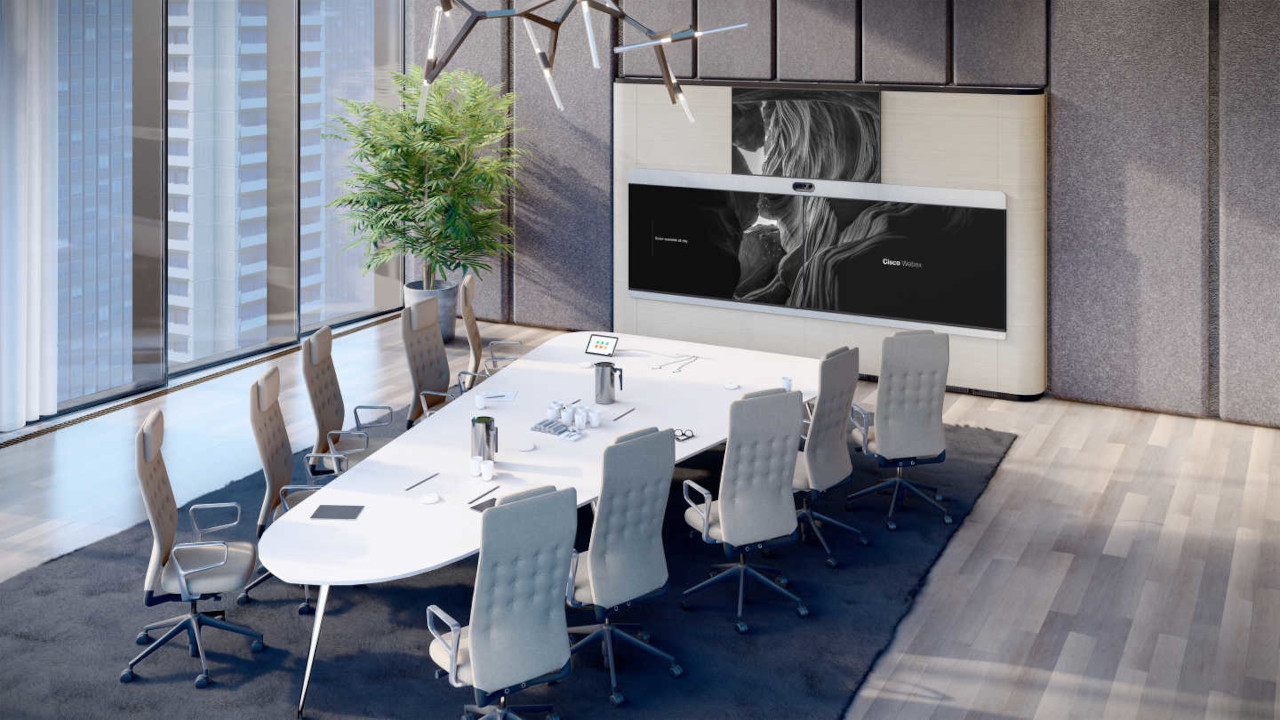
Cisco Webex


Cisco Webex is a meeting platform used by many companies and institutions, and conference rooms need to work with it without extra configuration before every call. In PROAV projects, Webex compatibility is one of the first requirements we agree with the client – together with the room acoustics, table layout and existing infrastructure. We have designed and commissioned rooms like this at, among other places, the headquarters of the Polish Bank Association (Związek Banków Polskich) and the ZBP Bankers' Club (Klub Bankowca ZBP).
Organisations that work in Webex most often ask us about three things: how to equip additional rooms, how to connect video conferencing with the existing sound system, and how to prepare a room for a possible change of platform in the future.
We always start our answer with a site survey and a conversation about who uses the room and how – only then do we select the equipment.
Solutions used:
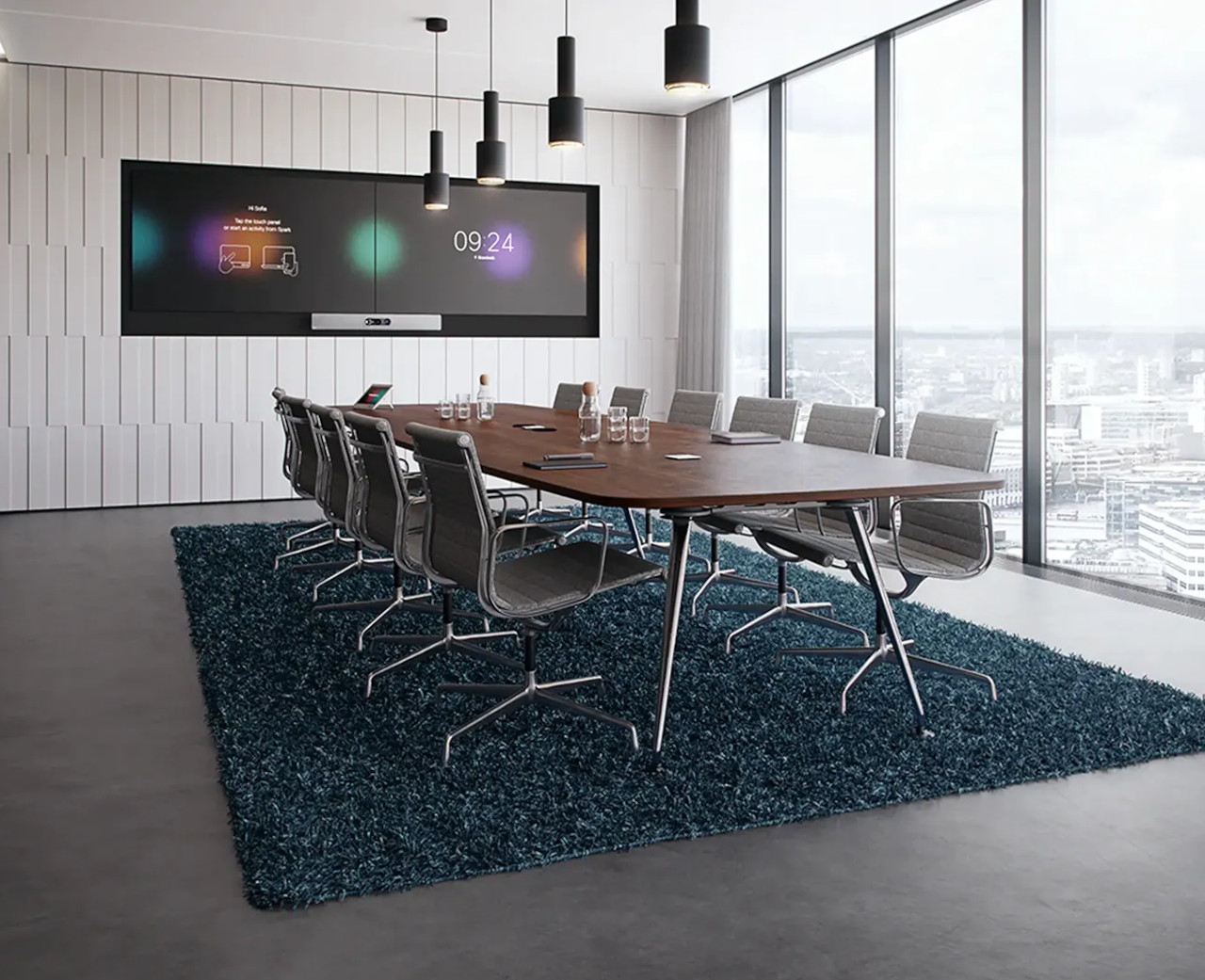
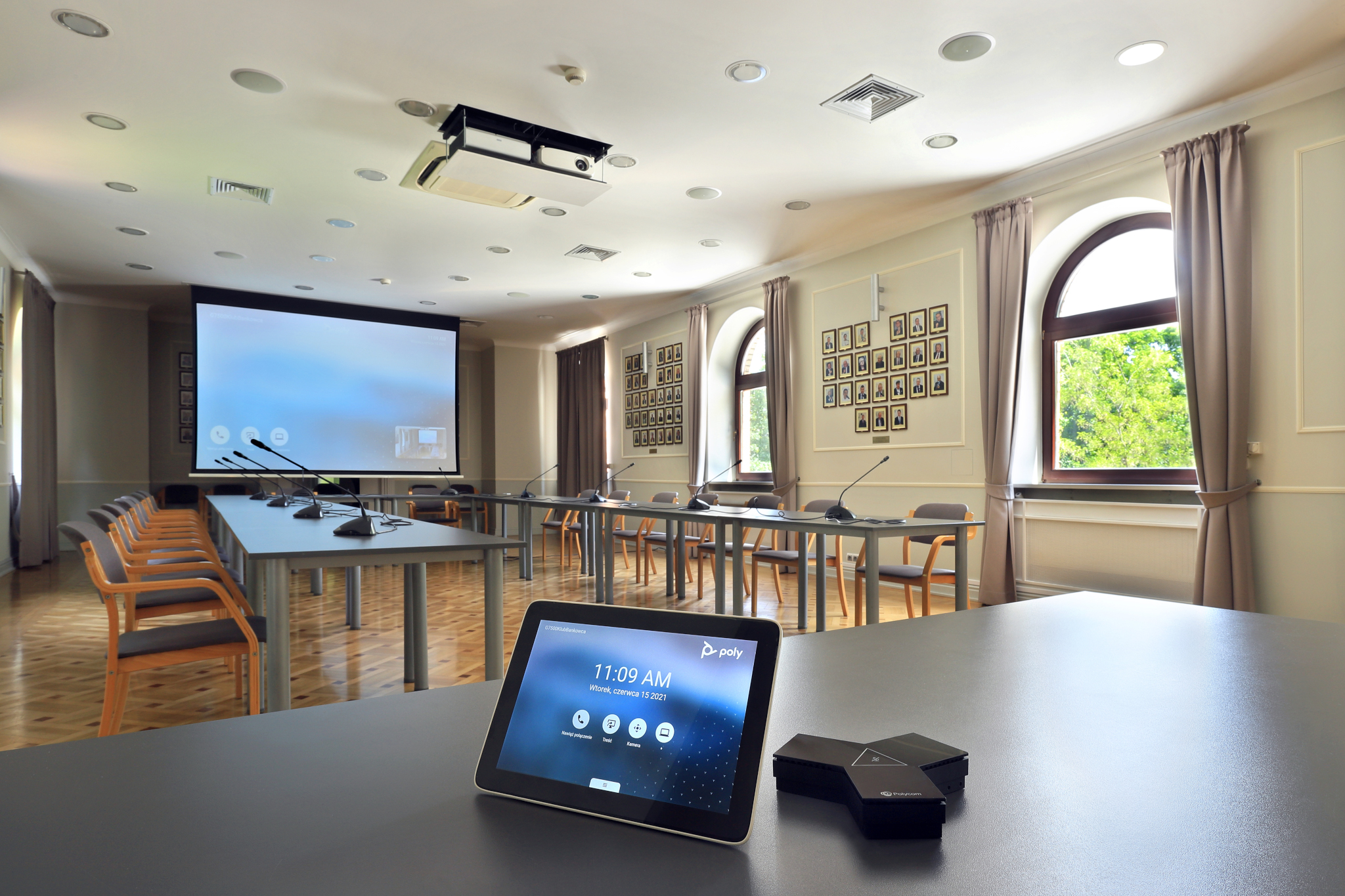
Polish Bank Association (Związek Banków Polskich). The video conferencing system had to work with the Cisco Webex platform used by ZBP. We built it around a conference phone with a video module and a PTZ camera, and the signal from a distant technical room is carried by HDBaseT extenders – described in the Związek Banków Polskich project.
ZBP Bankers’ Club. In a 120-person room divided by a movable wall, the system starts Webex meetings and uses the existing sound system, discussion system and wireless microphones, without replacing working audio equipment – details in the Klub Bankowca ZBP project.
BYOD rooms with any platform. At the IDEMIA office we equipped the smaller rooms with kits that work with the app on the user’s computer – Microsoft Teams, Zoom or Webex – once two cables are connected.
Sound system and discussion system. In large rooms we connect video conferencing with the existing loudspeakers, microphones and discussion system, so that remote participants can hear everyone and the room does not need two separate audio set-ups.
Long-distance signal transmission. When the equipment sits in a technical room, we design signal distribution that preserves image quality and allows the room to be controlled from a single panel.
Operation without a manual. A meeting scheduled in the calendar starts at the press of a button. We design the interface so that any employee can run the room without support from the IT department.

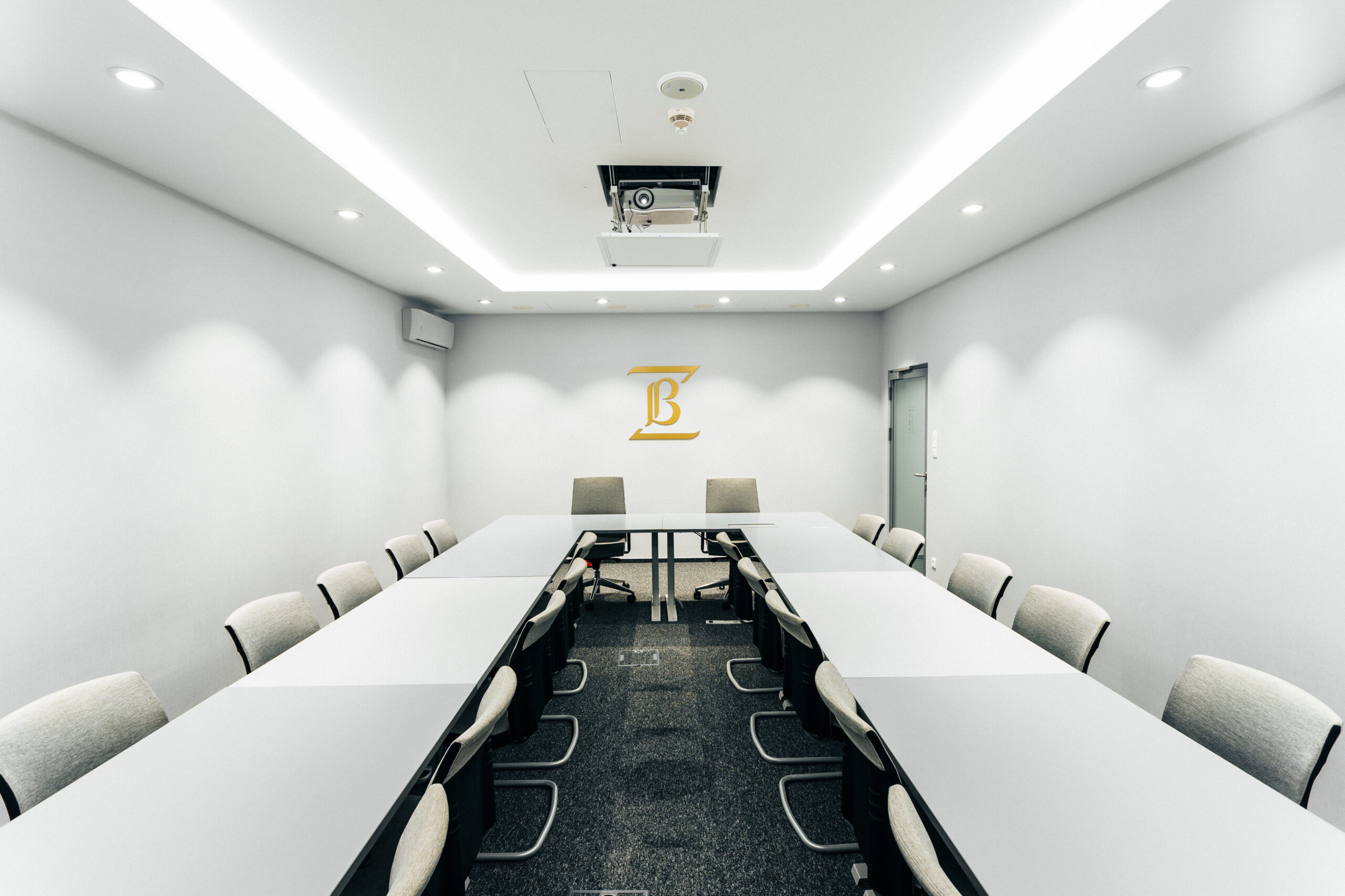
Yealink video conferencing systems. For new rooms and equipment replacements we recommend Yealink solutions – video bars and kits for rooms of every size, ready to work with popular meeting platforms.
Microphones and audio processing. In rooms where speech intelligibility is critical, we use ceiling microphone arrays and audio processors from Shure and Biamp.
Wireless presentation. Cable-free content sharing from a laptop is provided by Barco ClickShare systems, which we combine with video conferencing into a single way of operating the room.
Meeting rooms for a few people. A video bar connected to a laptop with one or two cables – the meeting takes place in whichever app the user works with.
Boardrooms. A kit with its own computer and touch panel, a camera that automatically frames the speaker, and microphones chosen to suit the shape of the table.
Large and divisible rooms. PTZ cameras with optical zoom, integration with the sound system and discussion system, and control adapted to the room’s operating mode. More about our approach: Video conferencing.