Conference room equipment – what do you need?


What a conference room needs depends above all on its size and on how meetings are held in it: with remote participants, with presentations from laptops, or as a multi-purpose room divided by a movable wall. A meeting room for four people calls for a different set-up than a boardroom seating a dozen or more. PROAV has been equipping conference rooms for businesses and institutions for more than 15 years – including at the headquarters of Siemens, PSI Pharma, Assa Abloy and Expondo. In this guide we describe the equipment we select for rooms of different sizes, how to choose the screen and sound system, and how to tie everything together so that a meeting starts with a single touch.
Selected for the room, not from a catalogue. We choose the screen, camera, microphones and sound system based on the room's dimensions, acoustics and table layout – and, in large rooms, after testing in the actual space.
One system instead of many devices. We combine video conferencing, wireless presentation, the screen and room control so that the whole room is operated from one panel.
The same standard across the whole office. We prepare standard set-ups for rooms of different sizes and replicate them across all locations.
From design to service. We coordinate the work with the architect and interior fit-out contractor, commission the room, train users and provide service.
Solutions used:
Industries:
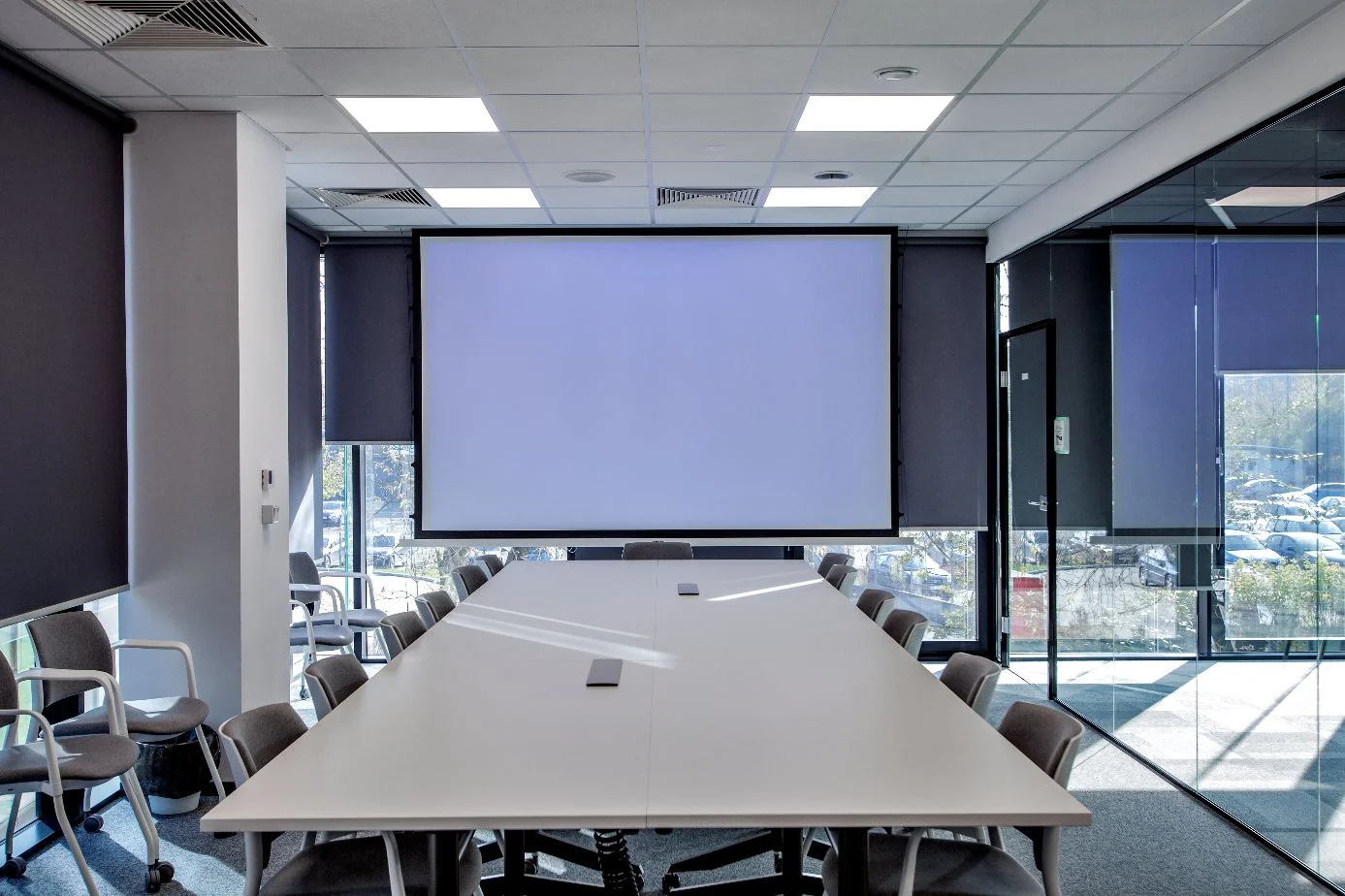

Screen – a large-format display, a projector with a screen, or an LED screen, sized to the room and the distance of the back row.
Video conferencing kit – camera, microphones and loudspeakers for remote participants, matched to the company's platform: Microsoft Teams, Zoom or Webex.
Audio – in larger rooms, ceiling or table microphones, a sound system and an audio processor that cancels echo.
Wireless presentation – sharing a laptop screen with one button, without cables or adapters.
Control and booking – a touch panel that starts up the whole room, and a booking panel at the entrance.
The scope depends on the room. Below we describe what we select for rooms of different sizes. Send us the room dimensions and number of seats and we will propose a specific set-up with a quote.
A huddle room is used for short team discussions and calls with remote staff. For this space we recommend an all-in-one video bar with a wide-angle camera, microphones and loudspeakers, mounted above or below the display.
The video bar can work as a USB device with the user's laptop or as a standalone system running the chosen platform, such as Microsoft Teams Rooms. We agree the choice with the IT department, taking device management and licensing into account.
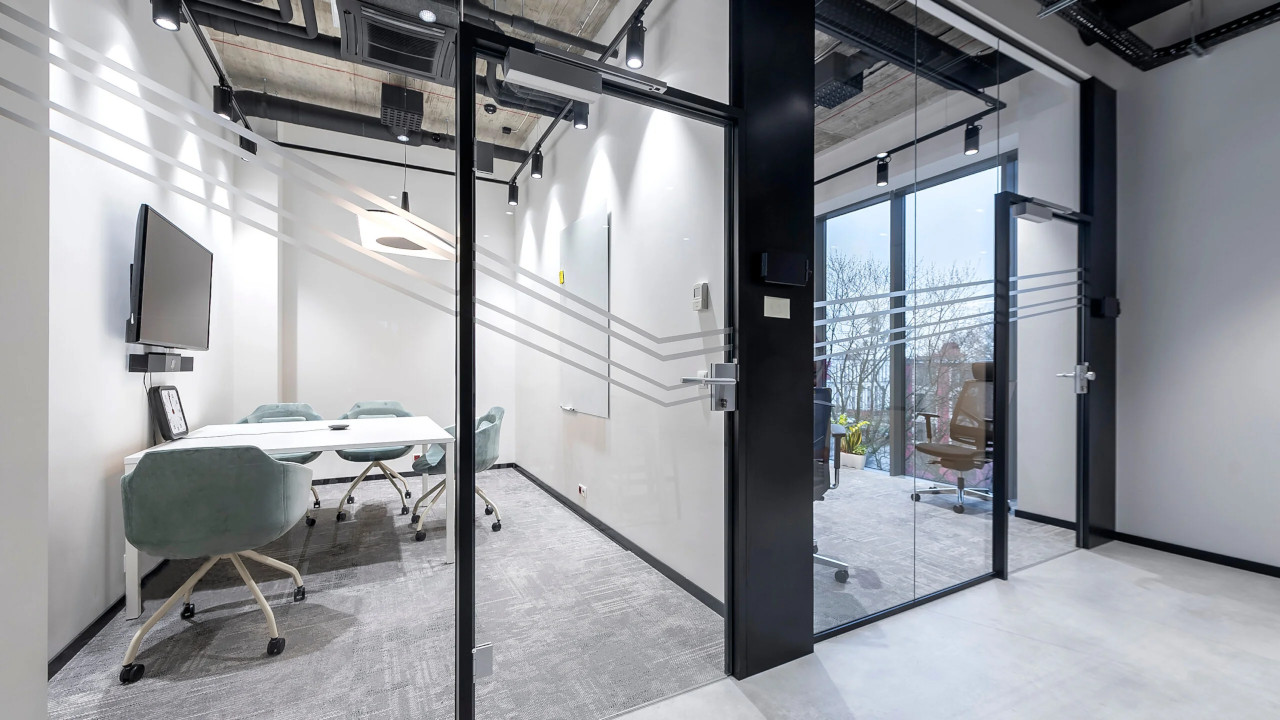
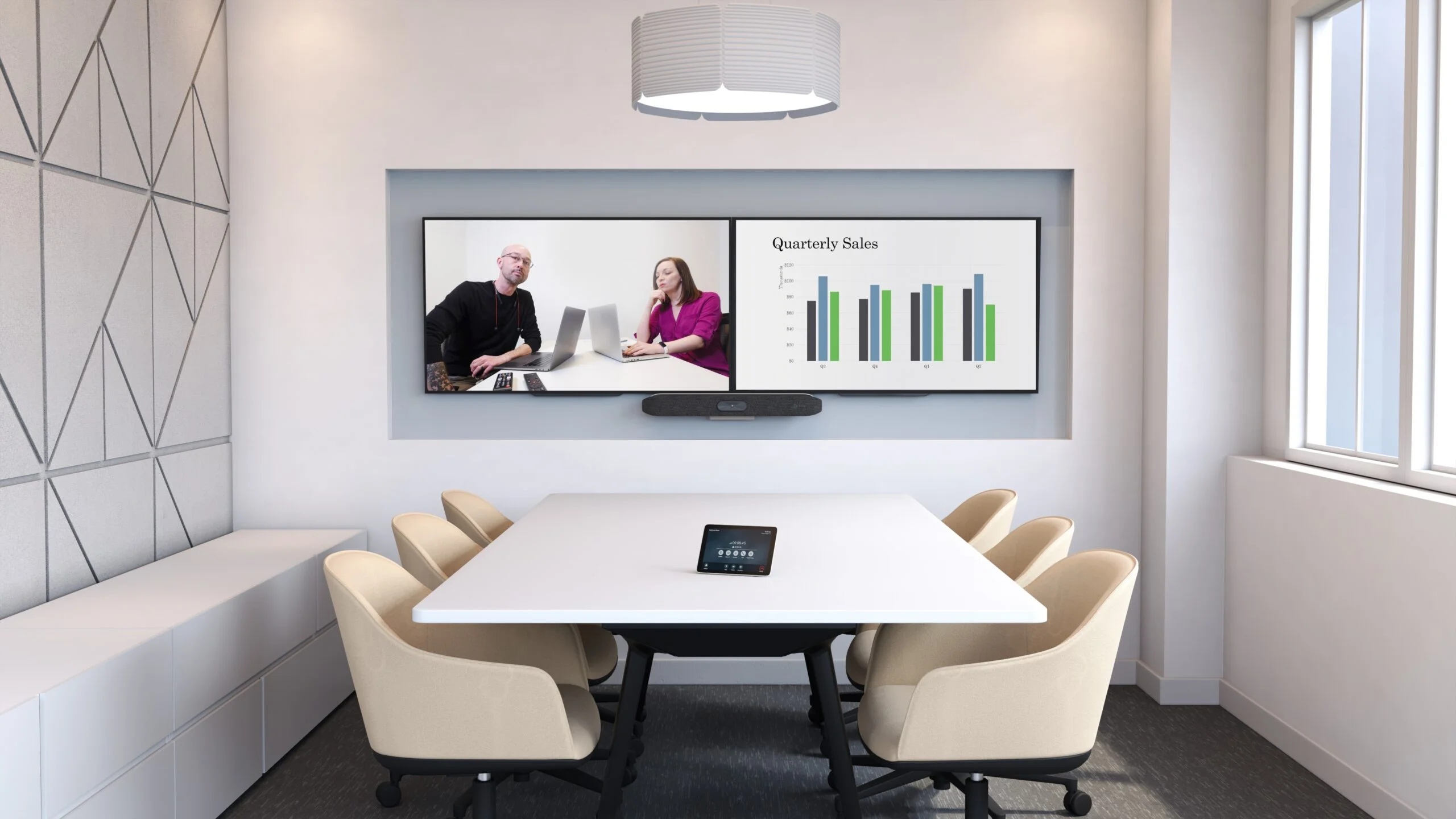
A small conference room brings together office staff and remote participants. A video bar with a camera that frames participants automatically works well here, supplemented by a table microphone when the table is longer than the video bar's microphone range.
Starting meetings from a touch panel or the room calendar removes the need to plug in cables and log in before every meeting. For content sharing we add wireless presentation.
Medium-sized rooms vary in shape, number of tables and how they are used, so we select flexible solutions: cameras with variable optics or speaker framing, directional microphones that suppress sound from outside the conversation zone, and content sharing on a second screen.
At the Siemens headquarters we equipped three rooms this way, with made-to-measure furniture – the video conferencing and sound systems are part of the interior.
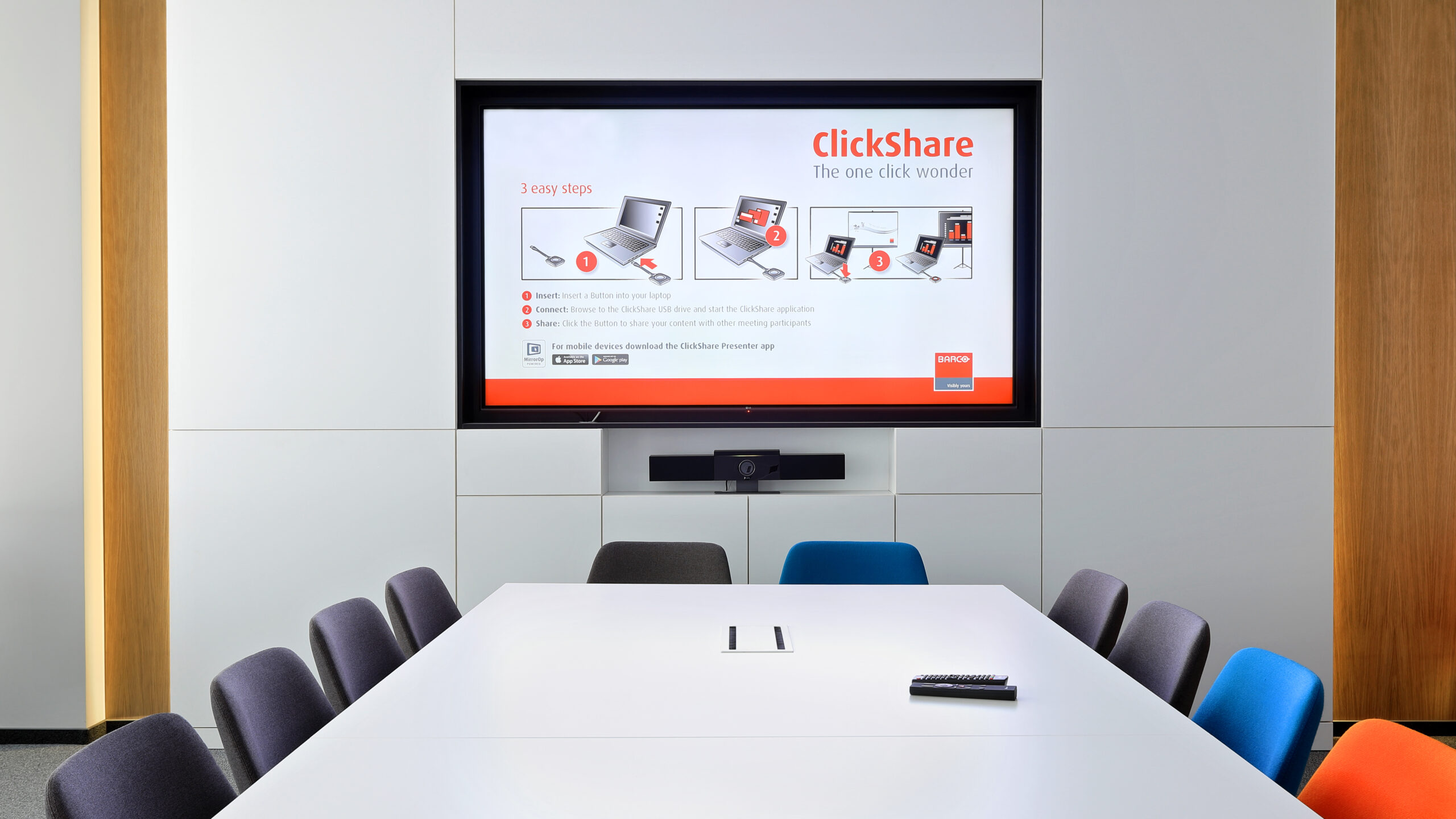
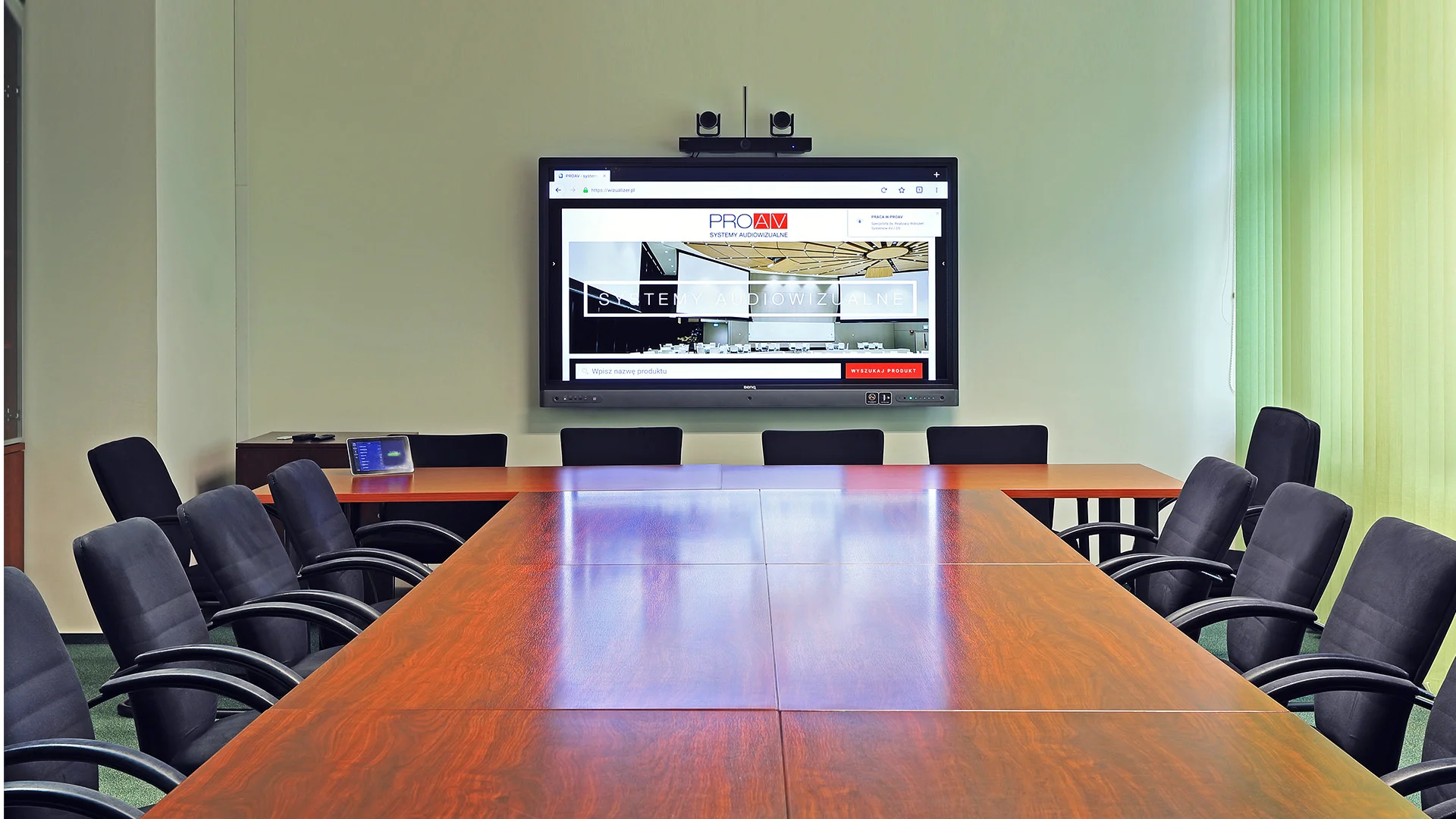
In large rooms, sound is what determines meeting quality. We use ceiling or table microphones that cover the entire table, loudspeakers distributed around the room and an audio processor that reduces reverberation and echo.
PTZ cameras or multi-camera systems automatically show whoever is speaking, and the image goes to large-format displays, a projector or an LED screen. The entire room – picture, sound, lighting and blinds – is operated from a single touch panel. In council chambers where votes are held, we add a discussion system.
In chambers where boards, councils and committees make decisions, we use a discussion system: delegate and chair units with a microphone, loudspeaker and buttons for requesting to speak and voting. The chair gives the floor with a single button, and voting results are available immediately.
In the main session chamber of the National Council of the Judiciary we selected a Televic Confidea G3 discussion system with two chair units and 28 delegate units with card readers. Find out more on the page discussion, voting and simultaneous interpretation systems.

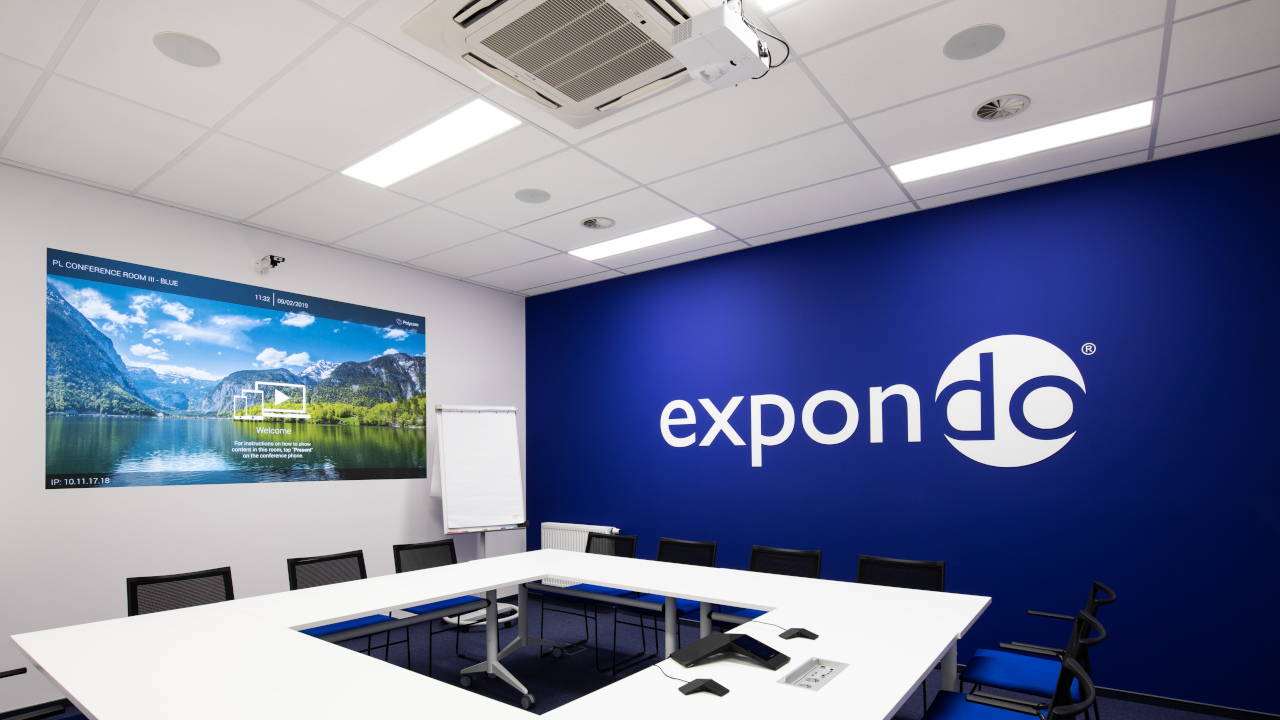
A room that can be divided into smaller parts needs a system that works in several configurations. The control system switches projectors, screens and sound to match the current wall layout.
In the Expondo conference room in Zielona Góra, which a movable wall divides into two rooms, we used wide-dispersion ceiling loudspeakers and audio zones controlled from a touch panel – separately for each part or for the whole room at once.
A large-format display works well in small and medium-sized rooms – it gives a bright image without blacking out the room and is the simplest to install.
A projector with a screen delivers an image several metres wide at a reasonable cost, which is why we choose it for large rooms, auditoriums and banqueting halls. In prestige rooms the screen and projector can retract into the ceiling.
An LED screen gives a large, uniform, seamless image without blacking out the room. We explain how to choose its size and pixel pitch in our guide LED screens – how to choose?.
Find out more about projectors and projection screens on the page projection systems.
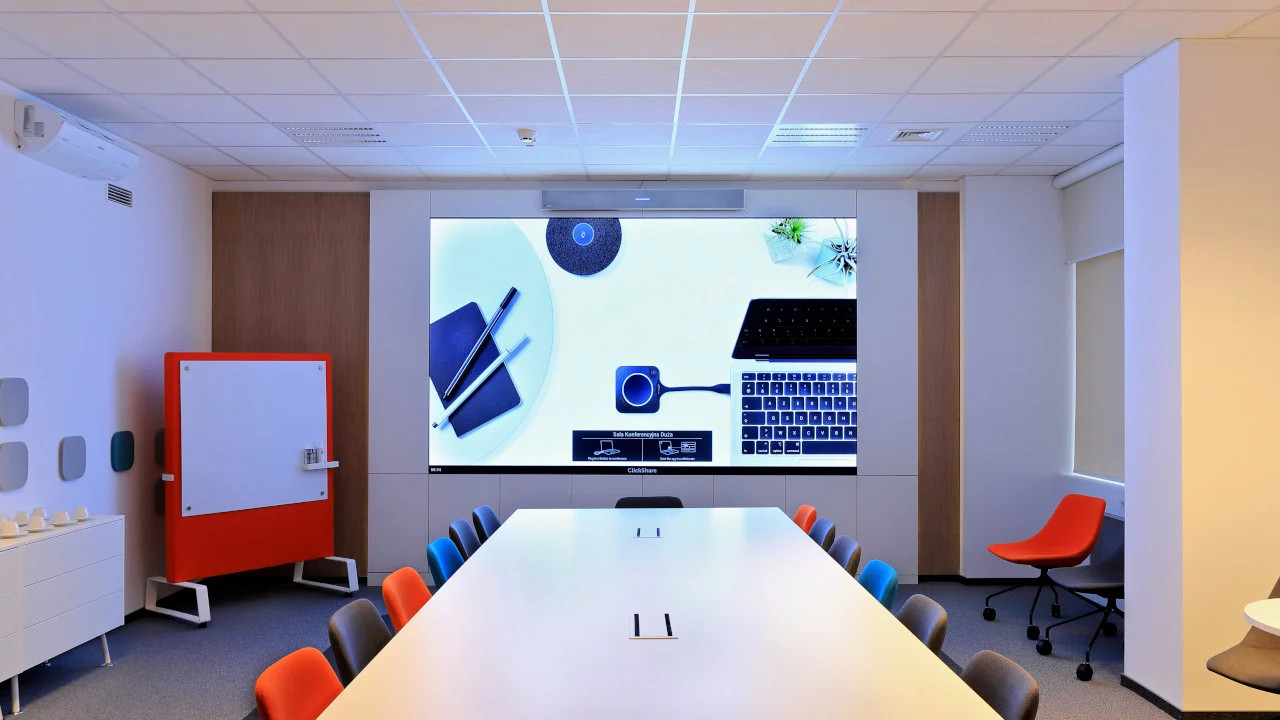
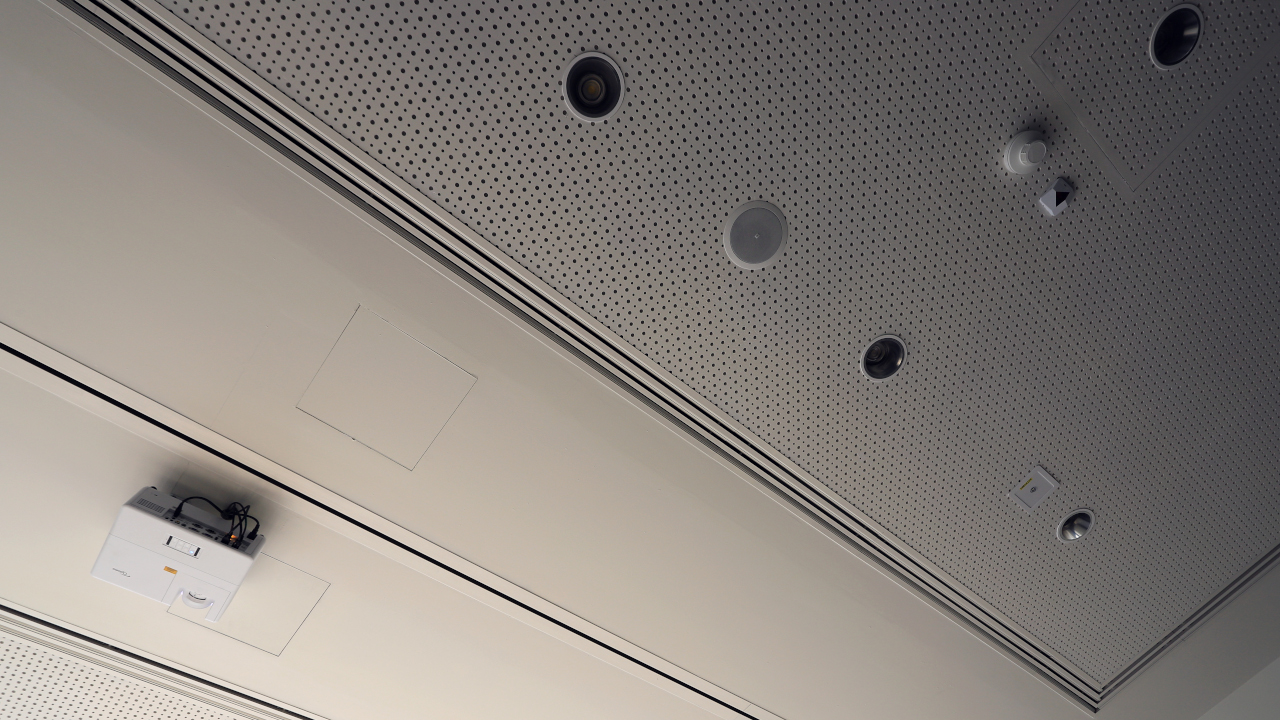
We choose the type, number and placement of loudspeakers based on the room's acoustics and layout. In video conferencing rooms we use conference loudspeakers positioned relative to the participants' seats and an audio processor that cancels echo.
Ceiling microphones take up no space on the table, while table microphones work well with long tables. For presenters in training rooms we provide wireless handheld or headset microphones.
When a room has strong reverberation, we assess the acoustics first – finishing materials affect the choice of loudspeakers and microphones.
A single button on the touch panel can switch on the screen, lower the blinds, dim the lights and start the video conference. After the meeting the system switches the equipment off, and an administrator can remotely shut down all rooms at the end of the day.
A booking panel at the entrance shows whether the room is free, and bookings sync with the Outlook calendar. The control system can work with the calendar and occupancy sensors so that the room gets itself ready for a scheduled meeting.
Details on the pages room control system and conference room booking system.

The basic equipment is a screen, a video conferencing kit (camera, microphones, loudspeakers), wireless presentation and a simple control panel. Larger rooms also need ceiling or table microphones, a sound system and an audio processor, plus a booking panel at the entrance.
In small and medium-sized rooms, usually a large-format display; in large rooms, a projector with a screen or an LED screen. We size the screen to the distance of the back row and choose the technology to suit the room lighting and budget.
For a room for a few people we recommend an all-in-one video bar with a camera, microphones and loudspeakers, working with a laptop over USB or as a standalone Microsoft Teams Rooms or Zoom Rooms system.
In a small room the video bar's loudspeakers are enough. In a large room or boardroom, sound determines meeting quality, so we use microphones that cover the entire table, loudspeakers distributed around the room and an audio processor that cancels echo.
We connect all the equipment to a touch panel that starts the meeting with a single touch, and to the room calendar. Participants don't plug in cables or hunt for remote controls.
The cost depends on the size of the room, the type of screen, the scope of the audio and the integration. For every enquiry we prepare options priced for the complete installation. The initial quote and a consultation with a PROAV engineer are free of charge.
Yes. We prepare standard set-ups for rooms of different sizes and replicate them across all locations – as in the Expondo offices in Zielona Góra and Warsaw.
How many people and what room layout? The number of seats, table shape and acoustics determine the screen, camera and microphones.
Which platform does the organisation use? Teams, Zoom or Webex – this determines the choice of equipment and licences.
Who will operate the room? A self-service room needs a simple panel and automatic meeting start.
What stage is the project at? The earlier we join the interior design process, the easier it is to prepare cabling and built-in elements.
For the first conversation, all we need is: the room dimensions, the number of seats at the table, information on which video conferencing platform the company uses, and a photo of the room. On this basis we prepare initial options, and confirm the details during a site survey.
Shall we equip your conference room?
Send us the room dimensions and number of seats – we will prepare equipment options priced for the complete installation. We start with a site survey, and the initial quote is free of charge.







