Premium interactive display


Today's boardrooms, training rooms and auditoriums running hybrid classes need a display that lets a meeting start within seconds, gives remote participants clear picture and sound, and protects users' data. Interactive displays are a permanent part of the room systems that PROAV designs and integrates with video conferencing, sound and control. We are adding Newline Elara Elite to our offering – the most advanced interactive display series from Newline Interactive, unveiled at ISE 2026. The series combines Android 16 with Google EDLA certification, AI features that support note-taking and video conferencing, and NFC card sign-in to encrypted profiles, so the room is ready for hybrid work without an additional computer.
A configuration matched to the room's role. We decide on the screen size, camera and how video conferencing apps are launched after a site survey and conversations with users – a board works differently from a lecturer, and differently again from a training team. When equipping many rooms, we prepare a common standard that makes it easier for users to work in any room.
The display as part of the room system. We integrate Elara Elite with the camera, sound system, wireless presentation and room control, so that users can operate the whole room in a simple, consistent way. We plan the mounting position and cabling together with the architect or general contractor.
Deployment agreed with the IT department. We configure user profiles, NFC sign-in, updates and Google Workspace access together with the administrators, and after commissioning we train users and cover the rooms with support from our service department.
Solutions used:
Brands:
Industries:
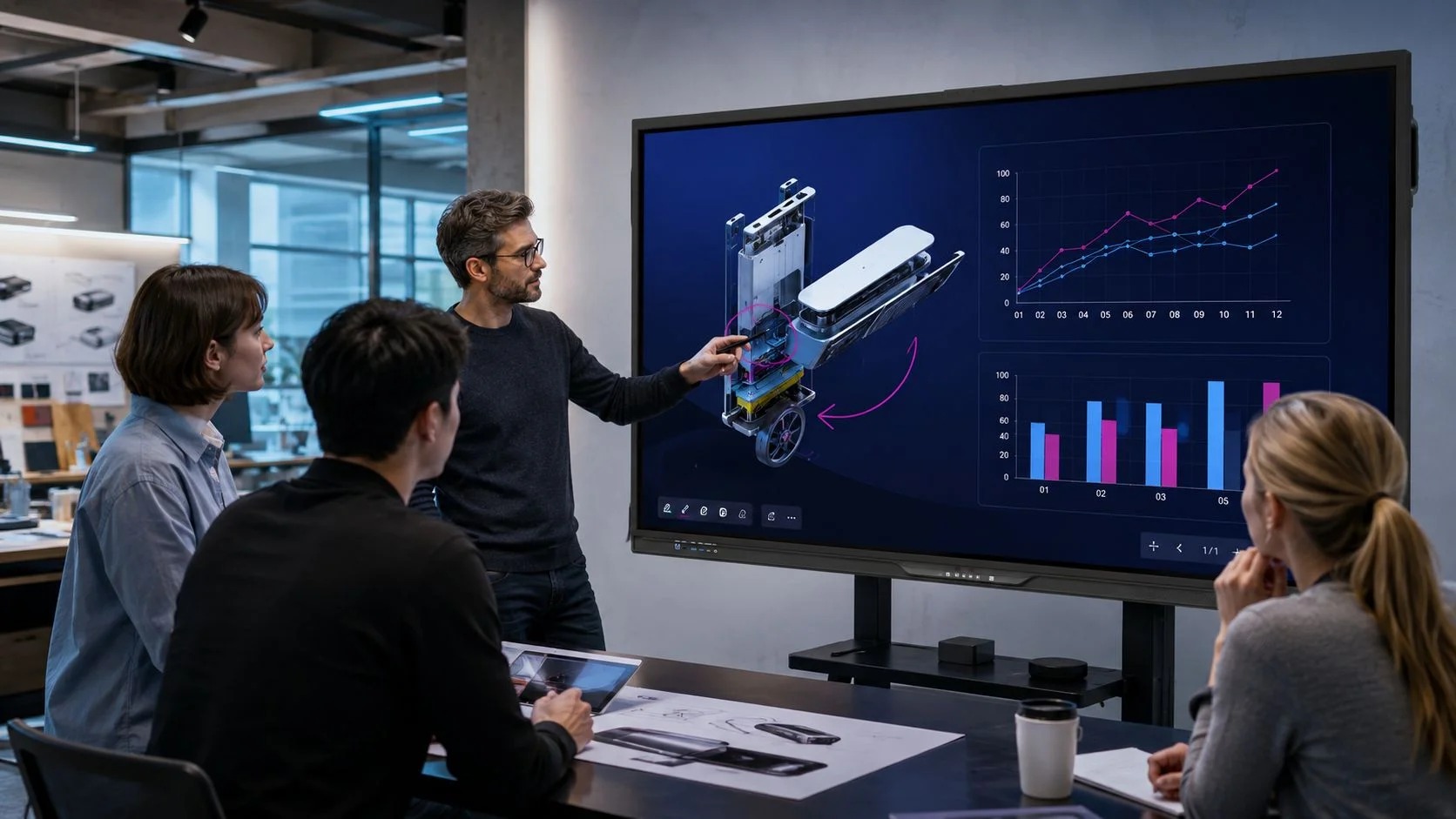
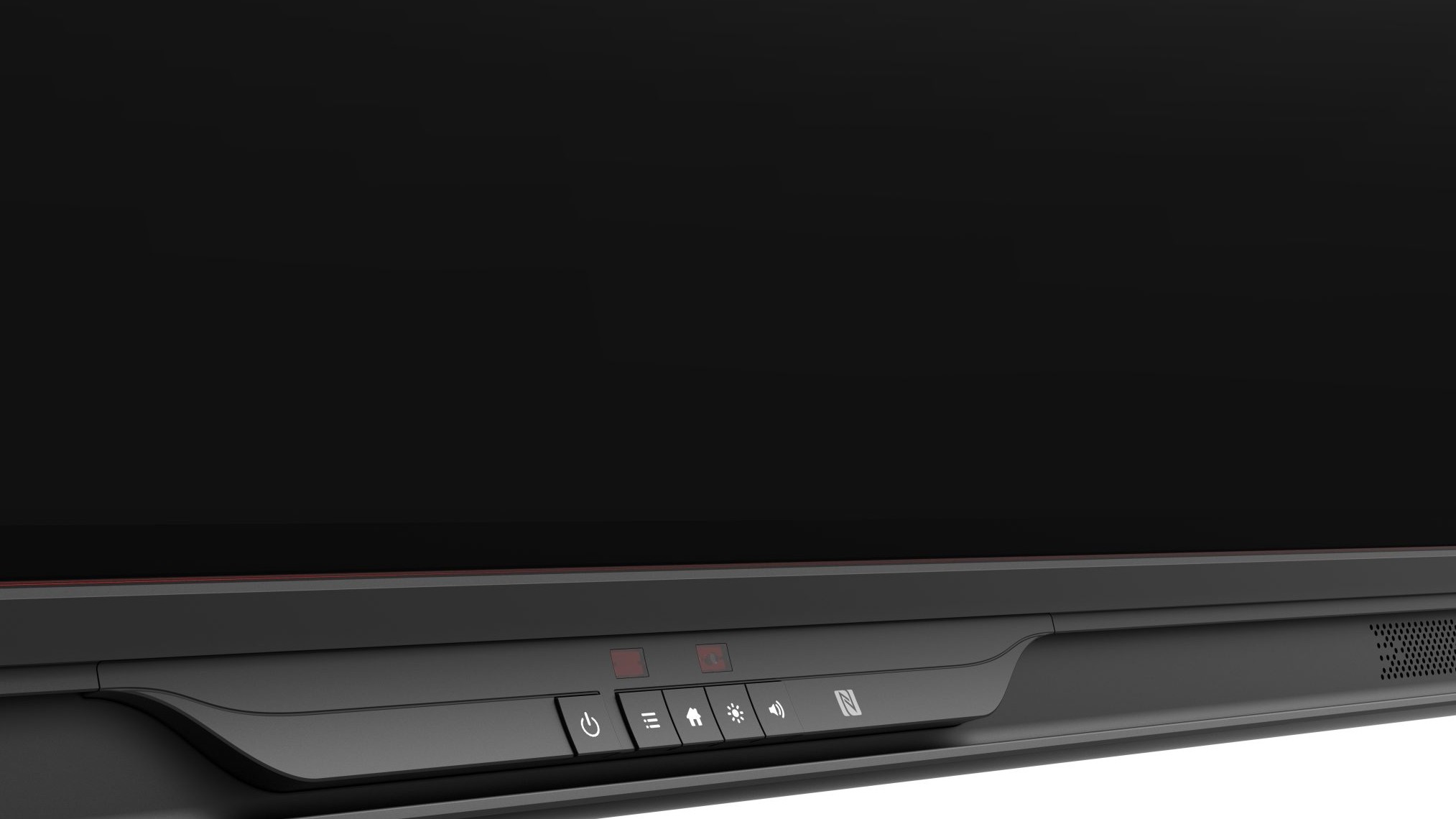
Meetings with no technical preparation. The front USB-C port carries 4K video, touch and network signals while charging a laptop at up to 100 W. The presenter connects a computer with a single cable and can control it straight from the screen.
Card sign-in and encrypted profiles. The built-in NFC reader lets users sign in by tapping a compatible card or device. Each user works in their own encrypted profile, and switching between profiles is quick – important in rooms shared by many teams.
Apps without an additional computer. Android 16 with Google EDLA certification provides access to Google Workspace, Google Drive and the Google Play store. Microsoft Teams, Zoom and Google Meet can be installed directly on the display or run on an optional computer module in the Intel SDM-S slot.
Security in everyday use. The administrator decides which apps can access the camera and microphone – important on devices shared by many people. The manufacturer also promises enhanced encryption and regular security patches delivered via secure OTA updates.
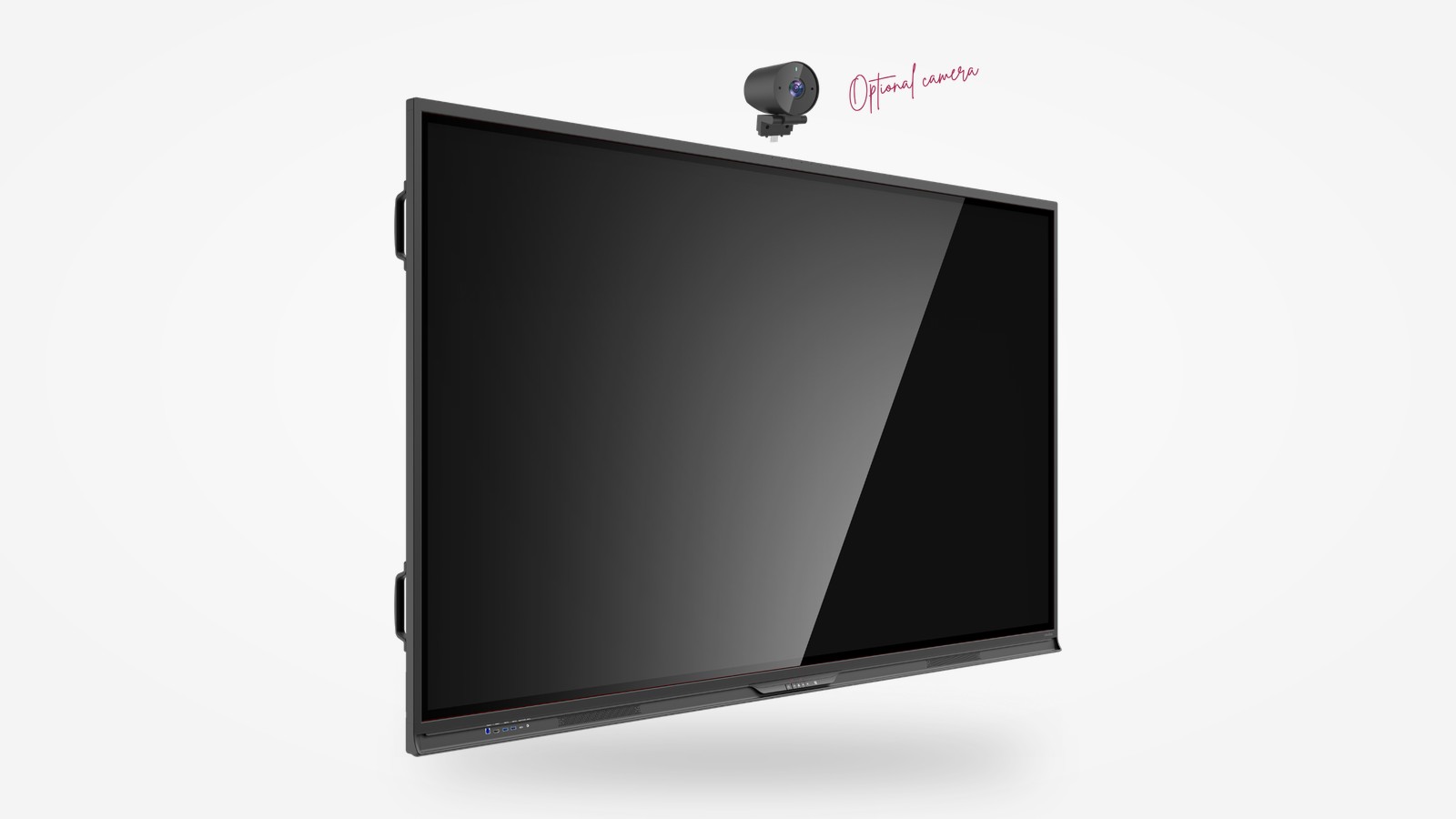
Clear sound and picture for remote participants. An array of eight microphones at the top of the housing picks up voices from up to 10 m away, with noise reduction and echo cancellation. With a compatible camera, AI features track the presenter, frame the image dynamically and switch the view to the active speaker.
A whiteboard that organises your notes. AI Whiteboard recognises handwriting, shapes and mathematical formulas, organises content into an outline and creates diagrams, and prepares questions of varying difficulty based on the material. The manufacturer also highlights automatic meeting notes and interactive mind maps.
Software for teamwork. The package includes Newline apps: Whiteboard for collaborative work on a digital whiteboard, Cast+ for wireless screen sharing from laptops and phones, and – for universities – Classroom Tools and Engage to support teaching.
Precise writing on screen. Zero Bonding technology reduces the gap between the glass and the panel to 0.8 mm, and the manufacturer quotes writing accuracy of 0.5 mm – the line appears exactly under the pen tip. The screen distinguishes between pen, finger and palm, and the 7H tempered glass has an anti-glare and silver-based antibacterial coating.
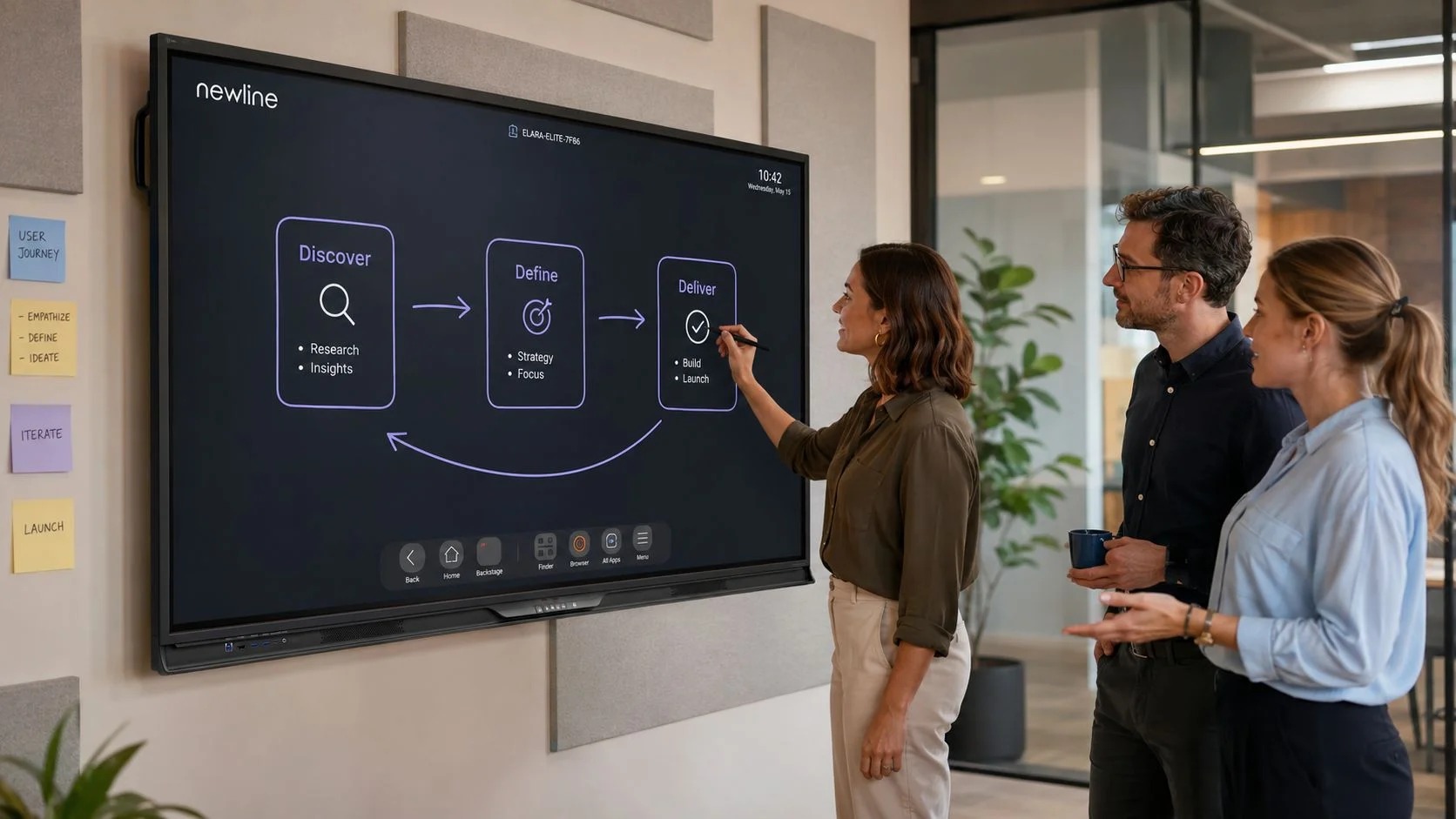
Business / Corporate. In boardrooms and project rooms, what matters is starting a hybrid meeting quickly: the presenter connects a laptop with a single USB-C cable, and remote participants see the active speaker thanks to automatic framing. NFC card sign-in and separate profiles make it easier for many departments to share one room without access to each other's files.
Higher education. In teaching rooms running hybrid classes, AI Whiteboard organises lecture notes, converts mathematical formulas and prepares review questions. Students joining remotely can hear the lecturer thanks to the microphone array, and access to Google Workspace makes it possible to use materials stored in university accounts.
Uniformed services. In briefing and training rooms, encrypted profiles and card sign-in help keep the materials of individual people and teams separate. We agree permissions, updates and network connection methods with the unit's administrators, so that the display configuration complies with the unit's security policies.
The display as part of the room system. An interactive display rarely works on its own in a room. In our projects it is part of a system in which we plan picture, sound and control together with the interior layout, so we start choosing the model from how the room is used.
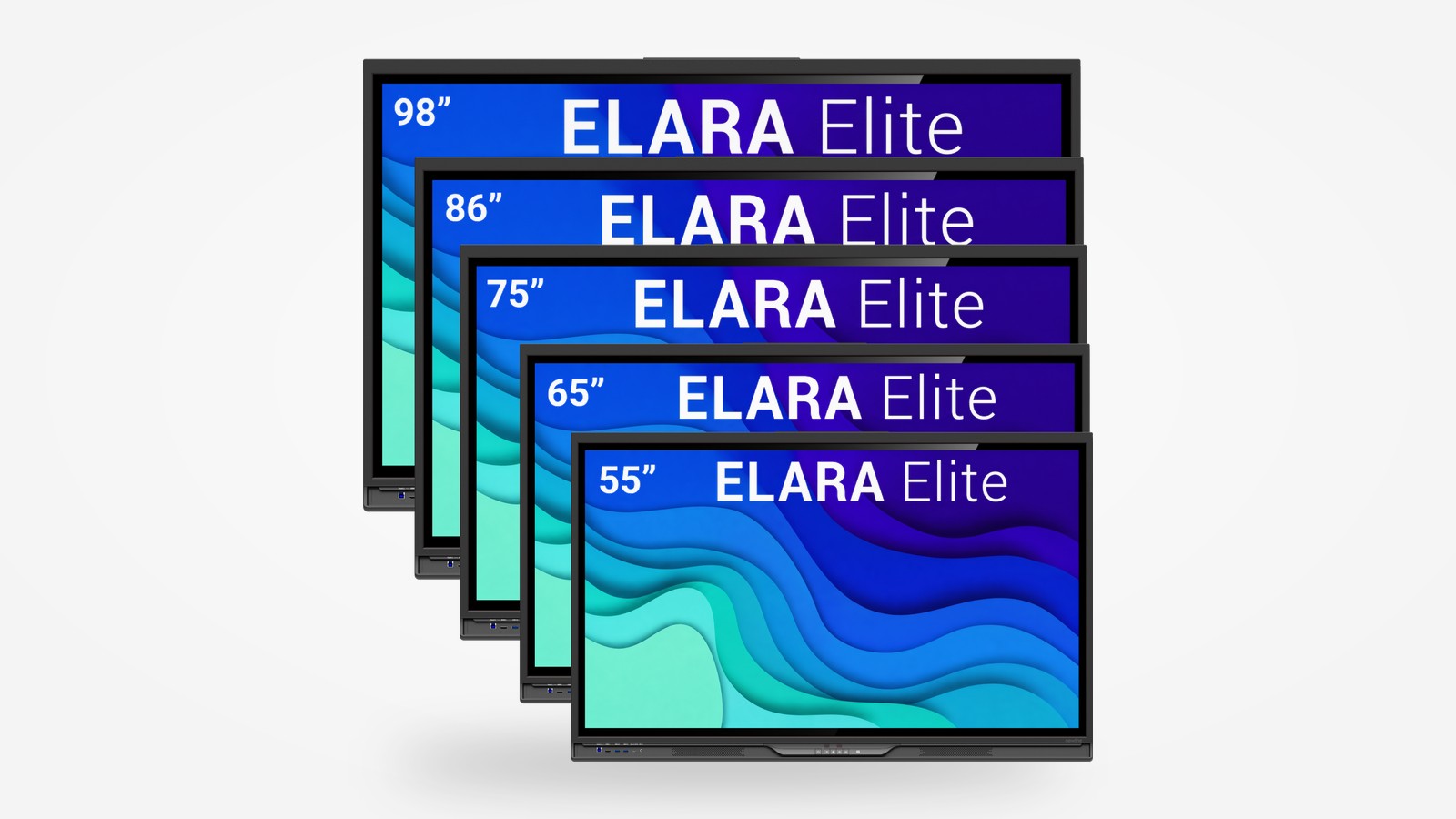
Screen size matched to the room. The Elara Elite series includes 55, 65, 75, 86 and 98-inch models. We recommend the smaller sizes for meeting rooms and team collaboration areas, 75 and 86 inches for typical conference and teaching rooms, and the 98-inch model for larger rooms where content must also be legible from further away.
Camera, microphones and sound system. In smaller rooms, the display's built-in microphones and loudspeakers, complemented by a compatible camera, provide a full set of video conferencing features. In larger rooms we combine the display with a longer-range camera, ceiling microphones and the room's sound system, with everything run by a control system.
Working platform. If the organisation uses Google services, the display's Android system is sufficient. If the standard is Windows or a specific video conferencing platform, we recommend a computer module in the SDM-S slot, so the room works in the same way as other workstations in the company.
Many rooms, one management system. With larger numbers of displays, we configure Newline Display Management Plus: the Zero Touch feature automatically prepares new devices, and the administrator manages the entire fleet remotely. Signage Pro also makes it possible to show announcements and information on many screens at once.
Which platform do users work on? The answer determines whether Android with Google Play apps is enough or whether a Windows computer module is needed.
How will users sign in? We check which cards or devices will be used for NFC sign-in and agree how profiles will be created and deleted.
Does the room need an external camera and sound system? We decide based on the size of the room, the number of participants and the acoustics of the interior.
Where and how should the display be mounted? During the site survey we check the mounting wall, the screen height relative to participants' seats, cabling and power; in multi-purpose rooms we consider a mobile stand or a height-adjustable mount.
What will support look like after commissioning? We agree the scope of user training, how faults are reported and support from our service department, so that the rooms remain ready for use throughout their service life.
At what stage should the IT department be involved? Ideally before delivery: then we jointly agree the rules for connecting to the Wi-Fi 7 network, OTA updates and access to company accounts.
An interactive display matched to your room
We start every interactive display deployment with a site survey and a conversation about how users run meetings and classes – on that basis we choose the screen size, camera and how it integrates with the room system.







