Video walls: design, applications and business benefits


A multi-display video wall grabs attention more effectively than a single screen, while also letting you show many sources on one surface – from marketing messages to maps and operational KPIs. Video walls in offices, visitor service areas and dispatch centres feature regularly among PROAV’s more than 100 reference projects, from an air carrier’s headquarters to an art gallery’s ticket area. Choosing such a system starts with a question about its role: should it build the brand image, support sales or serve data analysis? The answer determines the type of displays, the processor and software, as well as the way the wall is built in and how it is accessed for service.
A build-in that fits the interior. We design the wall together with its surroundings – from a panelled enclosure in an office to a column mount in a visitor service area – so that it complements the interior architecture rather than competing with it.
Displays, processor and software from a single source. We select and commission all components as one system, and in meeting rooms we add wireless presentation, which lets participants show material from their laptops and tablets.
Operation tailored to your team. We choose the software with the people who will create and change the content in mind – at the Smart Jet office this is a designated employee – and hand the system over to them ready for independent use.
Solutions used:
Industries:
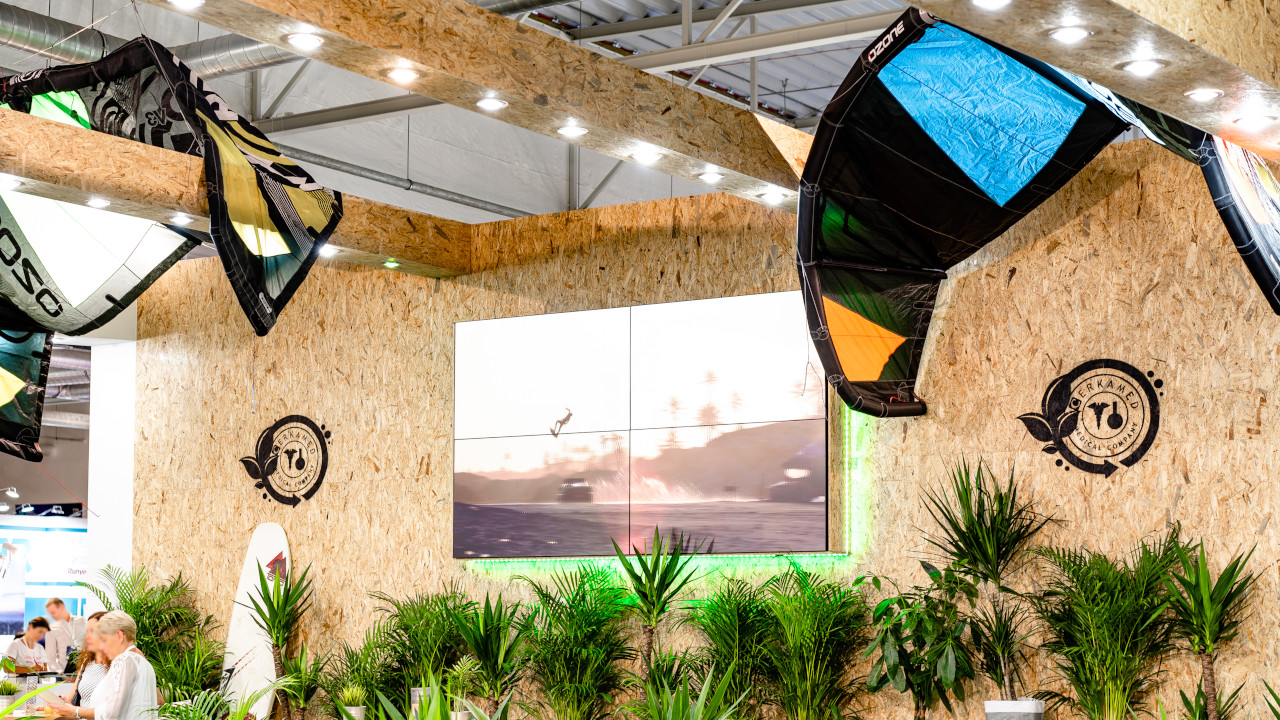
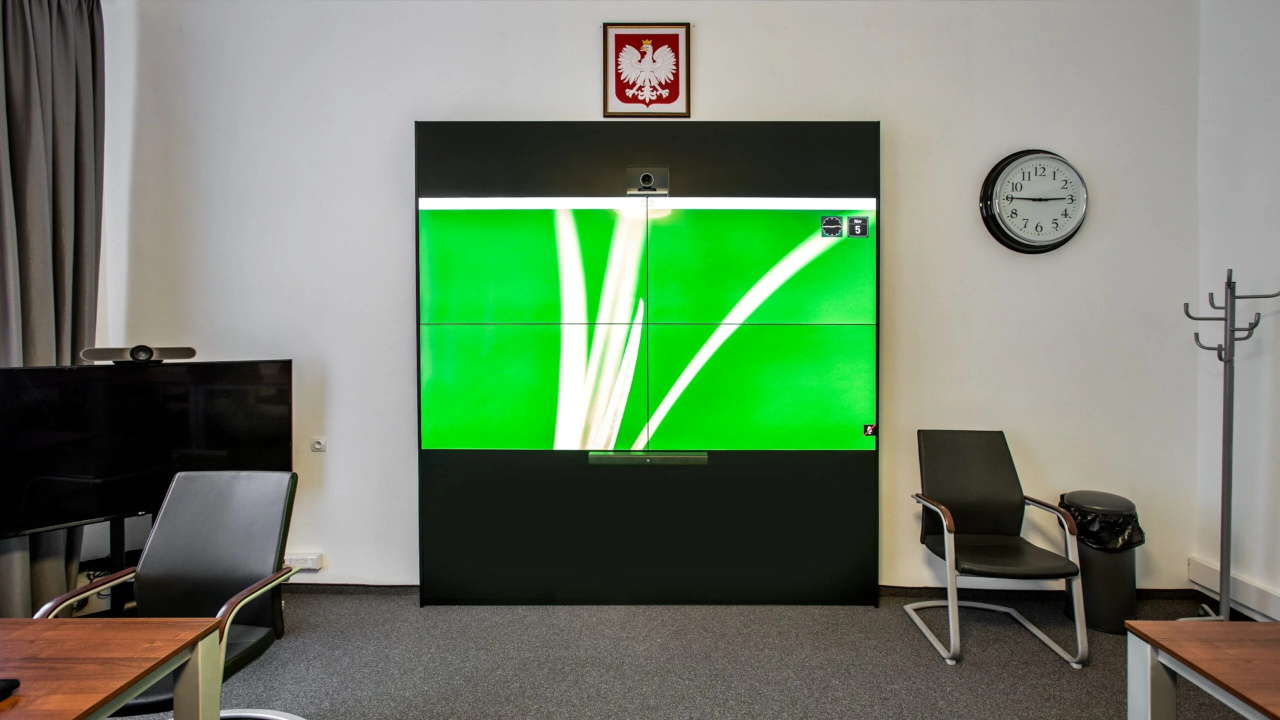
A video wall consists of several or more than a dozen seamless displays mounted directly next to one another. A signal processor makes each screen show its own section of a single image, while the wall management software also allows different content to be shown on individual displays. This gives great freedom in designing templates and layouts for visual communication.
Video wall displays differ from consumer screens. They have very narrow bezels – in some models less than 1 mm – so the wall looks like a single, coherent display. They are designed for continuous operation and offer higher brightness and greater durability.
Examples include the Samsung VH55T-E and VM55T-U displays, built for 24-hour operation with low energy consumption. A brightness of 700 cd/m² (500 cd/m² for the VM55T-U) delivers saturated colours and high contrast even in brightly lit interiors, while a white calibration system evens out colour tones across all the screens in the wall. A protective coating makes the screens more resistant to dust, moisture and mechanical damage.
Images from multiple sources reach individual displays via the video wall processor, which manages AV signals and can display one or many types of content simultaneously.
The software, available as a desktop application and in some systems also for mobile devices, is used to create and save content templates, automate message schedules, remotely monitor the technical status of the displays and switch them off.
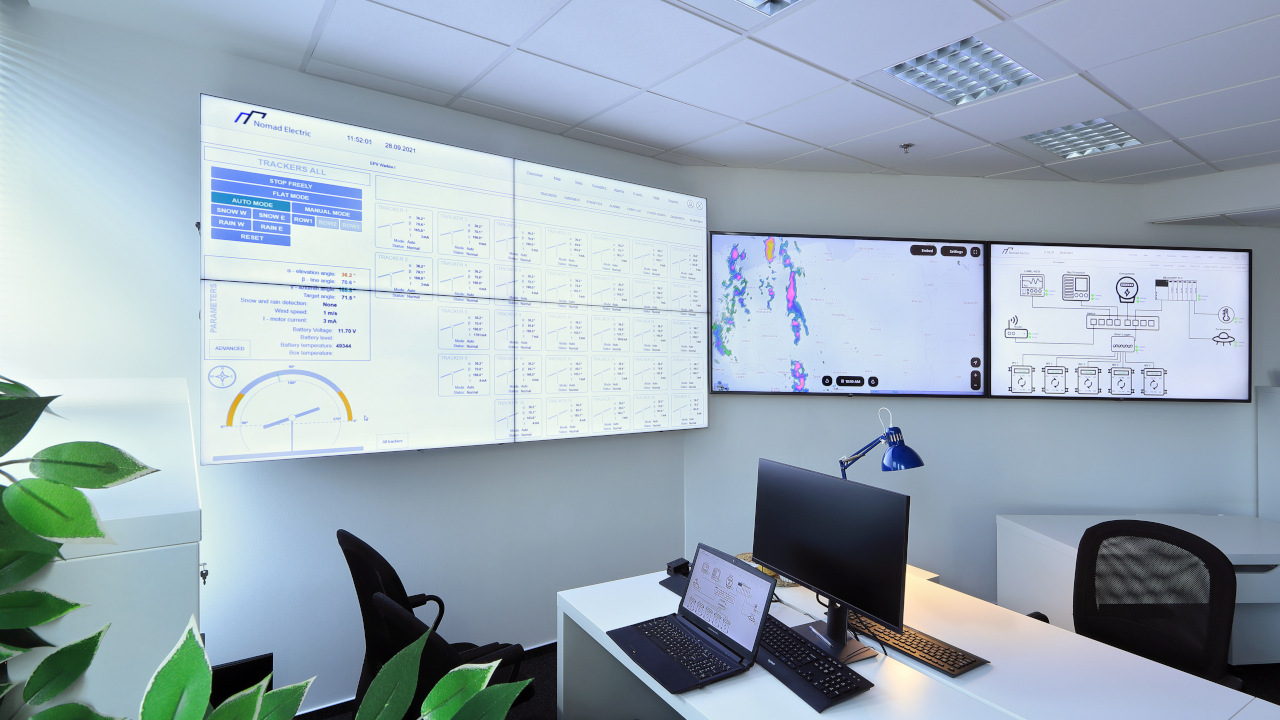

A large, high-resolution image with saturated colours draws attention, which is why video walls work best wherever many people gather or where a lot of information needs to be monitored at once.
Retail and services. In shopping centres, at railway stations and along thoroughfares, video walls display advertising, promotions and information about changes to the offer.
Business / Corporate. In boardrooms, a video wall is used for presentations, analysis of key performance indicators and displaying the video conferencing feed.
Industry, Energy and Transport. In control rooms and dispatch centres, a video wall brings together large data sets from many sources, which speeds up analysis and supports operational decision-making.
Higher education. In university auditoria and congress halls, video walls provide legible, large-format teaching materials.
With so many stimuli competing for people’s attention, conventional ways of presenting products and services are losing their impact. The message alone is not enough – its form and placement matter too.
A large format that draws attention. A video wall is visible from a long distance and makes a strong impression up close. Saturated colours and high brightness make passers-by stop to watch the videos and graphics on display.
Sales support. Research cited in our article on digital signage indicates that dynamic content on large-format screens can increase sales. A video wall built from many such screens strengthens brand recognition.
The image of a modern organisation. Well-considered use of a video wall has a positive effect on how a brand is perceived and shows that the company is open to new solutions.

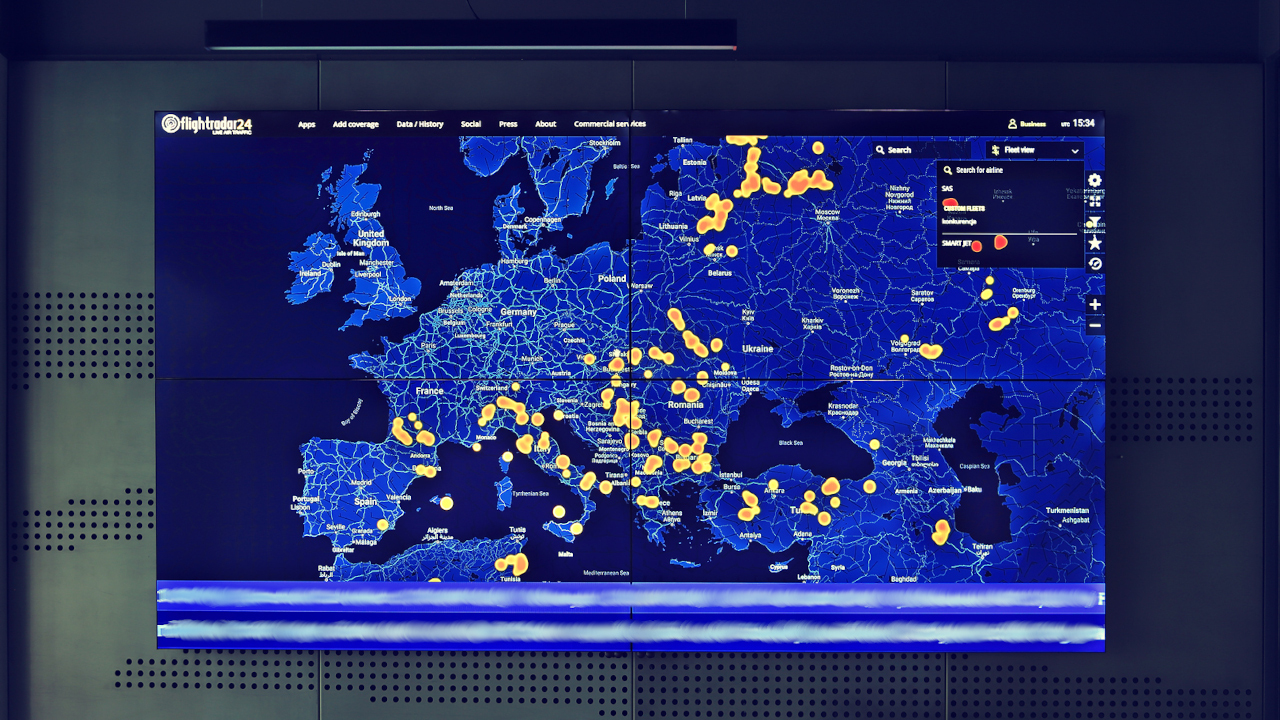
In the open-plan office of air carrier Smart Jet we built a 2x2 video wall from 55-inch Toshiba displays on pop-out mounts, set into an enclosure of metal panels – a light press makes a screen slide out for service access. The content, including a map with fleet positions, is managed by a designated employee in the EVEO URVE system, and a wireless presentation system lets participants show material from laptops and tablets during meetings (inspirations gallery).
In the ticket and information area of the Zachęta National Gallery of Art we mounted LG seamless displays with 0.9 mm bezels on two sides of a column so that they complement the interior architecture; messages for visitors are changed in LG SuperSign software according to a schedule (video wall and videowall in the inspirations gallery).
What is the wall for, and who will change the content? This determines whether the priority is brand image, sales or data analysis, and which software suits the skills of the people managing the content.
From what distance and in what lighting will it be viewed? These conditions determine the display diagonal, bezel width and brightness, and in brightly lit interiors also the required contrast.
Should content change according to a schedule? If so, we choose software that automates message schedules and remotely monitors display status, as in the ticket area of the Zachęta gallery.
Will the wall also be used for meetings? In boardrooms we plan for displaying the video conferencing feed and material from participants’ devices.
How many hours a day will it run? Daily operating time determines the choice of displays designed for continuous operation, with higher brightness and greater durability.
How will service access be provided? We design the enclosure together with access to every display, for example using pop-out mounts that let a single screen slide out.
A video wall in reception, the boardroom or a dispatch centre?
We base the choice of displays, processor and software on an analysis of the installation site and of how the content will be created and changed – we describe the scope of work on our Video walls page.







