Interactive displays for businesses and universities


In a meeting room, an interactive display replaces the whiteboard, the projector and the computer: it lets you present, annotate content and collaborate with remote participants. PROAV selects interactive and touch displays to match the way a team works – from meeting and training rooms to lecture halls – and connects them with video conferencing, wireless presentation and the sound system. We determine screen size, resolution and mounting method based on the size of the room and the viewing distance. In our projects we use displays from BenQ, Newline Interactive, Samsung, LG, NEC and Smart Board. The team works on shared content in the room and online, without moving material between devices.
Matched to the room and the way you work. After analysing the space, we recommend the screen size, resolution and mounting method – on the wall, on a mobile stand or built in.
Integration with video conferencing. We connect the display with the camera, microphones and wireless presentation, so remote and in-room work run the same way.
Configuration and training. We set up the displays to work on the client's network and show teams how to use them.
The touch screen can be used by several people at once, with a finger or a stylus. The display can run on its built-in system, on an OPS computer mounted in its housing or with the user's laptop, and it can also serve as a video conferencing screen.
Used in projects:
Industries:
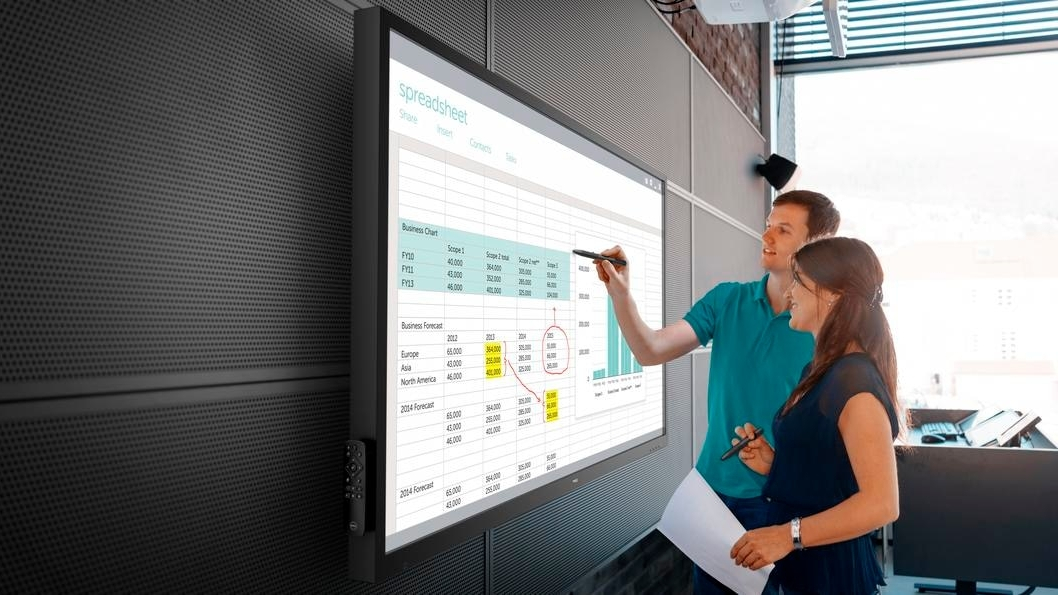
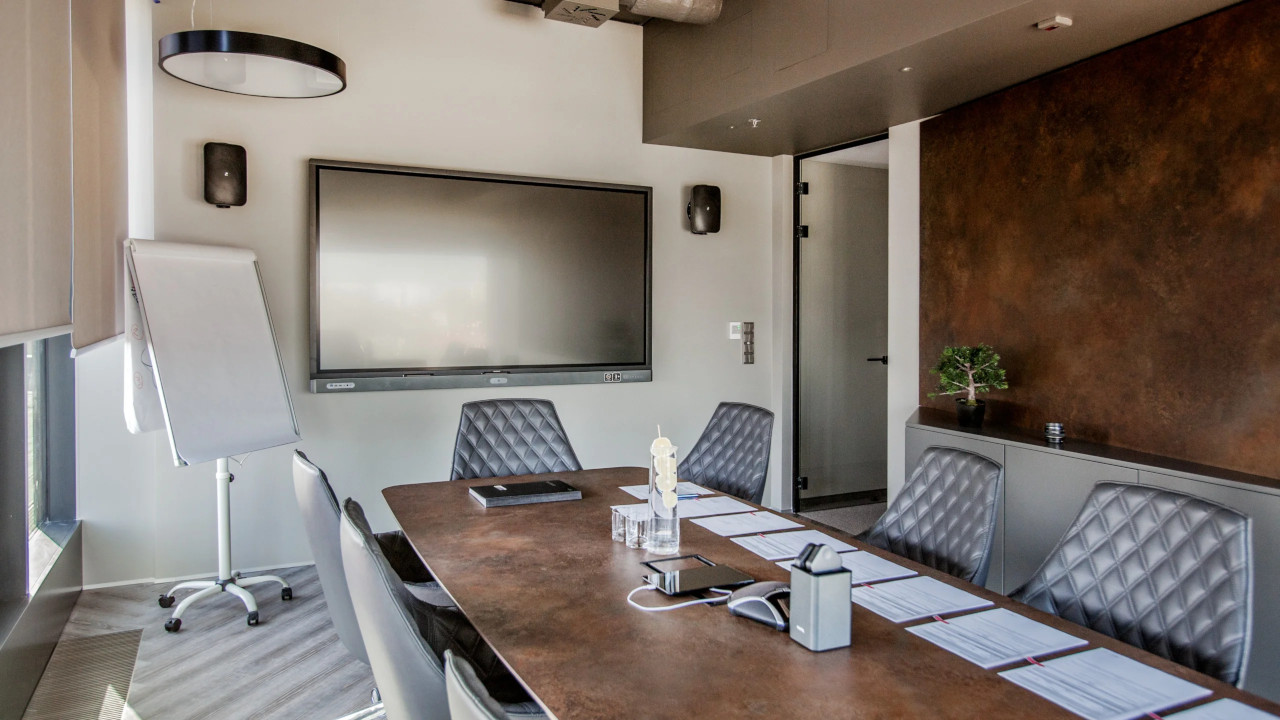
In meeting rooms, an interactive display is used for presentations, brainstorming and working on documents. Notes can be saved and sent to participants after the meeting.
At the Fracthon office, interactive displays are part of an integrated AV system together with projection, wireless presentation and room booking.
An OPS computer mounted in the display housing gives access to Windows and office applications without extra cables. It starts up and shuts down together with the display.
Alternatively, users connect their own laptop by cable or wirelessly and control it from the touch screen.

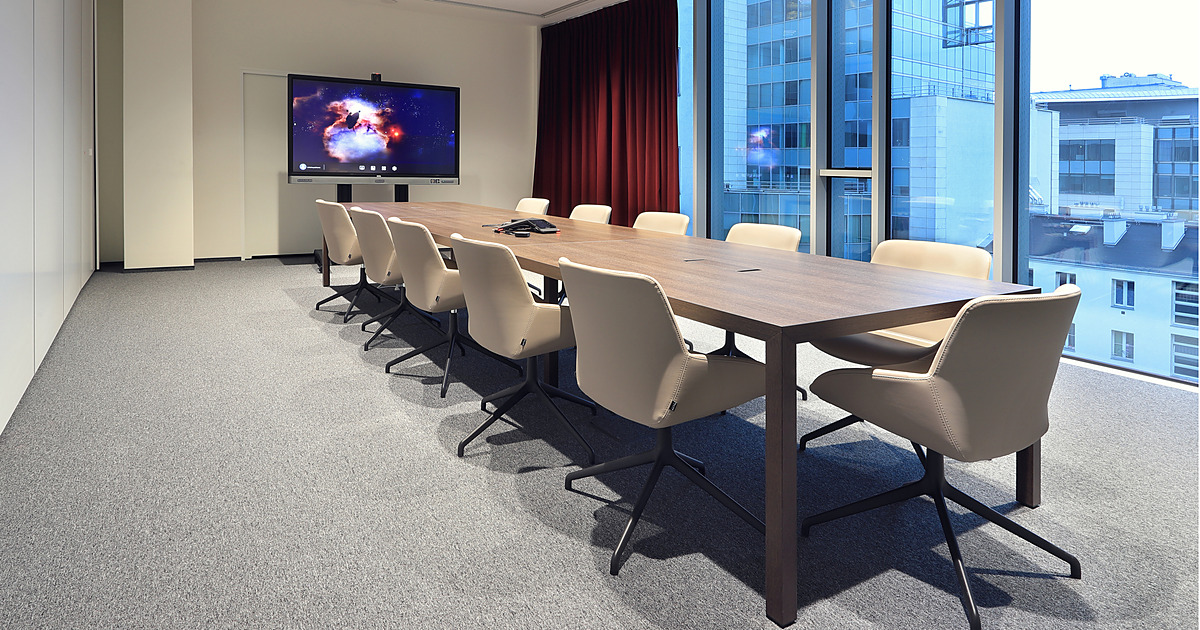
An interactive display connected to a video conferencing system lets you work on shared content with participants in other locations. Content and notes are visible at both ends of the call.
At the headquarters of PSI Pharma, the interactive system is one element of a complete AV system covering three floors of the office.
In lecture halls and laboratories, touch displays make teaching easier: lecturers annotate their materials and students can work together on the screen.
In larger rooms we combine the display with projection or a second screen, so that content is legible from the back rows too.
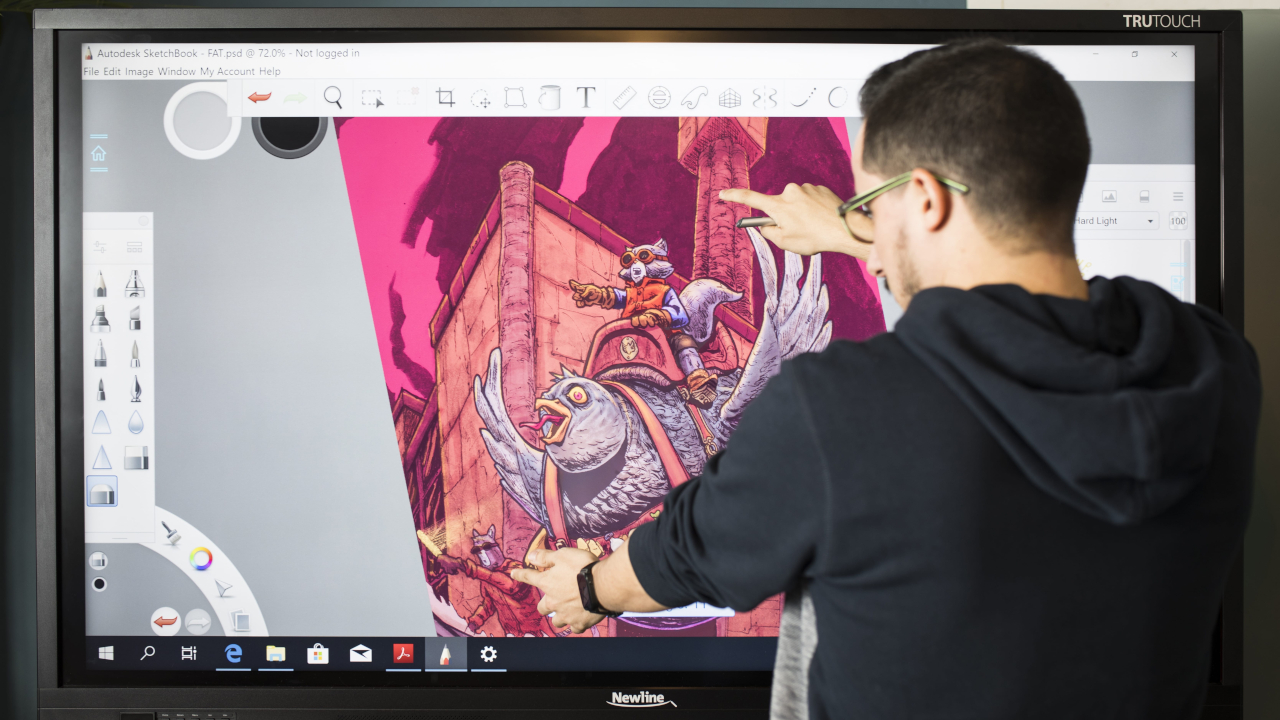
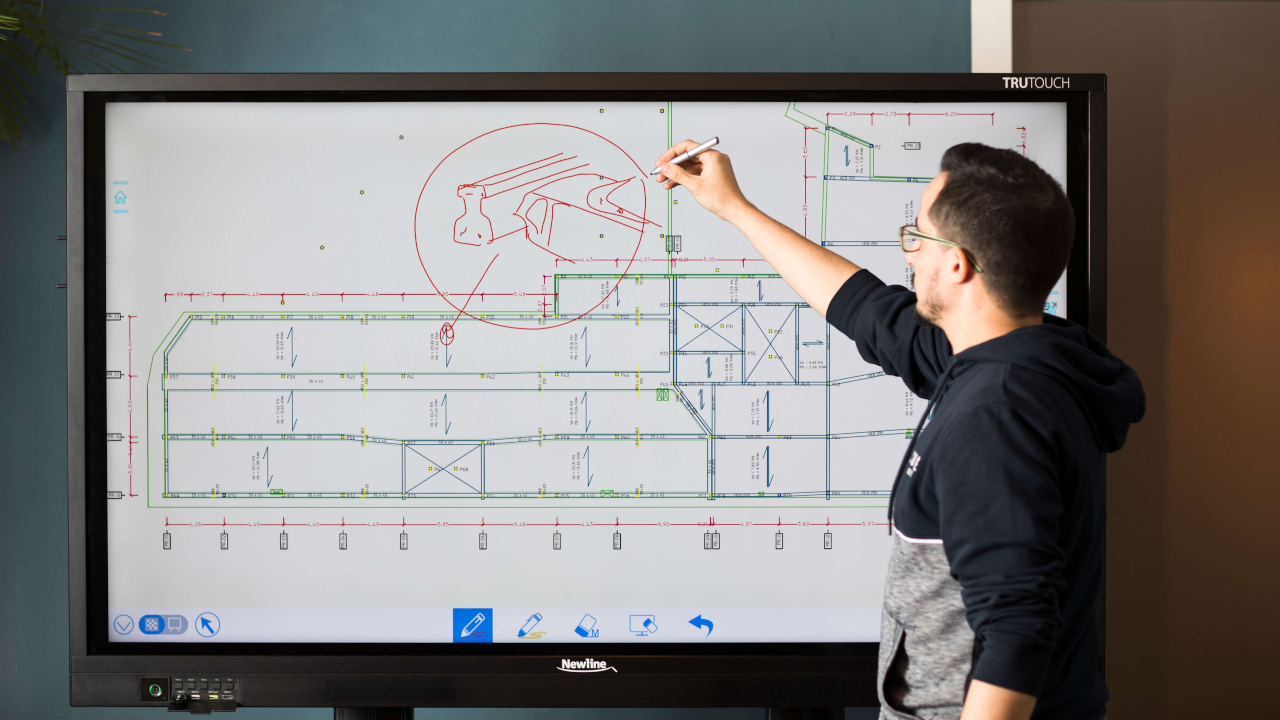
Institutions and companies use interactive displays for training sessions, briefings and meetings, including remote ones. High resolution and wide viewing angles keep content legible for a group of a dozen or more people.
Anti-glare coatings make it easier to work in bright rooms.
For rooms seating a few people, 65-inch displays work well; in larger spaces, 75 inches and above. For bright rooms and more distant seats we recommend 4K resolution.
The number of touch points, response time and stylus quality matter for teamwork and creative applications.
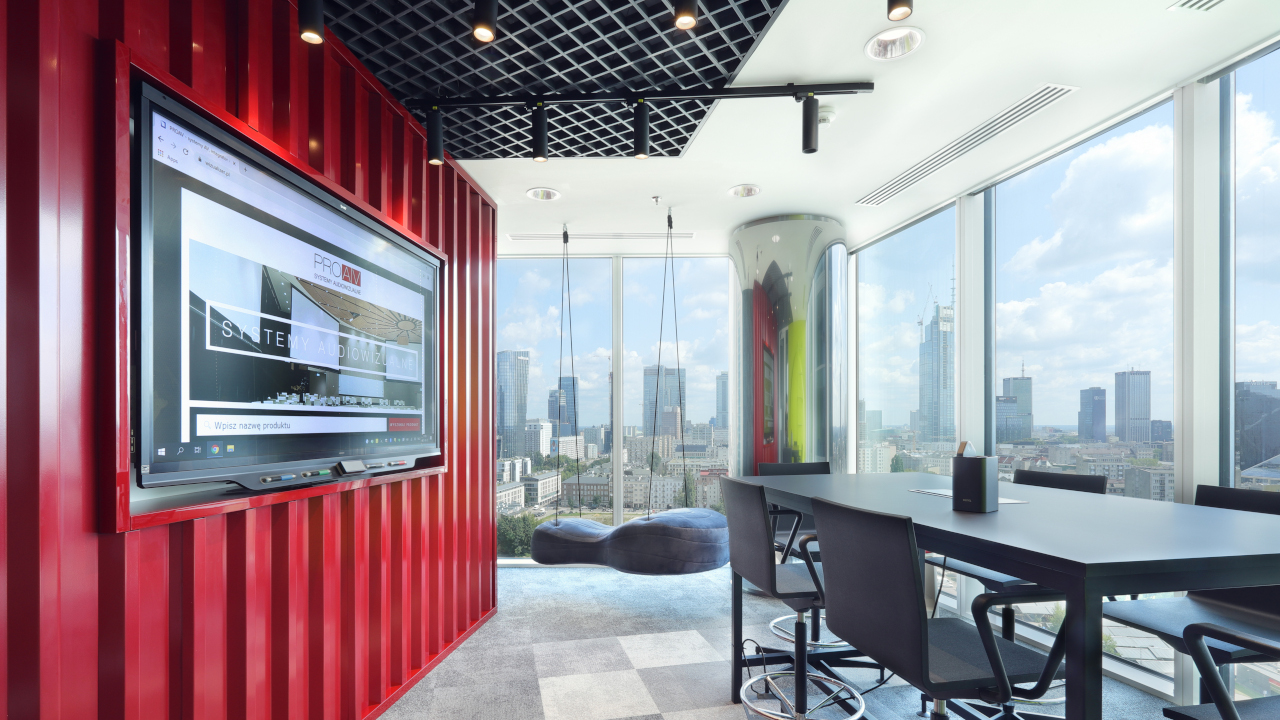
Business / Corporate. Meeting rooms, project rooms and training rooms – as at the GATX Rail Poland office.
Higher education. Lecture halls, seminar rooms and laboratories.
Public administration. Meeting rooms and staff training rooms.
Click a question to see the answer.
A large display with a touch screen that several people can use at once, with a finger or a stylus. It can run on its built-in system, on an OPS computer mounted in its housing or with the user’s laptop, and it can also serve as a video conferencing screen.
For rooms seating a few people, 65-inch displays work well; in larger spaces, 75 inches and above. For bright rooms and more distant seats we recommend 4K resolution.
An interactive display combines the screen, touch and computer in one device, needs neither a projector nor a darkened room, and delivers a clear image even in bright spaces thanks to anti-glare coatings.
A computer mounted in the display housing that gives access to Windows and office applications without extra cables. It starts up and shuts down together with the display.
Yes. We connect the display with the camera, microphones and wireless presentation, so that content and notes are visible both in the room and to participants in other locations.
On the wall, on a mobile stand or built in – we choose the mounting method after analysing the room. A mobile stand lets you use one display in several rooms.
No. An initial quote and consultation with a PROAV engineer are free of charge. To prepare a quote we need the room dimensions, the number of participants and information about what the display needs to work with.
How large is the room? The viewing distance determines screen size and resolution.
What does the display need to work with? Video conferencing, laptops, wireless presentation.
Which system should run on the display? Built-in, an OPS computer or a laptop.
Fixed or mobile installation? Wall, stand on wheels or built in.
Planning interactive displays?
We select displays for companies, universities and institutions. We start by talking about how you run your meetings and classes.







