LED screens – how to choose?


How do you choose an LED screen for your business? Whether a screen in a conference room, boardroom or lobby will be legible without costing more than it should comes down to five parameters: pixel pitch, size, resolution, LED technology and how the screen connects to the room. These parameters depend on one another – a pitch that is too fine pushes up the price with no visible difference for viewers, while one that is too coarse means individual LEDs can be seen from the front row. LED screens for business, which PROAV designs and installs – for example in the conference room at Siemens and in the office lobby at Expondo – are selected on the basis of a site survey, viewing distances and the type of content. We integrate the chosen screen with video conferencing, room control and a content management system, so that the budget goes on the parameters that genuinely improve image legibility.
Selection based on measurements, not on a catalogue. We determine the pixel pitch, brightness and screen dimensions based on viewing distances, the room lighting and the content the screen will display.
Comparable options. For each enquiry we prepare 2–3 configurations priced for the complete installation – including the structure, video processor, installation and calibration – together with a description of the differences between them.
The screen as part of the room system. We integrate it with video conferencing, wireless presentation and room control.
One partner from design to service. We coordinate the work with the architect and the interior fit-out contractor, commission the screen, train users and provide service – you report any issues to PROAV, not to the manufacturer.
Solutions used:
Industries:
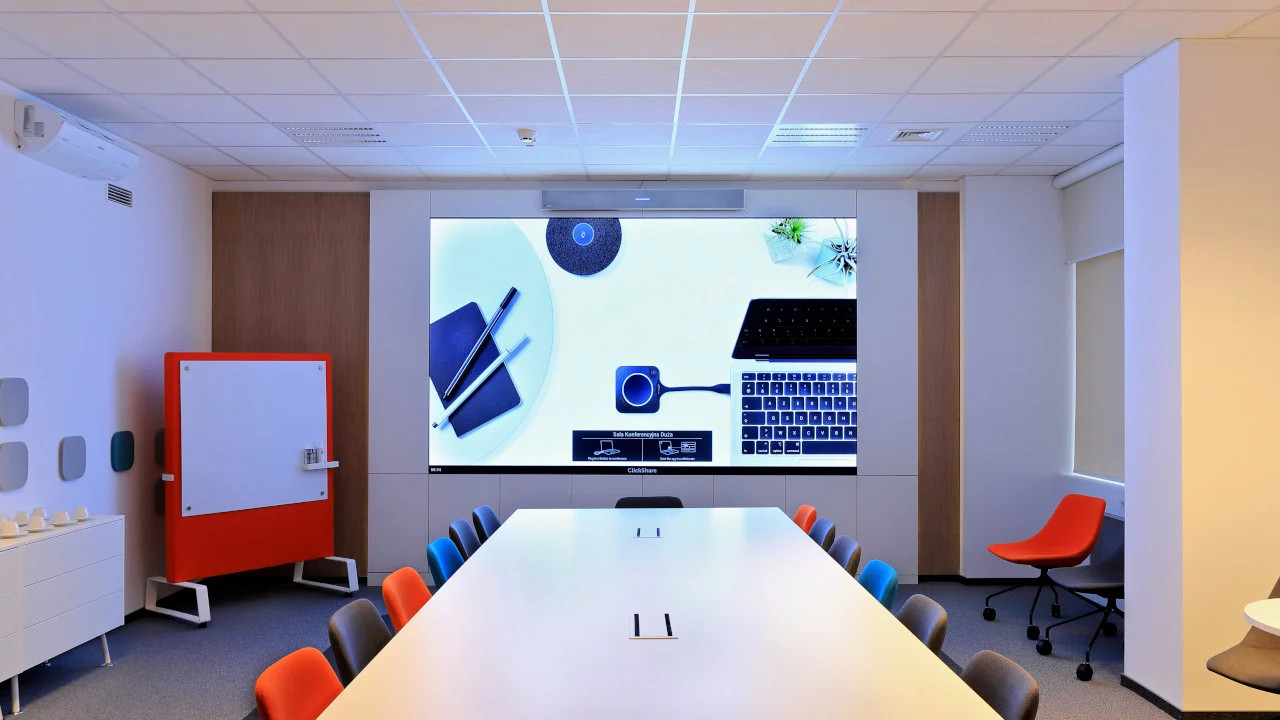
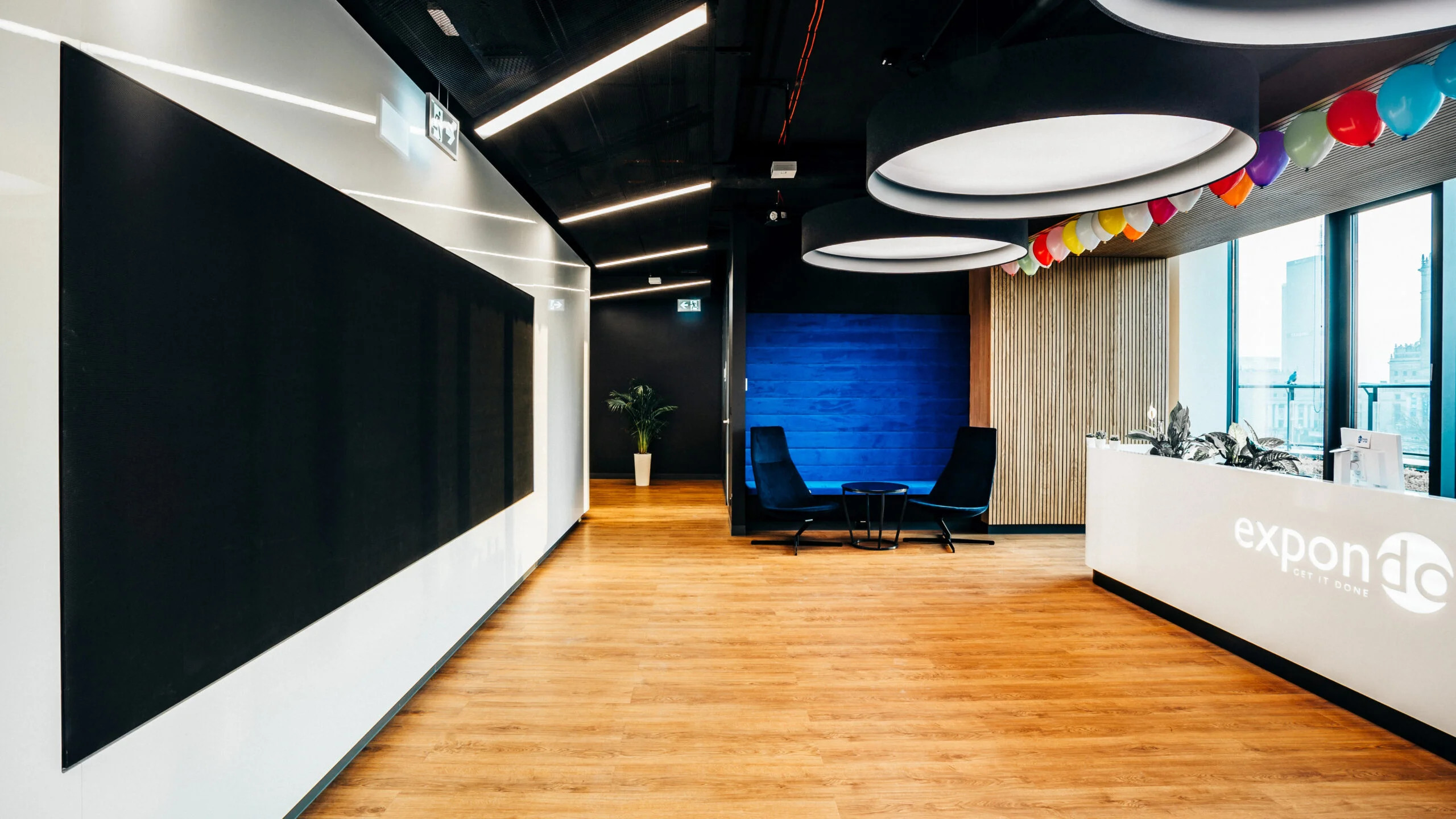
Viewing distance determines the pixel pitch. The minimum distance is approx. 1 m and the comfortable distance approx. 2 m for every millimetre of pitch. Conference rooms are usually best served by P1.25–P1.56 screens, lobbies and receptions by P2.5.
The furthest viewer determines the screen size. The image height should be approx. 1/6 of the distance to the back row for presentations and video conferencing, and approx. 1/4 for work with detailed data.
Content determines the resolution. Presentations and video conferences look best at native Full HD or 4K resolution, without image scaling.
The mounting location determines the technology. Where the screen can be touched, we use COB or GOB LEDs; in built-in installations – front-serviceable screens; in rooms with a camera – screens with a high refresh rate.
We budget for the complete installation. Modules are only part of the cost – on top come the video processor, structure, installation, calibration and integration with the room.
You do not have to work this out yourself: send us the wall dimensions and the distances to the front and back rows, and we will propose a pixel pitch, screen size and 2–3 pricing options.
Pixel pitch is the distance between the centres of adjacent LEDs, given in millimetres (P1.2, P1.5, P2.5). The smaller the number, the more densely packed the pixels and the closer you can stand to the screen before you see individual dots instead of a smooth image.
In practice, two figures are all you need: the minimum distance is approx. 1 m for every millimetre of pitch (any closer and individual LEDs become visible), and the comfortable distance – approx. 2 m per millimetre. For P1.25 that means a minimum of 1.2 m and approx. 2.5 m for comfortable viewing; for P2.5 – from 2.5 m and approx. 5 m.
| Pixel pitch | Minimum distance | Comfortable distance | Technology | Typical application |
|---|---|---|---|---|
| P0.9 | from 0.9 m | approx. 1.9 m | COB | boardroom, executive office, command centre – viewers right next to the screen |
| P1.25 | from 1.2 m | approx. 2.5 m | COB or SMD | conference room, boardroom |
| P1.53–1.56 | from 1.6 m | approx. 3.1 m | COB or SMD | large conference room – e.g. the screen in the conference room at Siemens (P1.6) |
| P1.86–2.0 | from 1.9 m | approx. 3.7–4 m | SMD, also GOB | auditorium, lecture hall, training room |
| P2.5–2.6 | from 2.5 m | approx. 5 m | SMD, also GOB | lobby and reception – e.g. the screens in the offices of Expondo |
| P3–3.9 | from 3–3.9 m | approx. 6–8 m | SMD, also GOB | hall, atrium, stage, event space |
The pitches in the table are the models we currently supply for indoor use. The distances are approximate – the type of content also matters: small text in a spreadsheet requires denser pixels than video or advertising graphics.
Why does this matter so much for the budget? The number of LEDs grows with the square of the density. One square metre of a P2.5 screen has 160,000 pixels, while one square metre of a P1.25 screen has 640,000 – four times as many. That is why an overly fine pitch is the most common way to overpay: you pay for resolution that nobody will see from where the audience sits.

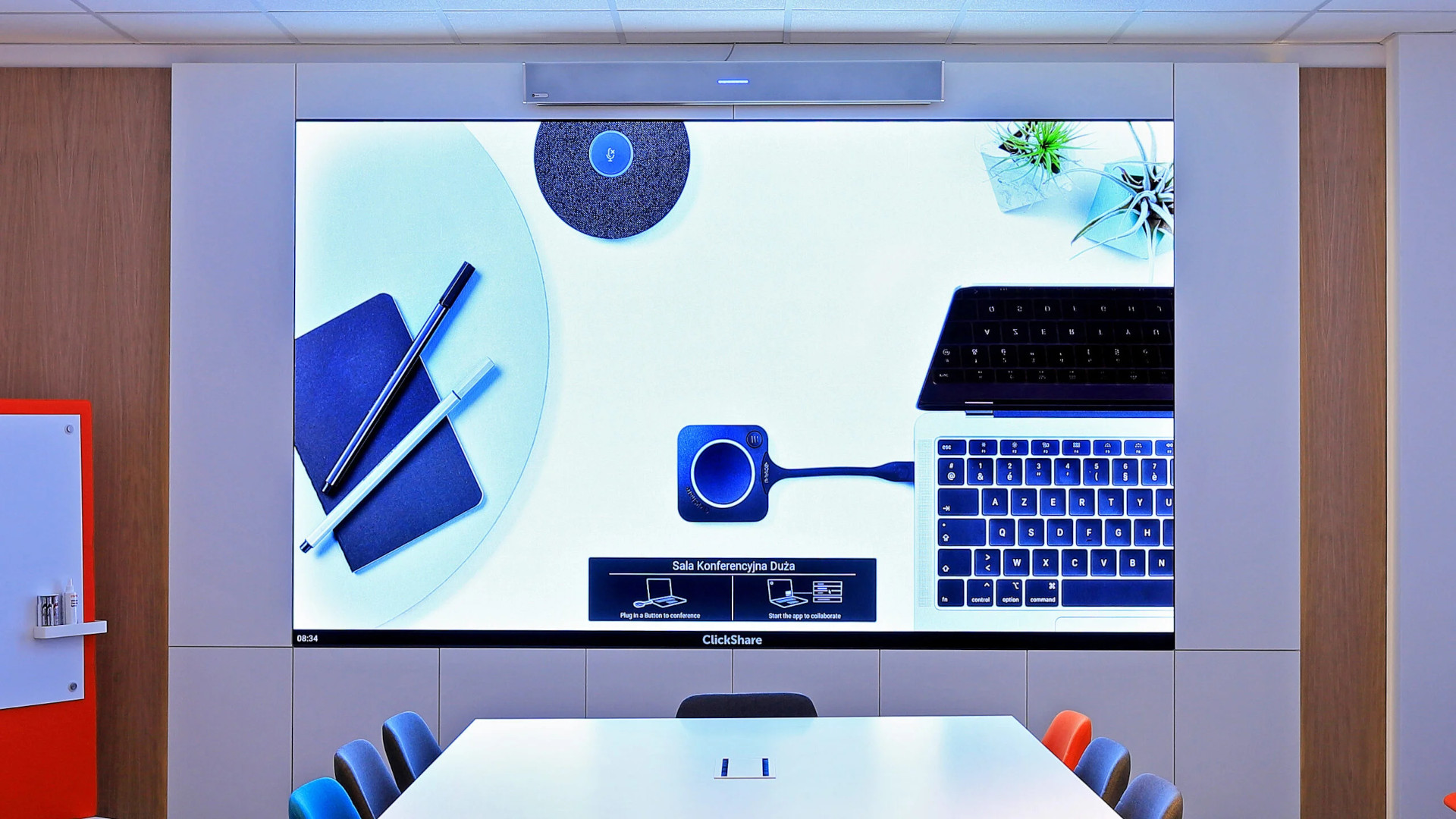
Screen size depends on the furthest viewer. A proven design rule says the image height should be:
How to plan the camera, audio, presentation and built-in installation in a room with an LED screen is described in our guide LED screens for conference rooms.
Example: the back row sits 9 m from the screen. For presentations, the image should be approx. 1.5 m high, which in 16:9 format means approx. 2.7 m wide (approx. 120 inches). For work with detailed data – approx. 2.25 m high and 4 m wide.
An LED screen is not limited to standard display diagonals, so we fit it to the wall and to the aspect ratio of the content: 16:9 for presentations and video conferencing, 32:9 or wider for several sources side by side, and non-standard formats in lobbies and receptions.
The resolution of an LED screen results from its dimensions and pixel pitch. Presentations, video conferences and computer content look best at native Full HD (1920 × 1080) or 4K (3840 × 2160) resolution, without scaling.
| Pitch | Full HD – image size | 4K – image size |
|---|---|---|
| P0.9 | 1.8 × 1.0 m (approx. 81″) | 3.6 × 2.0 m (approx. 163″) |
| P1.25 | 2.4 × 1.35 m (approx. 108″) | 4.8 × 2.7 m (approx. 217″) |
| P1.56 | 3.0 × 1.7 m (approx. 136″) | 6.0 × 3.4 m (approx. 271″) |
| P1.86 | 3.6 × 2.0 m (approx. 162″) | 7.1 × 4.0 m (approx. 324″) |
| P2.5 | 4.8 × 2.7 m (approx. 217″) | 9.6 × 5.4 m (approx. 434″) |
For P0.9, P1.25 and P1.56 in COB technology, Full HD is exactly 3 × 3, 4 × 4 and 5 × 5 modules of 600 × 337.5 mm. For the other pitches we round the size to whole modules – exact dimensions are given in the design.
The table shows a relationship that is easy to forget: a Full HD screen in a room for 8–10 people is more likely to be P1.25 than P2.5, while a large P1.25 screen quickly exceeds Full HD – at which point a 4K video processor is needed.
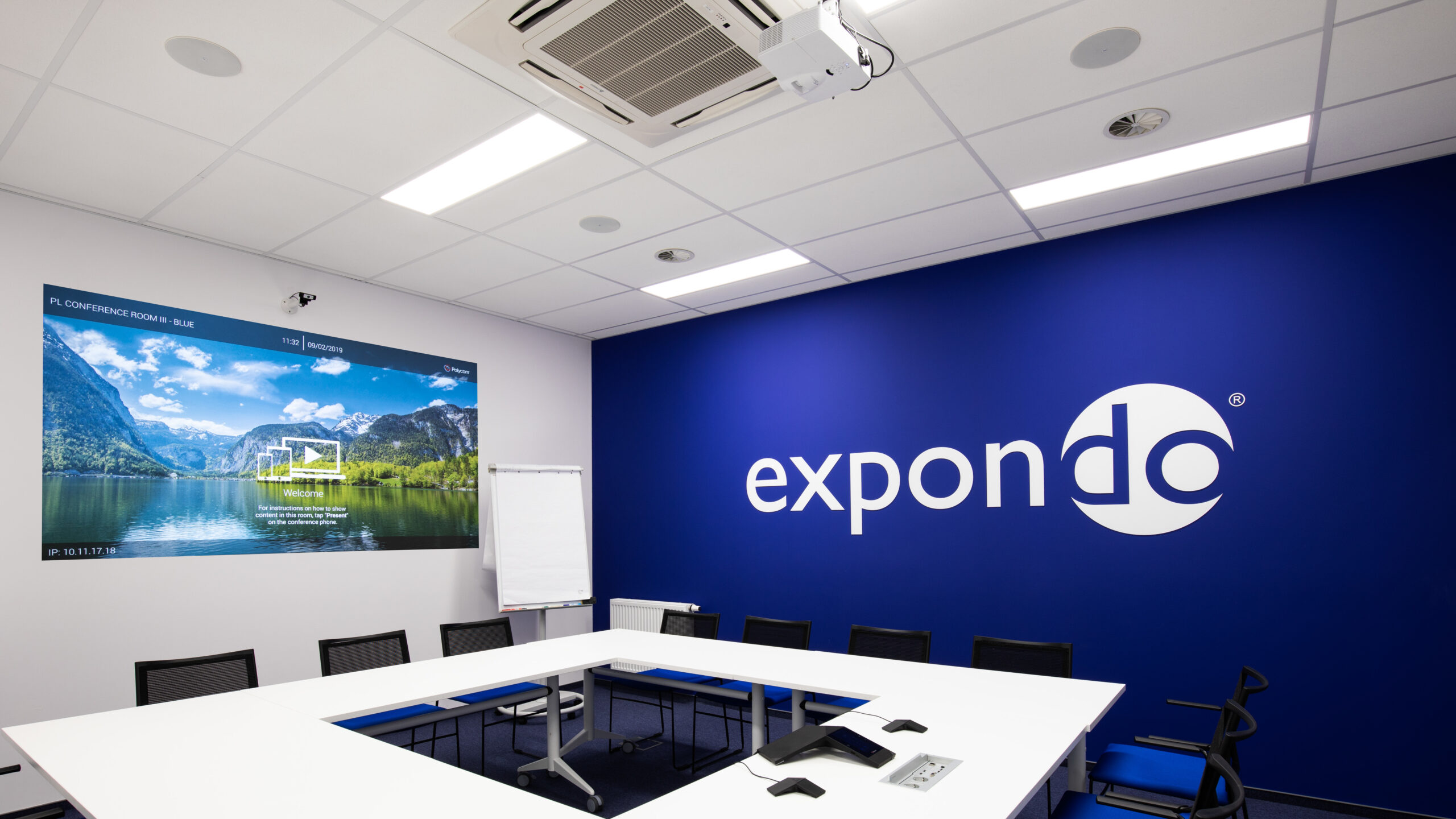
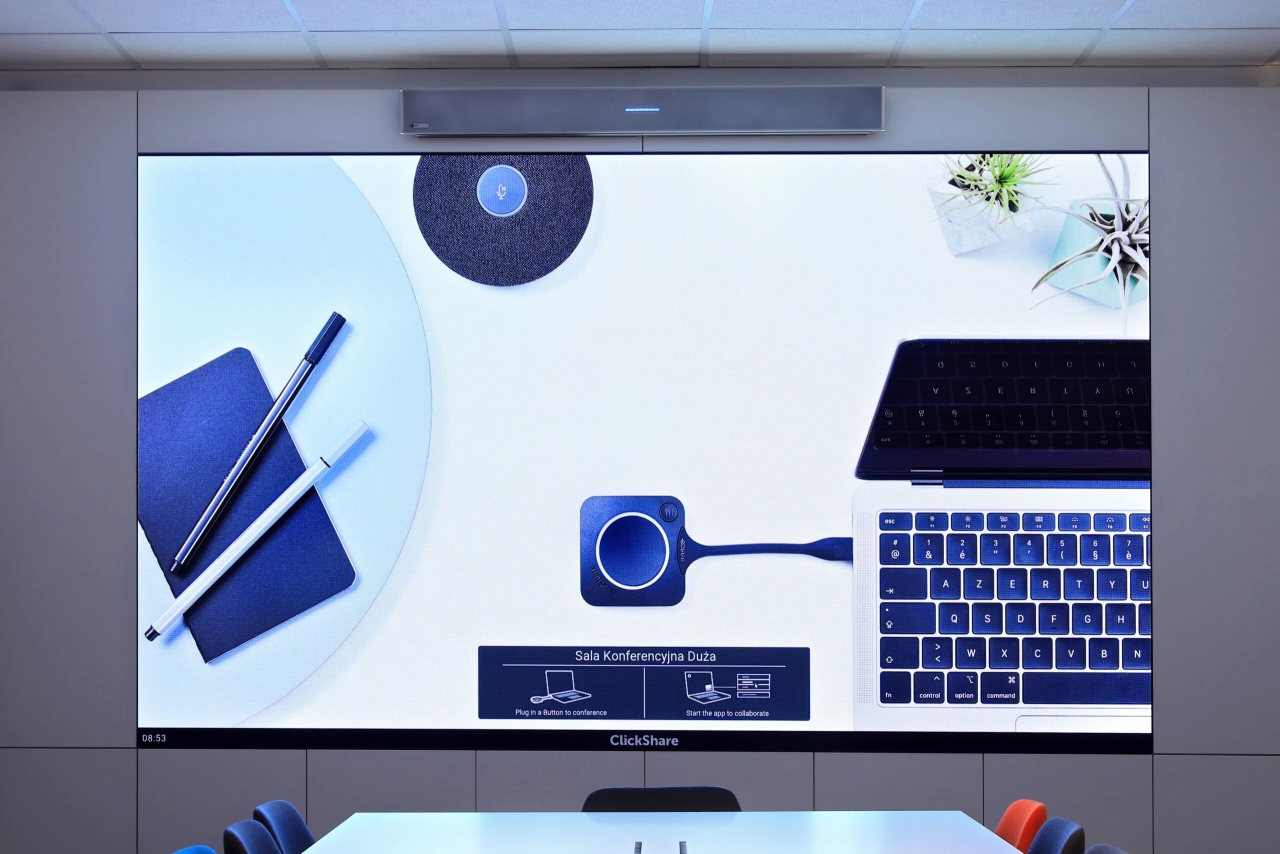
LED technology. Indoor LED screens are built using SMD, GOB or COB technology. COB and GOB withstand touch and impacts better, which is why we recommend them for lobbies, receptions and public spaces where the screen is within arm's reach.
Refresh rate and cameras. A screen with a low refresh rate flickers or produces banding in camera images. In video conferencing rooms and wherever meetings are recorded, we select screens with a high refresh rate and set them up for the camera.
Brightness matched to the room. An LED screen does not require the room to be darkened, but excessive brightness tires the eyes and overexposes faces on camera. We set the brightness and calibration to suit the lighting of the specific interior.
Service and continuous operation. In built-in installations we use front-serviceable screens, and we order spare modules from the same production batch so that there is no difference in colour after a replacement. For 24/7 operation we plan cooling and power supply.
Each technology has its place. We advise based on the room, the content and the budget – we do not sell one technology for everything.
| LED screen | LCD video wall | Projector with screen | |
|---|---|---|---|
| Seams | none – a uniform surface | visible bezels (approx. 0.9–3.5 mm in new displays) | none |
| Brightness in a bright room | very good, no need to darken the room | good | requires limiting ambient light |
| Size and aspect ratio | any – assembled from modules | multiples of a display (e.g. 2×2, 3×3) | limited by projector brightness |
| Close-up viewing | depends on pixel pitch | very good – high resolution | good |
| Small text, spreadsheets | good with a fine pitch | very good | good |
| Cost for a small area | highest | medium | lowest |
| Cost for a large area | competitive, rises more slowly | rises with the number of displays | low, but limited by brightness |
| Service | replacement of a single module | replacement of the entire display | lamp or laser light source, cleaning |
| Continuous operation | yes, with adequate cooling | yes, with 24/7-rated displays | limited by light source lifetime |
In short: we choose an LED screen when what matters is a large, uniform image in a bright room or a non-standard format. An LCD wall – when viewers are close and look at a lot of detailed data, e.g. in a control room. A projector – when the budget is limited and the room can be darkened. We confirm the choice during the site survey.
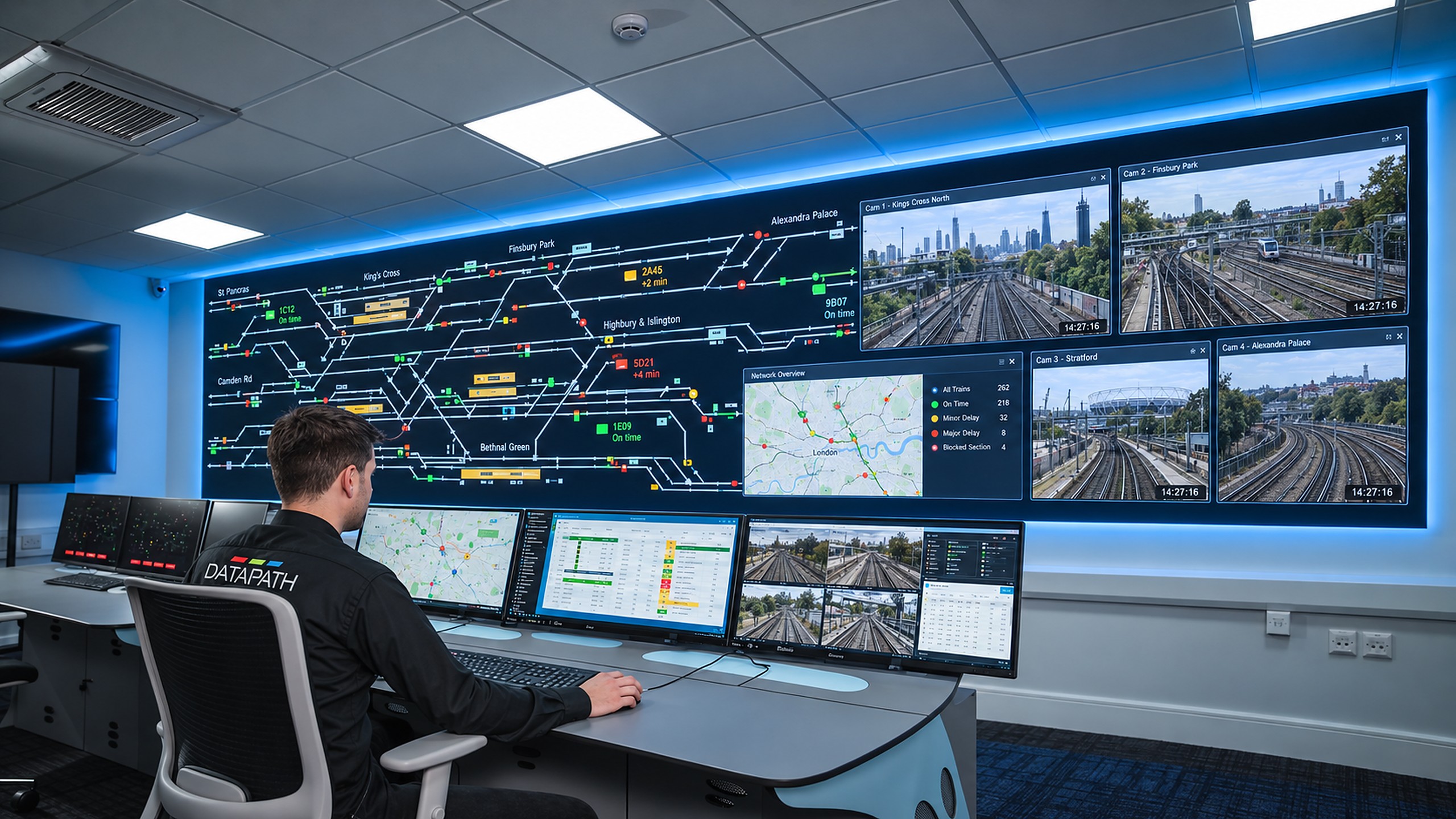
The price of an LED screen is not just the modules. The cost of the complete installation is made up of four groups of factors.
Pixel pitch and area. This is the biggest factor: halving the pitch means four times as many LEDs per square metre. The area is calculated in multiples of modules.
LED technology and video processor. SMD, GOB or COB, plus a Full HD or 4K processor with the right number of inputs.
Structure, enclosure and installation. Wall mounting, joinery enclosure, front service access, cabling and power supply.
Integration and service. Integration with video conferencing, the sound system, room control or a Digital Signage system, plus spare modules from the same batch.
Match the pitch to the actual viewing distance, not to the finest one in the catalogue – resolution that nobody can see from their seat is what costs the most.
Match the size to the modules. A screen designed in multiples of a standard module is cheaper than a size dictated by a recess.
Plan the screen together with the interior design. An enclosure and power supply planned at the office design stage cost less than alterations after the fact.
Compare complete quotes – including the processor, structure, installation, calibration and service. A low price for the modules alone often does not cover these items.
For every enquiry we prepare 2–3 options, e.g. P1.25 and P1.56 in the same size, with a description of what you gain with each. Request a free quote – all we need are the wall dimensions, viewing distances and a description of the content.
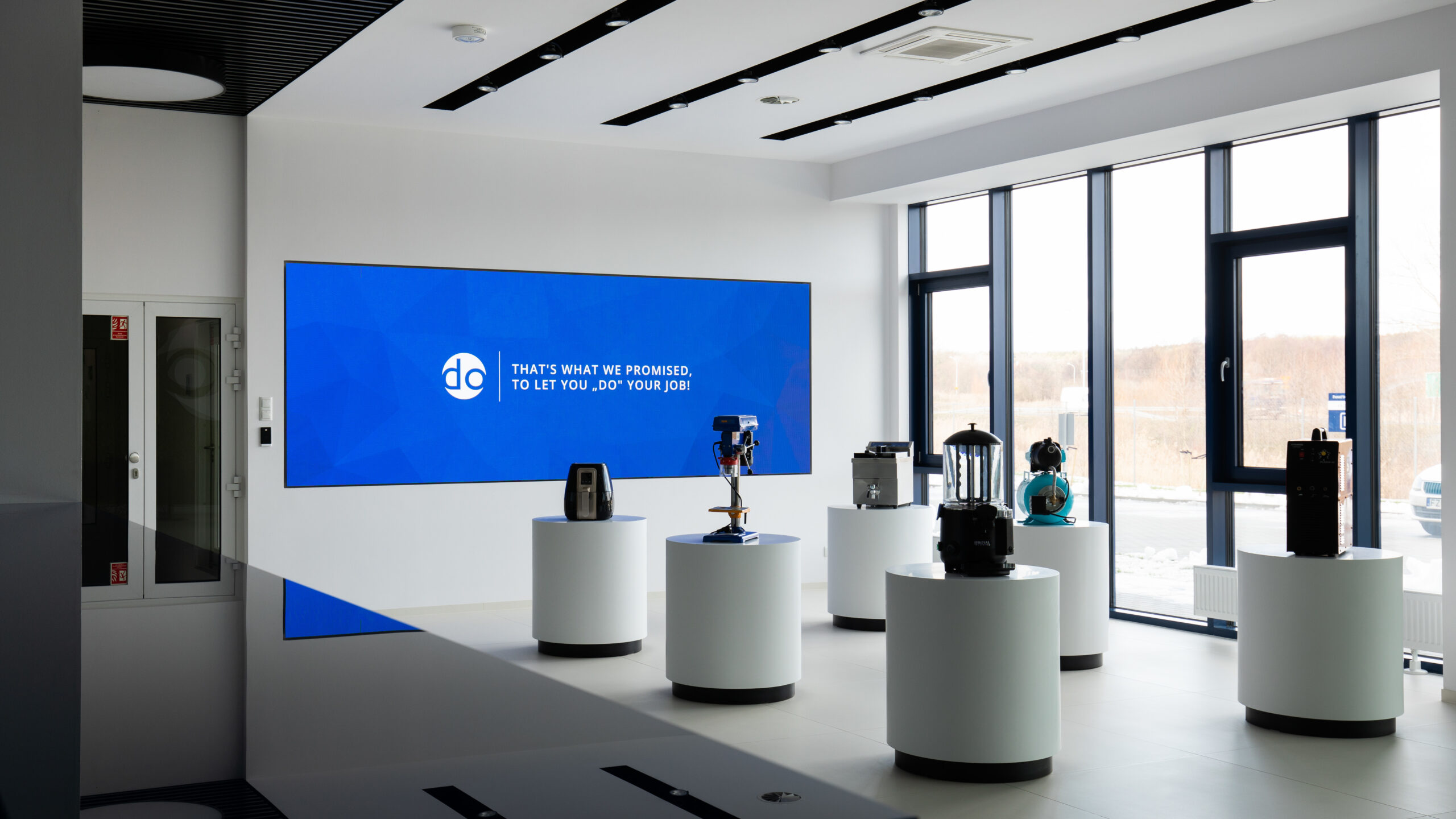
Retail and services. Advertising screens, menu boards and display mosaics – such as the menu board in a Rolls United restaurant.
Industry, Energy and Transport. Video walls in dispatch centres and monitoring centres, operating around the clock with multiple video sources.
Business / Corporate. LED screens in lobbies and boardrooms, and video walls in offices – as at the Nomad Electric headquarters.
Most often a screen with a pixel pitch of P1.25–P1.56, in 16:9 format with native Full HD or 4K resolution, front-serviceable and with a high refresh rate if there is a camera in the room. We choose the size based on the distance to the back row.
As a guide, the minimum distance is approx. 1 m and the comfortable distance approx. 2 m for every millimetre of pitch. In a room where the front row sits approx. 2.5 m from the screen, P1.25 will work well.
The price depends primarily on pixel pitch and area, and then on the LED technology, video processor, structure, installation and integration with the room. That is why we prepare 2–3 options priced for the complete installation. The initial quote is free of charge.
Yes – an LED screen provides a large, uniform image without darkening the room, which is why it is increasingly replacing projectors. A projector remains the cheaper choice when the budget is limited and the room can be darkened.
An LCD wall works well when viewers are close and look at a lot of detailed data, e.g. in a control room. We choose an LED screen when what matters is a large, seamless image in a bright room or a non-standard format. Up to approx. 2 m wide, a display or an LCD wall is usually cheaper.
Yes, screens for lobbies and dispatch centres are designed for continuous operation. However, cooling, power supply and service access need to be planned – especially when the screen is in a closed enclosure.
From what distance will the screen be viewed? Viewing distance determines the pixel pitch – and therefore the cost of the screen.
What content will be displayed? Presentations, data, video or advertising each require a different resolution, aspect ratio and method of control.
Where and how will the screen be mounted? We check the load-bearing capacity of the wall, enclosure requirements and front or rear service access.
How many hours a day will the screen run? Round-the-clock operation affects the choice of screens, power supply and cooling.
For the first conversation, the information you usually have to hand is enough: the dimensions of the wall or recess, the distances to the front and back rows, the type of content (presentations, video conferences, data, advertising) and the number of hours the screen will run each day.
A photo of the room and information on whether it is currently being fitted out are also helpful. On this basis we prepare preliminary options and confirm the details during a site survey.
Get a quote for an LED screen for your room
Send us the wall dimensions, viewing distances and a description of the content – we will prepare 2–3 options for LED screens for business priced for the complete installation. We start with a site survey, and the initial quote is free of charge.







