LED screen for a conference room


An LED screen in a conference room is increasingly replacing a projector or a set of displays: it gives a large, uniform image with no seams and no need to darken the room. But for the room to work well for presentations and Teams or Zoom meetings, the screen alone is not enough – the camera, sound, laptop connectivity, built-in housing and cooling all need to be planned. PROAV designs and commissions rooms like this, for example at the Siemens headquarters, where we built an LED screen more than 3 metres wide into the joinery. Below we describe what we pay attention to when an LED screen is going into a conference or video conferencing room.
A screen chosen for the room, not from a catalogue. We determine the pixel pitch, brightness and size based on viewing distance and lighting, and for every enquiry we prepare 2–3 options priced for the complete installation.
A video conferencing room as one system. We plan the screen together with the camera, microphones, sound system and wireless presentation, so a meeting starts with a single touch.
Housing agreed with the architect. We work with the design office and the joinery contractor so that the screen sits flush with the furniture or wall, with service access planned from the outset.
From design to service. We are responsible for the structural design, delivery, installation, image calibration and integration with room control – and, after commissioning, for service.
Solutions used:
Brands:
Industries:
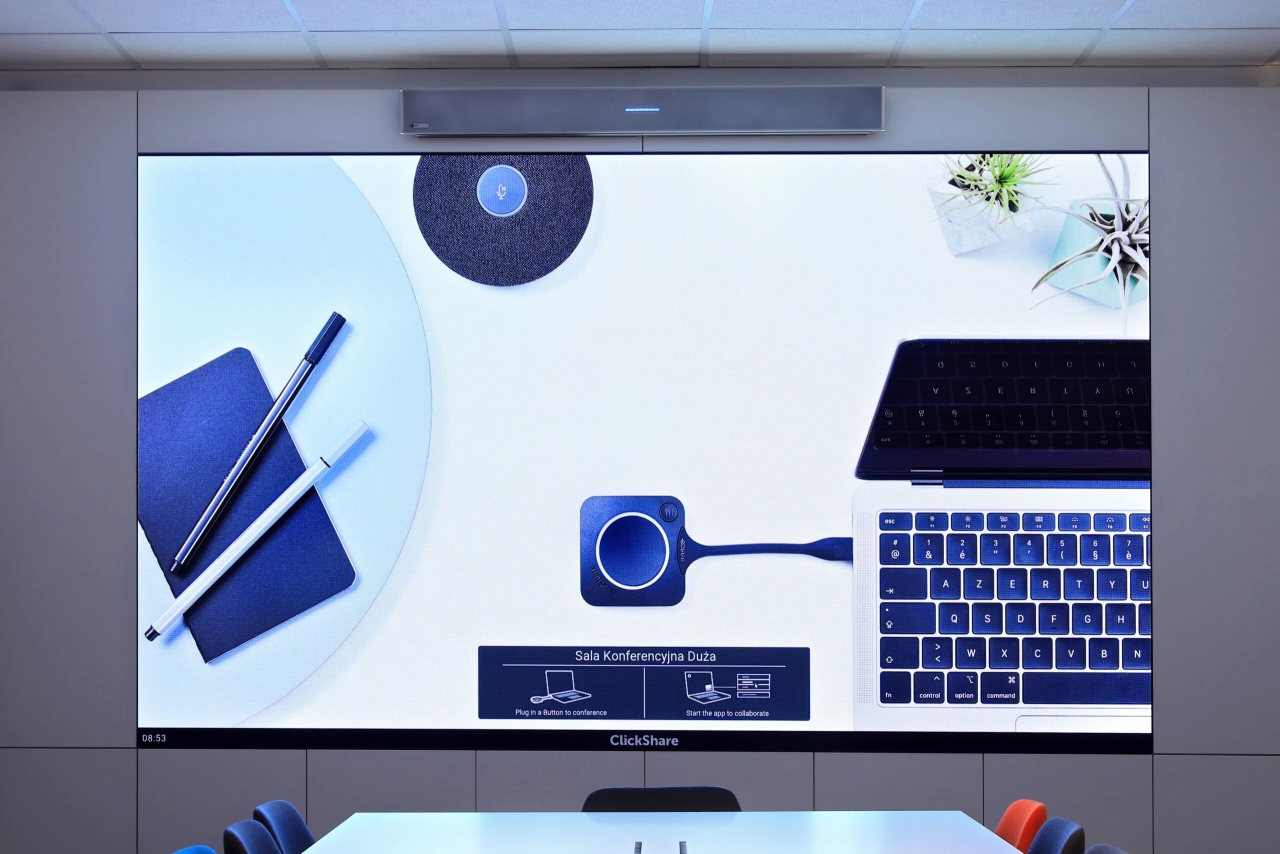
A bright room. In the Siemens meeting room, the existing projector produced too dark an image with plenty of daylight. Instead of a new projector we chose an LED screen with a 1.6 mm pixel pitch, more than 3 metres wide, in 16:9 format and Full HD resolution – the image stays legible without covering the windows.
A large image with no seams. An LED screen is built from bezel-less modules, so it can be matched to the wall and to the proportions of the content. When the budget is limited and the room can be darkened, a projector remains the cheaper choice.
Size and pixel pitch. We calculate the image height from the distance to the back row, and the pixel pitch from the distance of the viewers closest to the screen. Tables and room examples are in our guide LED screens – how to choose?
An LED screen has no camera or loudspeakers. We plan them together with the housing: the camera should look at participants at eye level, and the sound should be intelligible throughout the room.
An audio bar above the screen. In the Siemens room we installed a Nureva HDL300 audio conferencing system above the LED screen. Its built-in loudspeakers provide clear sound even at the far end of the room, and its microphones pick up every participant's voice. The installation did not require running a lot of cabling.
The image on camera. A screen with a low refresh rate flickers or produces banding on recordings, and one that is too bright overexposes faces. For rooms with a camera we select screens with a high refresh rate, and set brightness and calibration to suit the room lighting.
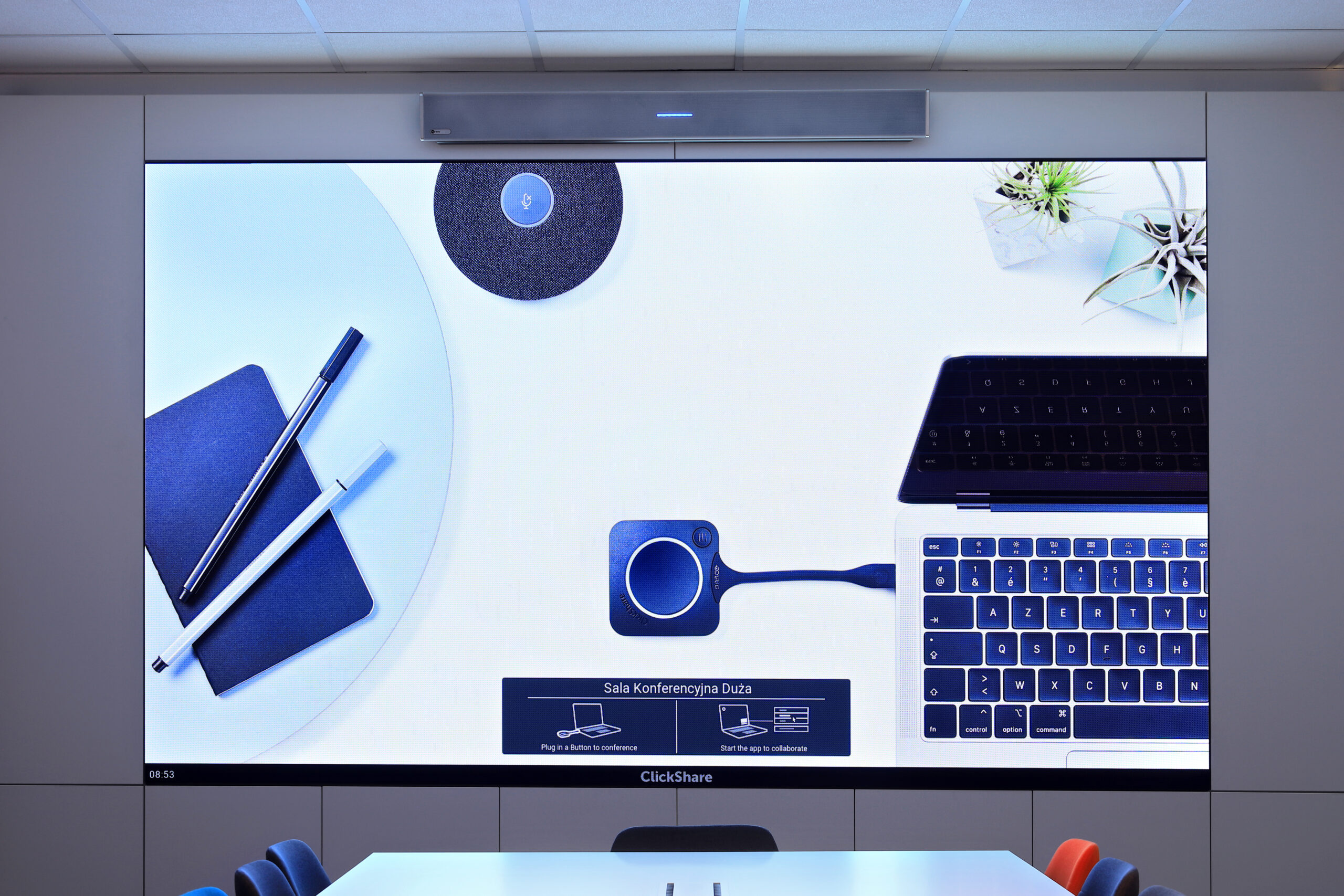
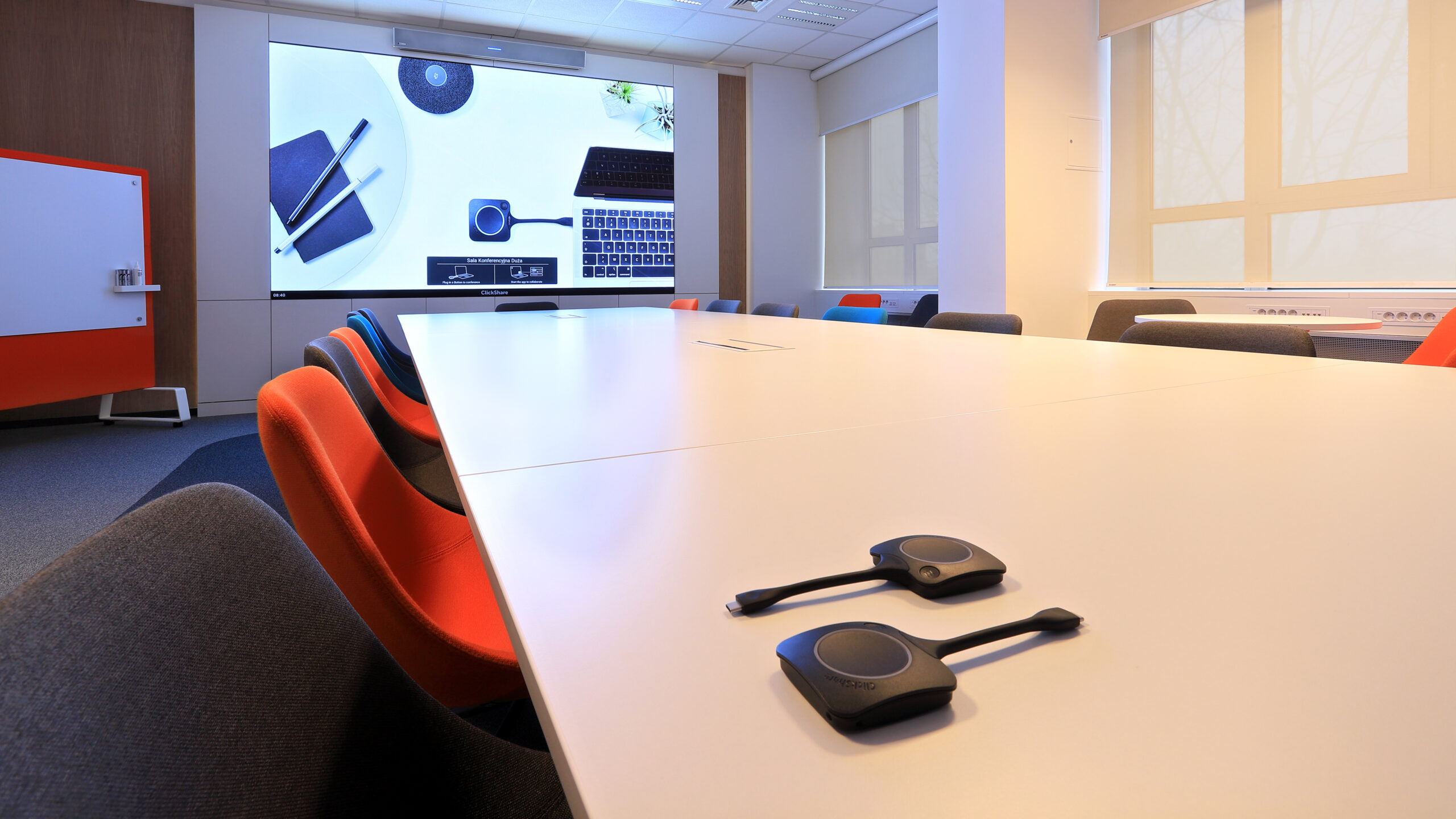
The meeting starts when the transmitter is plugged in. In the Siemens room, the Barco ClickShare CX50 system connects a participant's laptop to the room's screen, camera and audio. A remote meeting starts when the transmitter is plugged into the computer, or an HDMI cable is connected to the table connection box.
A single control system. We connect the screen to the video conferencing system, wireless presentation and room control, so users do not have to switch on devices separately.
The same operation in every room. In smaller rooms and offices we use different equipment but similar operation – someone who runs a meeting in the large room can just as easily run one in a smaller room.
A built-in screen with no visible joins. In the Siemens room, together with the design office and the joinery contractor, we built the screen into a furniture wall so that no joins are visible. We agree installation locations at an early stage of the interior design – that way the equipment becomes part of the interior.
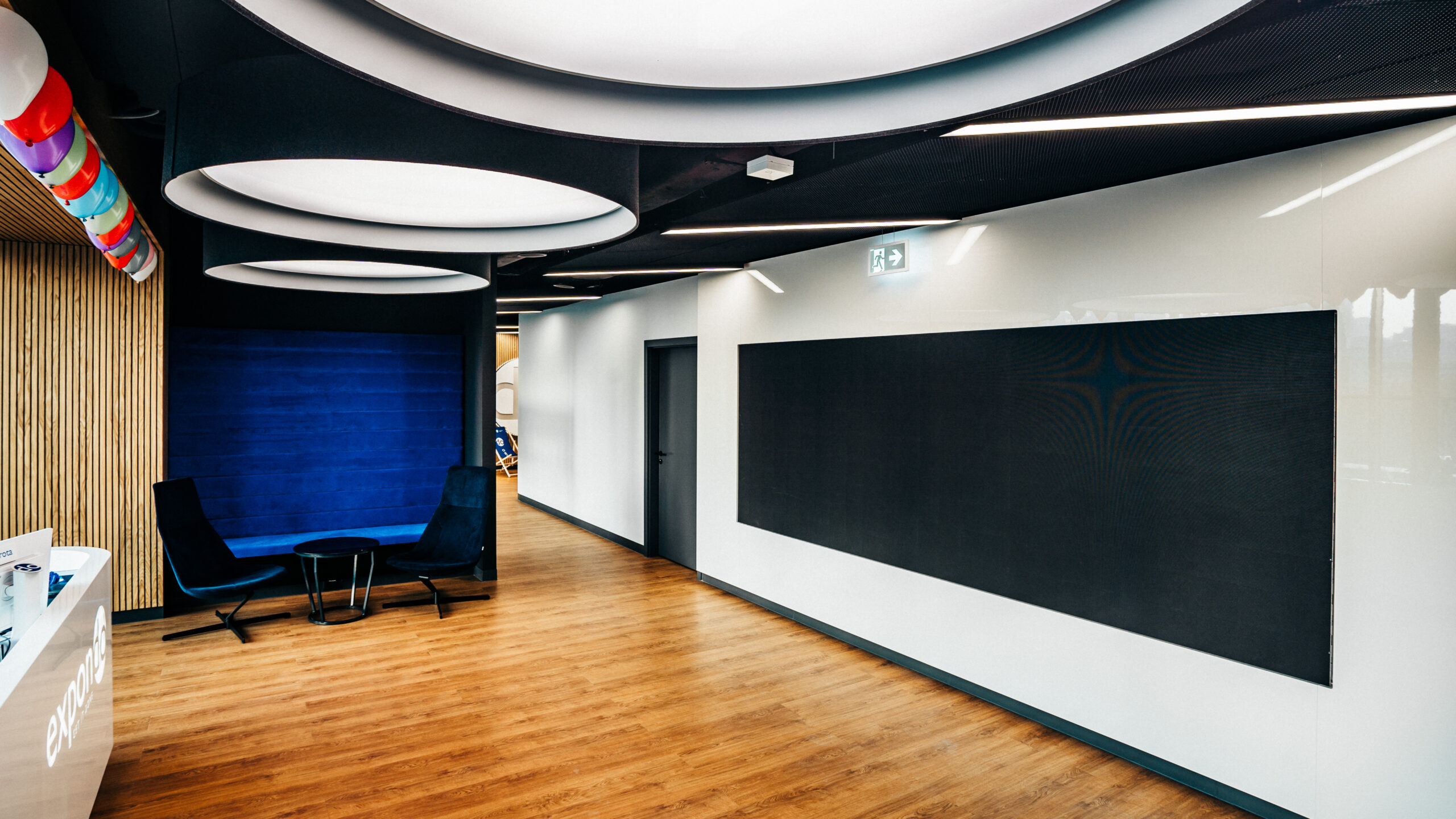
Cooling matched to the housing. In the lobby of Expondo in Warsaw we enclosed a 4-metre-wide LED screen in a wooden structure. The housing ruled out equipment ventilated through side vents, so we selected a screen cooled from the front, through the panel, which can operate inside a closed wall structure.
Service access. When a screen sits in a closed housing, we plan front service access, power and cooling before the furniture or wall is built.
Yes, provided it has a high refresh rate and its brightness and calibration are set for the room lighting and the camera. We plan the camera, microphones and loudspeakers together with the screen and the housing.
An LED screen has no built-in camera or loudspeakers. We mount the camera so that it looks at participants at eye level, and we plan the sound for the whole room – in the Siemens room, a Nureva HDL300 audio conferencing bar with microphones and loudspeakers sits above the screen.
Yes. In the Siemens room we built an LED screen more than 3 m wide into the joinery with no visible joins. For a closed housing we select a front-cooled screen – as in the Expondo lobby in Warsaw – and plan service access from the outset.
The most convenient way is a wireless presentation system such as Barco ClickShare, or an HDMI cable to a table connection box. In the Siemens room, both methods also activate the room's camera and audio for a remote meeting.
The dimensions of the wall or recess, the distance to the front and back rows, the type of content (presentations, video conferences, data) and whether the room is bright are enough. A photo of the room helps. On this basis we prepare 2–3 options priced for the complete installation.
Will the room be used for video conferencing? If so, we select a screen with a high refresh rate and plan the camera, microphones and loudspeakers from the start.
How bright is the room? Windows and lighting determine the screen's brightness and calibration.
From what distance will the screen be viewed? Viewing distance determines the pixel pitch, and therefore the cost of the screen.
Will the screen be built in? We agree the recess dimensions, cooling and service access with the architect and the joinery contractor.
How do participants present content? Wireless presentation, a table connection box or both – and a single control system for the whole room.
An LED screen for your company's conference room
Send us the wall dimensions and the distance to the back row – we will prepare 2–3 screen options priced for the complete installation, including the camera, sound and room control.







