The hybrid office in practice

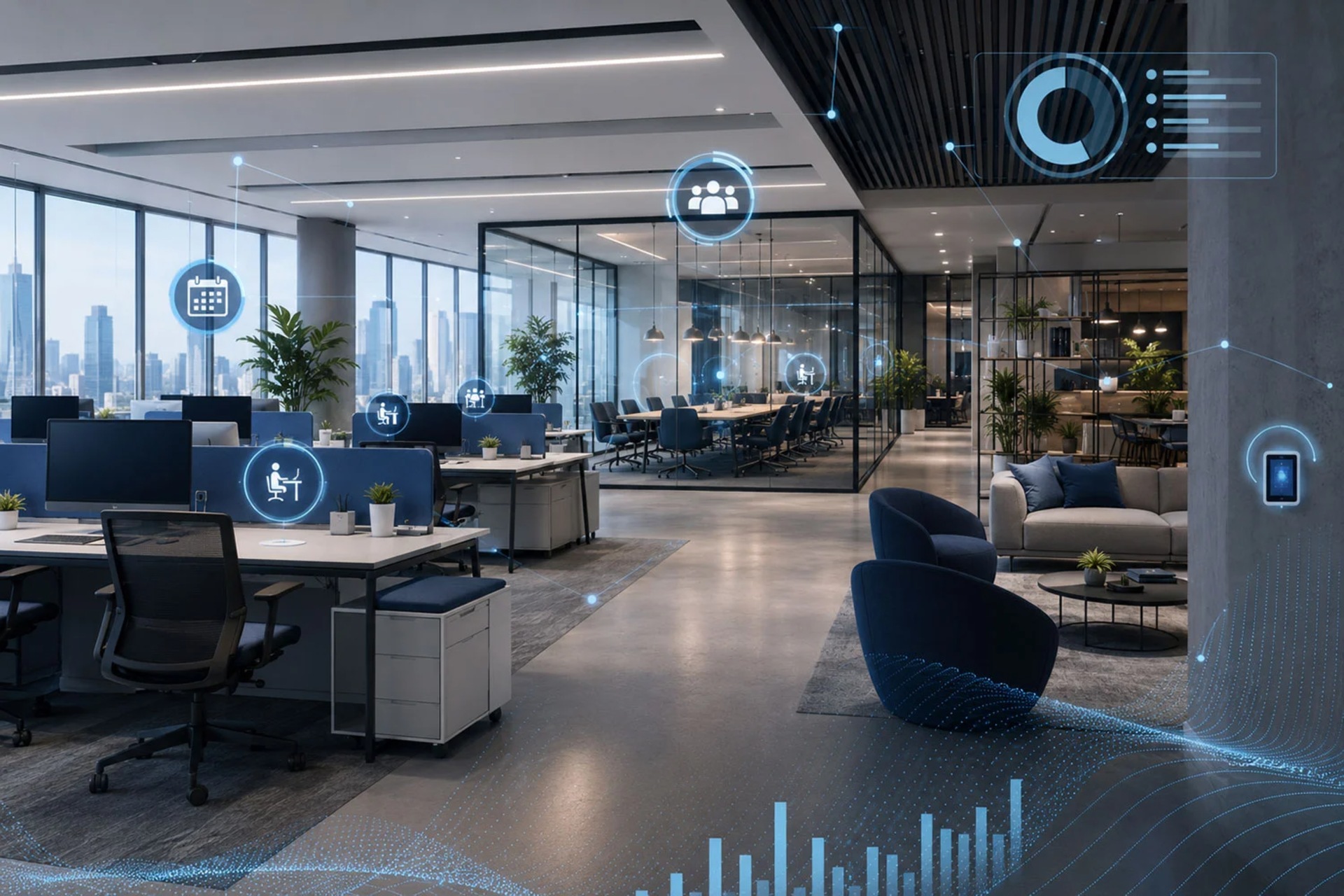

Hybrid working has changed the way offices are used: on some days a proportion of workstations sit empty, on others employees are short of desks, meeting rooms and parking spaces. Eveo solutions are in use in offices and buildings where PROAV has carried out deployments – from information screens managed in the URVE system to room booking panels. As part of the PROAV offer, URVE Smart Office lets employees book desks, rooms, parking spaces and lockers themselves from Outlook, Microsoft Teams, a mobile app or a panel in the office. Management gains data on how the space is actually used, and teams can be sure they will have somewhere to work when they arrive at the office.
A configuration based on an analysis of the office. Before we propose a solution, we learn how the office is used and inspect the space on site. On that basis we select the modules, booking rules and the placement of panels, kiosks and information screens.
Booking as part of a complete AV system. We design the panels outside rooms and the screens in shared areas together with the room equipment – video conferencing, presentation and centralised control. The client receives a coherent working environment prepared by a single partner.
One partner from design to service. We work with general contractors, design offices and architects, so cabling and device installation are coordinated with the other works on site. Once the system is up and running, the client can rely on our service department.
Solutions used:
Brands:
Industries:
We have deployed Eveo solutions in buildings with different requirements – each of these projects shows a different way of using the system in an organisation.
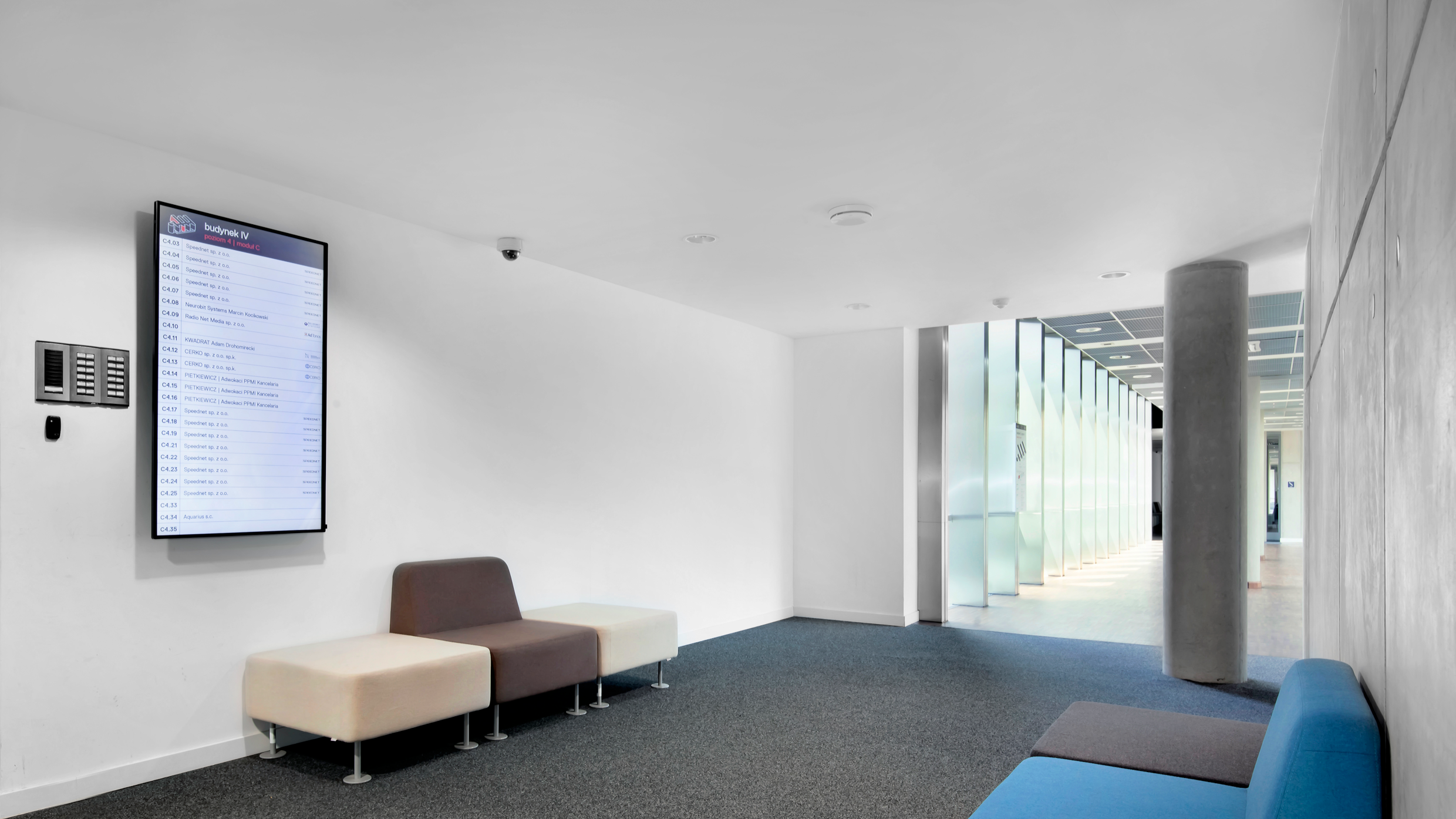
Pomorski Park Naukowo-Technologiczny (Pomeranian Science and Technology Park). On every floor of the building we installed portrait-mounted displays showing a list of companies and the location of their offices. The content is managed remotely by a single member of staff in the EVEO URVE system, who is also responsible for switching the screens on and off.
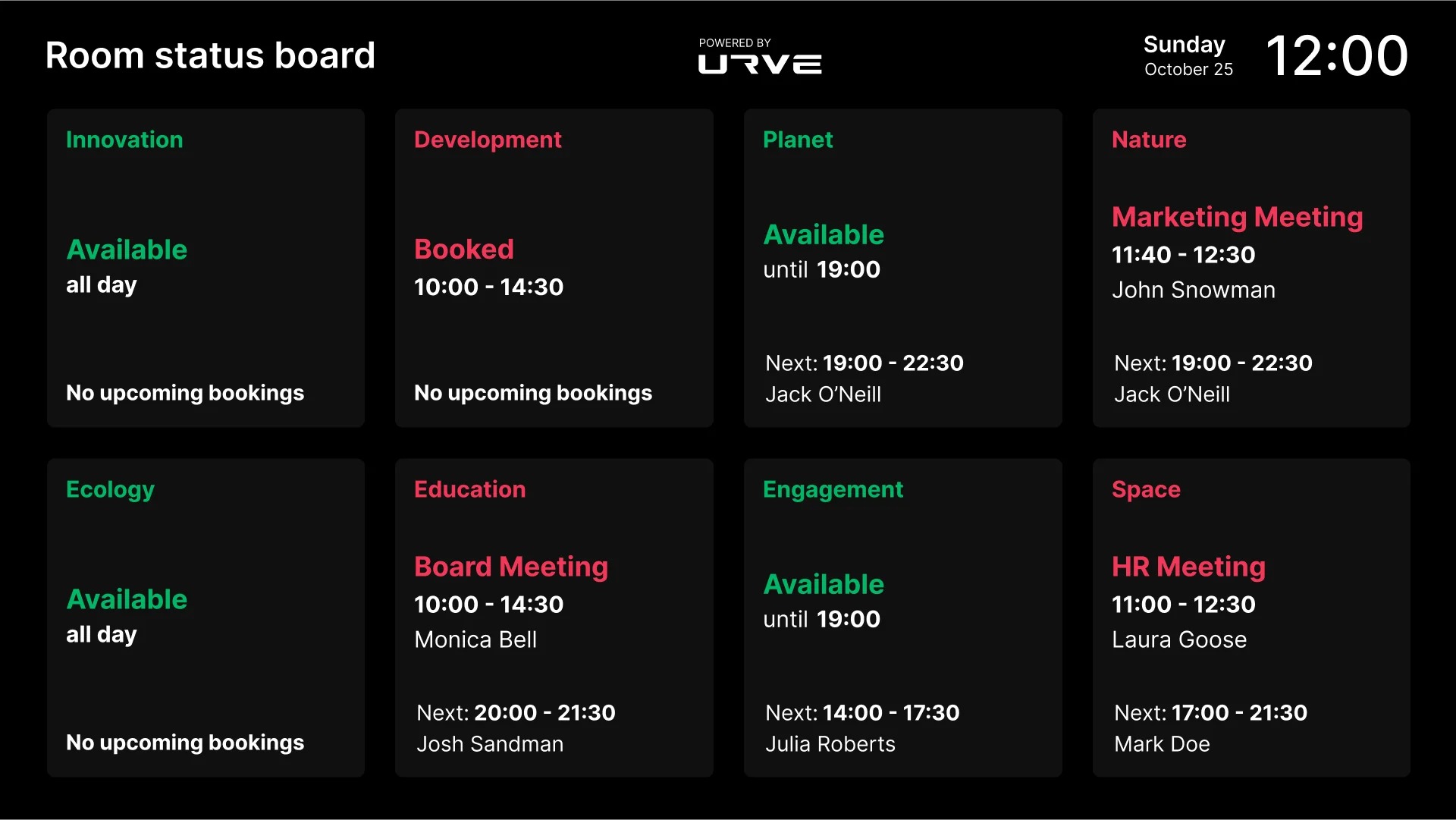
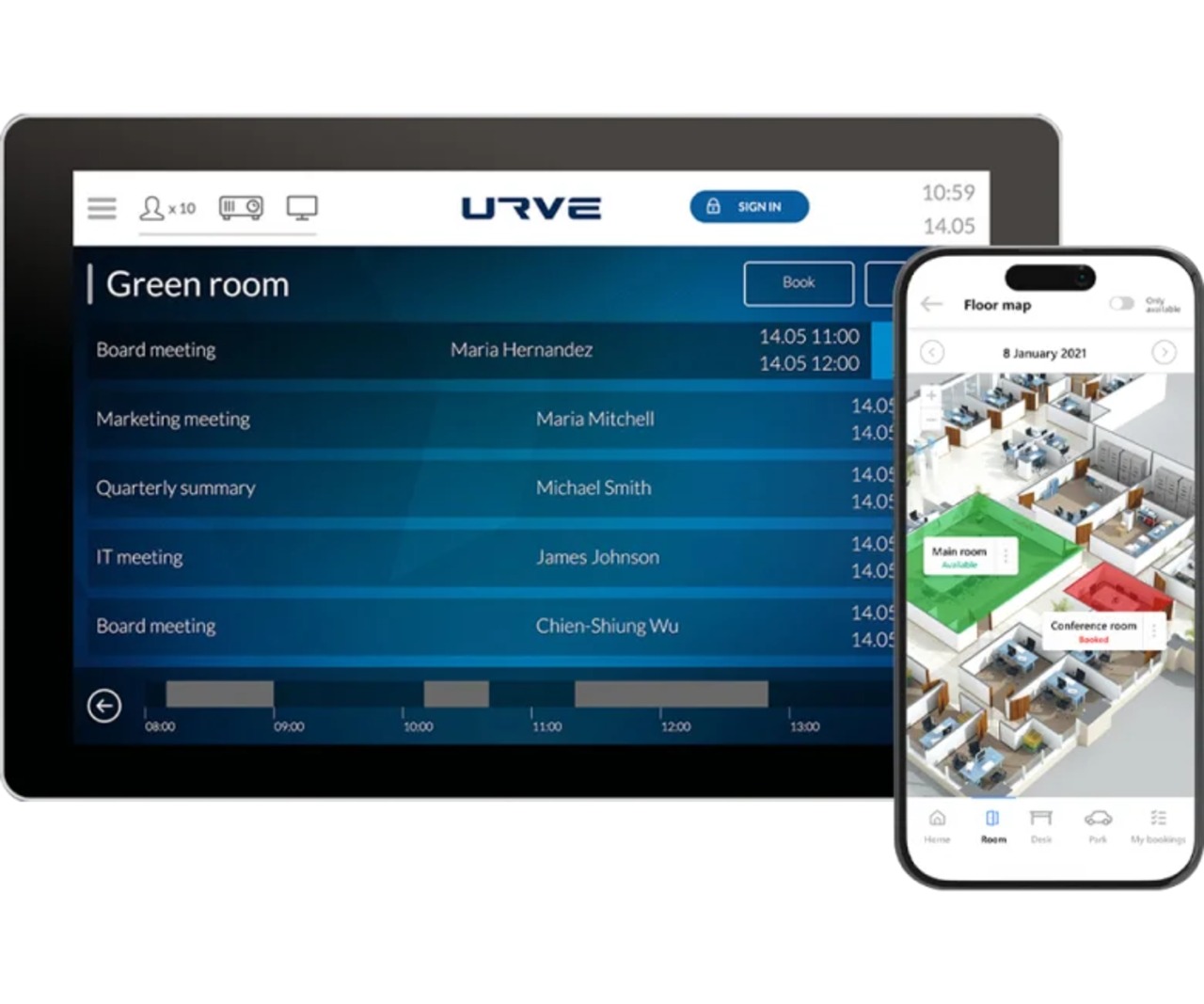
Fracthon, Kraków. In the company's office we deployed an Eveo room booking system with panels at the room entrances, where employees can check the meeting schedule.
Bankowy Fundusz Gwarancyjny (Bank Guarantee Fund). As part of an extensive audiovisual system we installed a room booking system with backlit touch panels, which helped employees adapt to the new way of working.
Desks, rooms, parking and lockers in one place. In addition to desks (Desk module), the system covers conference rooms with the option of ordering catering and equipment (Room), parking spaces (Park), employee lockers with a parcel locker function opened from the app (Locker) and other resources such as company cars, bicycles, laptops or keys (Others).
Booking in the tools teams already use. The system works with Microsoft 365, Exchange, Active Directory and Azure AD, as well as Google Workspace. Bookings are made via an Outlook add-in, in Microsoft Teams and SharePoint, in the iOS and Android app or in a web browser – without changing employees' habits.
Connection to the building infrastructure. The system can be integrated with desk occupancy sensors, access control and car park cameras, and booking information can be displayed on screens in shared areas. As a result, the statistics show which resources are actually used, not just booked.
Data-driven decisions about floor space. Booking and occupancy reports show unused workstations as well as the most popular locations and zones. This makes it possible to plan the number of desks on the basis of data, avoid maintaining surplus space and support energy efficiency targets and ESG strategy.
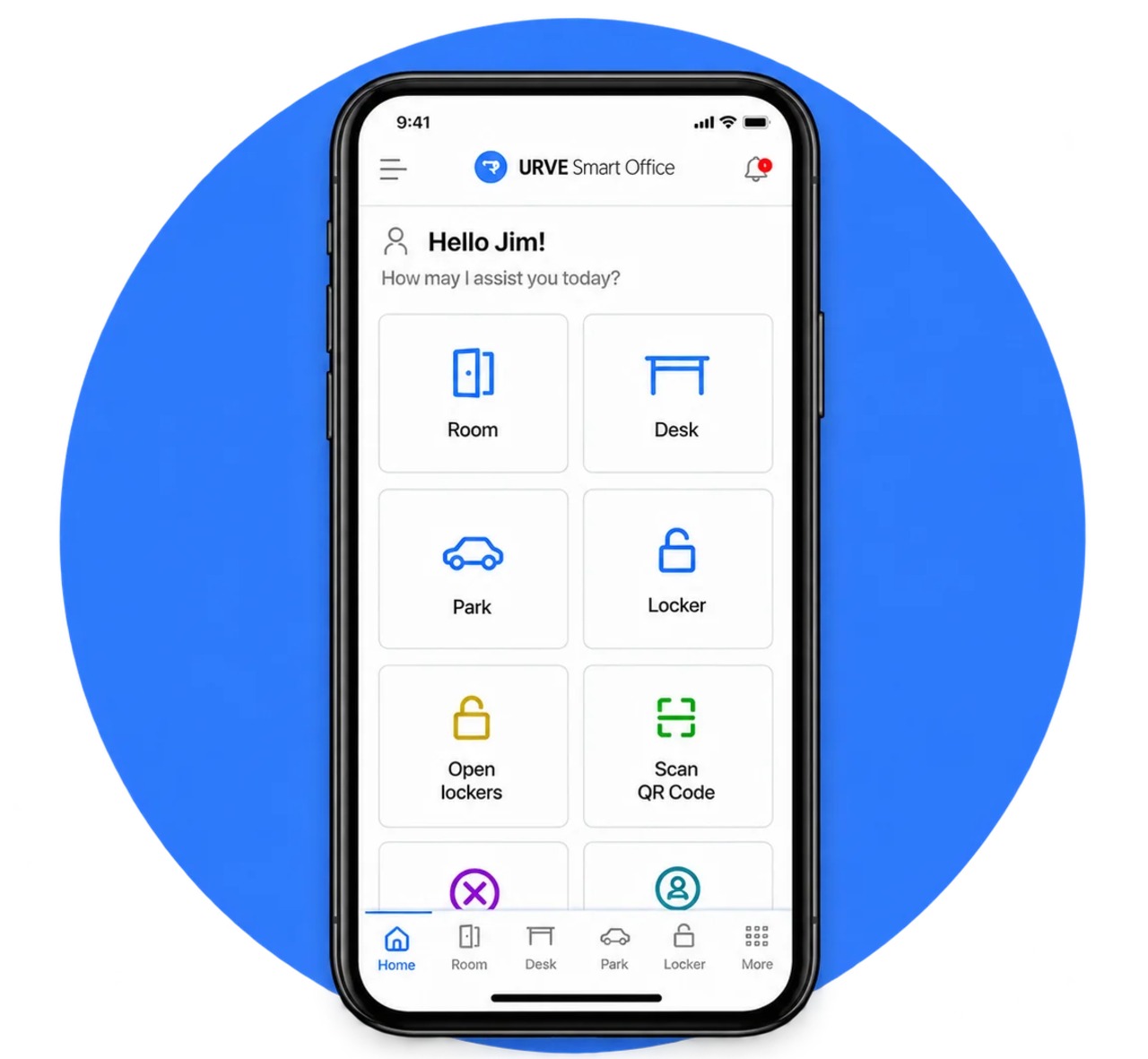
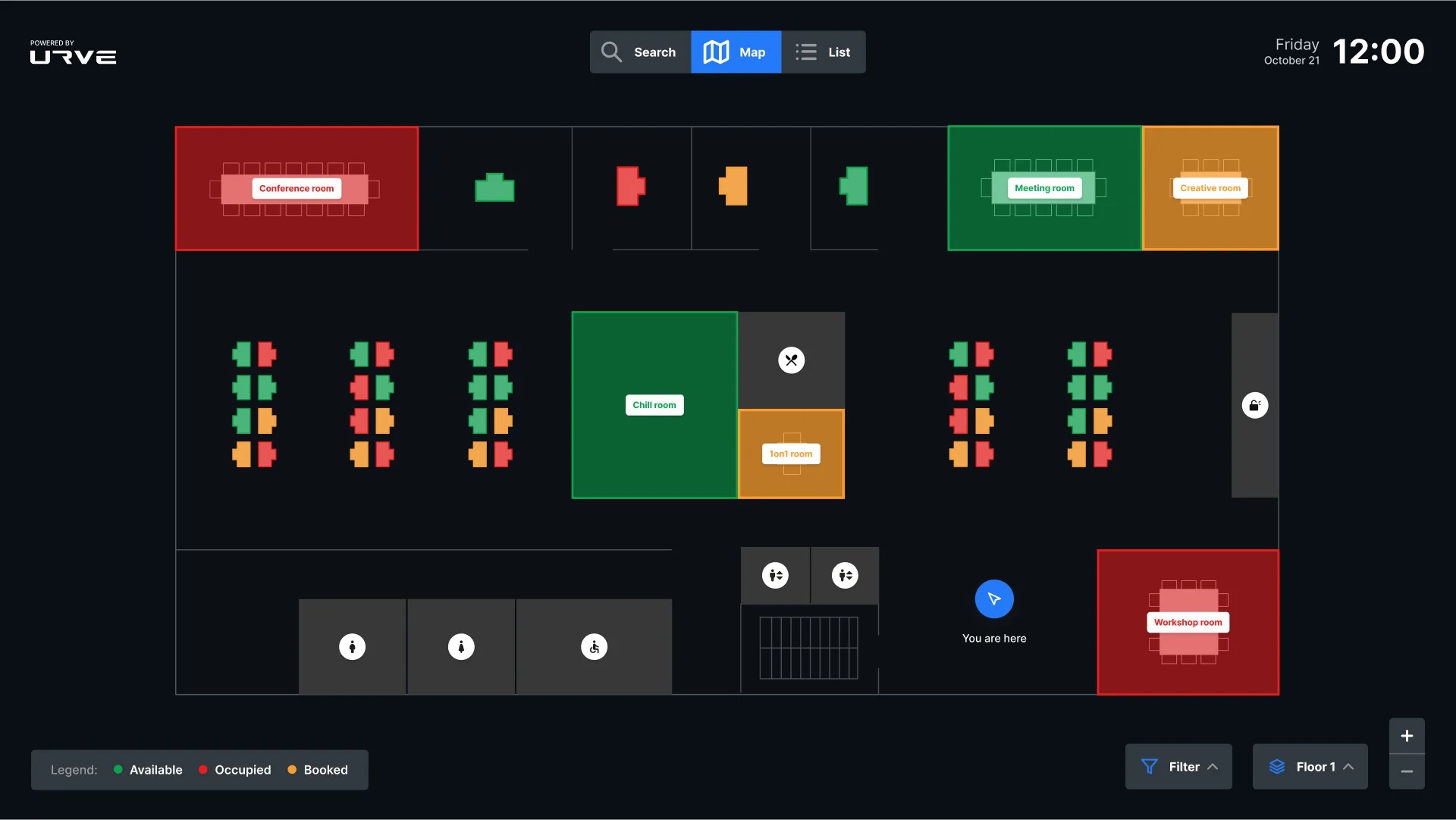
Booking in three steps. The employee logs in with their company account, chooses the day, time and location, and then selects a desk on an interactive map – by position, zone, availability or workstation equipment. The booking is confirmed with a single click; depending on the configuration, it is also added to the Outlook calendar.
Attendance planning and teamwork. Employees mark the days they will work from the office and check when members of their team will be on site and where they are sitting. The administrator can assign selected workstations or areas of the office to specific teams and user groups, creating team zones.
Automatic release of unused desks. Use of a workstation is confirmed with a QR code. An unconfirmed booking can be released automatically in line with the organisation's rules, returning the desk to the pool of available places.
Configurable booking rules. The organisation sets limits, availability hours, the maximum booking period, user permissions and rules for selected zones. Managers can manage their team's bookings, and data on employees, organisational structure and resources is synchronised with HR and administrative systems.
Booking on site in the office. An information kiosk or touch screen at the entrance makes it possible to check workstation availability and book a desk immediately on arrival at the office. Email and push notifications provide reminders of upcoming bookings and administrator announcements.
Business / Corporate. At headquarters moving to shared workstations, the system introduces consistent rules for using the office. Teams agree on days to work together, rooms are booked in the Outlook calendar, and visitors check themselves in at an information kiosk. Screens in shared areas and touch panels outside rooms show current bookings and allow a free room to be booked quickly on the spot. In office buildings the system is complemented by information screens with centrally managed content – as at the Pomeranian Science and Technology Park, where one member of staff runs the displays on every floor. Read more about this approach in the article What is a Smart Office system?
Industry, Energy and Transport. Organisations with offices at production plants and in several locations manage all their offices in one system and compare space utilisation between them. Desk and parking booking brings order to the arrivals of employees who divide their time between the plant, the branch and headquarters.
Phased deployment. Modules are purchased independently, so we usually recommend starting with one floor or department and the Desk and Room modules. Parking, lockers and further locations are added in later phases, once the organisation has data on how the office is used in practice.
Operating model. In the SaaS model the manufacturer is responsible for maintenance and updates, and LOBO panels can be rented; in the on-premise model the system runs on the company's infrastructure and is maintained by its IT department. A hybrid option is also available – we agree the choice with the client's IT department.
The physical layer in the office. We plan the panels outside rooms, kiosks and information screens together with the room equipment – their placement, power supply and cabling. More details on our pages about room and desk booking systems and complete AV solutions.
Which workstations will remain permanently assigned and which will be shared – and what booking rules apply in each zone?
Will the system run as SaaS or on-premise – what data security requirements apply in the organisation?
At what stage do we involve the IT department responsible for integration with Active Directory or Azure AD and Exchange?
Is a QR code enough to confirm attendance, or are desk occupancy sensors needed?
Where will the panels and information screens be located, and how will they work with the AV systems in the rooms?
Planning a hybrid office?
We begin every booking system deployment for businesses and corporations with an analysis of how the office is used, and after commissioning we provide support from our service department.







