5 benefits of using video conferencing


Remote and hybrid working have permanently changed the way companies and institutions hold meetings, run training and talk to partners. Video conferencing systems – from USB kits in small rooms to multi-camera installations in boardrooms – are a regular part of the hundreds of projects PROAV has delivered for clients across Poland. A well-designed system cuts travel costs, brings order to project management and makes training easier to organise. The result, however, depends on matching the equipment to the size and purpose of the room and connecting it properly to the organisation's infrastructure.
Rooms designed around the way you hold meetings. Before we propose any equipment, we check how many people use each room, which platforms calls take place on and whether employees bring their own laptops. That way a small meeting room gets a simple USB kit, while the boardroom gets a system with cameras that automatically track the speaker.
One system rather than a collection of devices. We combine cameras, microphones, video codecs and content-sharing modules into a coherent whole, and agree how it works with the network, calendar and phone system with your IT department.
Testing before handover and service support. After installation we make test calls on the platforms your organisation uses and train staff to operate the rooms. During operation, the system is looked after by our service department.
Solutions used:
Industries:
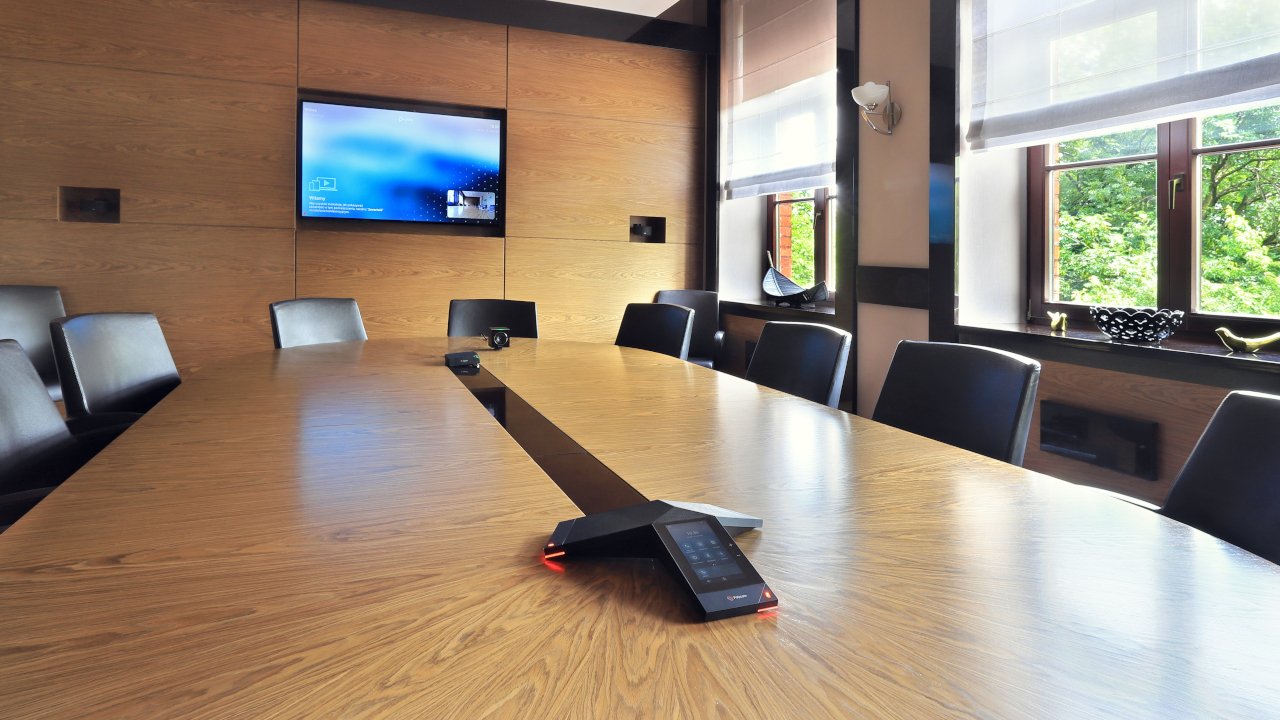
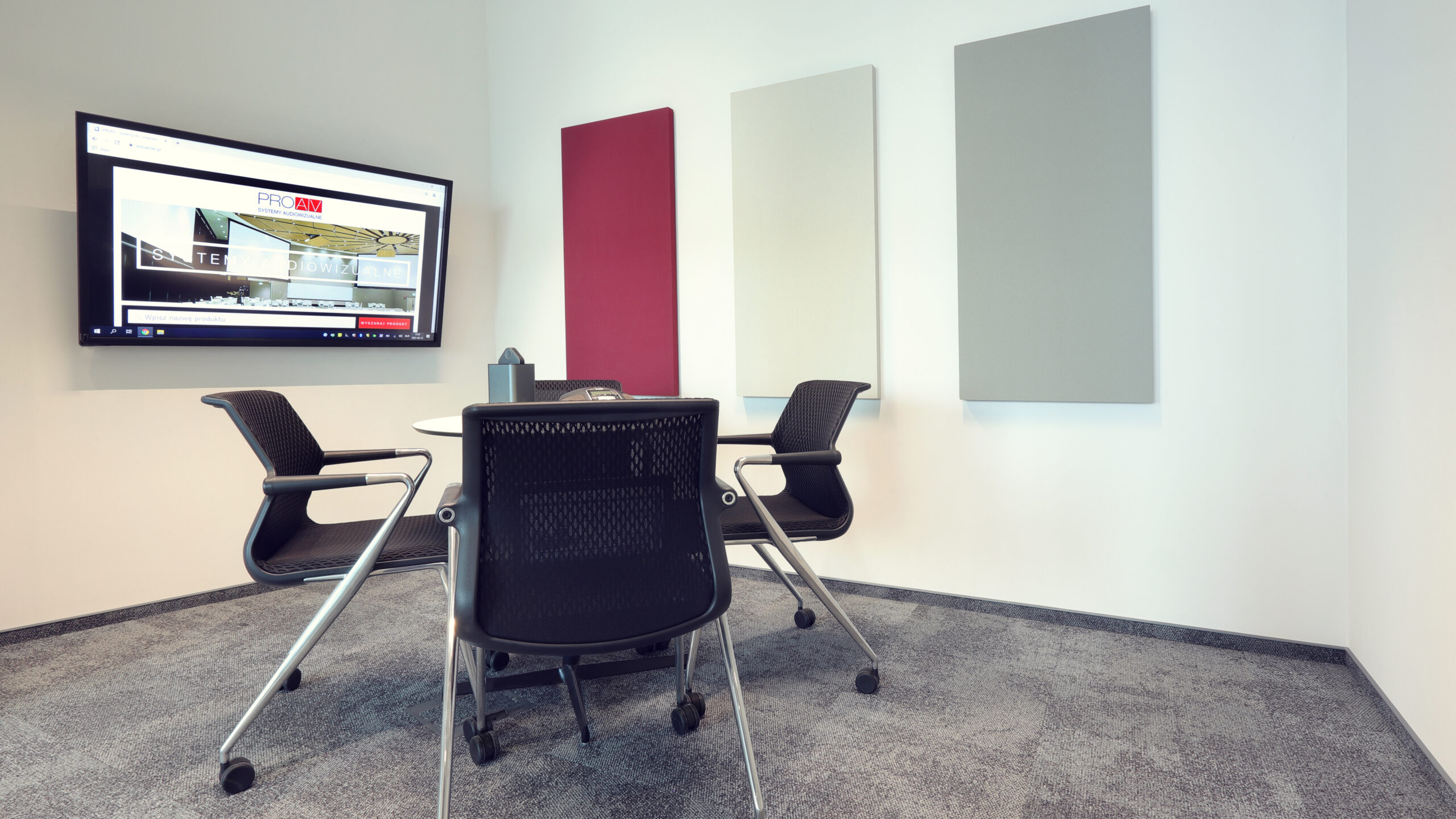
Bank Guarantee Fund. The existing cameras in the spacious boardroom did not frame people sitting at the far end accurately. We used cameras that automatically track the speaker and adjust the framing, and connected the video conferencing system to the office phone system. In the smaller rooms we installed USB kits that work with any computer and support a bring-your-own-device model.
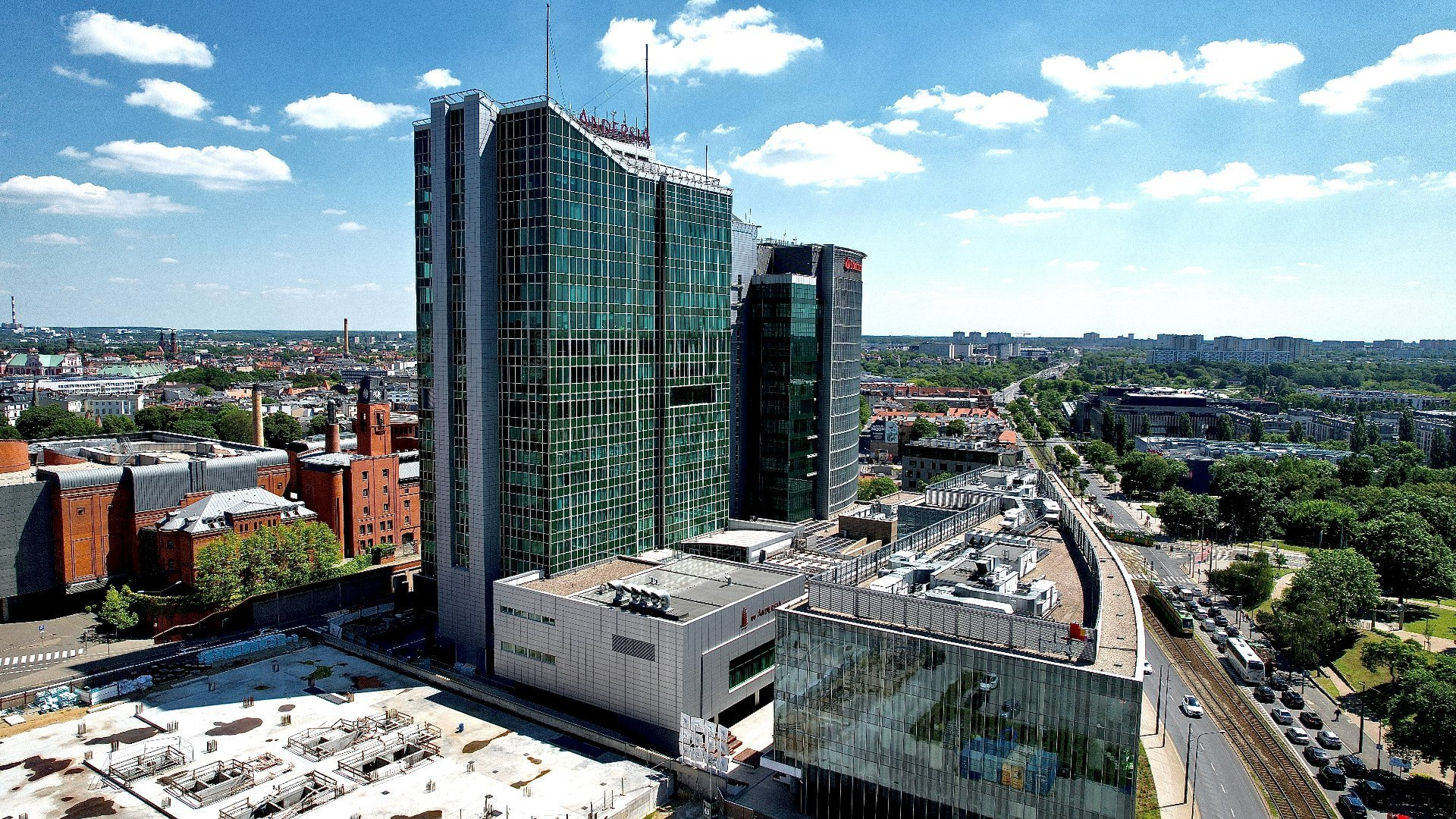
Tpay. In the company's new headquarters in the Andersia Tower office building in Poznań, the conference rooms were equipped with large-format displays, cameras and speakerphones. A laptop connects to them via USB-C, USB-A or HDMI, and the system automatically detects the input used, so meetings start without changing any settings.
Video conferencing is a remote meeting in which participants in several locations see and hear each other in real time. The system transmits not only sound and images but also data – presentations, documents and graphics shared with everyone on the call.
The simplest set-up can be built from individual devices, such as a soundbar and a large-format display. Rooms used by many people and headquarters with several conference rooms need a system made up of cameras, microphones, conference phones, loudspeakers, video codecs and content-sharing modules. Its reliability depends on choosing the right equipment and knowing how to connect it into a single whole – and that is the job of an AV integrator.
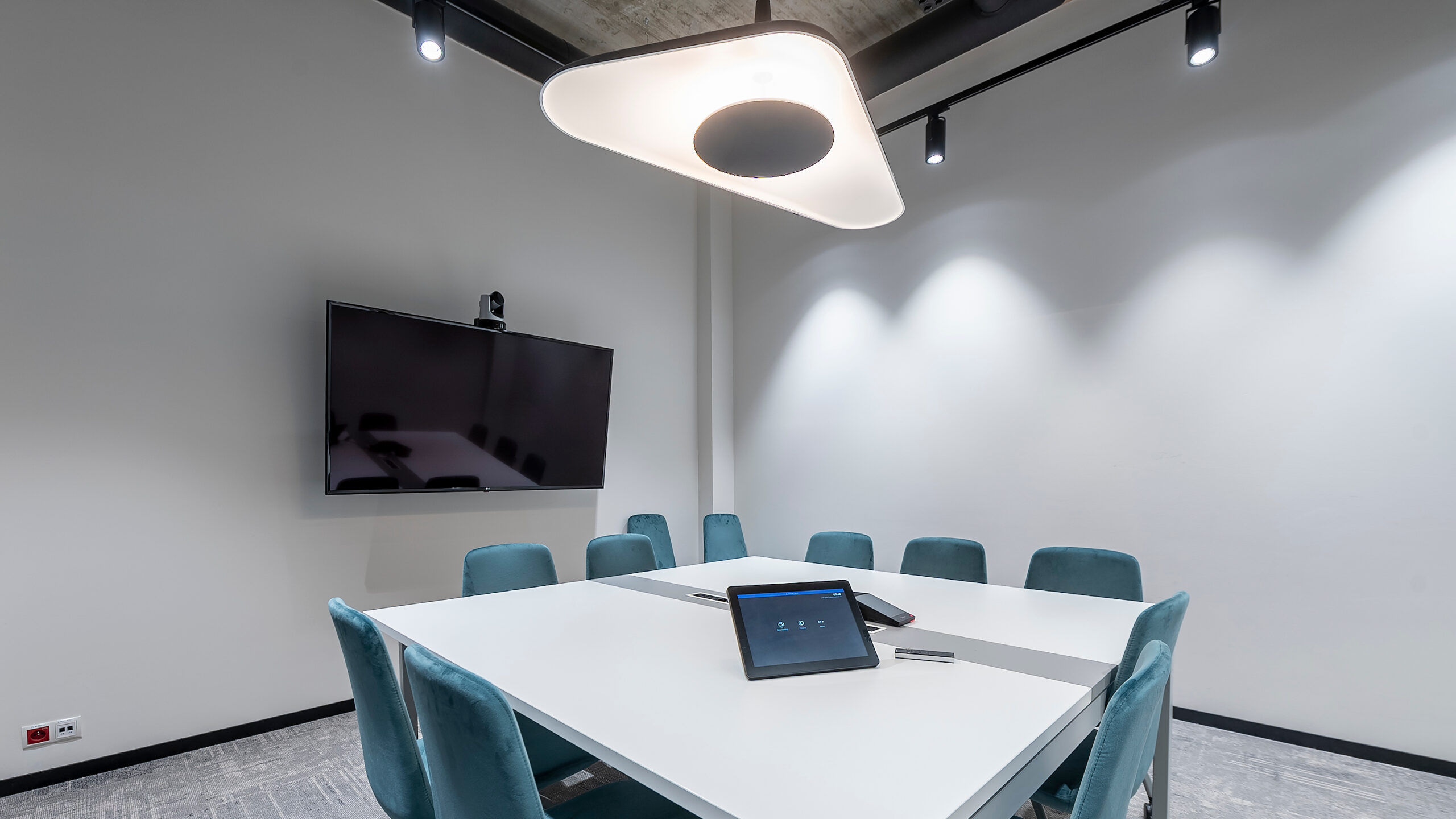
An online meeting does not require travel, booking a restaurant table or arranging refreshments for guests – you simply create a virtual room and invite the participants. Video conferencing also cuts business travel costs: a conversation with a business partner on another continent requires no plane tickets, hotel stays or long hours on the road. In this way the organisation saves both its budget and its employees' time.
On complex projects, email correspondence can be a source of misunderstandings: information gets lost in long threads, and the sender's intentions are easily misread. A video call lets you see how the other participants react and clear up doubts straight away, and a single online meeting often replaces dozens of messages.
Participants can work on a document or graphic at the same time and add comments to it. This makes it easier to coordinate the team and to check ideas against the project brief as you go.
Corporate training increasingly takes place online. Equipping selected rooms with cameras, displays and a sound system is enough for employees from different offices to take part in sessions without travelling between cities. Those who could not attend can watch a recording of the session later, and touch displays allow trainers and participants to edit training materials and presentations together.
The date of an online meeting does not depend on the availability of a hotel meeting room or a restaurant table. When a partner needs to reschedule, a new date can be set almost immediately, and participants can be in different locations. The only requirement is a stable internet connection.
Large-format displays, video walls built into furniture and loudspeakers concealed in wall recesses become part of the interior design, and sometimes of the company's visual identity too. Guests and partners see an organisation that invests in such equipment as open to growth and new technologies.
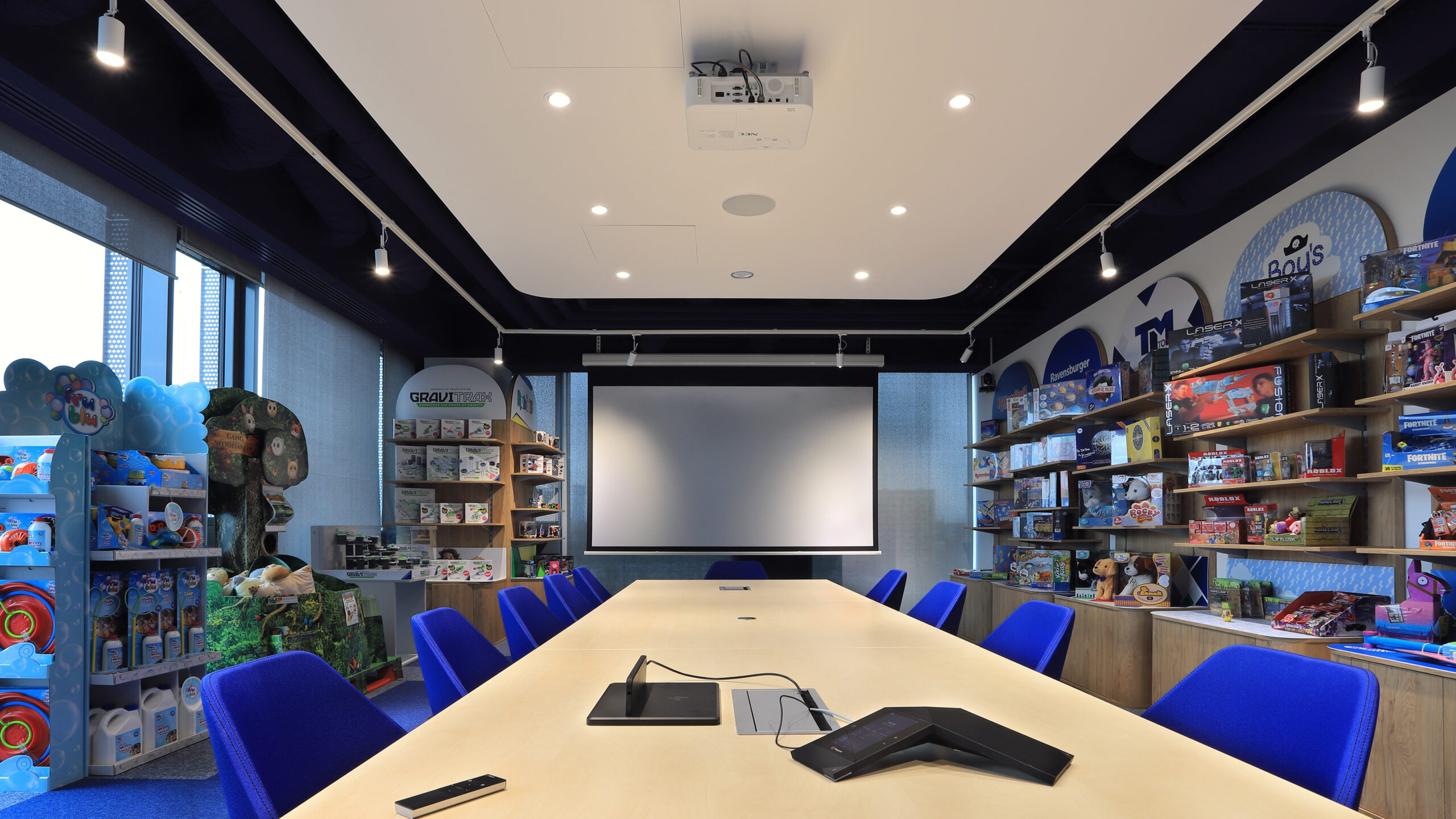
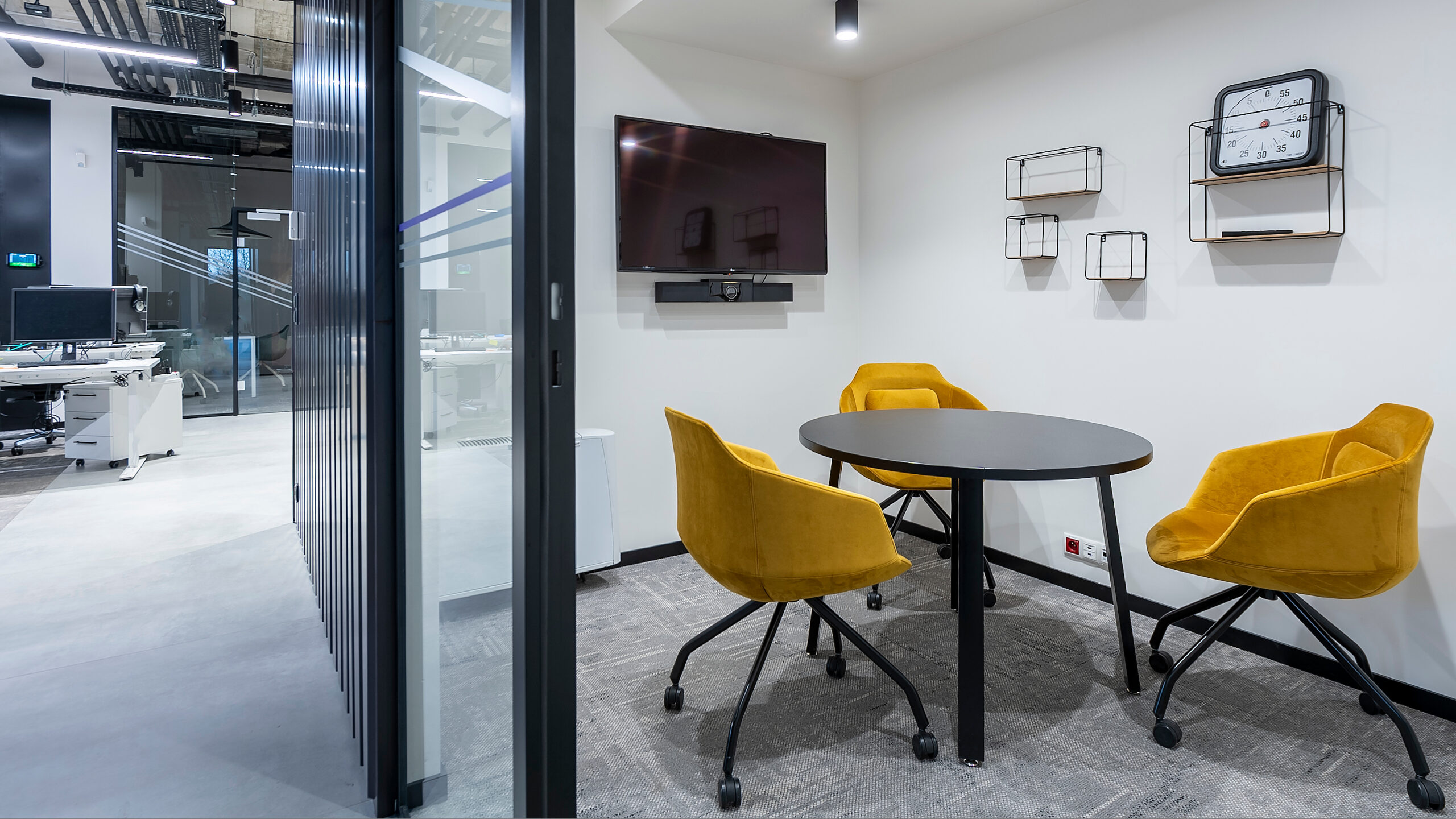
Business / Corporate. Boardrooms and project rooms make it possible to hold talks with partners in other countries and work on documents together without business travel. In Tpay's conference rooms, a laptop connects to the room equipment via USB-C, USB-A or HDMI, so meetings start without changing any settings.
Industry, Energy and Transport. Organisations with plants and branches in different cities use video conferencing for meetings between sites and for staff training, without sending employees to head office. A recording of the training makes it possible to pass the same information on to those who could not attend live.
Hotels. Conference rooms for hire equipped with a video conferencing system allow organisers of training sessions and corporate meetings to bring remote participants and speakers from other cities into the event. For the venue, it is a selling point with business clients who expect rooms ready for hybrid meetings.
Which platforms does the organisation use for meetings? The answer determines the choice of video codecs and how you join calls organised by partners.
Do employees connect from their own laptops? In such rooms we use USB kits that work with any computer and support a bring-your-own-device model.
How many people usually sit in each room, and how are the tables arranged? In rooms with variable table layouts, we plan microphone placement to cover the whole room.
Which systems does video conferencing need to work with? We agree integration with the network, calendar and phone system with the IT department before the equipment is installed.
Will training sessions be held in the room? If so, we provide for recording meetings for those who cannot attend and touch displays for working on materials together.
How should the equipment fit into the interior design? Displays, video walls and loudspeakers can be built into furniture or concealed in wall recesses – we agree the mounting method with the interior designer.
How do you prepare rooms for video conferencing?
We design video conferencing systems based on an analysis of how your organisation holds meetings – from a single meeting room to every room in your headquarters.







