The new Lyra Pro interactive display


Organisations equipping many conference and teaching rooms at once have to reconcile high user expectations with an increasingly tightly controlled budget. Interactive displays are among the solutions PROAV selects most often – over 15 years we have delivered projects for more than 1,500 clients. We are adding the new version of the Newline Lyra Pro display to our offer: instead of raising the price, the manufacturer has optimised the specification. The price, operating system and image and touch quality are unchanged, while rarely used modules have been removed. Your organisation gains a predictable deployment cost and the freedom to choose the camera and how data is stored.
Selection matched to how the room is used. We choose the screen size, camera and signal source based on the size of the room, the number of participants and how users work on the screen – with Google apps, in Windows or during video conferences. Before purchase we also check the room on site: the mounting wall, cabling and lighting.
The display as part of the room system. We install the display and connect it to video conferencing, wireless presentation and the sound system, and we agree device management policies with the IT department.
Phased deployment and service. We equip multiple rooms to a single standard, in phases matched to the budget. We hand over the displays fully configured, and after commissioning the client has our service department at its disposal.
Solutions used:
Brands:
Industries:
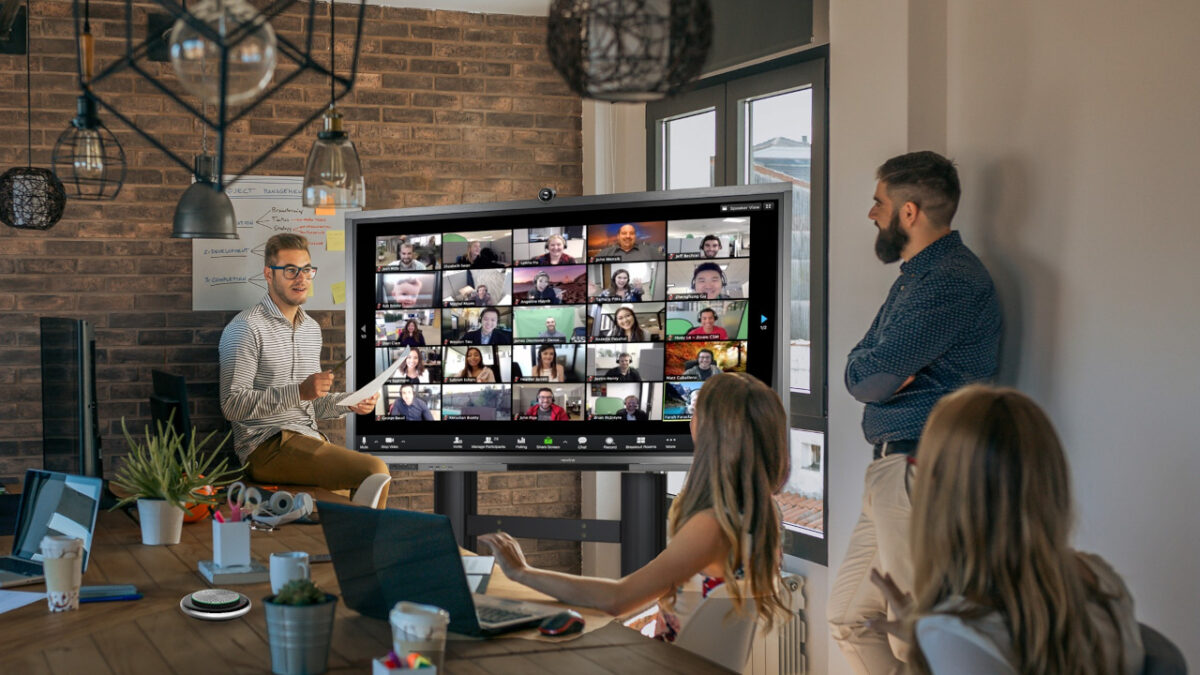
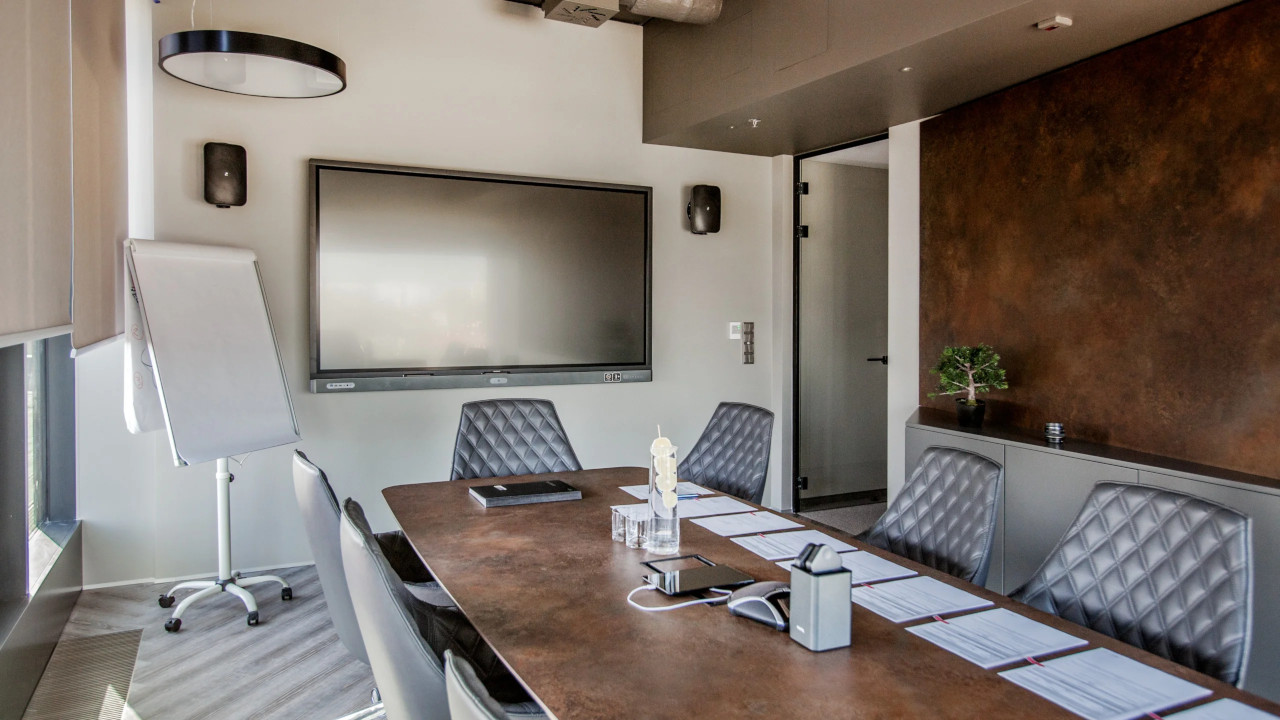
We deploy interactive displays as part of complete room systems – together with wireless presentation, sound and control.
Fracthon. In the boardroom we installed an 86-inch interactive display with a wireless presentation system, with sound provided by two loudspeakers on either side of the screen.
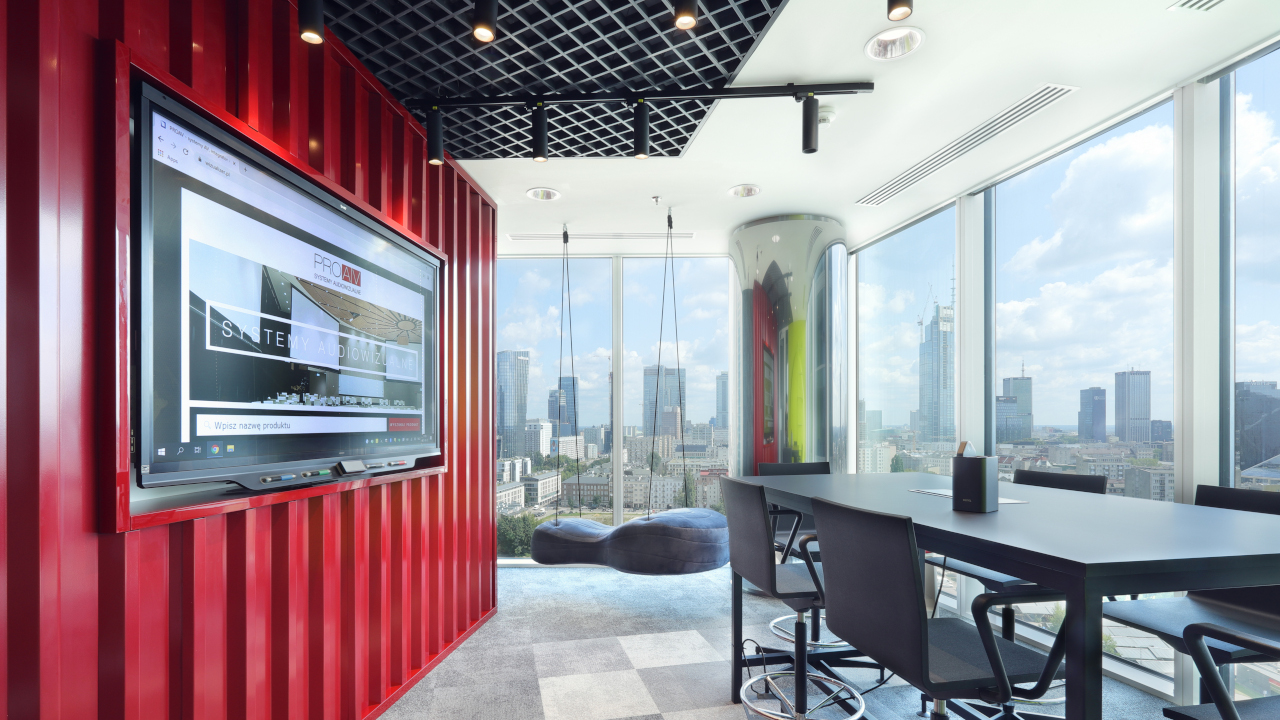
GATX Rail Poland. In a meeting room styled as a railway container we installed a 75-inch interactive display for group work, and in smaller rooms – displays with touch overlays sized to each room.
Provincial Police Headquarters in Białystok. There, an interactive display complements a projection system with roll-down screens.
A stable budget when equipping many rooms. Despite global increases in component prices, the manufacturer has kept the device at its previous price. This makes multi-phase deployments easier to plan and helps maintain a uniform equipment standard across all rooms.
Cost matched to actual use. Rarely used modules have been removed from the design, including the slot for a dedicated camera and the slot for an SDM computer module. Your organisation does not pay for features it does not use day to day.
Cloud-based work. Data storage has been matched to real needs, while retaining the option to expand it if requirements grow. Documents and materials are securely accessible from a cloud account, so they do not need to be stored locally on the device.
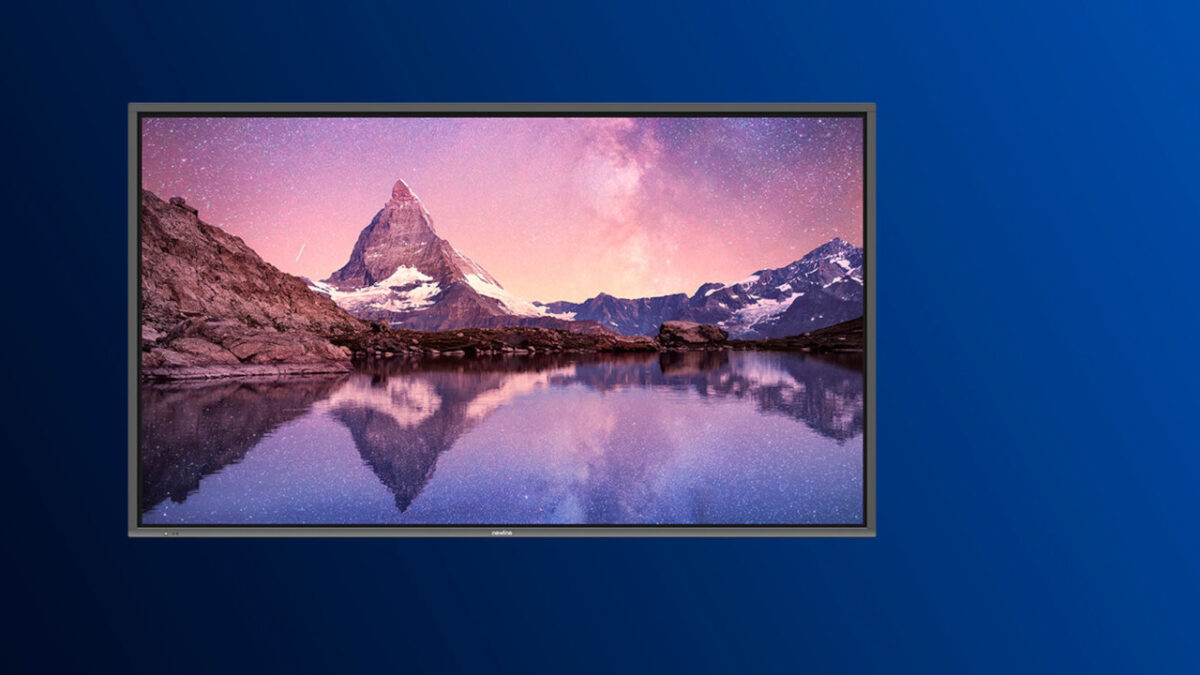
Free choice of camera. With no dedicated slot, any camera can be used, matched to the size of the room and the video conferencing platform used in the organisation.
Unchanged quality in everyday work. Android 14 with Google EDLA certification provides access to apps from Google Play, and a blue light filter reduces eye strain during long meetings and classes. System stability, intuitive operation and image and touch quality remain at the same high level as before.
Higher education. Universities equipping many teaching rooms at once gain a predictable cost while retaining image and touch quality. The blue light filter matters during classes lasting several hours, and access to Google Play apps broadens the options for running lectures and seminars.
Business / Corporate. For companies standardising their meeting room equipment, we propose covering both project rooms and larger conference rooms with a single solution, without increasing the unit cost. Working on documents in the cloud and a free choice of camera make it easier to match the display to the communication platform adopted by the organisation.
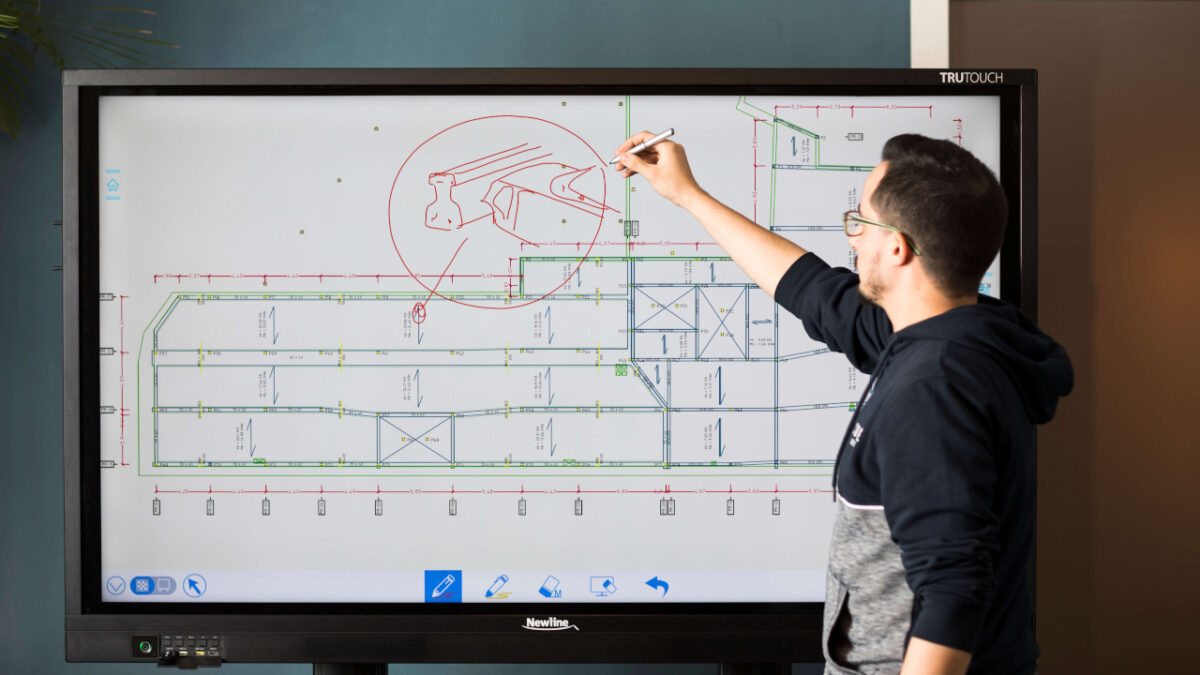
Industry, Energy and Transport. In shift briefing rooms, training rooms and plant offices, an interactive display is used to discuss plans, procedures and technical documentation with handwritten annotations on screen. A free choice of camera and no unnecessary modules make it possible to equip many sites to a single standard at a predictable cost.
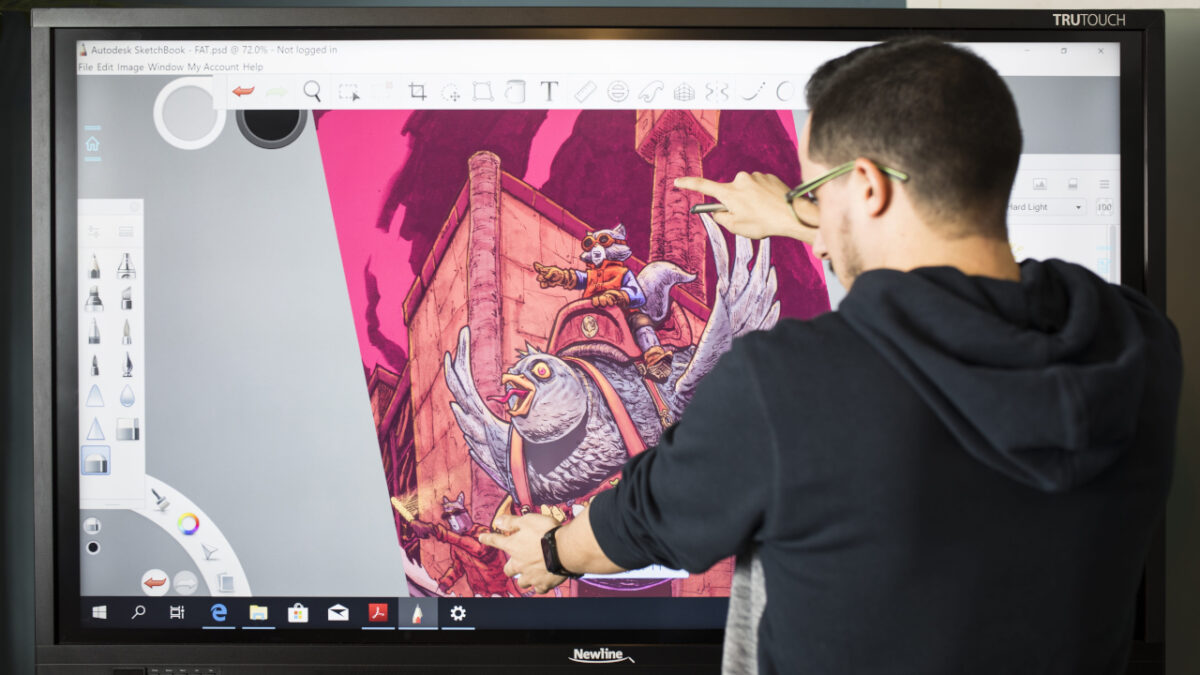
Meeting rooms and project rooms. We recommend the new Lyra Pro where teams work on cloud-based materials, use Google apps and connect with remote participants via an external camera chosen for the room.
Teaching and training rooms. For classes in which several people work on the screen at the same time, we suggest connecting a Windows source, which supports 50 touch points. In Android mode the display supports 20 touch points.
Rooms that need a built-in computer. If the design calls for a computer integrated in a slot-in module, we select a different model from the Newline Interactive range or an external computer.
Does the organisation work mainly in the cloud? The standard 64 GB of storage is sufficient when data is kept in cloud accounts. If users save large sets of materials locally, we plan a storage upgrade at the purchasing stage.
Which camera and video conferencing platform will be used? We include the external camera in the budget and the room design, choosing it to suit the size of the room and the number of participants.
How many people will work on the screen at the same time? The answer determines whether Android mode is sufficient or whether we connect a Windows source to the display.
What screen size is needed? The new version is available in a 65-inch size. For the 75- and 86-inch sizes, we confirm the device version before placing the order.
At what stage do we involve the IT department? Working with cloud accounts and access to Google Play apps must be aligned with the organisation's security policy and device management approach.
Planning to equip your rooms with interactive displays?
We select interactive displays to suit the way users work – we start by analysing how teams use the rooms, then choose the screen size, camera, signal sources and how the system integrates with the IT infrastructure.







