AV systems for business and corporations


PROAV designs and deploys audiovisual systems for companies and corporations: video conferencing in meeting rooms, LED screens and large-format displays in boardrooms, projection in large conference rooms, wireless presentation, room control and room booking. Employees should be able to start a meeting from their own laptop, without help from the IT department. We have deployed such systems in the offices of Siemens, PSI Pharma, Assa Abloy and Tpay, among others. How to choose equipment for a room of a given size is explained in our guide conference room equipment – what do you need?
Meetings from any laptop. We configure rooms so that employees and guests can join a video conference without checking any settings – by connecting their computer with a single cable or wirelessly.
The same way of working in every room. From a private office to the largest conference room, a meeting starts in the same way, which shortens preparation and takes the load off the IT department.
Technology built into the office design. We work with the design office and interior contractors – we build displays into joinery and conceal projectors and screens in the ceiling.
One system for the whole office. We combine room control, the sound system, video conferencing and room booking into a single network of devices, ready to be extended to further floors.
In the office we bring together video conferencing, displays and LED screens, projection, wireless presentation, sound in common areas, room control, room booking and Digital Signage screens with information for employees. We tailor the scope to the number and size of the rooms and to the way the company runs its meetings.
Solutions used:
Used in projects:
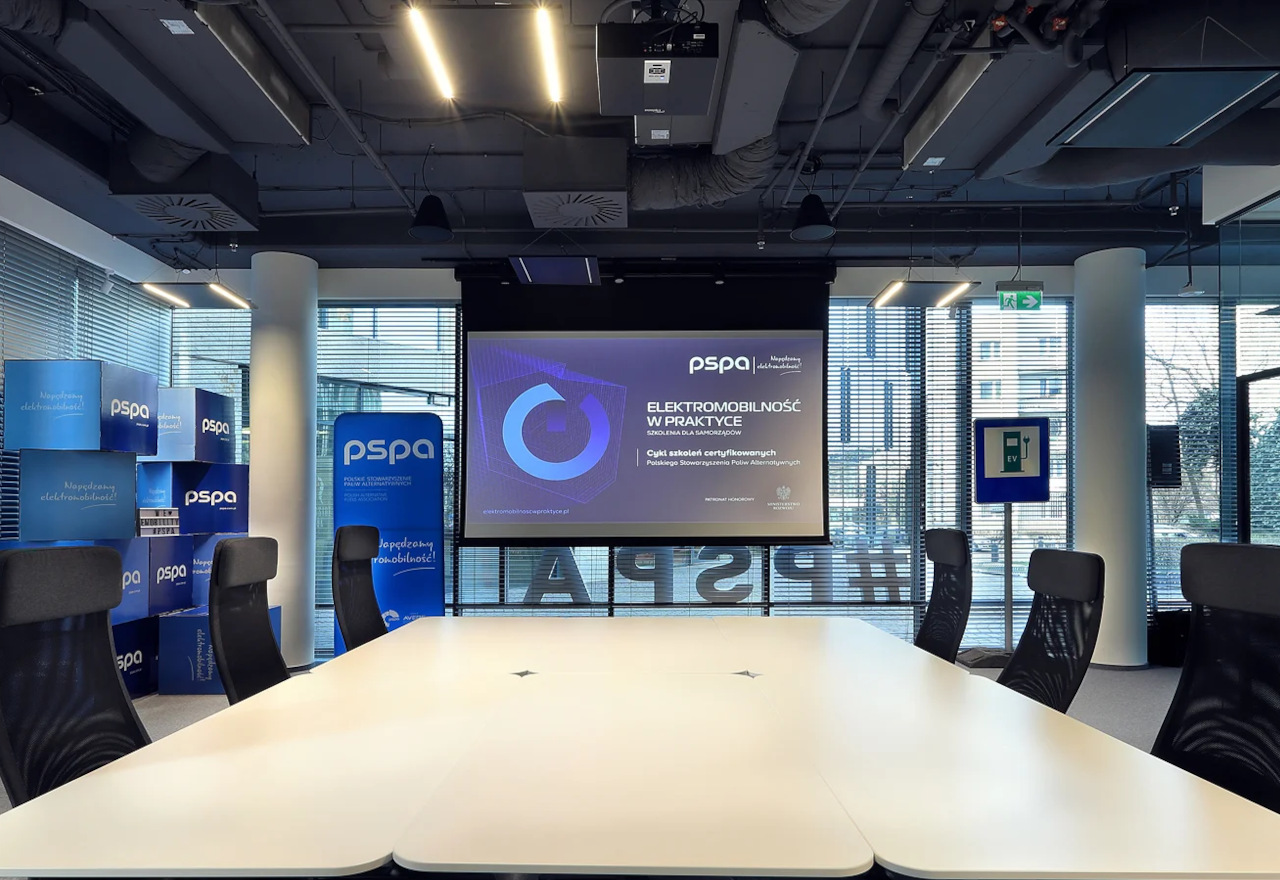
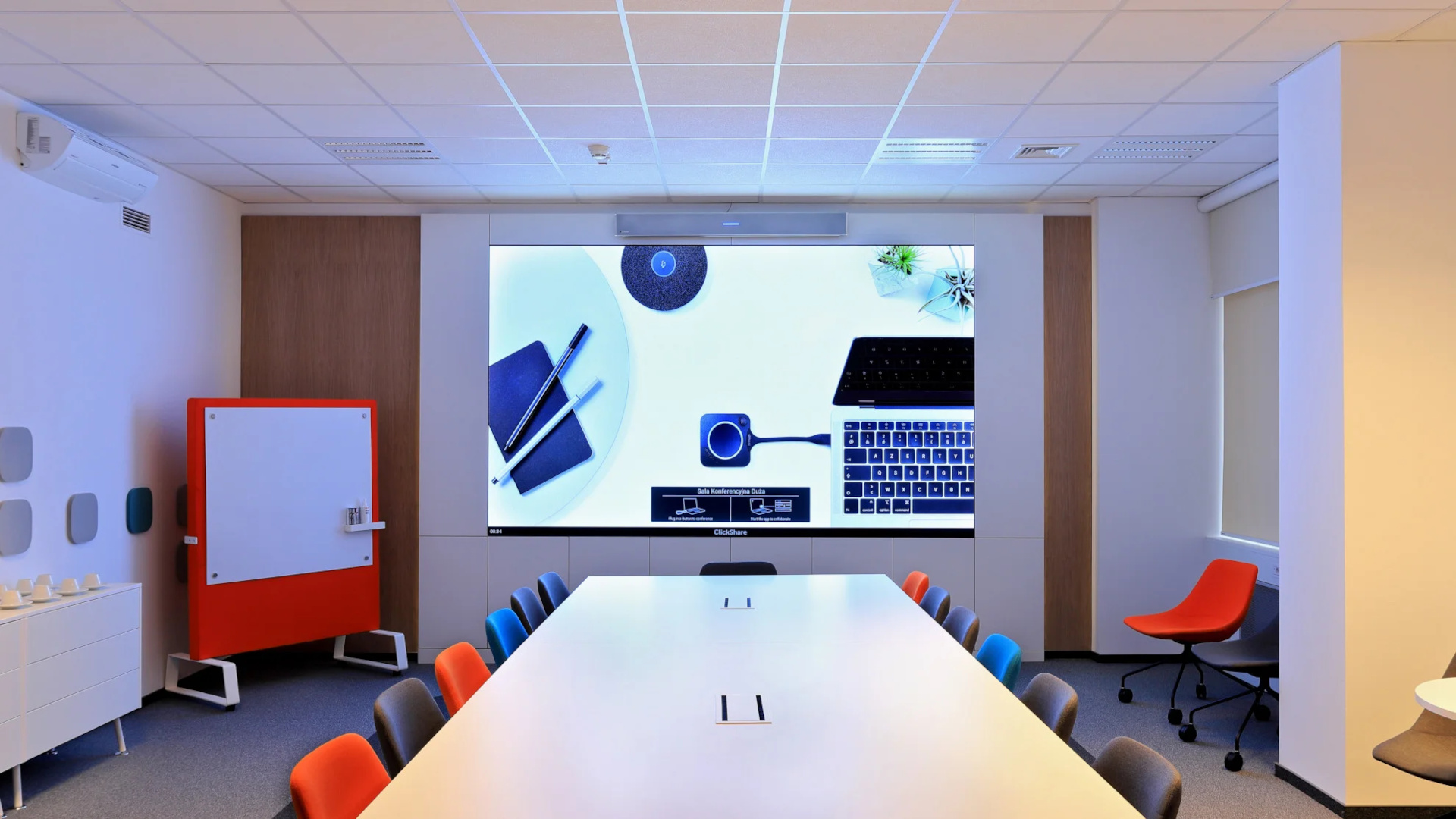
In the largest meeting room at Siemens, we replaced a projector that was too dim with a P1.6 LED screen more than 3 metres wide. The image remains legible even in strong daylight.
Together with the design office and the joinery contractor, we built the screen into a furniture wall with no visible joints. Above the screen is a Nureva HDL300 audio bar with microphones and loudspeakers. See the Siemens project.
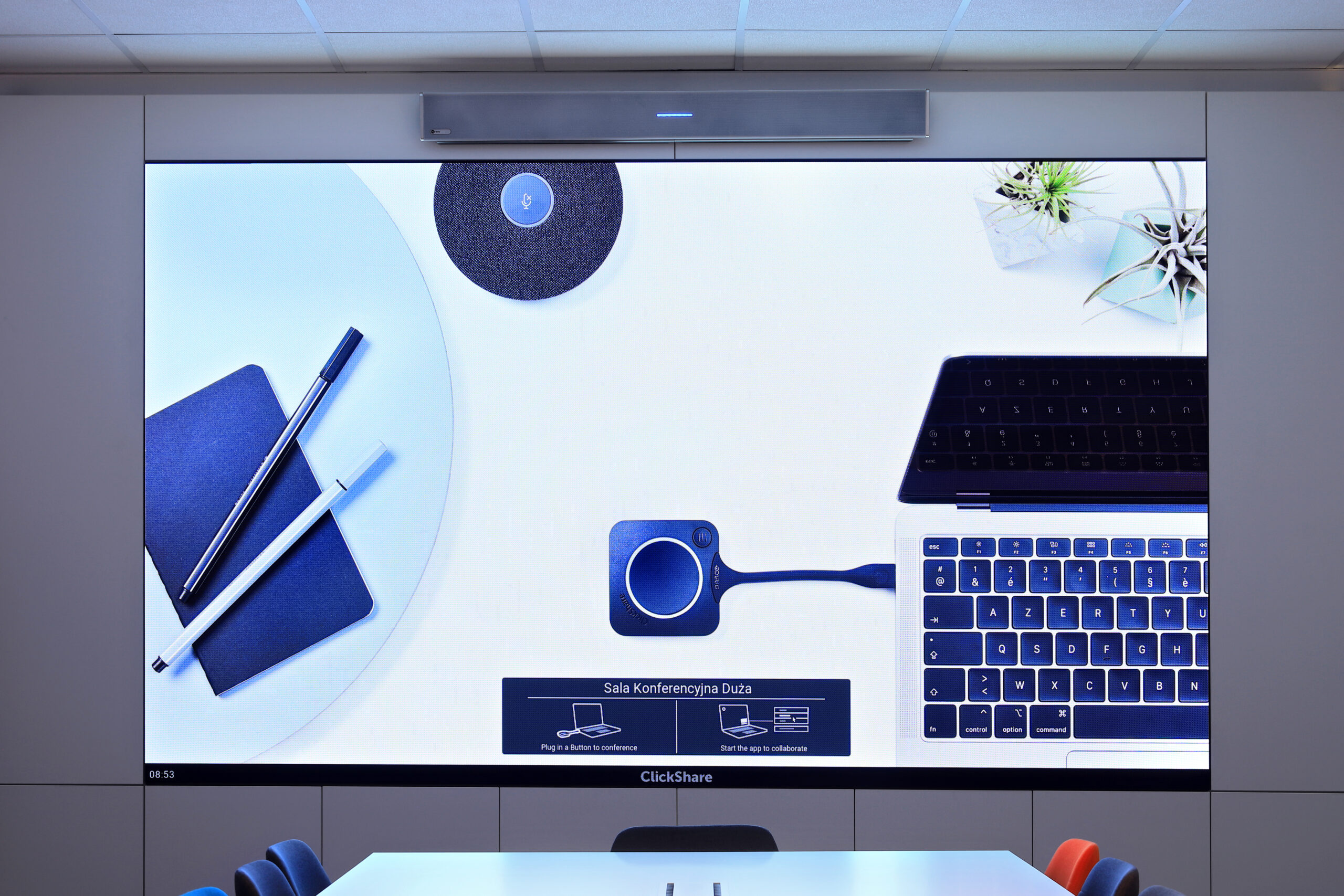
In the smaller rooms at Assa Abloy, we installed Poly Studio USB all-in-one kits with Sony Bravia 4K displays. Employees connect their computer to the video bar and start a video conference straight away – without installing any additional software.
This solution works well where meetings take place on different platforms and the room needs to be ready in moments. See the Assa Abloy project.
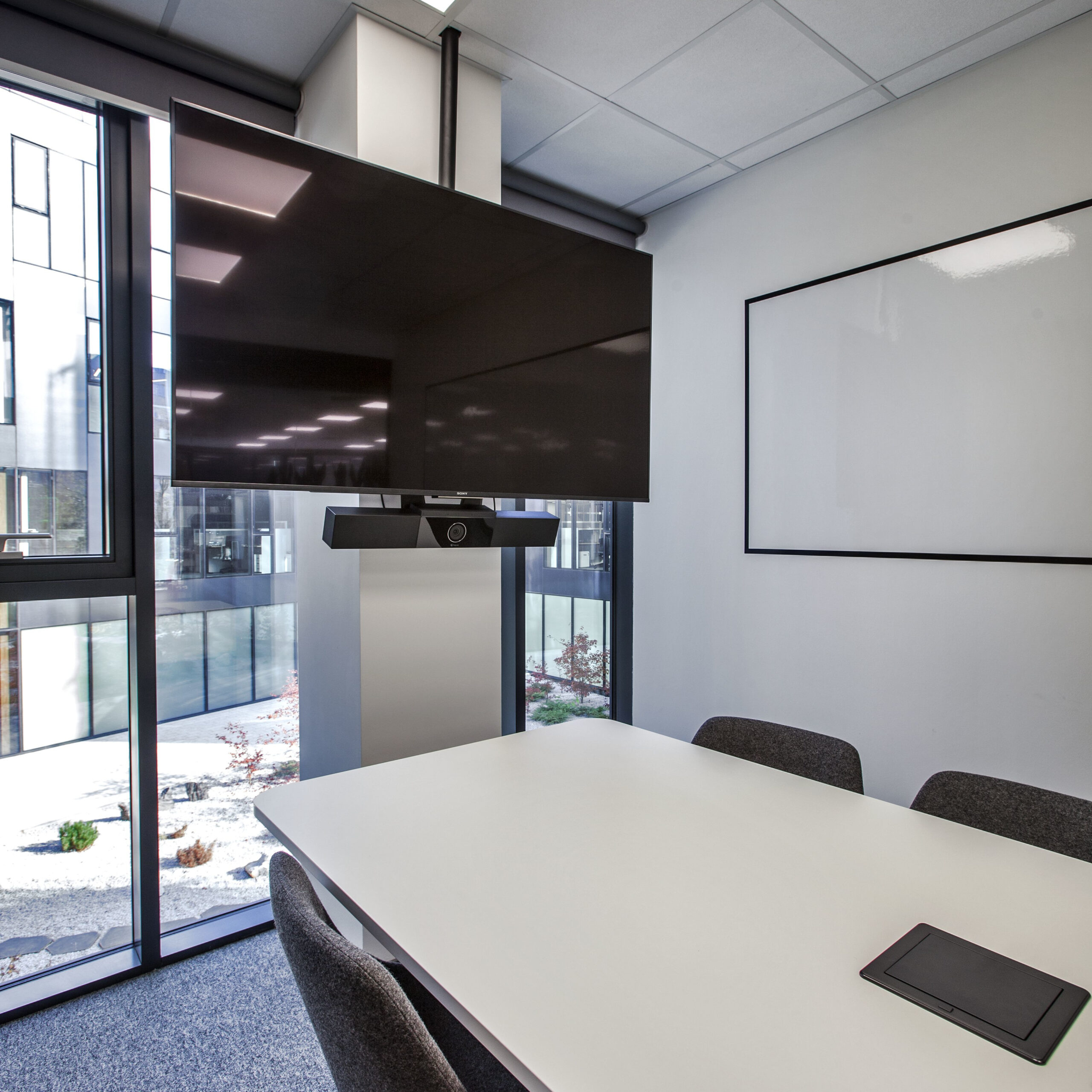
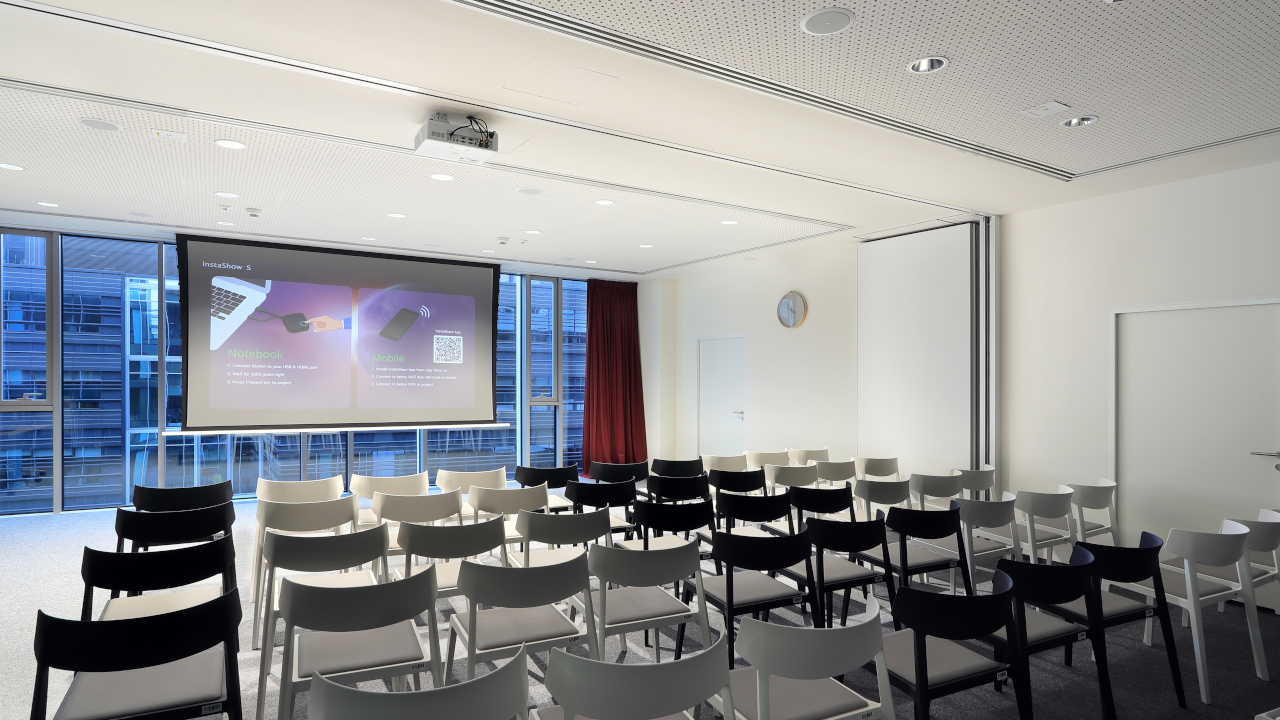
Thanks to sliding partition walls, the largest room at PSI Pharma, measuring almost 150 m², can be turned into three smaller meeting rooms. We designed the AV system to work correctly in each of these layouts.
The room is controlled from an AMX table-top touch panel, while video and audio are distributed by an HDMI/HDBaseT matrix and an audio processor with a Dante module. See the PSI Pharma project.
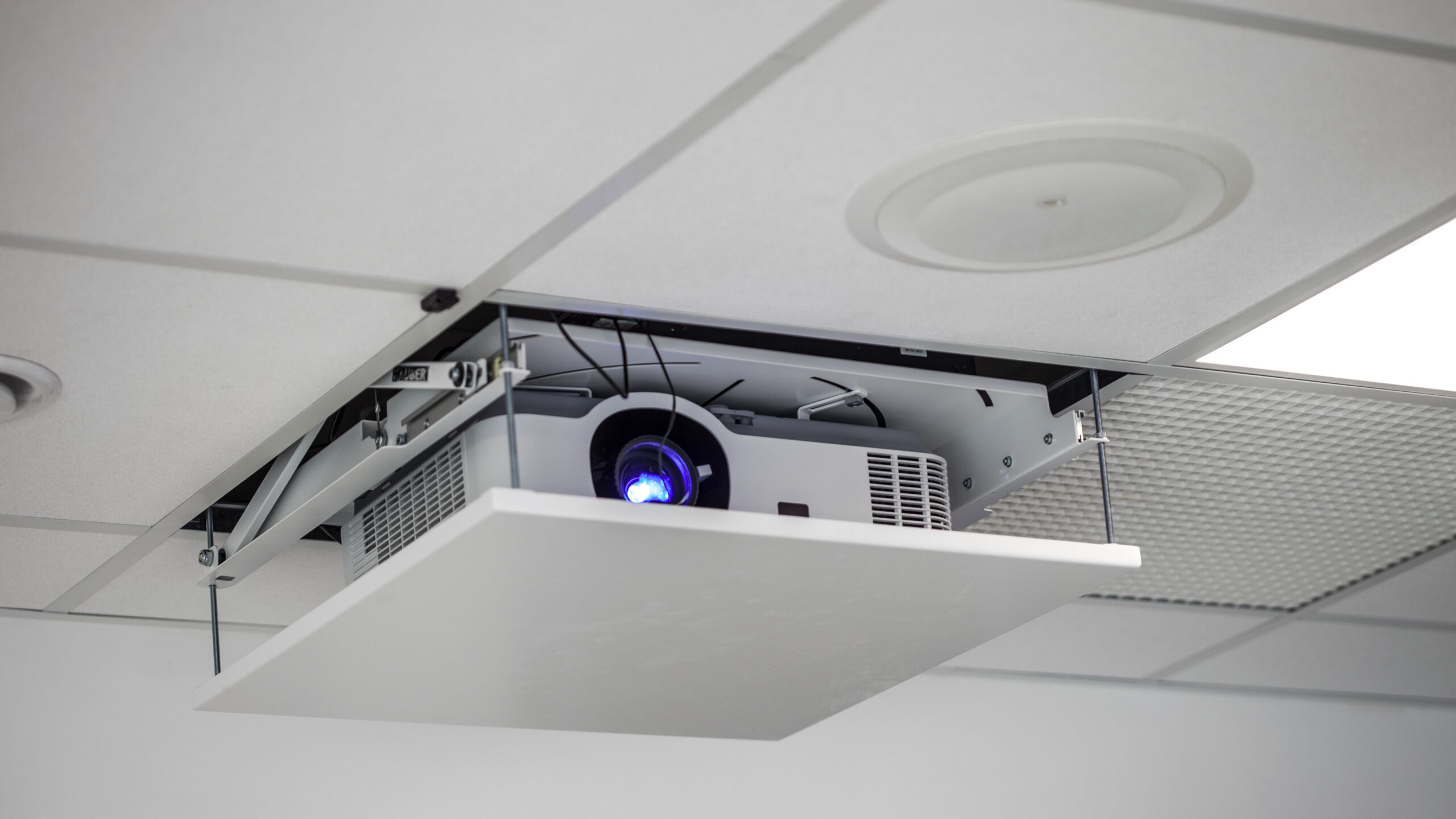
In the large conference room at Assa Abloy, a 5000 ANSI lumen NEC projector descends from the ceiling on a lift, and a motorised Kauber screen is built into the ceiling.
Preparing the room for a presentation takes the press of a single button. When the equipment is not in use, the room keeps its prestigious look.

Next to every meeting room in the PSI Pharma office, we mounted Evoko Liso touch panels that show whether the room is occupied and allow it to be booked on the spot.
We connected the booking system to a display at reception, which shows a list of available rooms and where they are located. More about this solution: room booking systems.
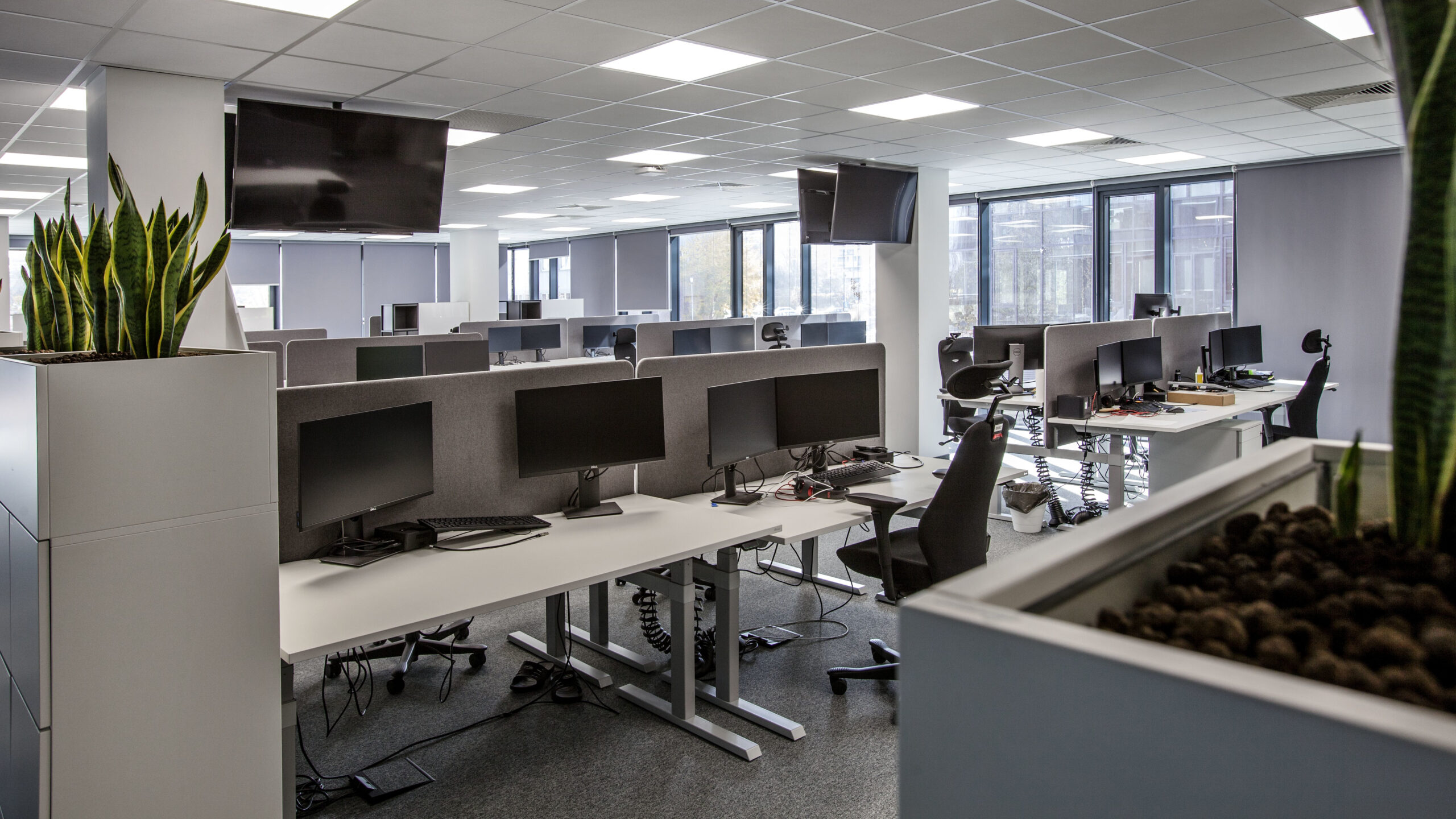
We equipped the open-plan area of the Assa Abloy office with four large-format Sony displays, on which employees follow departmental results, key performance indicators and news about new marketing campaigns.
We hung the displays on height-adjustable mounts with integrated cable management and fall protection.
Click a question to see the answer.
It depends on the size of the room and how meetings are run. Typically: a display or screen, a video conferencing kit with a camera and microphones, wireless presentation or a table connection box, and in larger rooms also a sound system and room control. We cover the details in our guide conference room equipment.
Yes. In the offices of Assa Abloy, Siemens and Tpay, we configured the rooms so that a laptop connected with a single cable or a wireless transmitter immediately uses the room’s camera, microphones and screen.
In a bright room, an LED screen delivers a legible image regardless of daylight. At Siemens it replaced a projector that was too dim. In rooms where the equipment should stay out of sight, a projector and screen concealed in the ceiling work well – as at Assa Abloy.
Yes. At PSI Pharma, a room of almost 150 m² is divided by sliding partition walls into three meeting rooms, and the AV system works in each layout.
Booking panels at the entrance show whether the room is occupied and allow it to be booked on the spot, while a display at reception shows a list of available rooms. The administrator has data on how the rooms are used.
Ideally at the interior design stage. At PSI Pharma, we ran the cabling during the construction work, and installed and commissioned the equipment once the refurbishment was complete.
How many rooms are there and how are they used? Private offices, meeting rooms, the boardroom, training rooms and common areas each require a different set of equipment.
Which platform are meetings held on? The choice of cameras, microphones and connection method depends on the tools the company uses.
What stage is the office project at? Cabling is best planned together with the interior design and built-in furniture.
Who will operate the rooms? Employees, reception or the IT department – room control and the way rooms are managed depend on this.
Fitting out meeting rooms in your office?
Tell us the number and size of your rooms and how you run meetings – we will prepare solution options priced for the complete installation. We start our work with a site survey.







