Conference room control systems


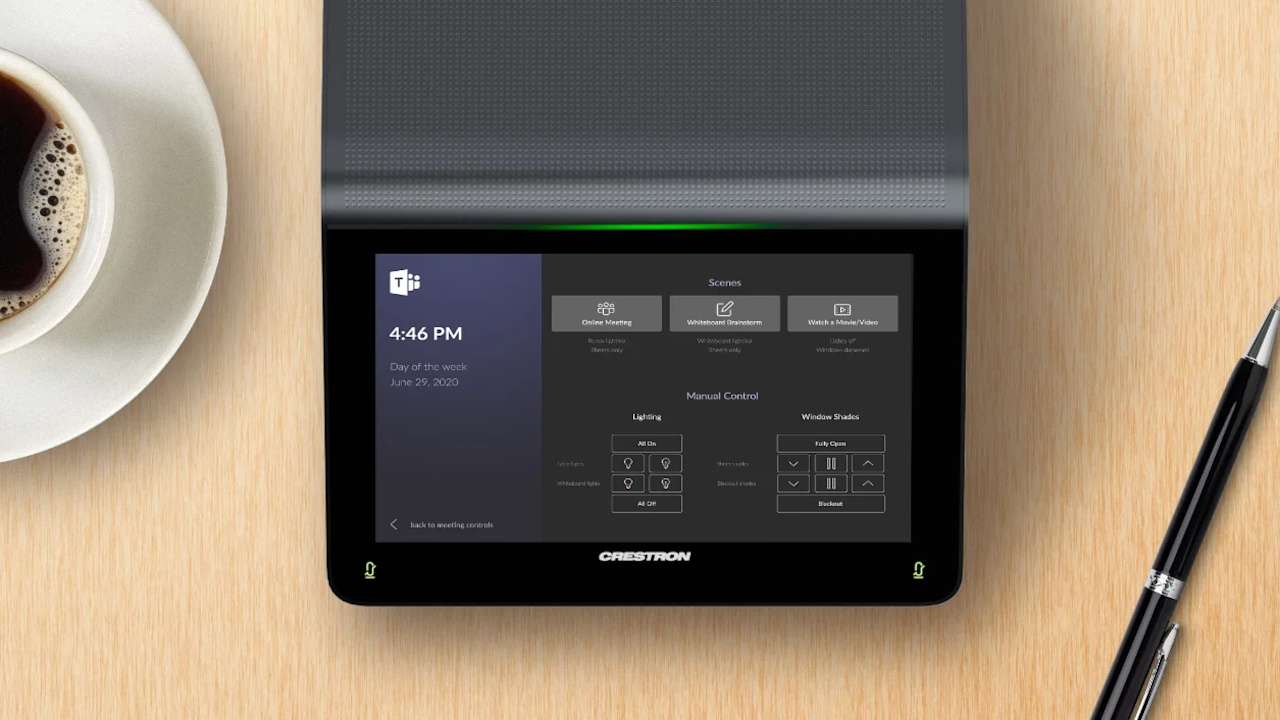
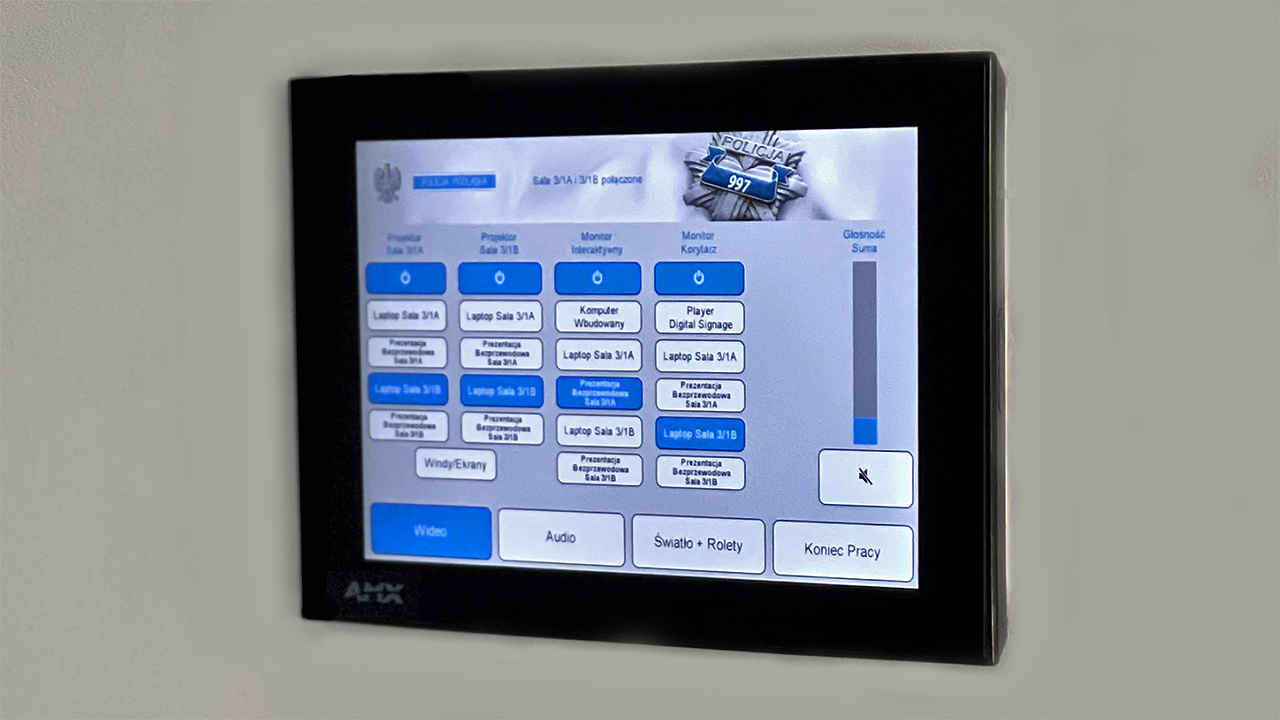
A room control system lets you prepare a conference room – with its projector, video conferencing, sound system and blinds – for a meeting at the touch of a single button. PROAV designs and programs control systems that bring AV equipment and building elements – lighting, blinds and air conditioning – together in one interface on a touch panel, tablet or smartphone. We build operating scenarios around the way each room is used, so operating it requires no technical training. In our projects we use control systems from Crestron, Extron and Kramer. Your organisation gains rooms that are started the same way throughout the building, as well as the ability to manage equipment remotely.
An interface designed for users. The panel shows only the functions that the people using the room need – everything else happens automatically.
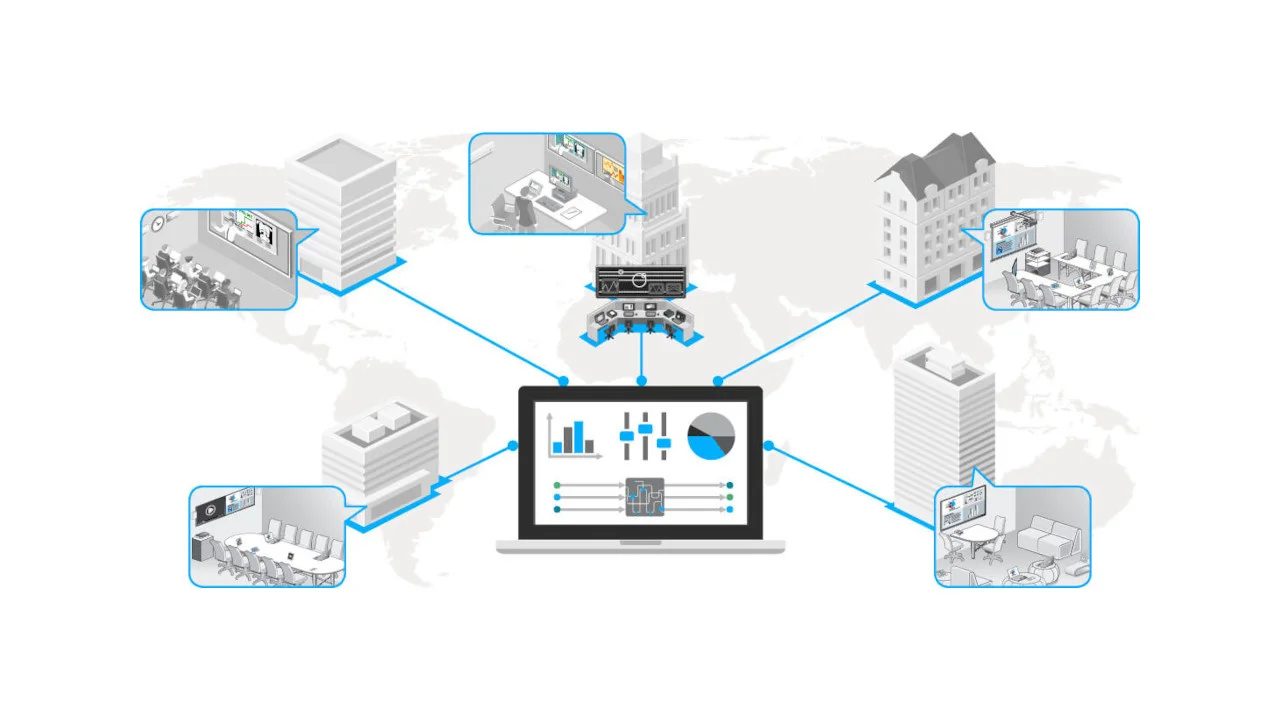
One system for many rooms. We program consistent scenarios across the whole building and enable remote equipment management by the IT department or facilities team.
Programming and service from one team. We design, program and service the control systems ourselves, so we can make changes to a room without having to find an outside programmer.
The control processor receives commands from the user panels and passes them to the devices: it switches signal sources, turns projectors and displays on, adjusts the volume, and lowers screens and blinds. Scenarios can also start automatically – from the room calendar or an occupancy sensor.
Used in projects:
Industries:
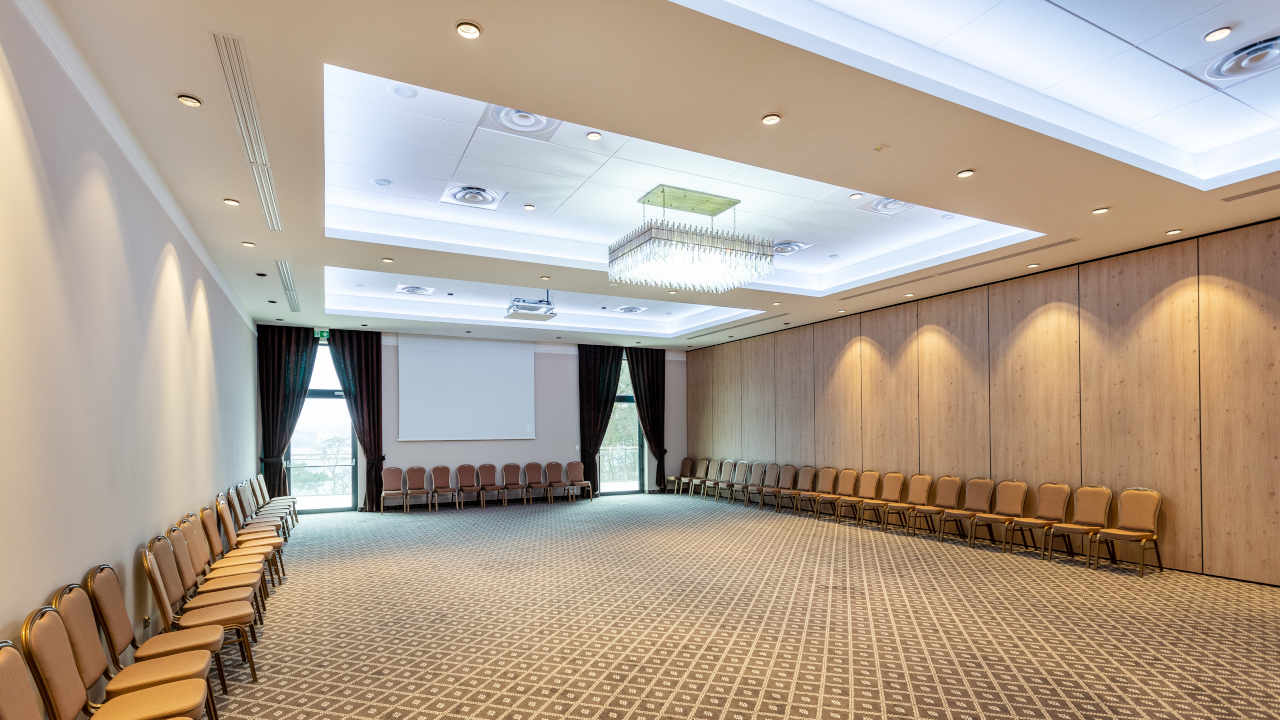
In the banqueting hall of the Hotel Mercure Mrągowo, the AV system operates as one installation or as four independent ones – depending on how the partition walls are set. The control system switches the configuration of projectors, screens and the sound system to match the current room layout.
We prepare such scenarios for all rooms divided by movable walls.
The system consists of a central processor, devices for switching and distributing audio and video signals, control interfaces and user panels. Control covers equipment from different manufacturers: projectors, displays, video walls, matrix switchers and audio processors.
We select open-architecture solutions, so the system can be expanded with further devices and rooms.

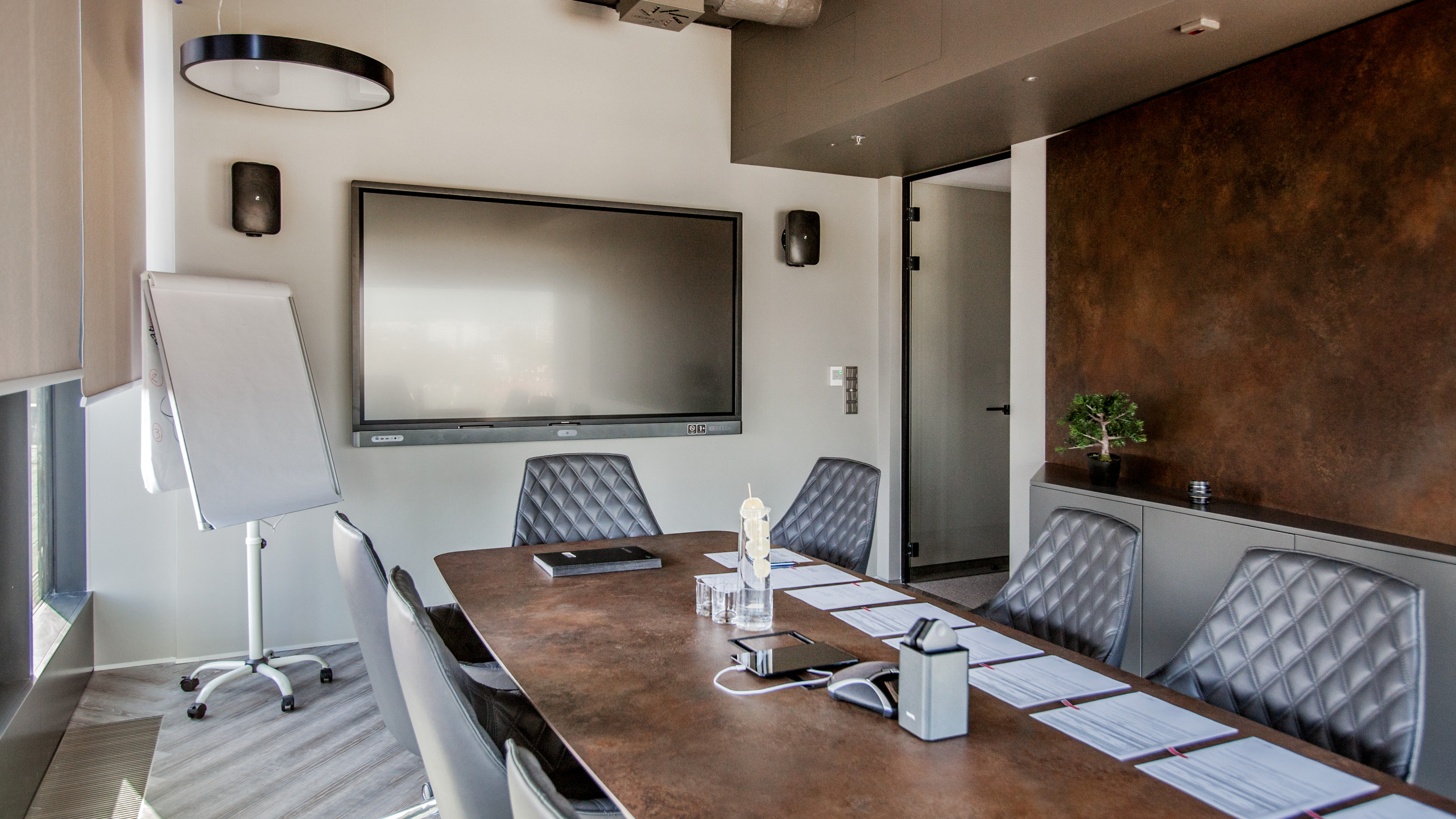
In the Fracthon office we integrated projection, wireless presentation, interactive displays, a zoned sound system and room booking into a single system, which users control from portable touch panels.
At the PSI Pharma headquarters, centralised control links the AV solutions across three floors of the office.
We always agree the scope and the order in which devices start up with the client. A single button can switch on the projector, lower the screen, dim the lights and start a video conference – simultaneously or in a set sequence.
When the meeting ends, the system switches the equipment off, and the administrator can remotely shut down all rooms at the end of the day.

The control system can work with the room calendar, e.g. Microsoft Outlook, and with occupancy sensors. The room gets ready for a scheduled meeting and switches the equipment off when nobody is using it.
Different event sources can trigger different scenarios – one for calendar meetings and another for walking into the room without a booking.
Business / Corporate. Conference rooms, boardrooms and common areas in company headquarters.
Hotels. Banqueting and conference rooms divided by movable walls.
Higher education. Auditoriums and lecture halls where the lecturer operates the projection, sound and recording unaided.
Click a question to see the answer.
It is a control processor with user panels that links AV equipment – projectors, displays, video walls, matrix switchers and audio processors – with building elements such as lighting, blinds and air conditioning. The user operates the entire room from a single touch panel, tablet or smartphone.
In PROAV projects we use systems from Crestron, Extron and Kramer. We select open-architecture solutions, so the system can be expanded with further devices and rooms.
Yes. The control system can work with the room calendar, e.g. Microsoft Outlook, and with occupancy sensors. The room gets ready for a scheduled meeting and switches the equipment off when nobody is using it. Read more about bookings on the conference room booking system page.
The control system switches the configuration of projectors, screens and the sound system to match the current room layout. This is how the banqueting hall at Hotel Mercure Mrągowo works, where the system operates as one installation or as four independent ones.
Yes. We program consistent scenarios across the whole building and enable remote equipment management, e.g. shutting down all rooms at the end of the day. We agree network access and permissions with the IT department.
The PROAV team designs, programs and services the control systems itself, so we can make changes to a room without having to find an outside programmer.
No. An initial quote and a consultation with a PROAV engineer are free of charge. To prepare a quote, we need a list of the devices to be controlled, the number of rooms and information on whether the system is to work with a calendar and building automation.
Which devices are to be controlled? AV, lighting, blinds, air conditioning – each requires the right interface.
Who uses the room? We design the interface for employees, guests or an operator.
Should control be remote? We agree network access and management with IT.
Should the system work with a calendar? Automatic start-up requires integration with the booking system.
Planning room control?
We program control systems for corporate rooms, hotels and universities. We start with a conversation about who uses each room and how.







