BenQ


BenQ solutions – the InstaShow wireless presentation system, interactive displays and projectors – are in use in conference rooms fitted out by PROAV. In each of these projects BenQ equipment was part of a larger system: we combined it with centralised control, sound, video conferencing and room booking, so that meetings could start without hunting for cables and settings. Today we advise companies that are expanding such rooms or replacing the equipment in them.
The most common questions concern wireless presentation in additional rooms, replacing a projector with a brighter one or replacing a screen with an interactive display.
We base our advice on how teams work in the room – not on a mere comparison of specifications.
Solutions used:
Used in projects:

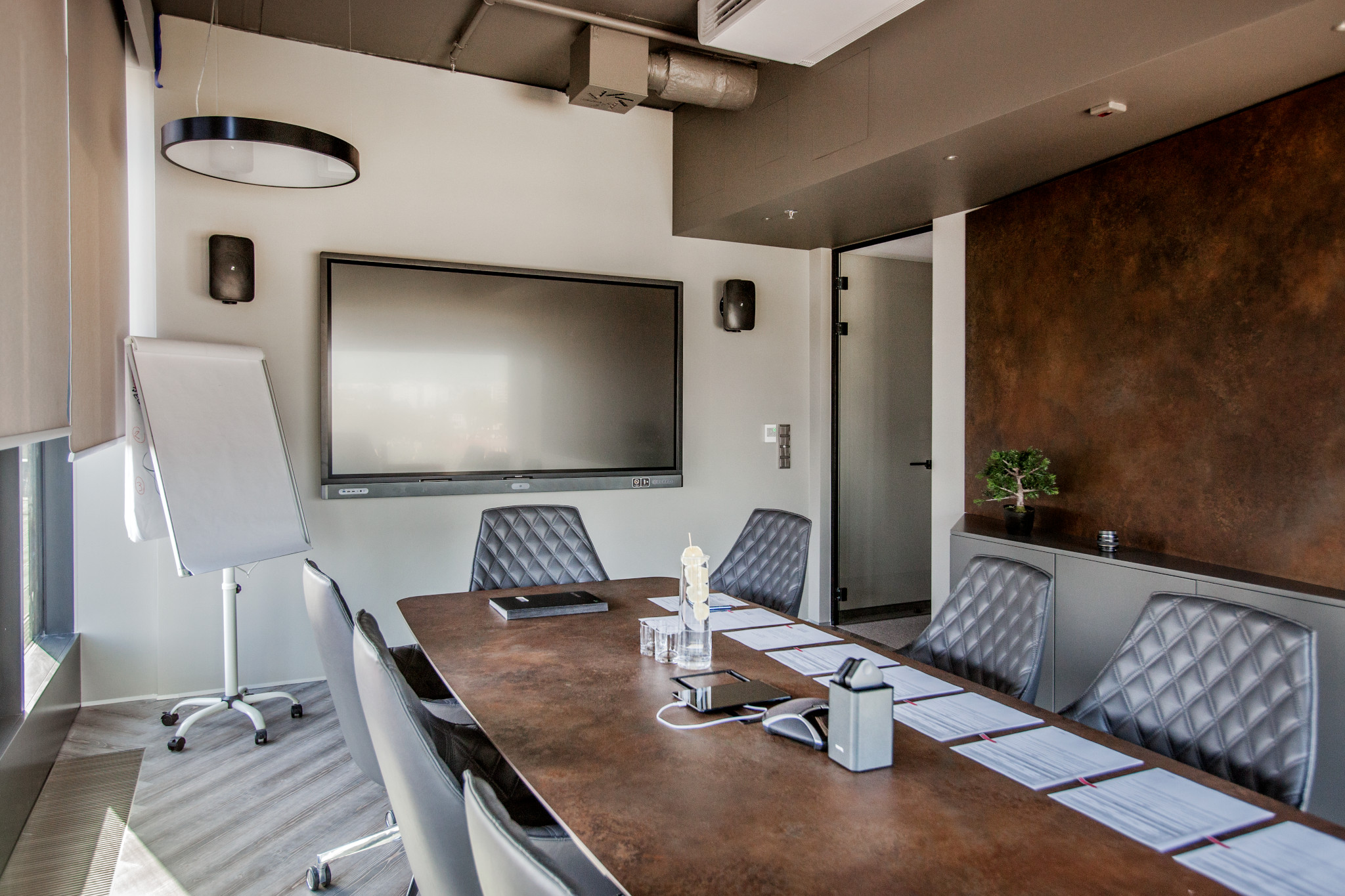
Wireless presentation throughout the office. In the Gatx Rail Poland office, the BenQ InstaShow system works in the conference rooms and other office spaces, and meetings in huddle rooms and private offices start with content shared via InstaShow.
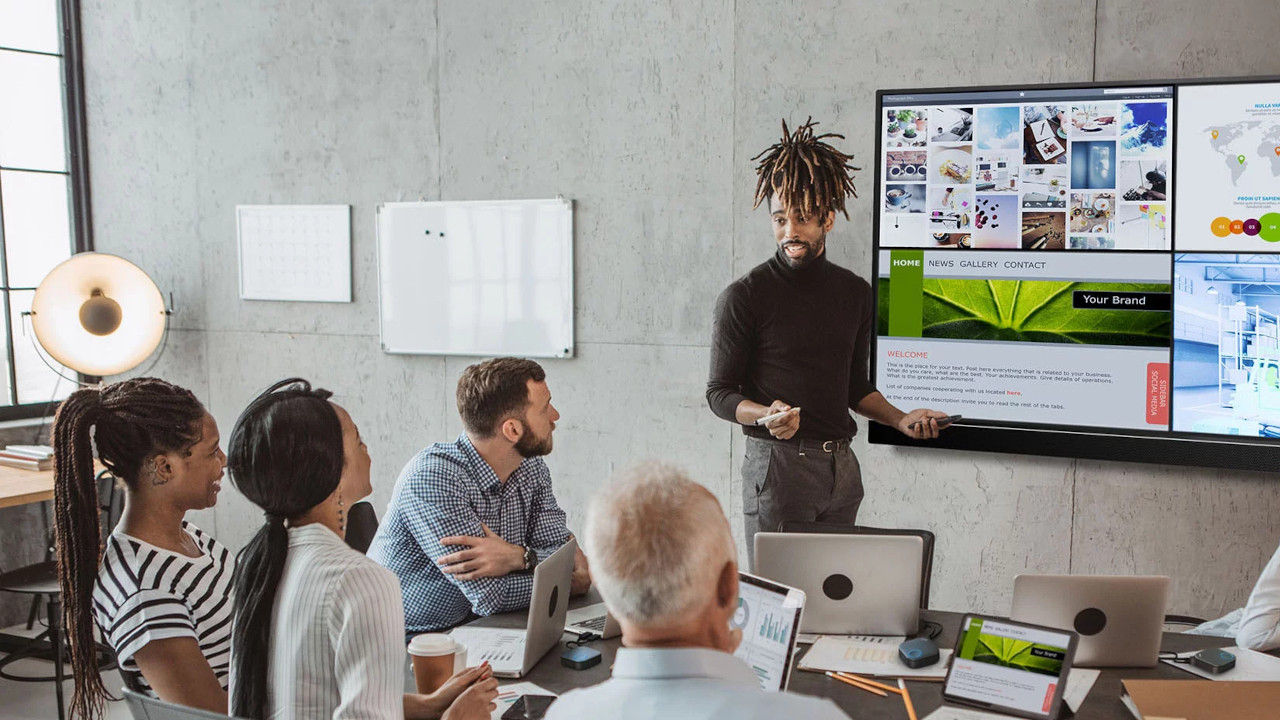
A boardroom with an interactive display. At the FRACTHON headquarters we installed an 86-inch BenQ interactive display with the InstaShow system, and in the conference room InstaShow displays content on both the projector and the display.
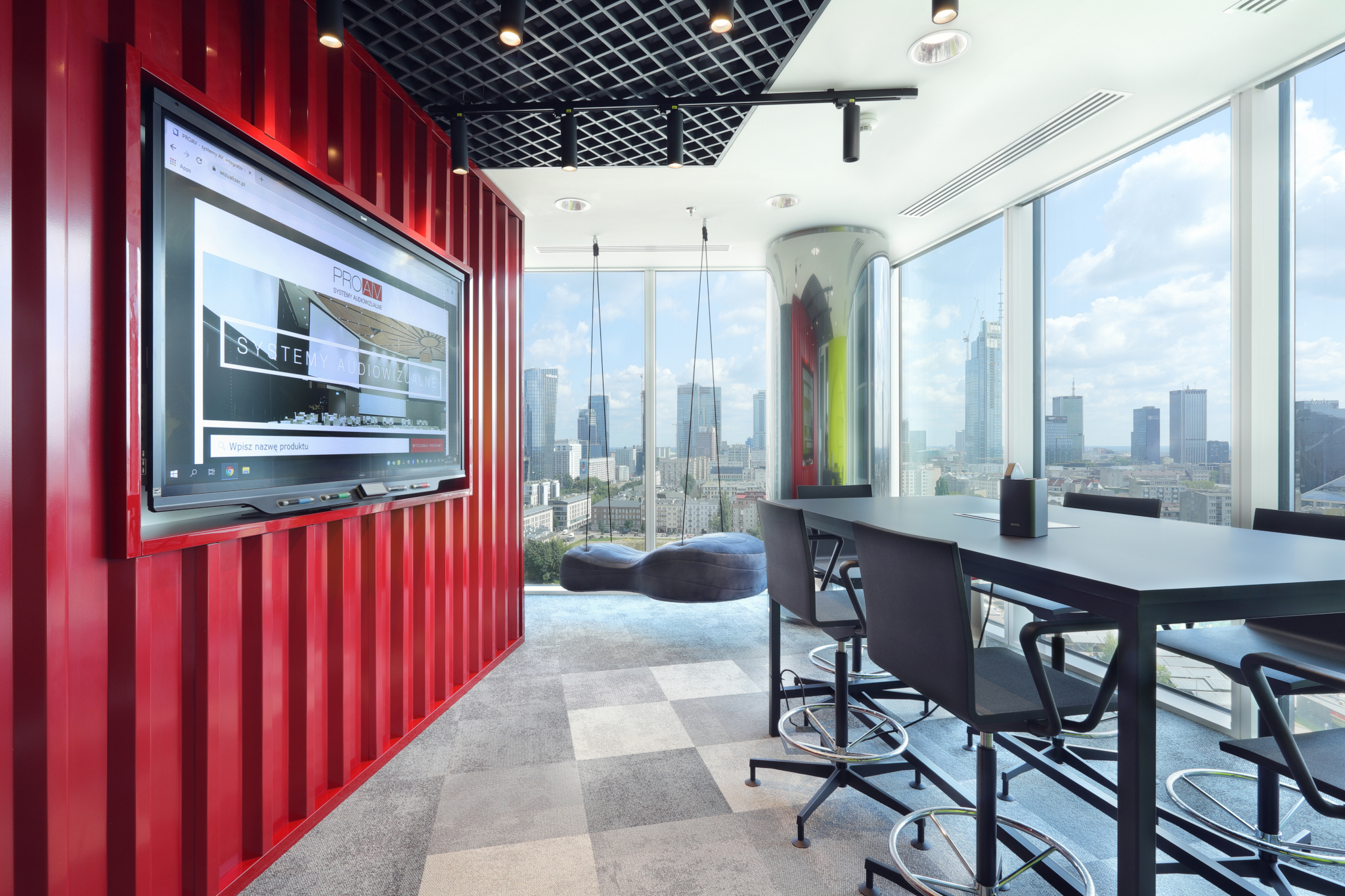
Projection in a shared area. In the IDEMIA office we equipped the staff area with a 5,000-lumen BenQ projector and a 270 cm wide screen, legible even during the day.
Presentation in additional rooms. When expanding, we make sure new rooms work in the same way as existing ones – the same way of sharing content and the same operation.
Projector or display. When replacing equipment, we analyse the room lighting, viewing distance and way of working to decide whether a brighter projector or a large-format display would be the better choice.
Teamwork at the screen. We propose an interactive display where teams edit materials together rather than just viewing them.
Barco ClickShare wireless presentation. For content sharing and BYOD meetings we recommend Barco ClickShare systems.
Newline interactive displays. In rooms for teamwork and teaching we use Newline displays, including the Newline Elara Elite.
Epson and Optoma projectors. In conference rooms and shared areas we recommend Epson and Optomaprojectors, selected to suit the brightness of the room.
Huddle room. A display and wireless presentation that works without installing software on a guest’s laptop.
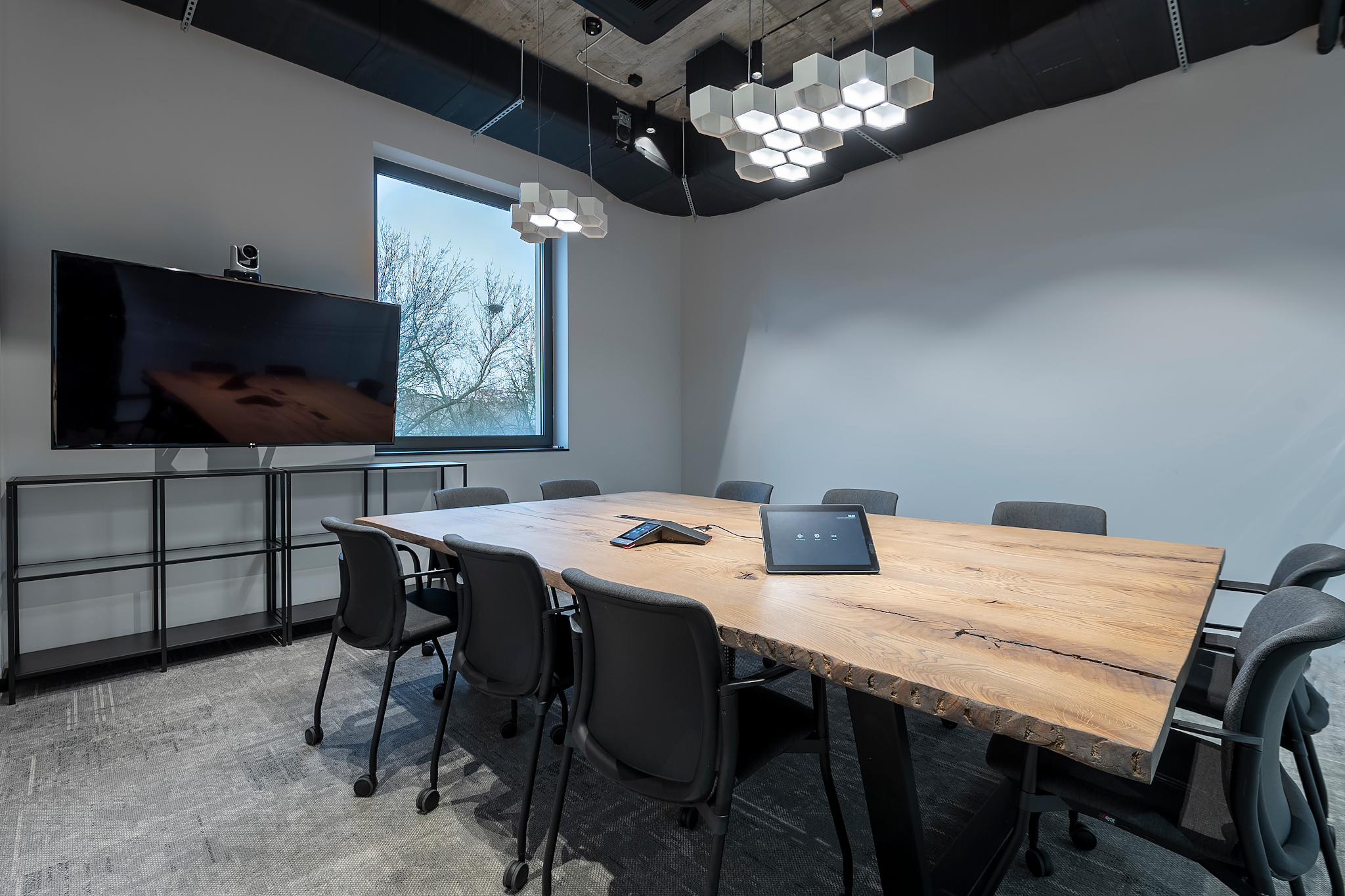
Conference room. A projector or display matched to the room lighting, table connectivity and wireless presentation, all operated in the same way.
Boardroom and training room. An interactive display for working on content and saving notes. More: Wireless presentation.