What is a Smart Office system and how can your company use it?


A Smart Office, or intelligent office, combines a space management app with booking panels, information screens and meeting room equipment. It sits on the boundary between IT and audiovisual technology – fields that have developed together at PROAV: we took our first steps in IT solutions at the beginning of the 21st century, and our expertise has grown along with the technologies that make up today’s modern office. The system lets employees book resources themselves and find their way around the building easily. Management, in turn, receives data on how office space is actually used.
App, panels and rooms in one project. We deploy space management software together with booking panels, information screens and meeting room equipment, so all elements use the same booking data. Employees see the same room status in the app, in their calendar and on the panel by the door.
Experience from offices where the system is already running. We have commissioned Eveo URVE software and room booking panels at Pomorski Park Naukowo-Technologiczny (Pomeranian Science and Technology Park), Smart Jet and Assa Abloy, among others, so we know the requirements of both employees and system administrators.
Administrator training and service. We train the people who manage the office in handling resources and permissions, and once the system is live our service department provides support.
Solutions used:
Brands:
Industries:
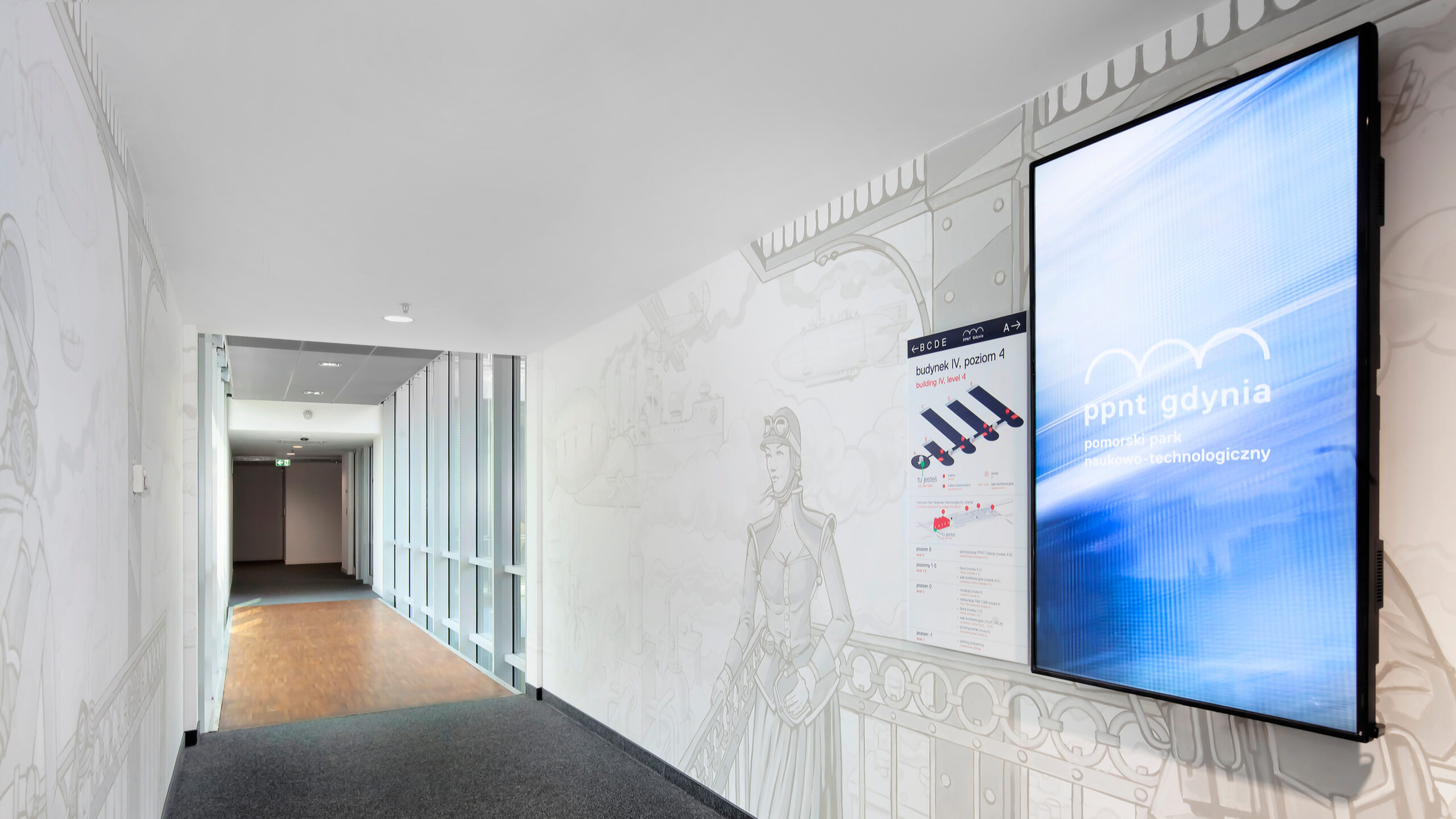
Pomorski Park Naukowo-Technologiczny. At the park’s headquarters in Gdynia, each of the six floors received portrait displays with a list of companies and information on where their offices are. Content is managed from a single workstation by Eveo URVE software running on the client’s server – it also allows screen switch-on times to be scheduled and different permissions to be assigned to departments.
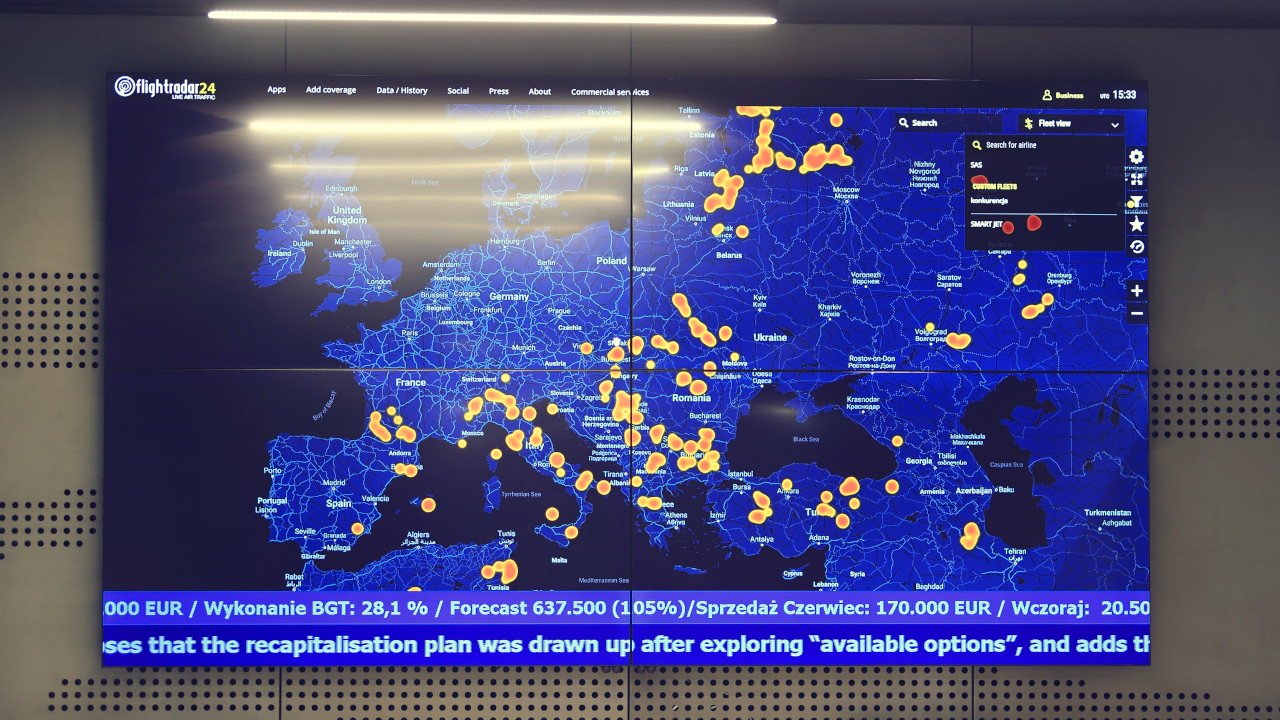
Smart Jet. We connected the video wall in the open-plan area to the URVE system, which displays a map with the current position of the aircraft fleet and content layouts from several sources. This is complemented by wireless presentation on the same screen.
We have also commissioned room booking panels in the offices of Fracthon, GATX Rail Poland and Assa Abloy.
The acceleration of technological change during the pandemic and the arrival on the job market of Generation Z, who value being able to work from anywhere, have led many organisations to adopt a hybrid model. Employees come into the office on selected days, and permanently assigned desks no longer make sense.
A Smart Office makes it possible to manage space in such an office more efficiently and at lower cost. A desk, a conference room or a parking space can be booked from a phone or computer – even before leaving home. In the same app an employee can check the floor plan and the route to the selected room and see colleagues’ status, and a manager can send a notification to the team.
The core of the solution is an app – for example URVE Smart Office, Zonifero or Sony Teos – available on smartphones, laptops and workstations. We integrate it with the software the organisation already uses – Microsoft Teams, Outlook, Jira or Slack – so that rooms can be booked in the company calendar and notifications and requests sent from a single dashboard.
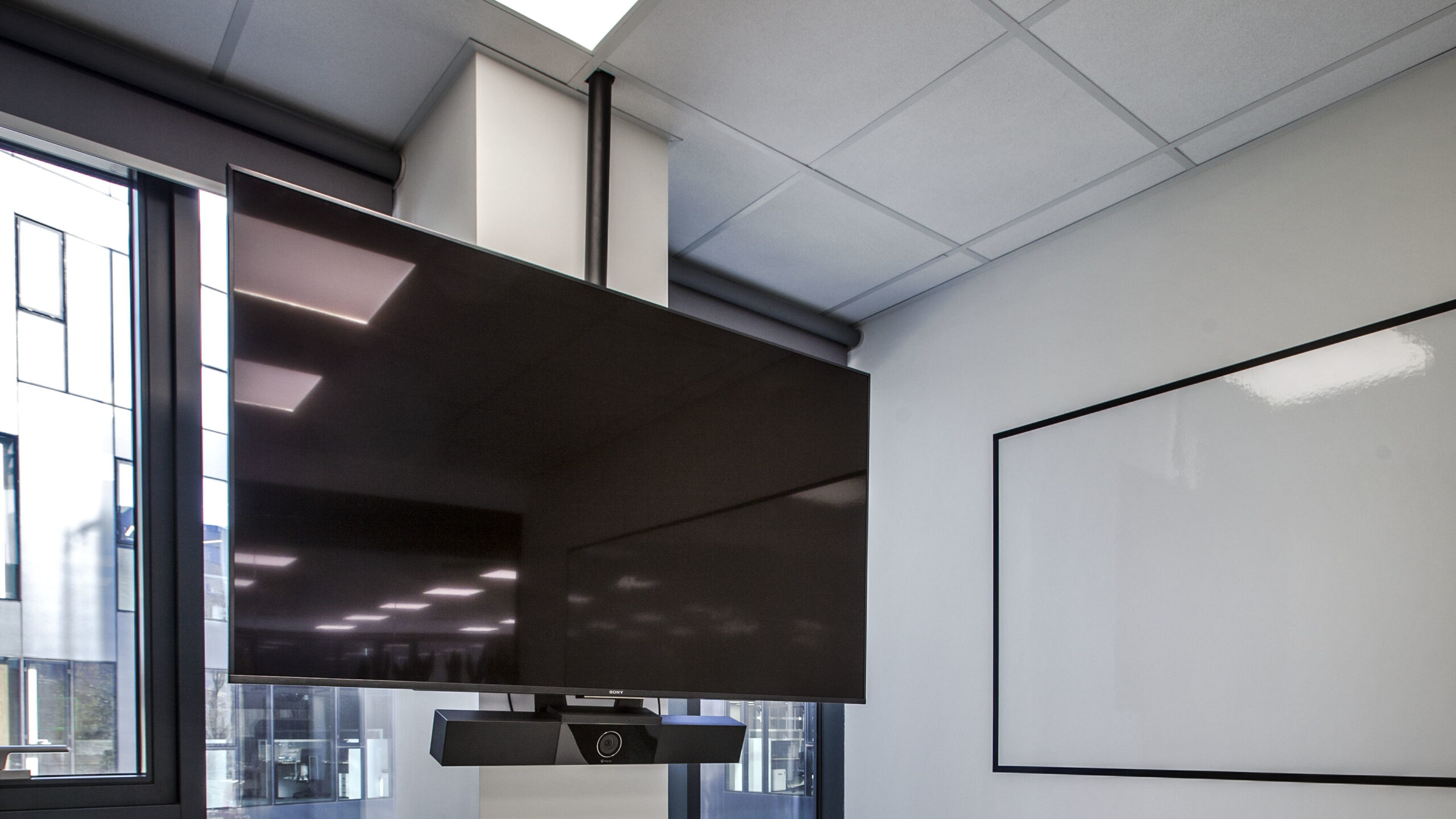
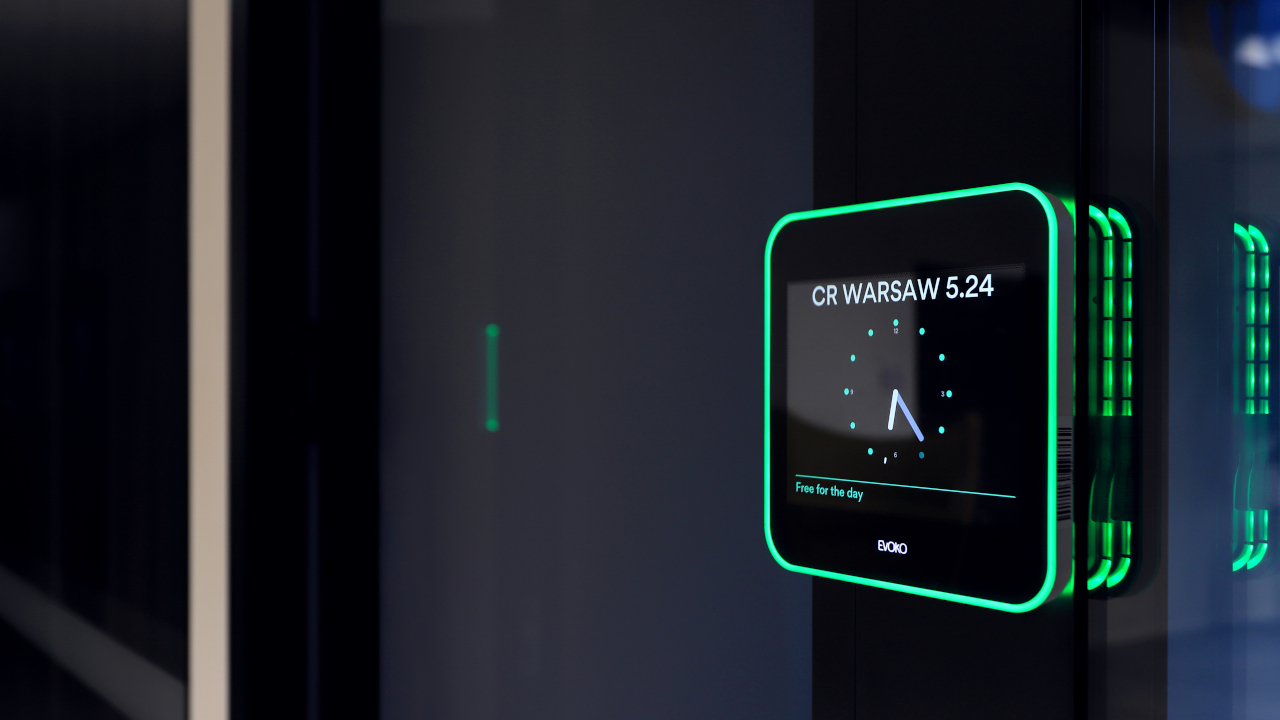
The app is complemented by touch booking panels, e.g. Evoko, Eveo or JOAN. We mount them next to room doors, on glass walls or in the lobby, where they show the availability of all rooms. A booking can be made or the room status changed on the panel, and coloured lighting – green, orange or red – signals the room’s status from the corridor.
Finding your way around the building without wasting time. The location of rooms, departments and specific people is shown on a map that guides the user to their destination – no one has to walk round the floor looking for a free workstation.
Meetings without double bookings. Duplicate room bookings stop being a problem, and checking whether a room is free no longer requires calling a manager or colleagues.
Easier introduction of hot-desking. Employees manage the available resources themselves, which makes it easier to move to a hybrid model or shared workstations.
Data-driven office layout. The system collects information on room usage times, staff attendance and desk popularity. This can prompt changes to the layout or equipment so that resources are used more willingly.

Business / Corporate. Companies working in a hybrid model introduce shared desks and app-based room booking, and management uses data on room and desk usage to decide on changes to the office layout or equipment.
Public administration. In public offices and institutions the system brings order to booking rooms for meetings and sessions, and information screens in halls and corridors help visitors find the right department or room.
Industry, Energy and Transport. Organisations with offices at plants and in several locations use a single app to book rooms, desks and parking spaces for employees visiting from other sites, and a building map helps them find their way on arrival.
Which resources will the system cover? We start by reviewing the rooms, desks and parking spaces that employees will book.
How should the system work with user accounts and the calendar? We agree user accounts and calendar integrations with the IT department.
Where will the software be installed? We agree the installation location with the IT department – at Pomorski Park Naukowo-Technologiczny the system runs on the client’s server.
Where will the panels and information screens go? We decide their positions together with the interior designer, before walls and glazing are built.
Is the office moving to a hybrid model or hot-desking? This determines whether the system will also cover desk booking and what allocation rules we set.
What office usage data does management need? We agree the scope of information on room and desk usage and staff attendance before configuring the system.
Are there information screens or video walls in the building? We agree whether their content should be managed by the same system – as at Pomorski Park Naukowo-Technologiczny and Smart Jet.
Where to start with a Smart Office deployment?
We deploy Smart Office solutions together with the client’s IT department – from analysing the office’s resources to commissioning the app, panels and information screens.







