Teams Rooms with Biamp


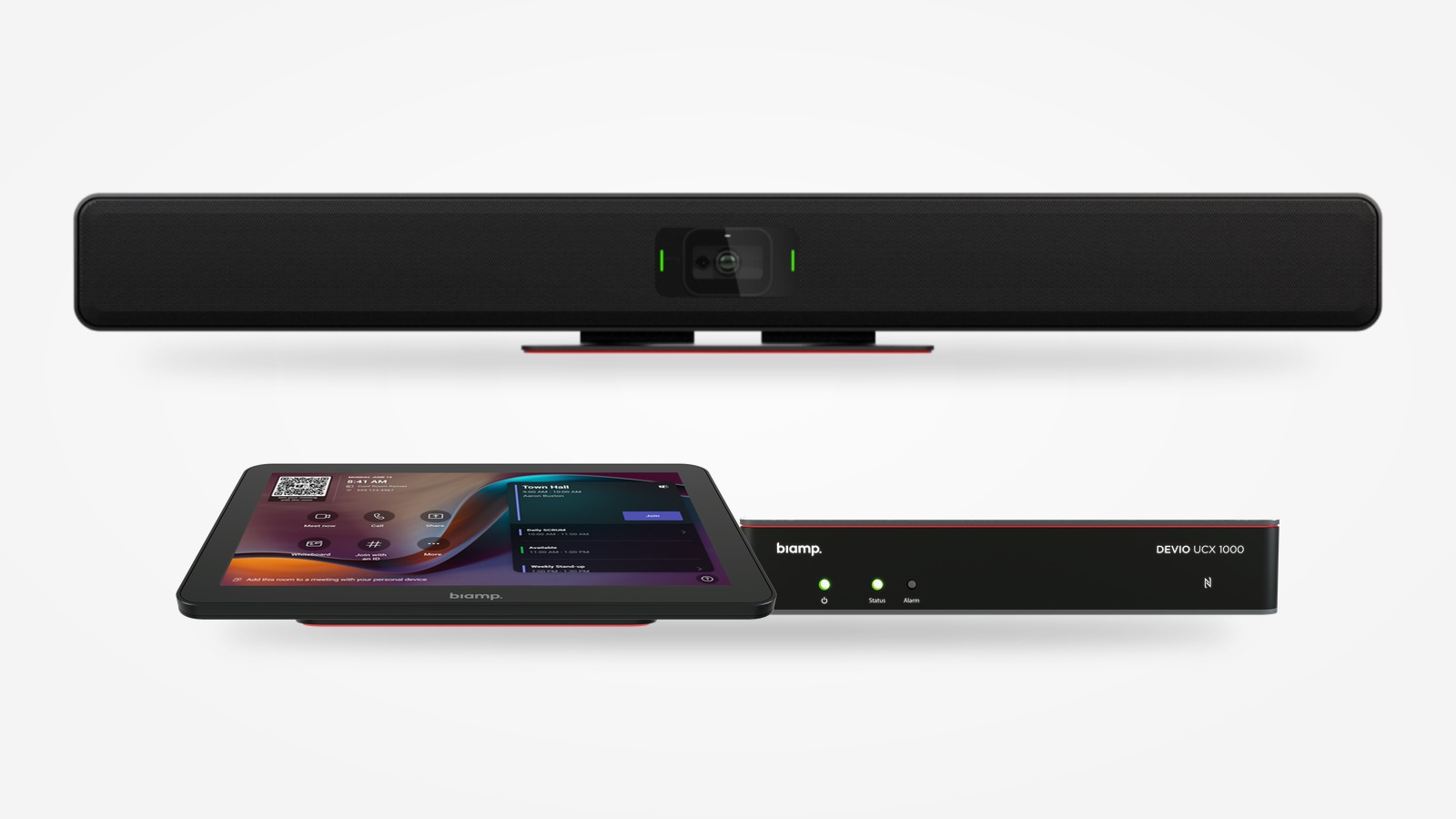
Microsoft Teams Rooms are rarely a one-off investment today: organisations fit them out floor after floor and branch after branch, from small huddle rooms to boardrooms, and expect every room to work in exactly the same way. At PROAV we have been designing and deploying such rooms for years, combining video conferencing, sound, control and room booking in a single project. We are now adding the Biamp Devio UCX 1000 to our offer – a Microsoft Teams Rooms compute unit with built-in Biamp audio processing – together with the Apprimo Touch 10 UCX-T touch panel and ready-made video bar kits.
Your organisation gains clear sound whatever the size of the room, faster commissioning of each additional room and a single, repeatable equipment standard.
A kit matched to the room. Before we propose a configuration, we look at the room: its dimensions, table layout, acoustics and the way the team runs its meetings. Only then do we decide where a ready-made video bar kit will be enough and where the room needs additional microphones, loudspeakers or cameras.
The same configuration in every location. We install the Devio UCX together with the displays, cabling, room booking and control, and we discuss network, licensing and security matters with the IT department in advance. Every subsequent room is built to the approved standard.
Room acceptance and post-deployment support. We test every room during a trial call with users, whom we also show how to operate the panel. Once the installation has been handed over, the PROAV service department takes over all support requests.
Solutions used:
Brands:
Industries:
PSI Pharma. At the client's Warsaw headquarters we designed an AV system for three floors and more than a dozen rooms: video conferencing, sound, centralised control and Evoko room booking panels, which are now part of the Biamp portfolio.
GATX Rail Poland. The company's office in The Warsaw Hub received a system combining seven AV technologies – from control to Evoko booking panels – designed so that operating the entire installation remains simple.
We also use Biamp equipment in our commercial sound systemprojects. We bring this experience to Teams Rooms with the Devio UCX: we position microphones, loudspeakers and cameras to suit the room layout, and we connect the room to the calendar and the control system.
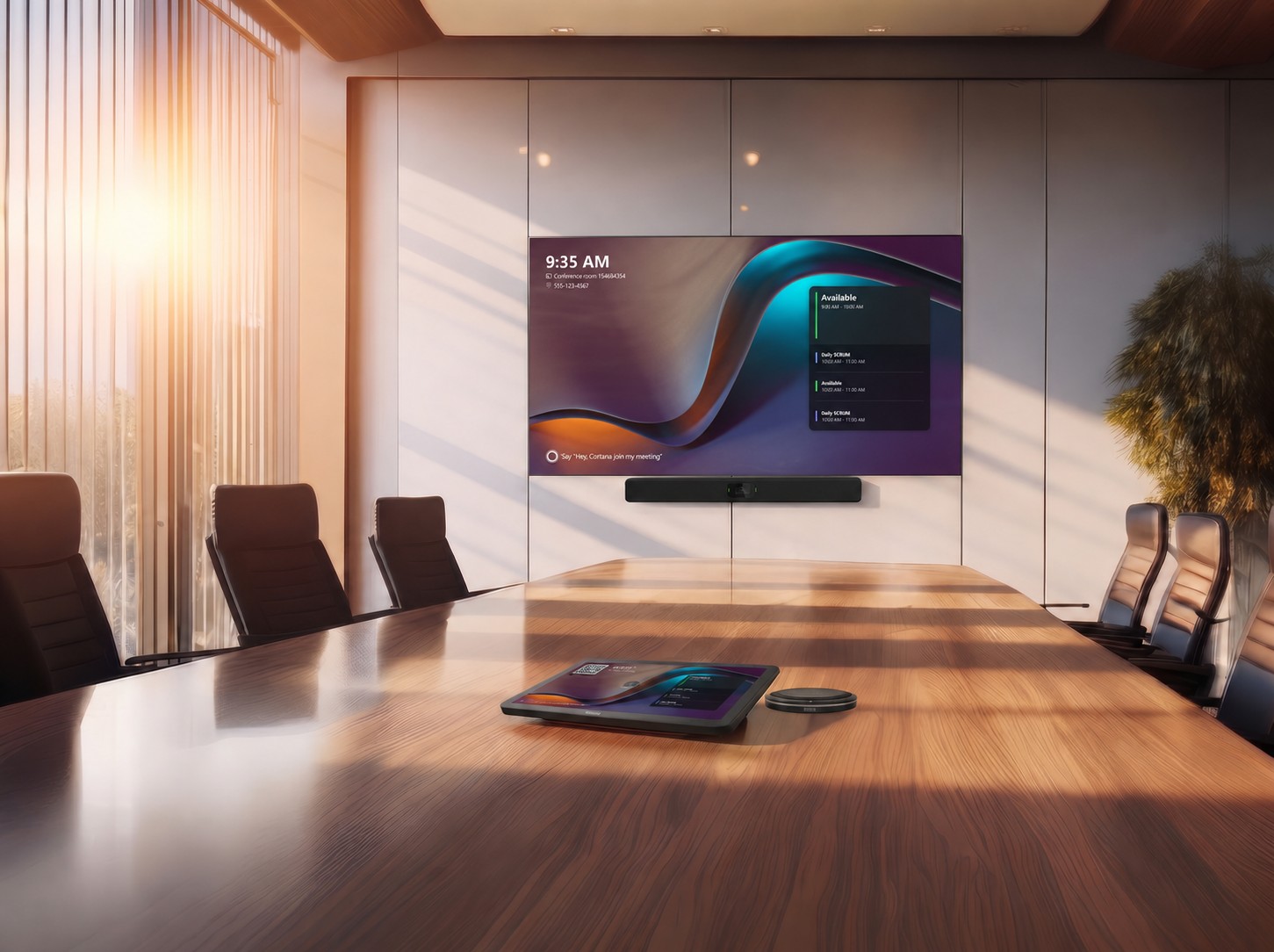
A Teams Room built around a single unit. The Devio UCX 1000 is the central device for small rooms and huddle rooms running Microsoft Teams Rooms. It combines the room computer, running on the Microsoft Device Ecosystem Platform (MDEP), with a Biamp audio processor, so audio quality and room logic come from one device.
Clear speech without manual tuning. Biamp audio processing reduces noise and reverberation using AI algorithms, cancels echo and levels out voices. The Biamp Launch feature analyses the room acoustics and selects the settings at the touch of a button, which shortens the commissioning of each additional room.
Your own laptop on the room screen. The USB-C port on the unit is used for content sharing and BYOM (bring your own meeting) mode, i.e. running a meeting from your own computer using the room's camera, microphones and loudspeakers. This means the room can also be used for meetings hosted on other platforms.
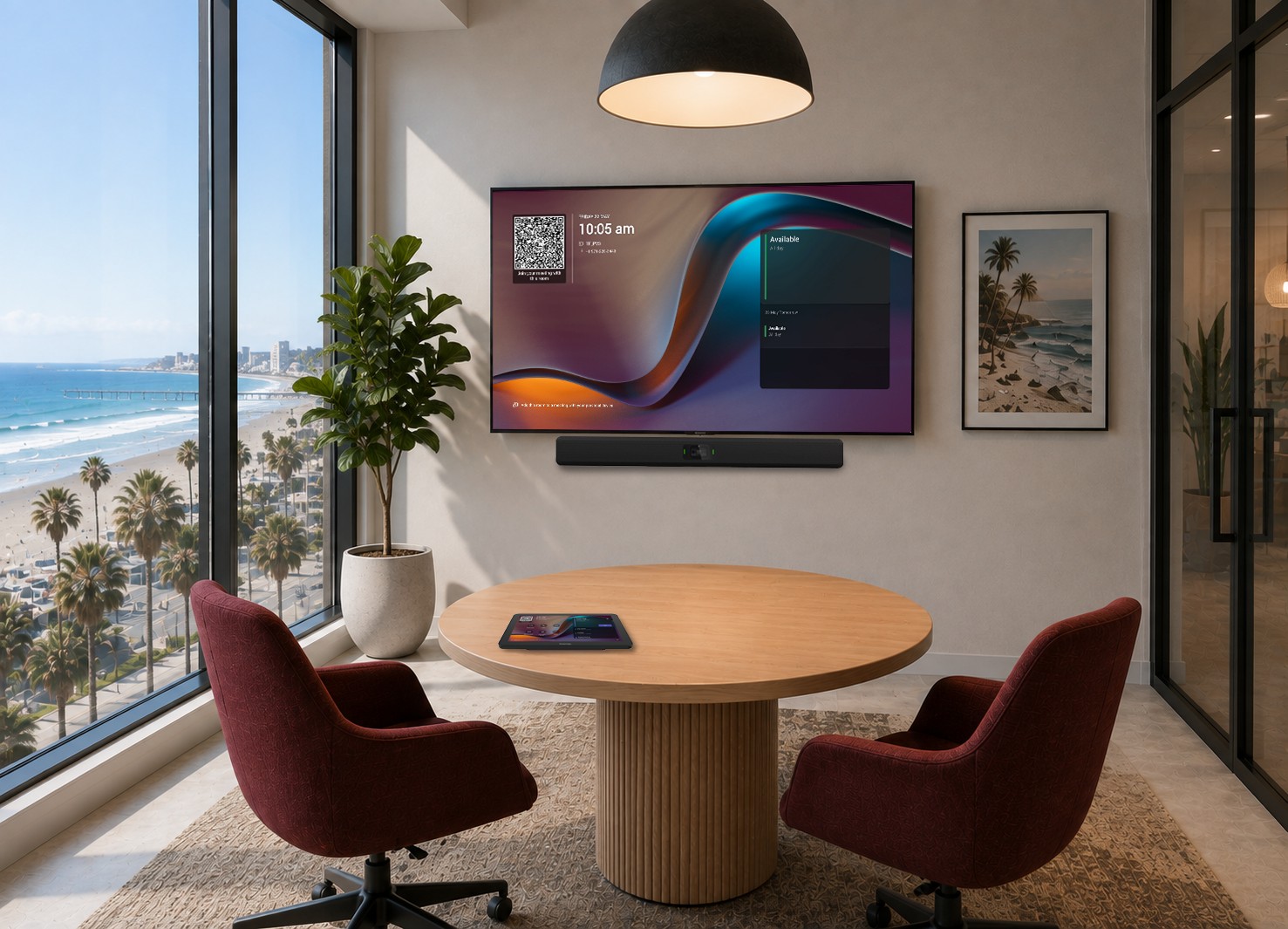
Meetings run from the table. The Apprimo Touch 10 UCX-T touch panel with a 10″ screen is used to start and run meetings, while a USB-C connector in the middle of the table is used to share content from a laptop.
Investment protection. The Devio UCX is designed and manufactured by Biamp in the USA and comes with a three-year warranty.
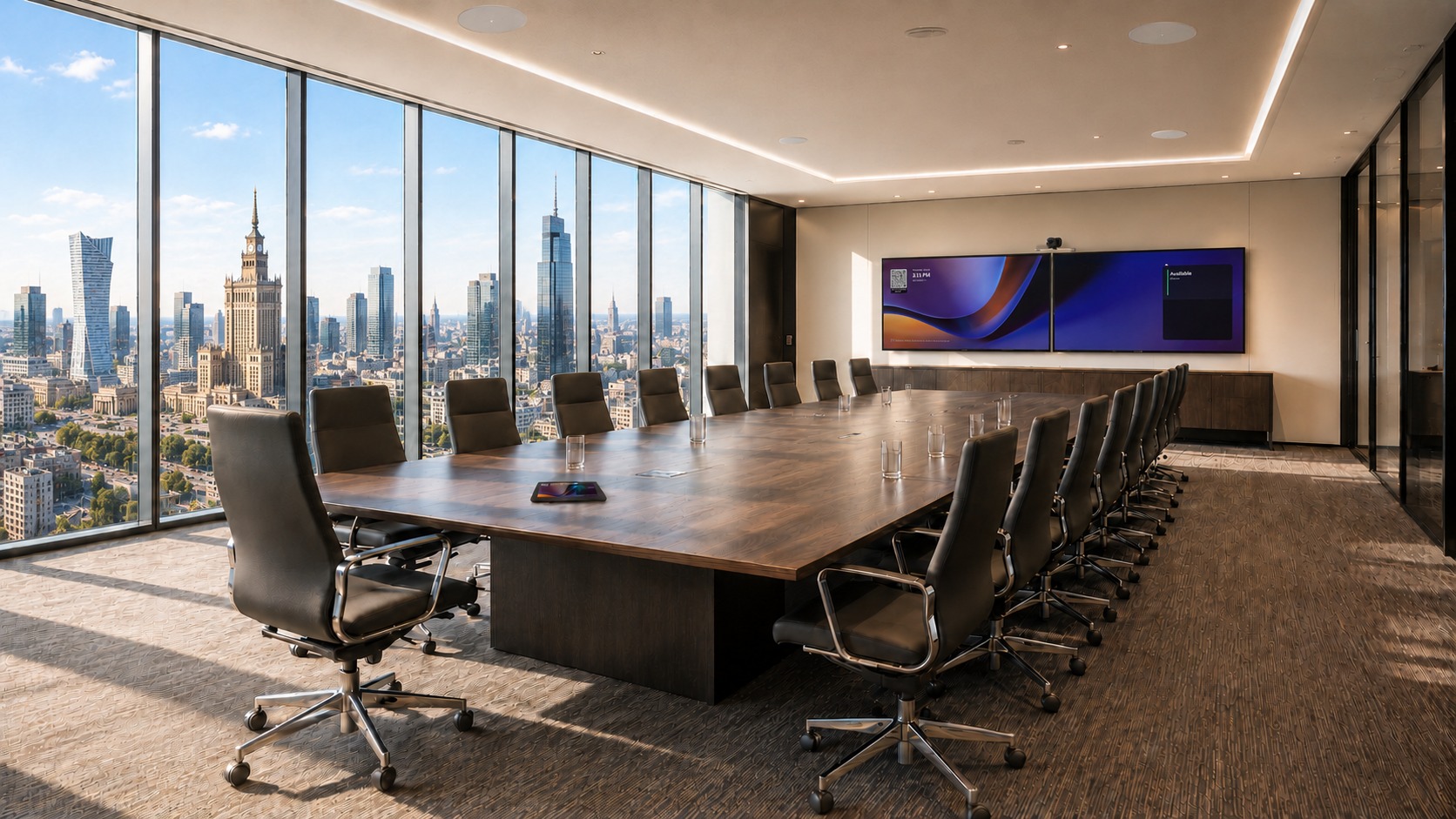
Business / Corporate. Companies fitting out many rooms at headquarters and in branches can base them on a single type of unit and three ready-made kits chosen according to room size. This makes budget planning and expansion to further floors easier.
Public administration. Public offices and institutions working in a Microsoft 365 environment increasingly connect headquarters with regional branches via Teams. Device management through Entra ID and Intune fits in with institutional security policies, and an audio output for assistive listening systems makes it easier for people with hearing loss to take part in meetings.
Industry, Energy and Transport. Meetings between plants, branches and operations centres require participants in every location to be heard clearly. Biamp Launch automatic tuning shortens the commissioning of rooms in remote locations, and ready-made kits make it possible to equip further branches to the same configuration.
Higher education. Universities using Microsoft Teams hold council and senate meetings, thesis defences and meetings with international partners in a hybrid format. The Apprimo Touch 10 UCX-T panel with USB-C content sharing makes it easy for presenters to start a meeting on their own.
Huddle rooms. We recommend the MRB-UCX1000T-VBC2500a kit: the Devio UCX 1000, Apprimo Touch 10 UCX-T panel and VBC 2500a video bar make up a complete set of room equipment that we can commission in a short time.
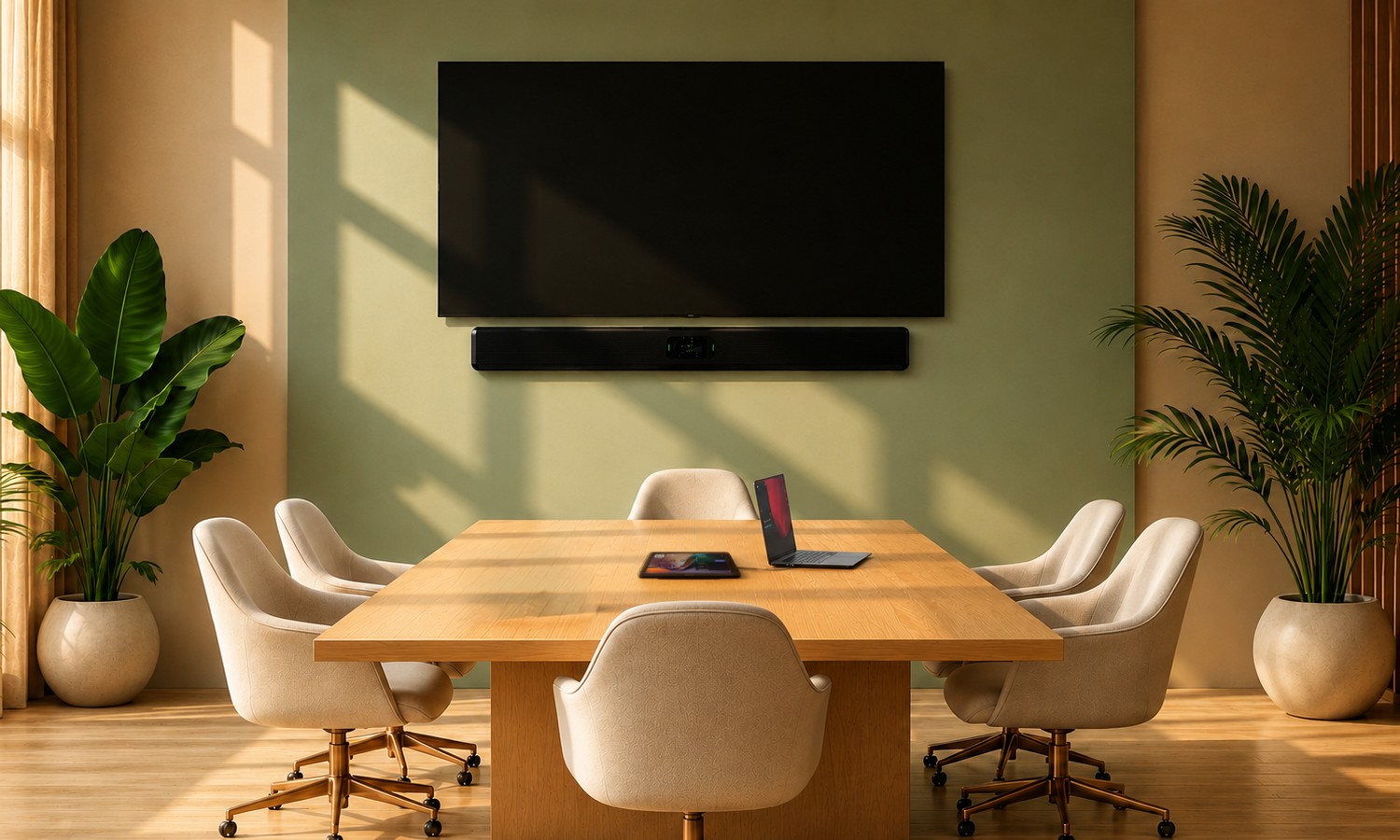
Small and medium-sized meeting rooms. We propose the MRB-UCX1000T-VBC2800 kit with the VBC 2800 video bar, which is certified for Microsoft Teams.
Rooms with an unusual layout. We supplement the UCC-UCX100-T base kit, i.e. the Devio UCX 1000 with panel, with Parlé ABC, CBC or VBC devices and Vidi 250 and Vidi 280 cameras, matching their number and placement to the shape of the room.
A single power point in the room. The panel is powered from the unit via PoE+ and the video bar via USB-C, so all the devices in the room draw on a single power source. This simplifies cabling and installation in existing rooms.
Monitoring and security. The IT department manages the device with Microsoft tools – Teams Admin Center, Teams Rooms Pro Management Portal, Entra ID and Intune – and access to the Biamp Workplace platform is included: it provides a remote view of room status and reports from automatic tuning. The unit supports 802.1X authentication and secure boot.
Expansion with a Tesira system. In larger rooms the Devio UCX can work as the Teams Rooms unit alongside an extensive Biamp Tesira audio system, which we design for more complex installations.
How many rooms, and in what order? Together we choose the rooms for the first phase and check which can be covered by ready-made kits and which need microphones and cameras selected individually.
What are the IT department's requirements? We agree on Microsoft Teams Rooms licences, network requirements and how the devices will be updated and monitored.
Will the rooms need to support other meeting platforms? If teams also hold meetings in other applications, we plan for BYOM mode via USB-C and show users how to switch the room between modes.
Which rooms will be connected to booking and control? We identify the rooms that we will integrate with the calendar, booking panels and control system, so that users can start a meeting with a single tap on the panel.
Do the room acoustics need improving? In rooms with hard surfaces and large areas of glazing we assess reverberation before selecting microphones and loudspeakers – automatic tuning is no substitute for acoustic treatment of the interior.
Who will look after the rooms day to day? We plan user training and the scope of service support after commissioning.
Planning Microsoft Teams Rooms?
We begin every project with a conversation about how your teams run meetings and what your IT department expects. See how we design video conferencing systems for companies and institutions.







