Digital Signage in companies and institutions – how to plan an information display system


A Digital Signage system is a set of screens whose content is changed from a single piece of software – in reception, in visitor service areas, in office building corridors or in open-plan spaces. For it to work day to day, four things need to be planned together: where the screen will be viewed from, how it will be mounted, who will change the content and how, and how many hours a day the screens will run. PROAV has delivered such systems in, among other places, the ticket area of the Zachęta National Gallery of Art and on six floors of the Pomeranian Science and Technology Park in Gdynia. Below we describe how we approach a project like this.
Screens and software as one system. We select the displays, mounts, players and platform together, so that the whole system can be managed by one person from a single workstation.
Mounting tailored to the interior. In renovated interiors we start the design with the architecture – as we did in Zachęta's ticket area.
Content in your team's hands. We configure templates and train the people who manage the messages, so your team can change the content itself.
From design to service. We select the screens, install them, integrate the software and provide service for the displays.
Solutions used:
Brands:
Industries:
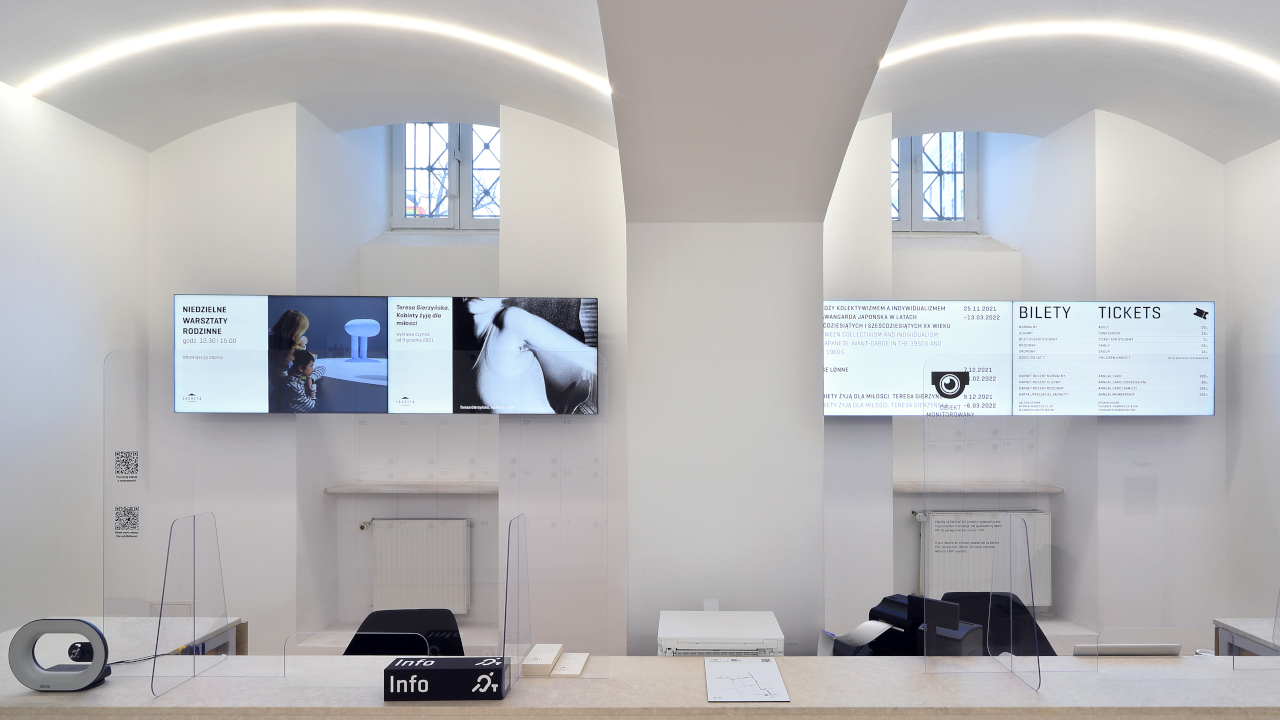
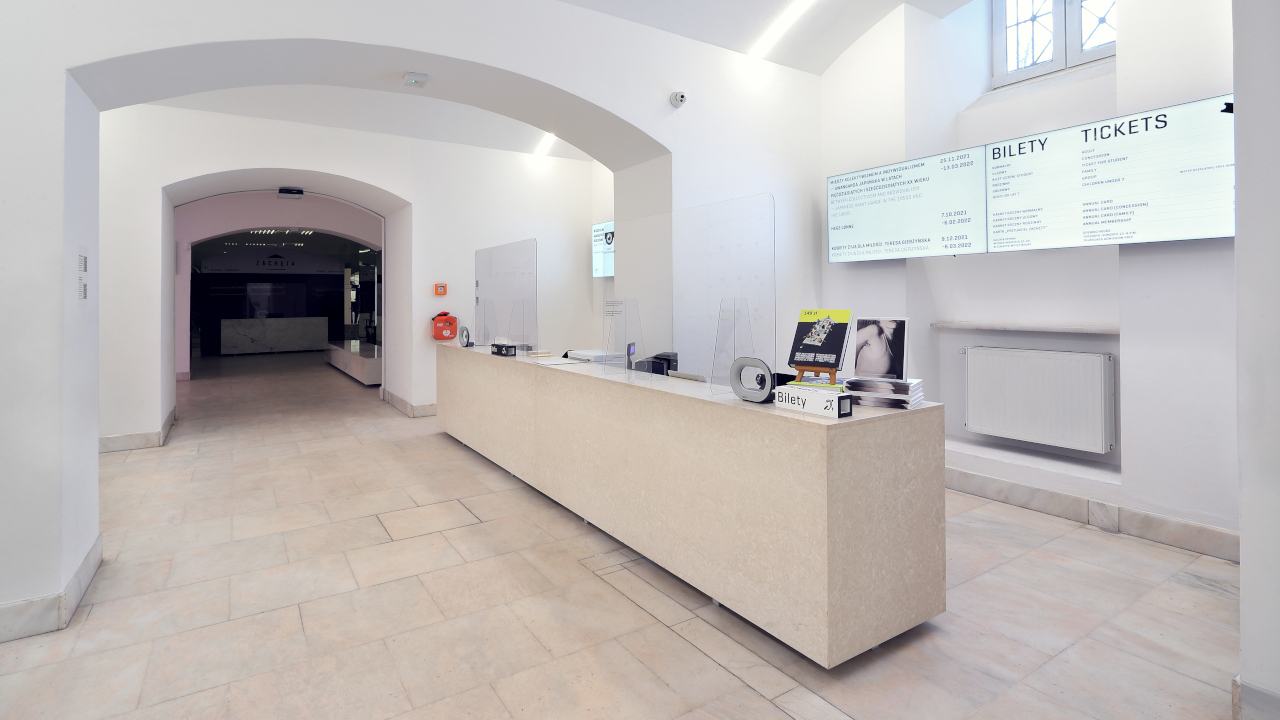
Distance and location first. At Zachęta, information about exhibitions, galleries, offers and ticket prices had to be legible from a distance of more than ten metres for visitors entering the ticket area.
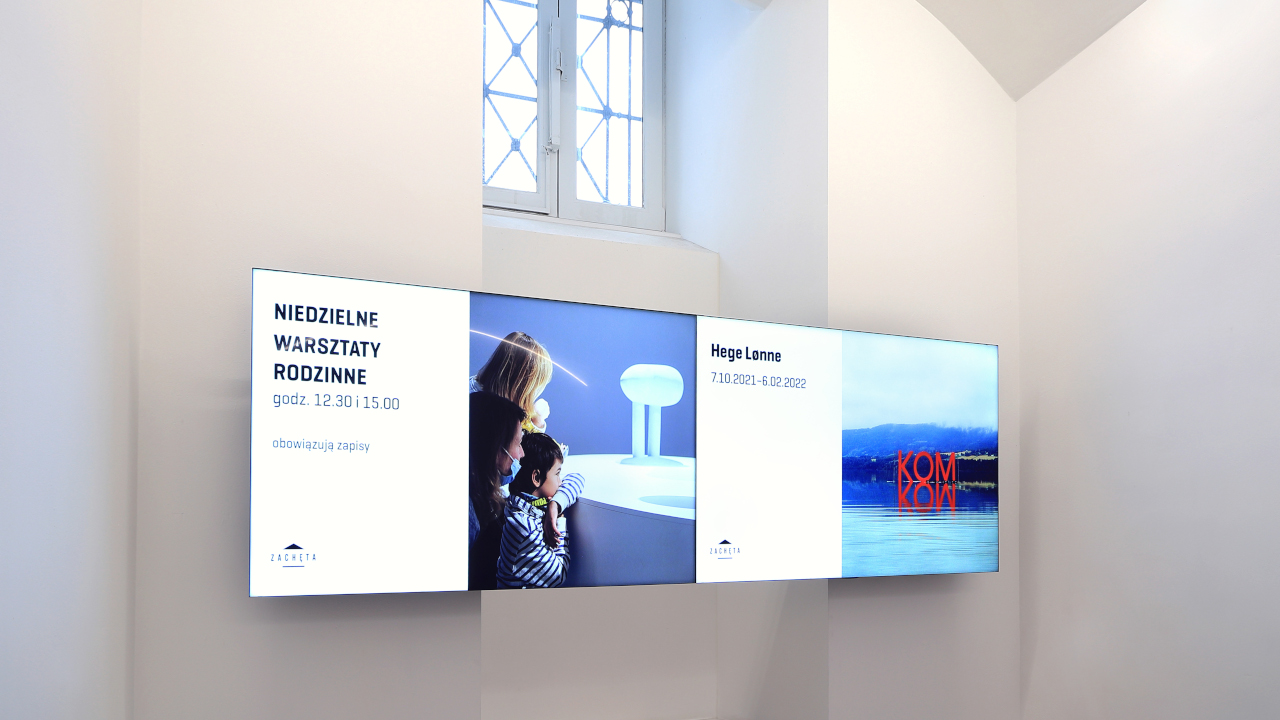
Two video walls visible from different directions. We installed four bezel-less LG 55VM5E displays in two 2 × 1 sets on either side of a column in the central part of the ticket area. Each wall can show a different message – for example, the workshop programme and ticket information.
Brightness and bezel. A brightness of 500 cd/m² keeps messages legible in the bright interior, while the 0.9 mm bezel and understated design suit the prestigious character of the space.
The design starts with the architecture. The minimalist décor and vaulted ceiling of Zachęta's ticket area called for equipment with an understated design and the narrowest possible bezels.
Custom-made mounts. We installed the displays on Edbak VWM2157 mounts with precise adjustment, which allows the screens to be aligned with each other without risk of damaging the panel. A window recess ruled out flat mounting – rigid mounts hold the screens securely despite the lack of support.
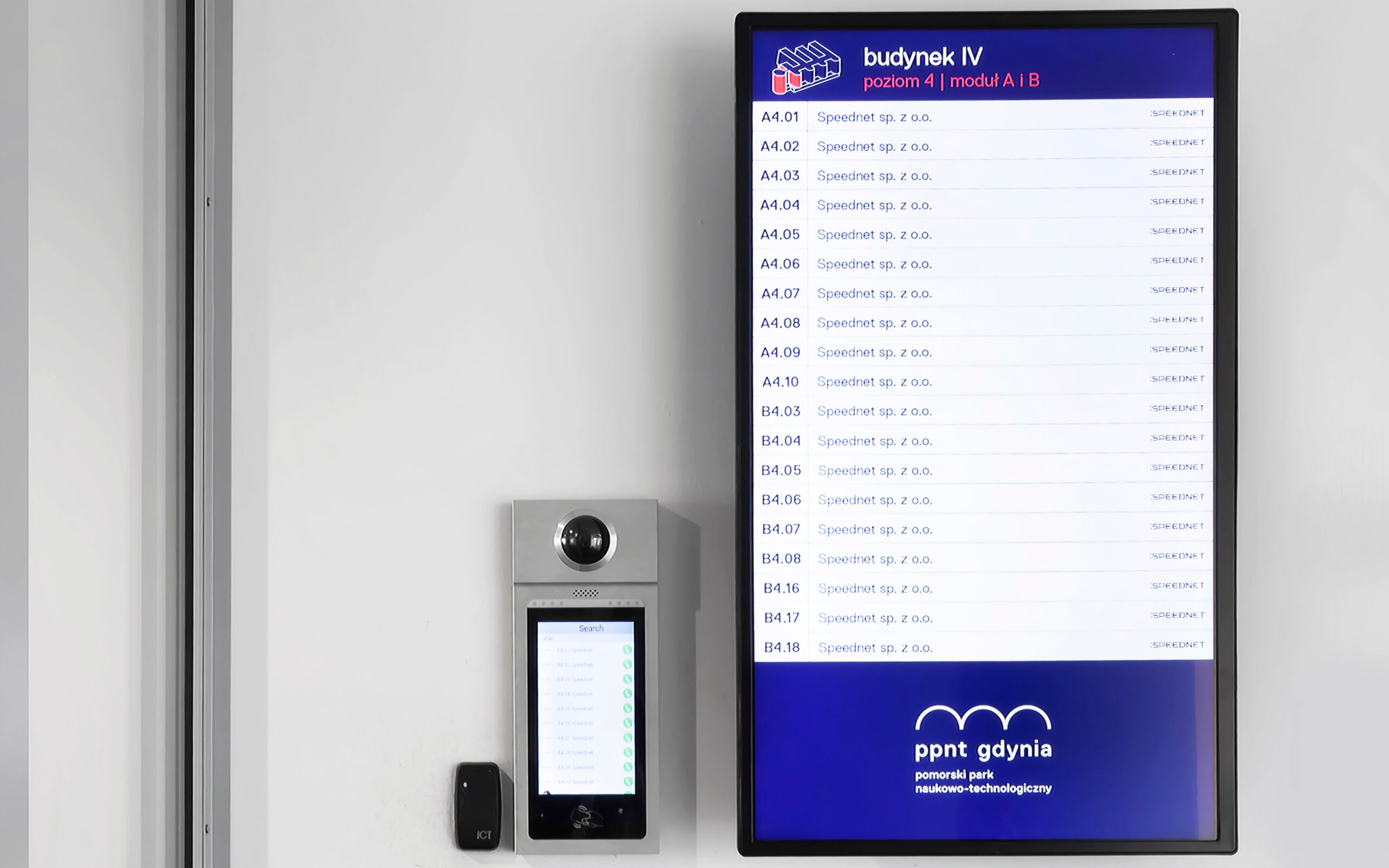
In an office building – consistent on every floor. At the technology park in Gdynia we installed the displays on EDBAK mounts designed for portrait orientation, with identical placement on every floor.
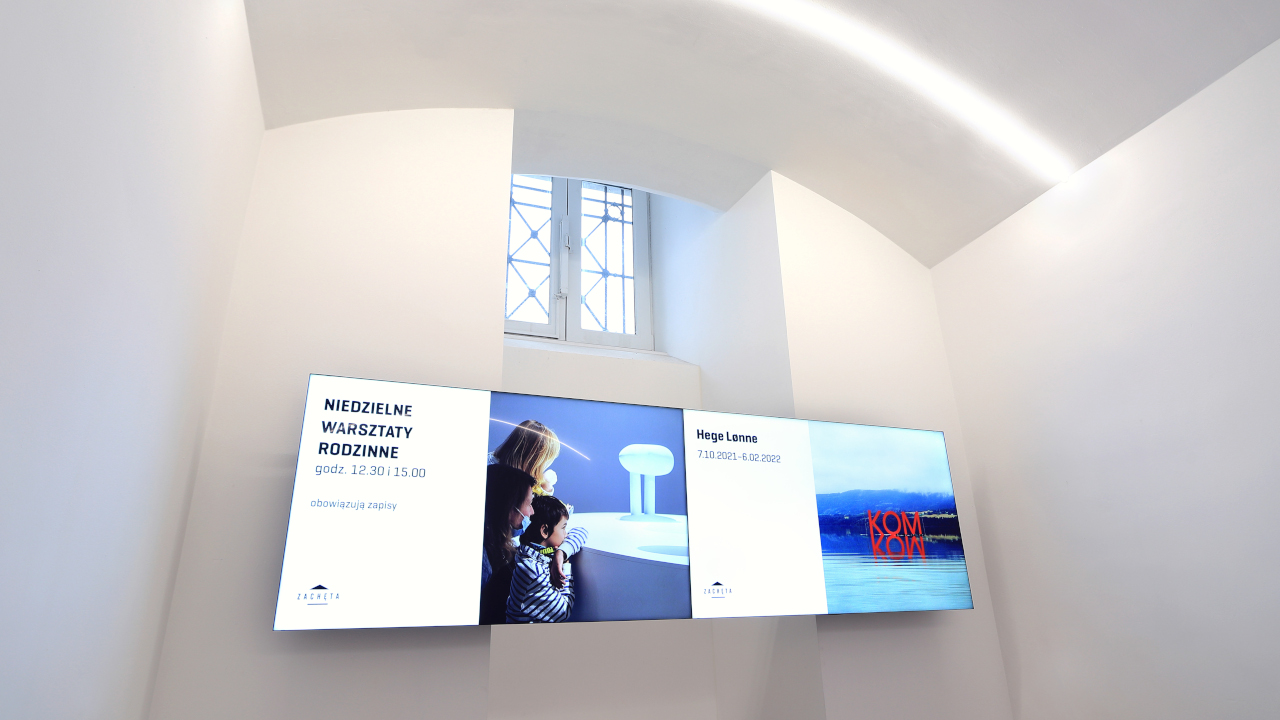
The client's team arranges the messages itself. At Zachęta, the gallery team uploads audio and video files and displays them in various layouts according to a schedule set in advance – without involving the supplier.
Software without additional players. We used LG SuperSign, which needs no external media players, and its lifetime licence eliminates subscription fees.
On-brand templates. On Digital Signage platforms we prepare templates in line with the visual identity, in which the marketing or internal communications team swaps texts, graphics and videos without needing graphic design tools. The platforms we work with are listed on the Digital Signage systems page.
51 screens on six floors. At the Pomeranian Science and Technology Park in Gdynia, whose buildings house more than 250 companies, every floor has portrait displays listing the companies and showing where their offices are – 51 LG displays in total.
Displays built for long hours. We selected dust-resistant equipment designed to run continuously for more than ten hours a day.
A portrait layout like a tenant directory. Portrait orientation matches the form of a company list and fits well into the corridor walls.
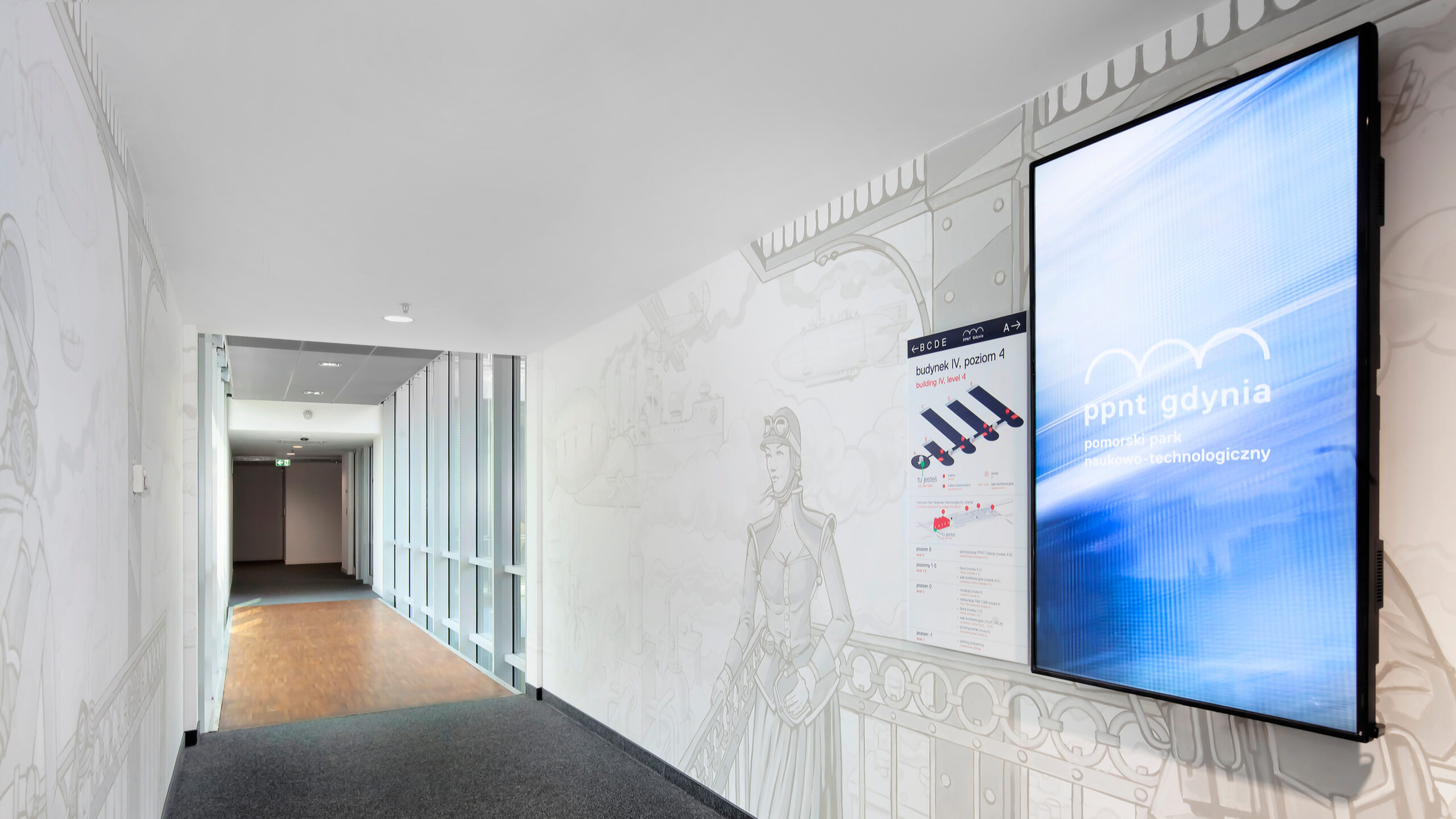
Management from a single workstation. At the technology park we deployed the EVEO URVE system: each display has its own player, and the software runs on the client's server. One employee changes graphics and messages on all 51 screens.
Scheduling and monitoring. The operator sets the system to switch on and off automatically, and the software shows where the screens are located and makes it possible to check remotely that all devices are working.
Permissions for additional users. Access can be granted to further employees – the marketing department edits content only, while the IT administrator retains access to the configuration.
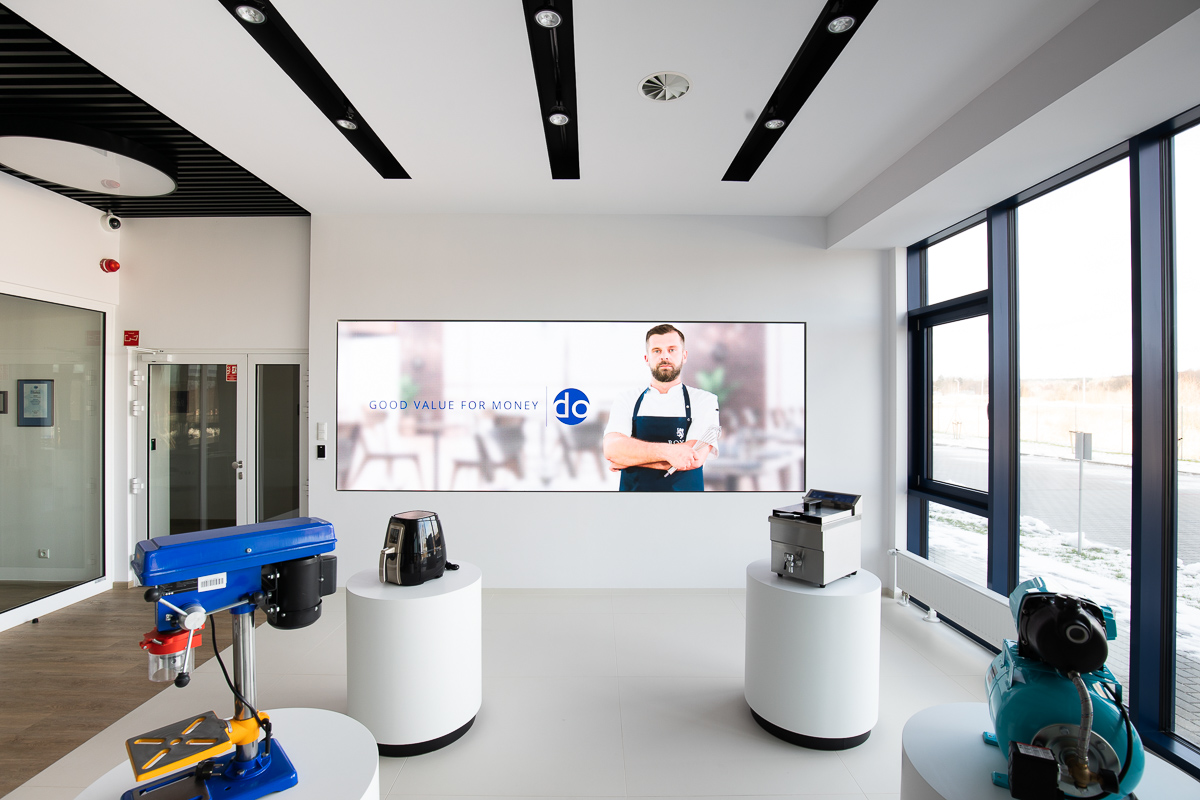
The headquarters' calling card. In the lobby of the Expondo headquarters in Zielona Góra we installed an LED screen 4 metres wide with a 2.5 mm pixel pitch. The screen forms the backdrop to the area where the company presents its products and draws visitors' attention from the entrance.
A built-in screen. At Expondo's Warsaw branch we enclosed the LED screen in a wooden structure, so we selected a front-cooled model that can operate inside a closed wall. The screen carries promotional messages for visitors.
Choosing an LED screen. We explain pixel pitch and screen size in our guide LED screens – how to choose?
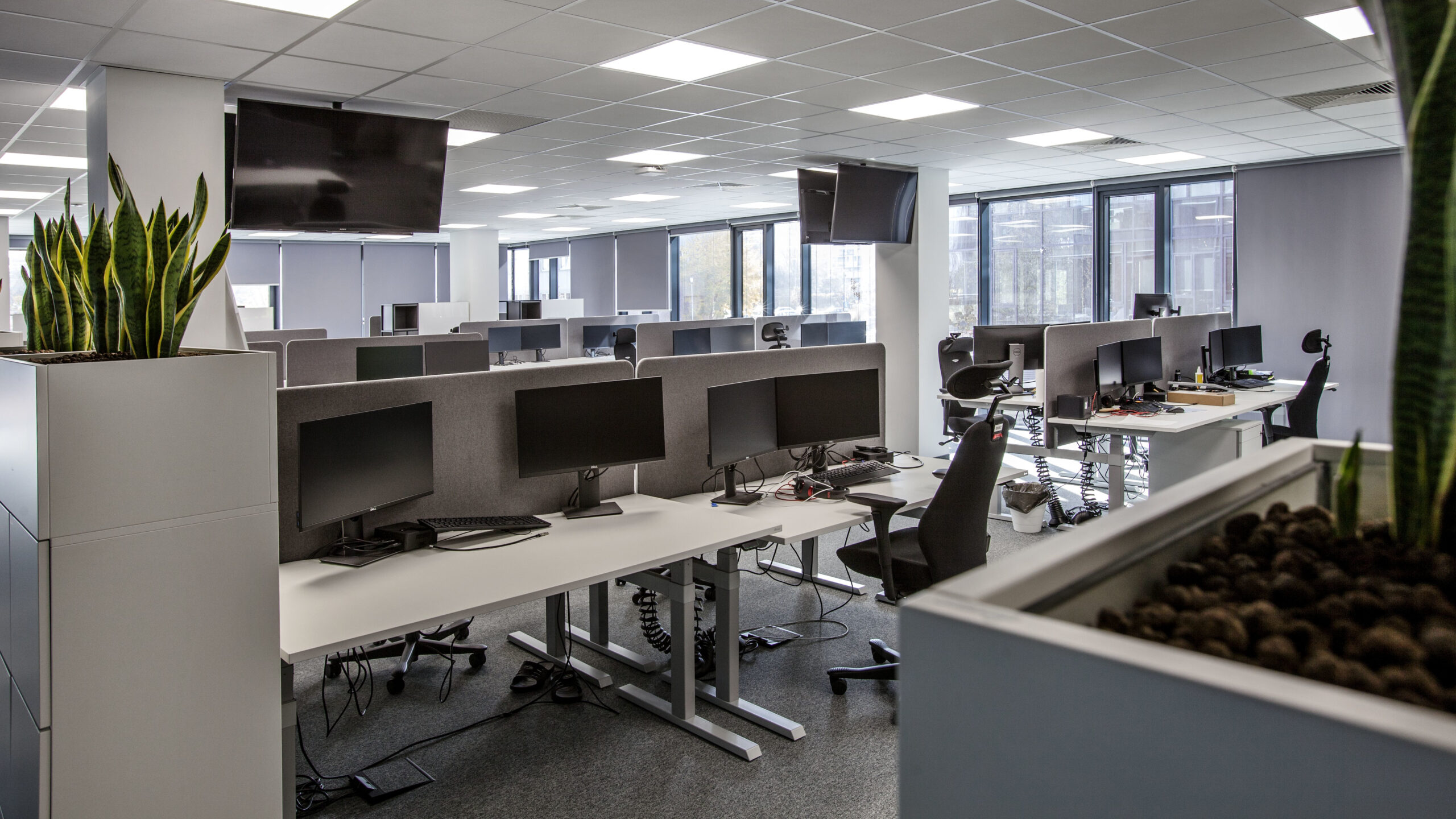
Department results in real time. At the Assa Abloy office we equipped the open-plan area with four large-format Sony displays on which staff follow department results, key performance indicators and information about marketing campaigns.
Safe ceiling mounting. We suspended the displays on Edbak mounts with height adjustment, integrated cable management and fall protection.
Information in reception. At the GATX Rail Poland office, a 75-inch Sony display in reception shows, among other things, a summary of bookings and information on where the meeting rooms are located.
With a well-chosen platform – all of them. At the Pomeranian Science and Technology Park, one employee manages 51 screens on six floors from a single workstation: changing content, setting display operating hours and checking their status remotely.
It depends on the platform. At Zachęta we used LG SuperSign with a lifetime licence, with no subscription fees and no external players. At the technology park in Gdynia, the EVEO URVE system runs with a player at each display and the software on the client's server.
It depends on the content. The tenant directory at the technology park in Gdynia is displayed on portrait displays, while the exhibition and ticket messages at Zachęta appear on two landscape 2 × 1 video walls.
Yes, when the screen is meant to be a large calling card visible from the entrance. In the Expondo lobby in Zielona Góra, a 4 m wide LED screen forms the backdrop to the product display, while in Warsaw a front-cooled screen operates within a wooden wall enclosure.
Yes. At the technology park in Gdynia the software switches the system on and off according to a schedule, and at Zachęta content is displayed according to a schedule prepared in advance.
Who will manage the content? This determines the choice of platform, templates and permissions.
How many screens, and in how many locations? The scale determines the management approach and licensing.
Where will the screen be viewed from? Viewing distance and direction determine the size, number and brightness of the screens.
How many hours a day will the screens run? Operation for many hours a day requires professional displays.
What is the interior like? The architecture determines the mounts, bezels and mounting location.
A Digital Signage system for your company or institution
Tell us how many screens you are planning, where they should go and who will change the content – we will prepare a proposal for screens, mounting and software, with a quote.







