Video conferencing systems for business


Video conferencing systems for business only work well when a call starts with a single touch, remote participants can hear every person at the table and the camera shows whoever is speaking. For years PROAV has been designing and commissioning rooms like this – from huddle rooms for a handful of people to boardrooms and multi-purpose rooms divided by a movable wall. We match the video conferencing kit – video bar, cameras, microphones and sound system – to the acoustics and layout of the room and to the platform your organisation uses: Microsoft Teams, Zoom or Cisco Webex. In our projects we use solutions from Poly, Yealink, Cisco, Logitech, Avonic, Nureva and Pexip, and in Teams Rooms spaces also Biamp Devio UCX. Employees in different locations and your clients can meet without any technical preparation and without needing IT support for every call. Planning a Microsoft Teams Rooms space? See our guide Microsoft Teams Rooms – what you need.
Equipment chosen after tests in the actual room. We select cameras and microphones based on the room's dimensions, acoustics and table layout. In large rooms we test solutions before a decision is made – as we did in the main hall of the ZBP Bankers' Club, which seats up to 120 people.
One system instead of many devices. We combine video conferencing with wireless presentation, displays and room control, so that employees never have to wonder how to start a meeting – this is how the rooms work at the Tpay headquarters in Andersia Tower.
The same standard in every office. For organisations with several locations we deploy consistent solutions, so that teams connect with each other in the same way – as in the Expondo offices in Zielona Góra and Warsaw.
We offer kits dedicated to a single platform (e.g. Microsoft Teams Rooms or Zoom Rooms), which start a meeting straight from the room calendar, or USB solutions to which participants connect their own laptop. In larger rooms we combine speaker-tracking cameras, ceiling or table microphones, a sound system and wireless presentation into one system operated from a touch panel.
Used in projects:
Industries:
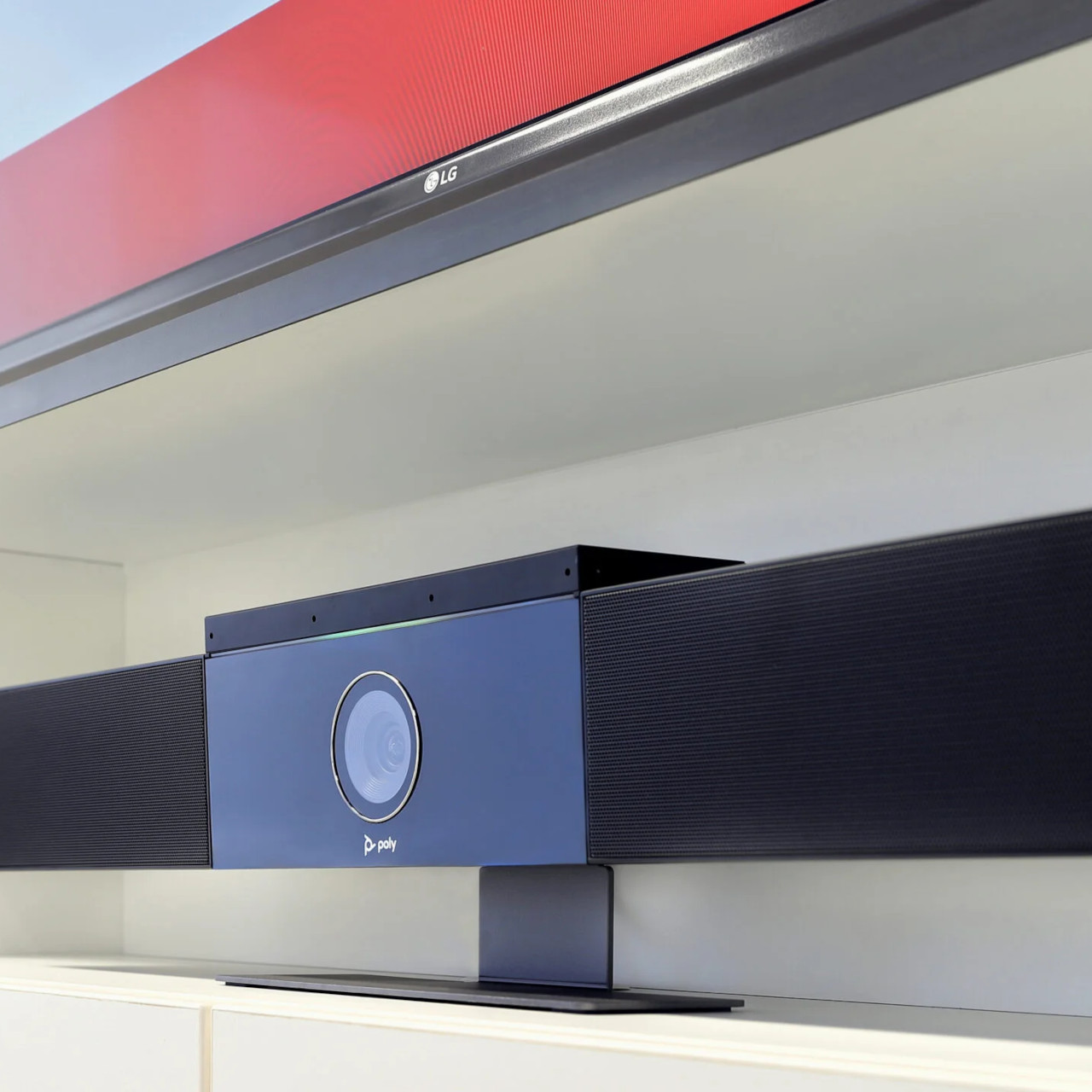
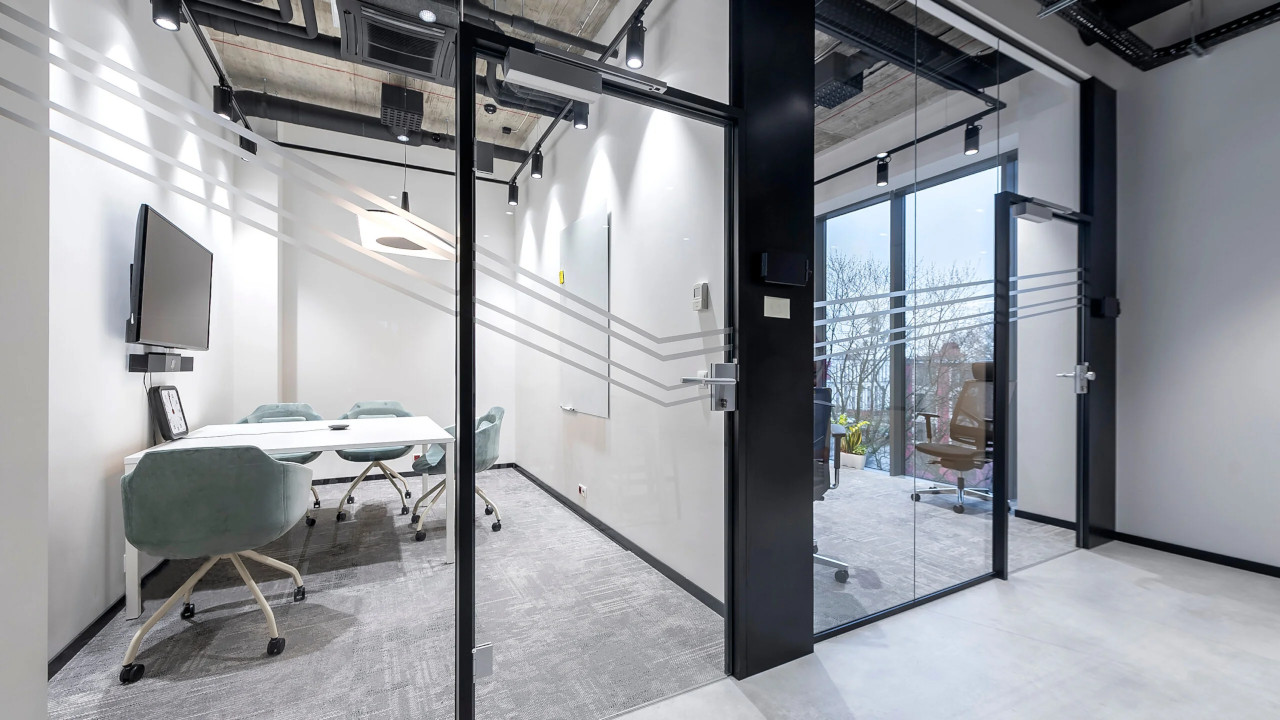
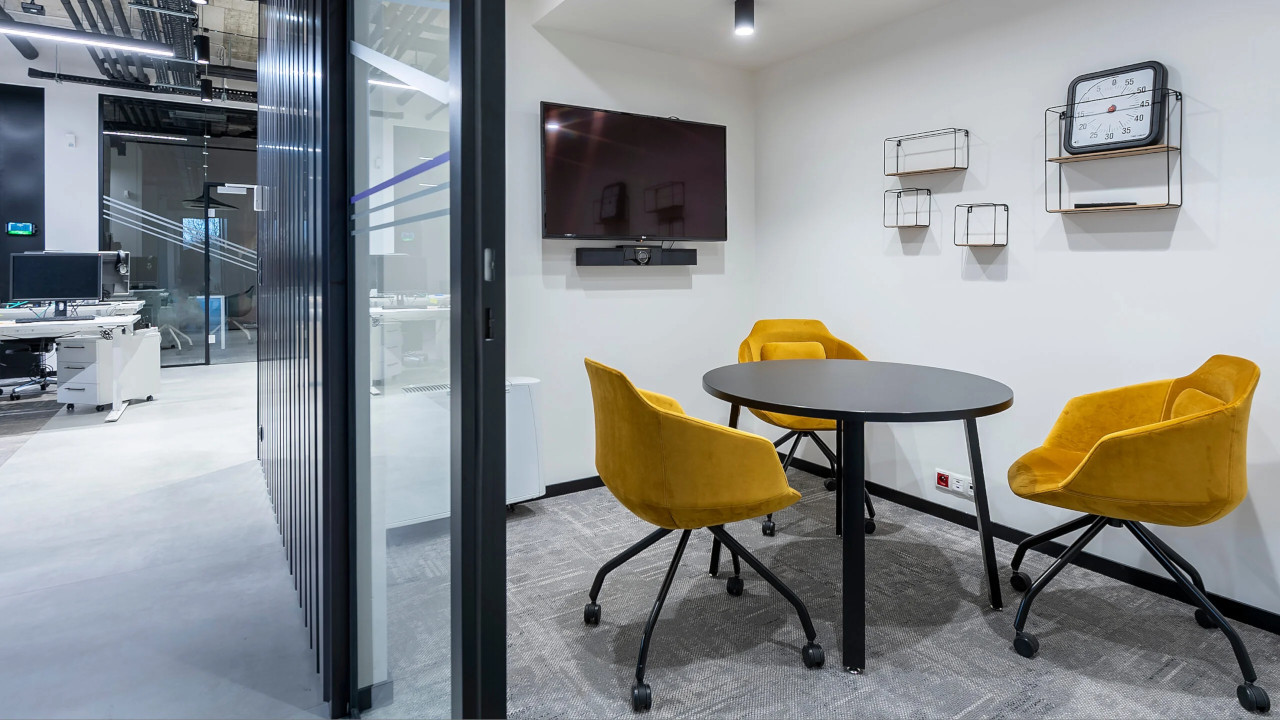
Small meeting rooms are used for short team discussions and calls with remote employees. For these spaces we recommend an all-in-one video bar with a wide-angle camera, microphones and speakers, mounted above or below the display.
The video bar can work as a USB device with the user’s laptop or as a standalone system running the chosen platform. We agree the choice with the IT department, taking device management and licensing into account.
A small room brings together office staff and remote participants. A video bar with a camera that automatically frames the participants works well here, supplemented by a table microphone when the table is longer than the video bar microphones can cover.
Starting meetings from a touch panel or from the room calendar means no more connecting cables and logging in before every meeting.
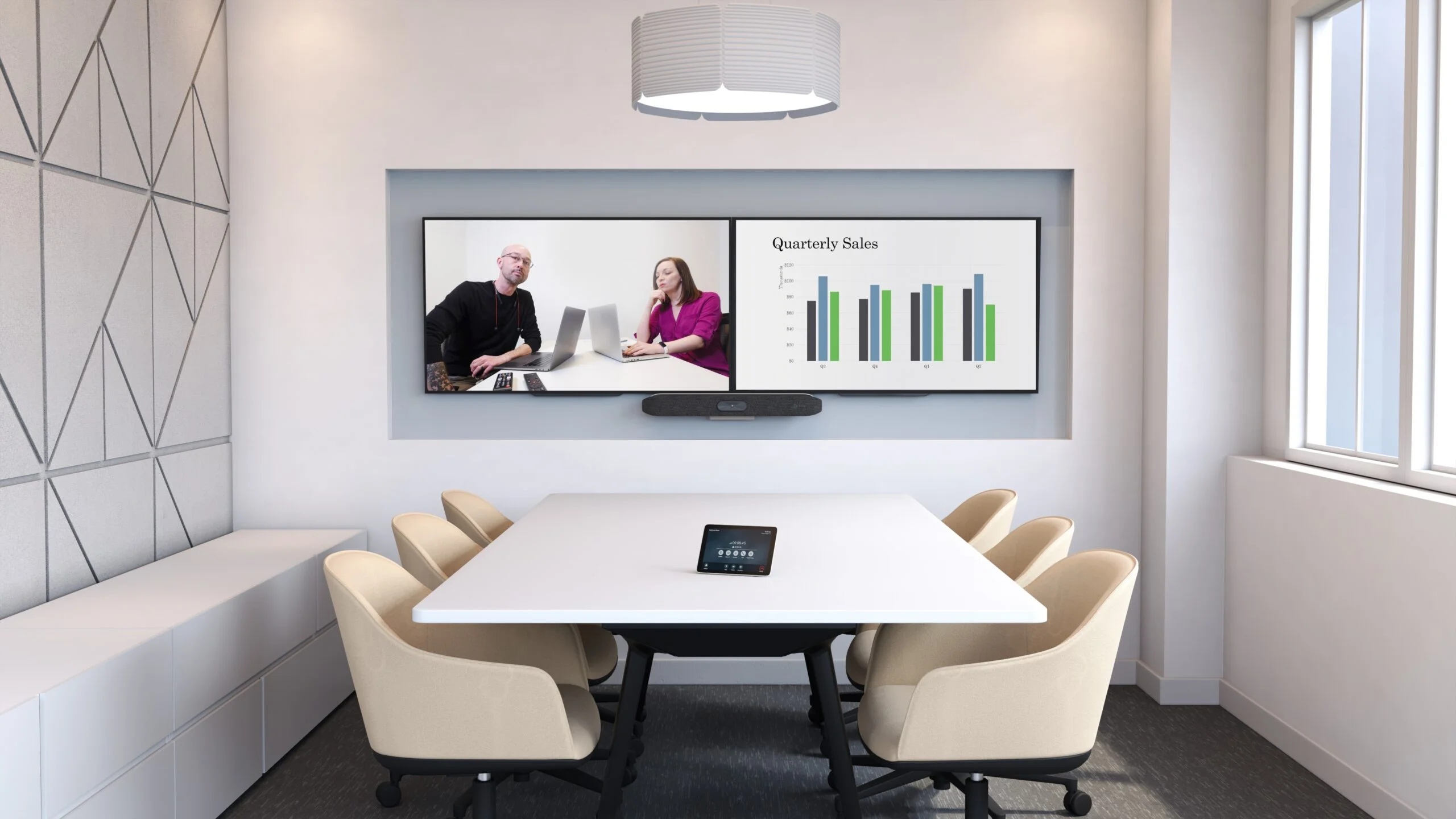
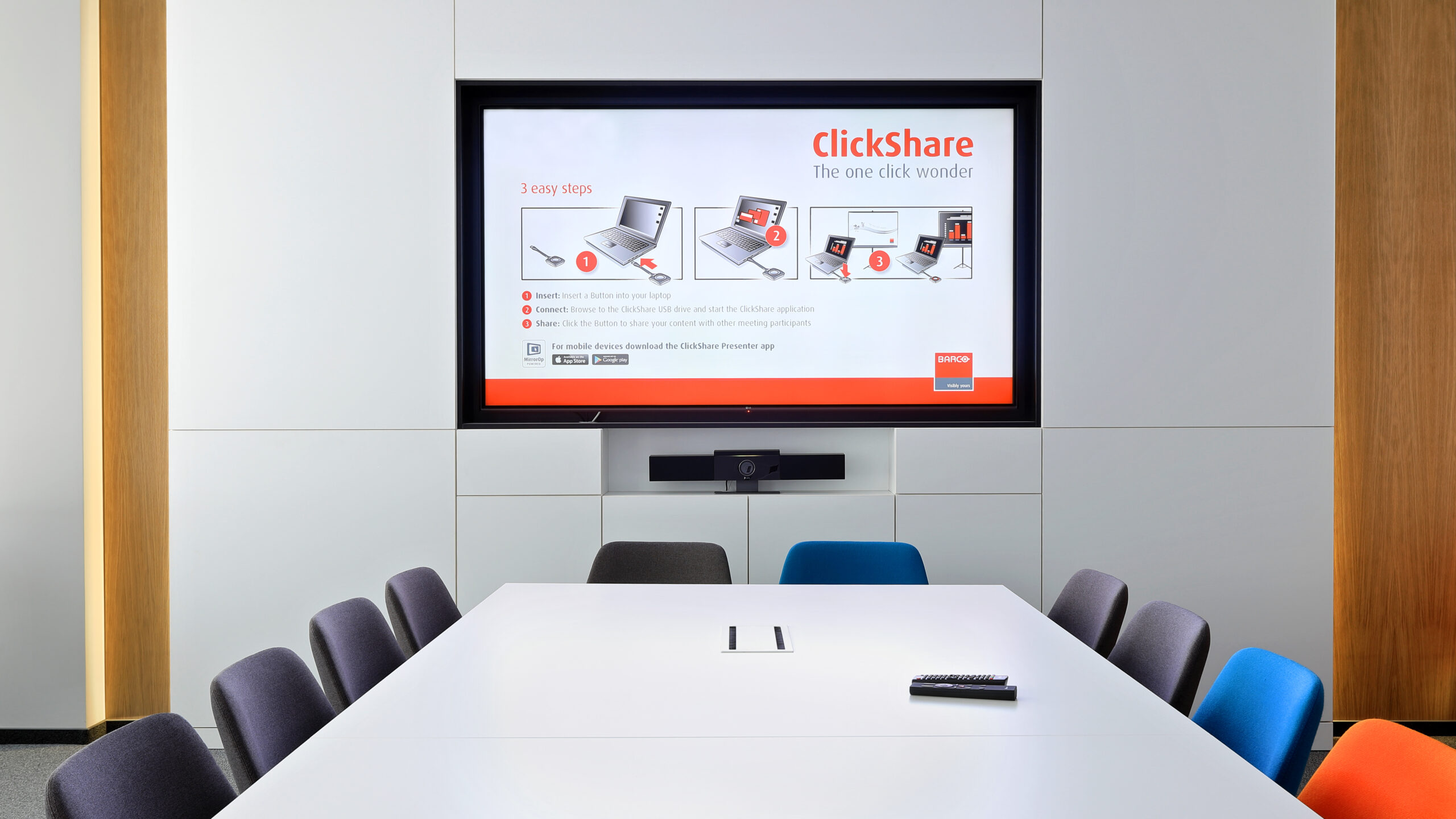
Medium-sized rooms differ in shape, number of tables and the way they are used, so we choose flexible solutions: cameras with variable optics or speaker framing, directional microphones that suppress sounds from outside the conversation zone, and content sharing on a second screen.
At the Siemens headquarters we designed and installed a video conferencing system and sound system in three rooms with bespoke built-in furniture, so that the equipment became part of the interior.
In large rooms, sound is what determines the quality of a meeting. We use ceiling or table microphones covering the entire table, a sound system distributed around the room and an audio processor that reduces reverberation and echo.
PTZ cameras or multi-camera systems automatically show the person speaking, and the image goes to large-format displays, a projector or an LED screen. The whole room is operated from a single touch panel.
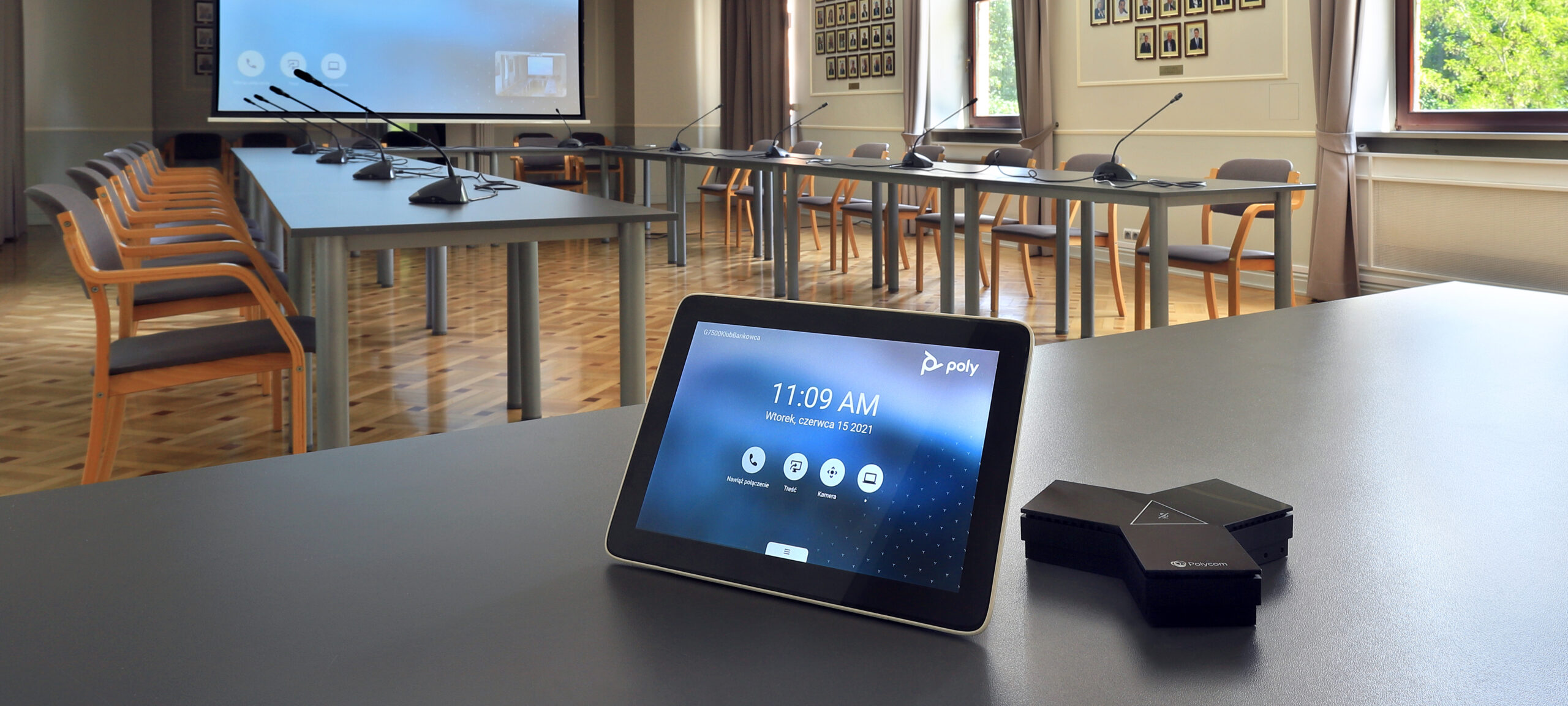

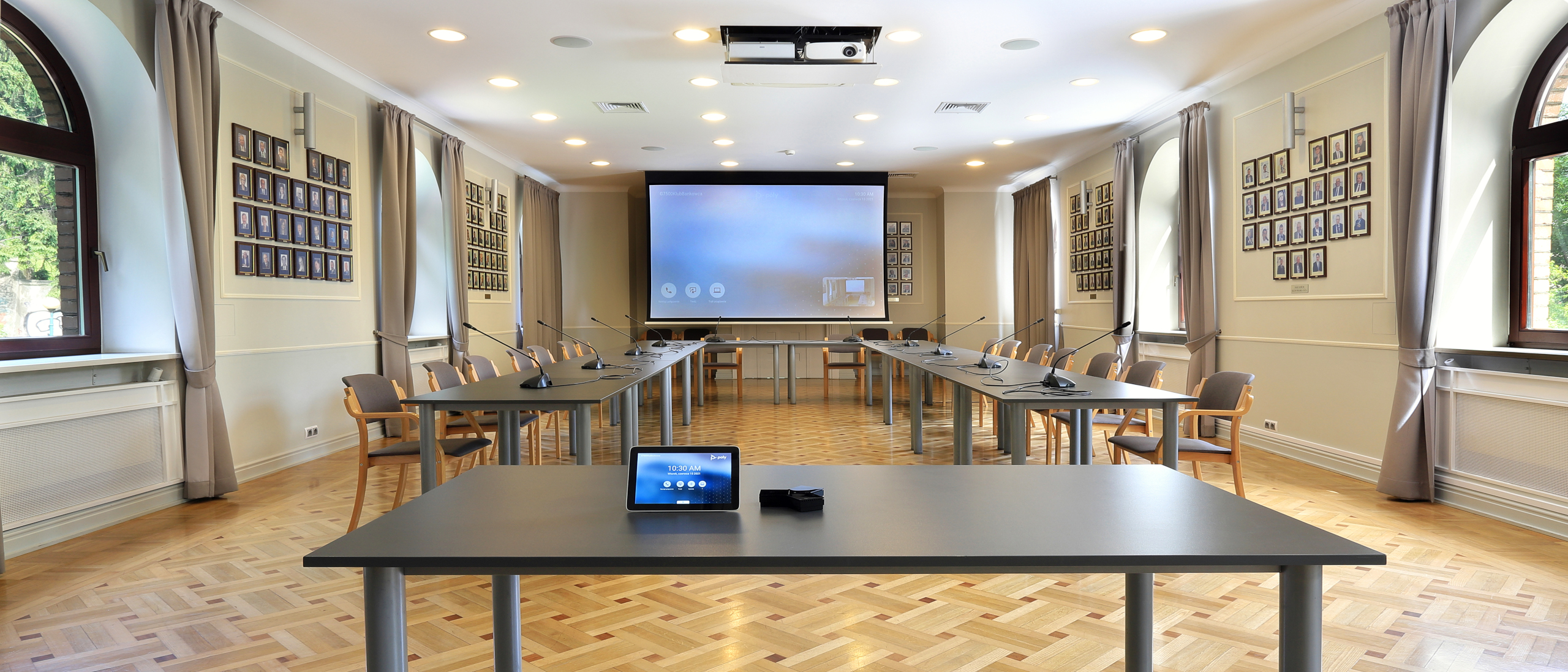
In the main hall of the Bankers’ Club of the Polish Bank Association (ZBP) we deployed a Poly G7500 video terminal with an EagleEye IV PTZ camera, operated wirelessly from a Poly TC8 touch panel. The system runs on the Cisco Webex platform and uses the room’s existing sound system and discussion system.
We have also equipped video conferencing rooms for clients including PSI Pharma, IDEMIA, TM Toys and Assa Abloy.
Business / Corporate. Client meetings and collaboration between teams spread across offices and remote work.
Public administration. Briefings and training sessions involving regional units – as in the seven conference rooms of the Ministry of Education and Science.
Industry, Energy and Transport. Meetings between plants and branches without the need to travel.
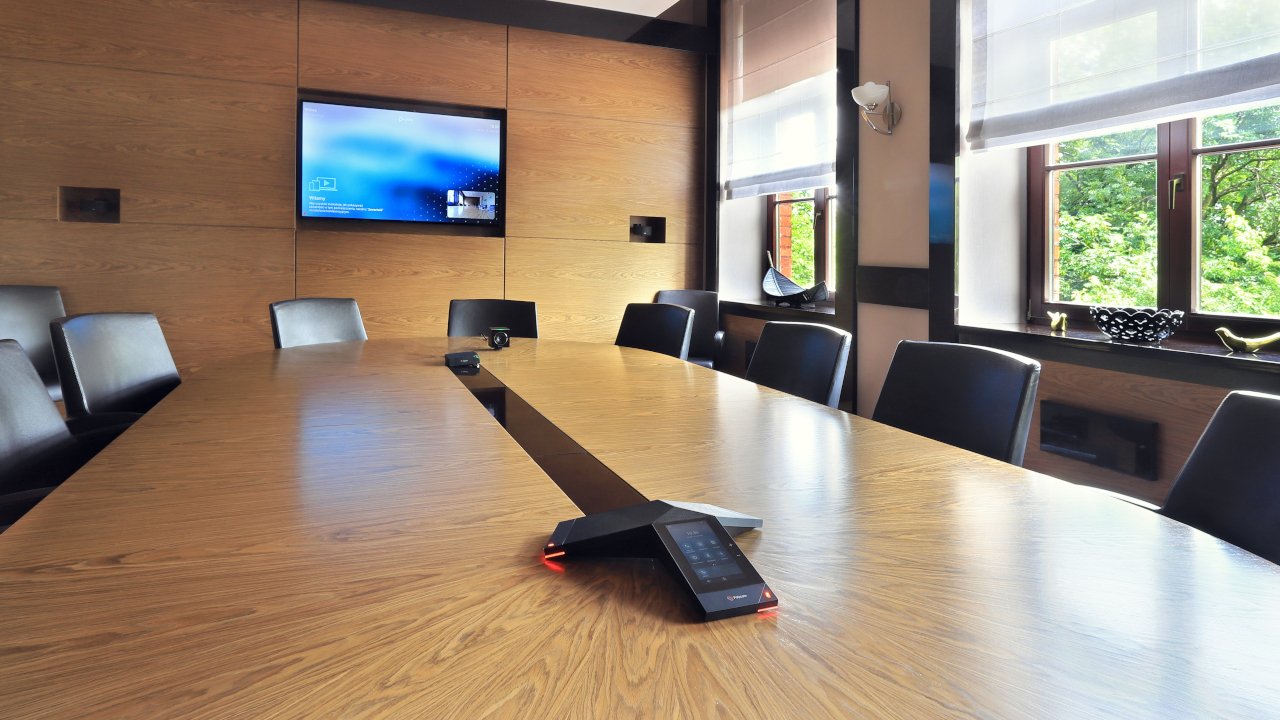
We select systems to suit the platform your organisation uses – Microsoft Teams, Zoom, Cisco Webex or several platforms at once. We configure the devices on the client’s network in agreement with the IT department, with centralised management and updates.
We combine video conferencing with wireless presentation, room booking and centralised control, so that the room is ready for the meeting the moment participants walk in.
A complete video conferencing kit consists of a camera, microphones and speakers, a display and a way of starting the meeting. In small rooms these elements are combined in a video bar, while in larger rooms we use separate devices matched to the size of the space.
Small BYOD room. In the IDEMIA office in Łódź we equipped the small rooms with 49-inch LG displays and Poly Studio USB video bars. A meeting in Teams, Zoom or Webex starts as soon as a laptop is connected with an HDMI and a USB cable.
Larger room with Microsoft Teams Rooms. The larger IDEMIA rooms feature 65-inch LG displays, Poly systems running the native Microsoft Teams Rooms application and PTZ cameras with 12x optical zoom. Meetings are controlled from a touch panel on the table, without a personal laptop.
See the IDEMIA project and our guide Conference room equipment – what do you need?
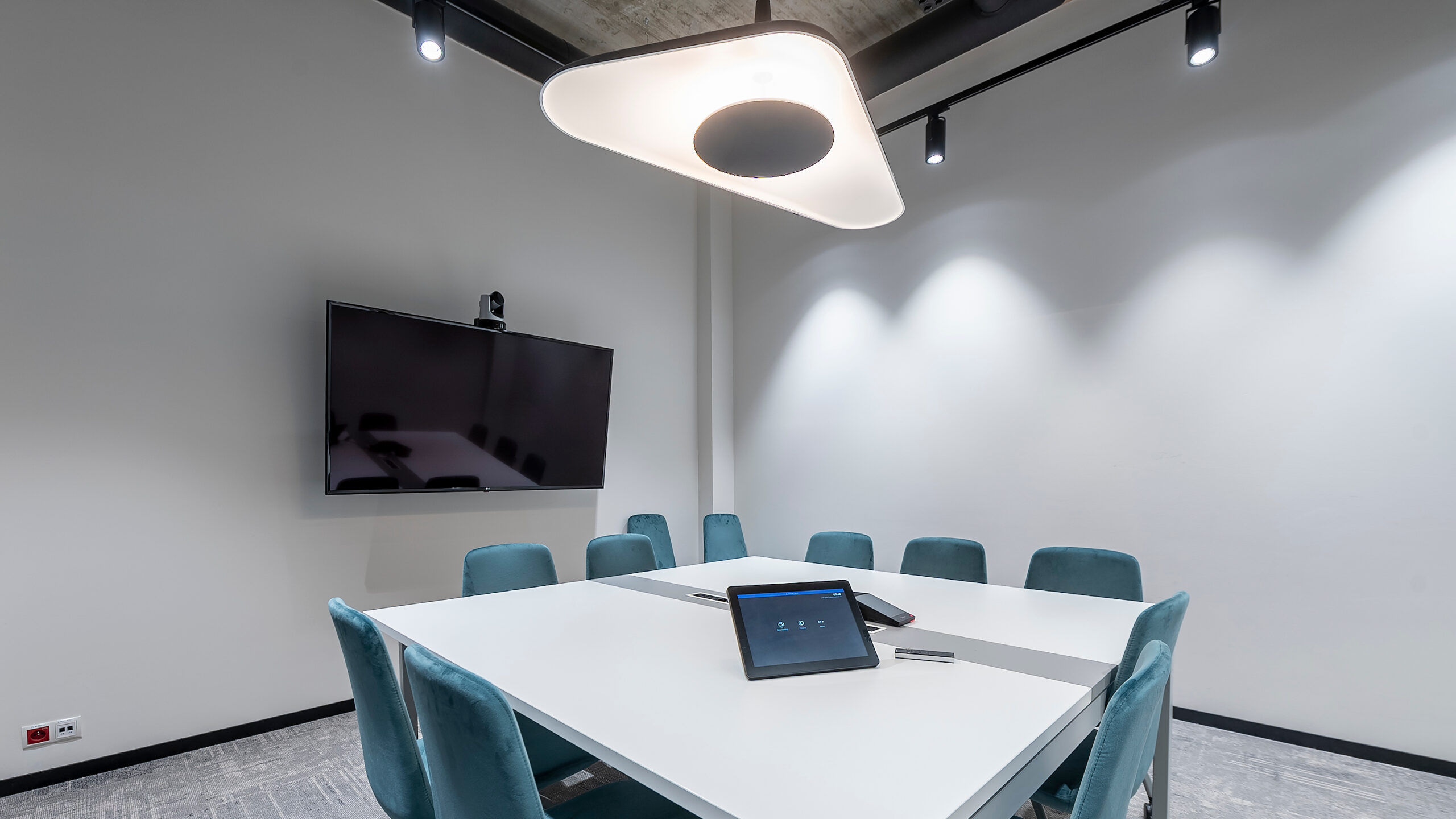
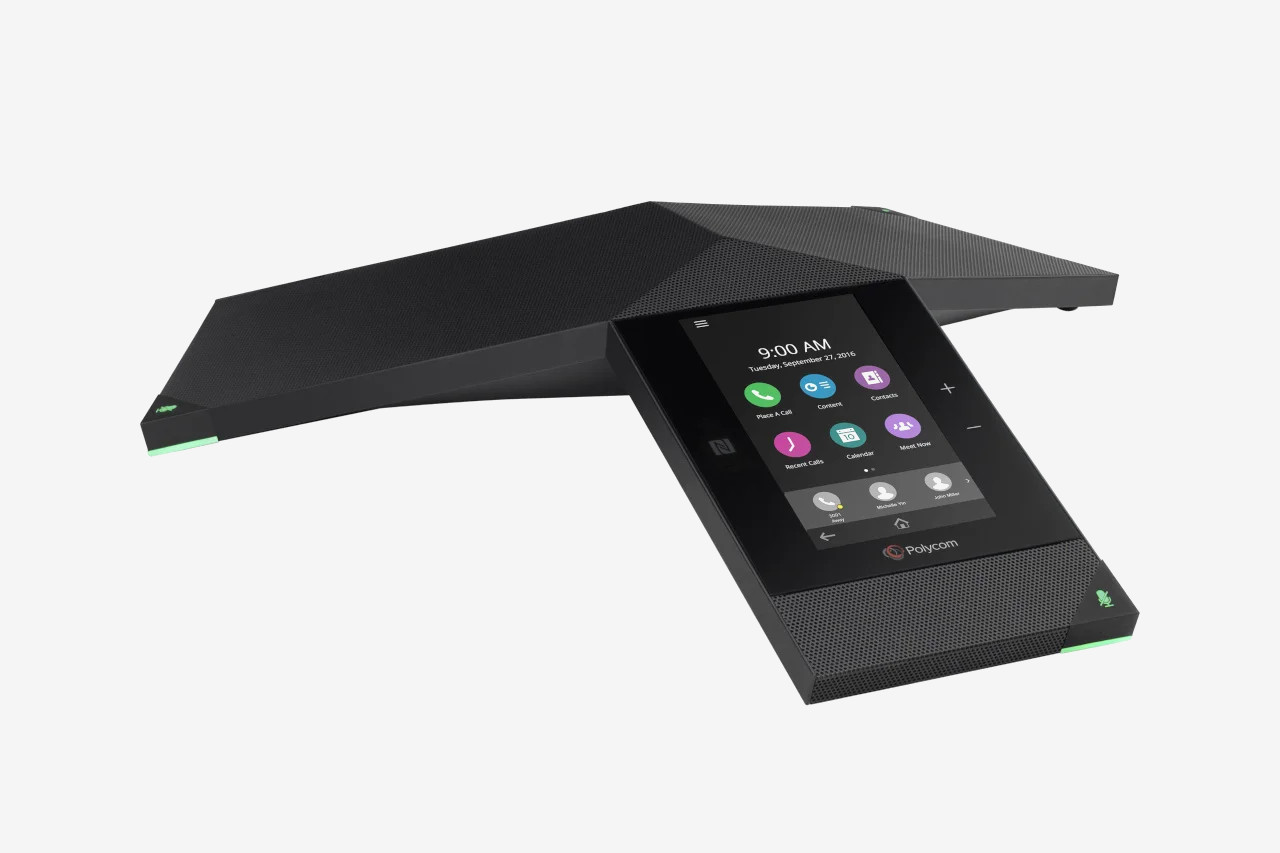
Not every meeting needs video. For quick voice calls in meeting rooms and private offices we use conference phones and speakerphones – and in boardrooms also for running video conferences.
Bank Guarantee Fund. In the boardroom, calls are started and run from a Poly Trio 8800 conference phone with a touch screen, while sound is picked up by two ceiling microphones regardless of how the tables are arranged. As the client required, the system works with the office’s telephone infrastructure.
Tpay. The office in Andersia Tower in Poznań needed conference phones for setting up calls quickly. The rooms are equipped with Jabra Speak 810 speakerphones.
IDEMIA. Poly Trio 8800 tabletop phones with NoiseBlock technology suppress background noise, so participants can hear the other party clearly. See the Bank Guarantee Fund project.
A room divided by a movable wall, or used alternately for training and meetings, needs a system that works in every configuration.
ZBP Bankers’ Club. The main hall is 20 metres long and can be divided by a movable wall. A PTZ camera with 12x optical zoom shows participants’ faces even from the far end of the room, and its pan and tilt functions work just as well after the room is divided. A Cisco Webex meeting is started from a touch panel, and the new devices work with the existing sound system and discussion system.
Portable equipment. The USB cameras and the Poly Trio kit can be moved to whichever room is hosting a training session or panel discussion, and a meeting can be started there without any additional installation.
See the ZBP Bankers’ Club project. We also equipped a room of almost 150 m², divided into three parts by sliding walls, in the PSI Pharma office.
Click a question to see the answer.
For a huddle room or small room (up to around 10 people) we recommend an all-in-one video bar with a wide-angle camera or one that automatically frames participants, plus microphones and speakers, mounted above or below the display. When the table is longer than the video bar microphones can cover, we add a table microphone.
A kit dedicated to a single platform, e.g. Microsoft Teams Rooms or Zoom Rooms, starts a meeting from the room calendar with a single touch. In USB (BYOD) mode, participants connect their own laptop and can use any platform. We agree the choice with the IT department, taking device management and licensing into account.
In large rooms, sound is what determines the quality of a meeting. We use ceiling or table microphones covering the entire table, a sound system distributed around the room and an audio processor that reduces reverberation and echo.
Yes. In medium-sized and large rooms we use PTZ cameras with speaker framing or multi-camera systems that automatically show the person speaking.
Yes. We combine video conferencing with wireless presentation, room booking and centralised control, so that the entire room can be operated from a single touch panel.
We prepare reference kits for rooms of different sizes and replicate them in every location, so that teams connect in the same way – just as in the Expondo offices in Zielona Góra and Warsaw.
A camera, microphones and speakers, a display and a way of starting meetings: a touch panel or a laptop connection. In small rooms these elements are combined in a video bar, e.g. a Poly Studio USB under the display. In larger rooms we use a separate PTZ camera, a conference phone or ceiling microphones and a system dedicated to the platform, e.g. Microsoft Teams Rooms.
Audio conferencing is a voice call – a conference phone or speakerphone is all you need. Video conferencing adds camera video and content sharing. A conference phone can also run video calls, like the Poly Trio 8800 in the boardroom of the Bank Guarantee Fund.
Yes. We select cameras and operating scenarios so that the system works both in the open room and after it has been divided. At the ZBP Bankers’ Club, a PTZ camera with pan and tilt covers the 20-metre hall even after it is divided by a movable wall.
No. The initial quote and consultation with a PROAV engineer are free of charge. To prepare a quote we need the number and dimensions of the rooms, the number of seats at the table and information on which platform your organisation uses.
Which platform does the organisation use? Teams, Zoom or Webex – this determines the choice of devices and licences.
How many people and what room layout? The number of seats, the shape of the table and the acoustics determine the camera and microphones.
Who will operate the room? A self-service room needs a simple panel and automatic meeting start.
Is it a multi-purpose room? Rooms divided by a movable wall or used for training require additional operating scenarios.
Planning a video conferencing room?
We equip meeting rooms for businesses and institutions. Before selecting any equipment, we analyse how meetings are run and the acoustic conditions in the room.







